
A chart of accounts (COA) is the numbered list of every account a business uses to record transactions in its general ledger, grouped into assets, liabilities, equity, revenue and expenses. Bookkeepers set one up when a company starts, accountants refine it as the business grows, and accounting software uses it to build the balance sheet and income statement.
This page offers 21 chart of accounts templates, editable and free to download. Each gives you a ready chart of accounts list with numbered ranges, so you can delete what you don’t need and add accounts specific to your business instead of starting from a blank page. Use one as a sample chart of accounts to compare against your current books, or as the starting point for a new small business chart of accounts.
Leave gaps between account numbers, for example counting in 10s, so you can add accounts later without renumbering. Ask your accountant to confirm the structure fits your tax reporting.
Once your accounts are set up, see our income statement templates and cash flow statement templates to turn the numbers into regular financial reports.
Simple Chart of Accounts Templates
Chart of Accounts Template
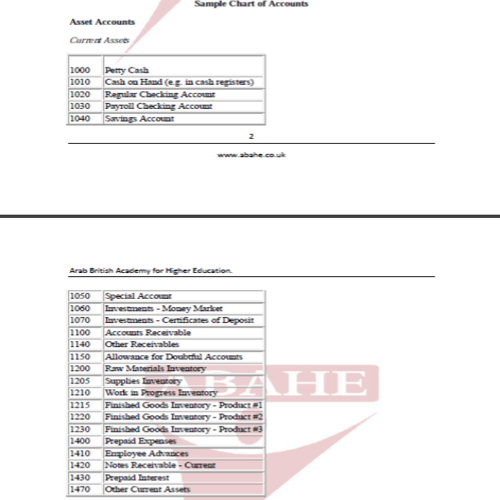
Chart of Accounts Template
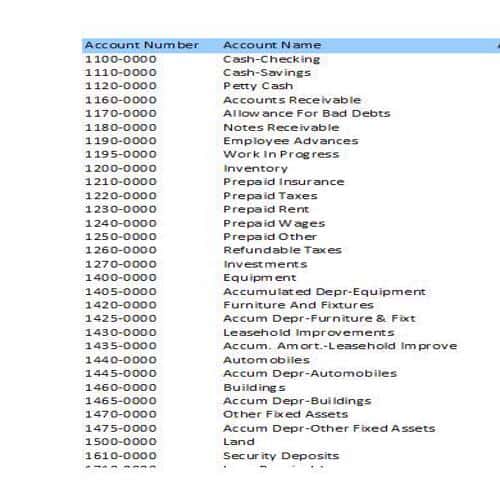
Chart of Accounts Template
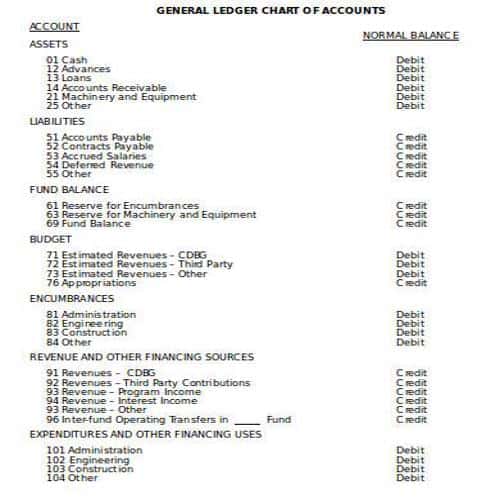
Chart of Accounts Template
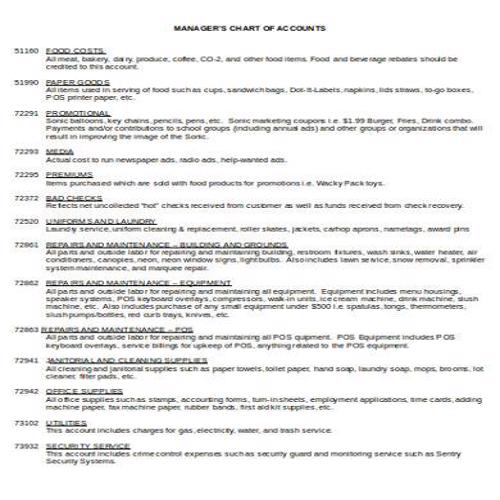
Chart of Accounts Template
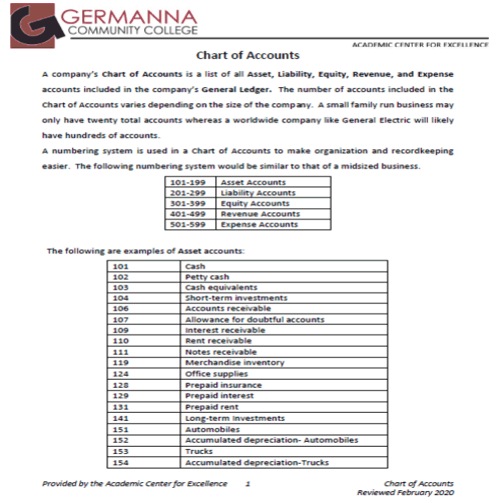
Chart of Accounts Template
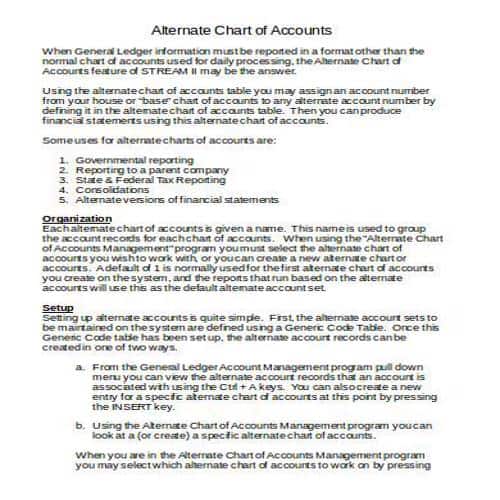
Chart of Accounts Template
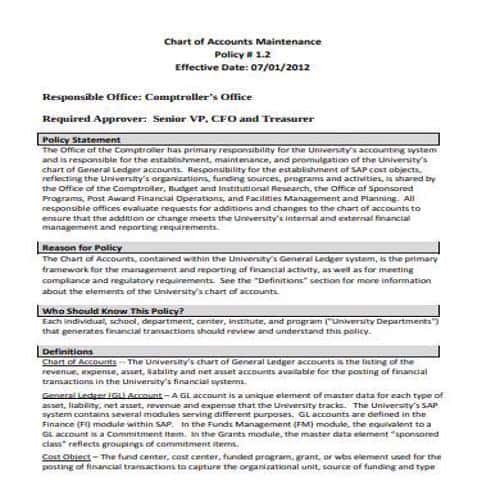
Chart of Accounts Template
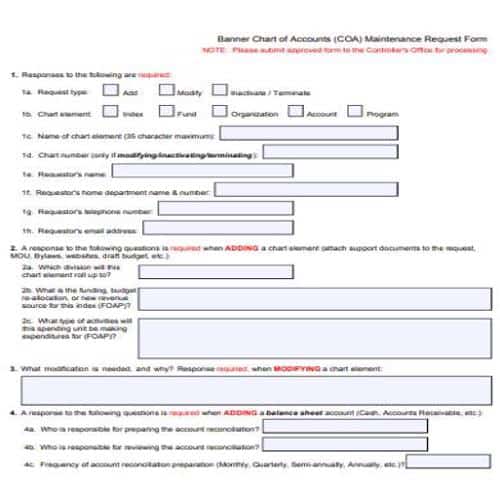
Chart of Accounts Template
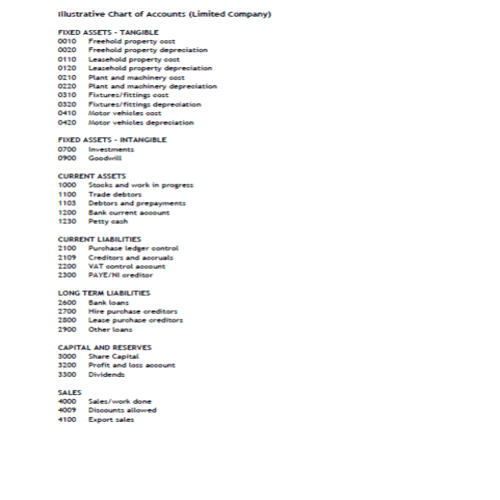
Chart of Accounts Template
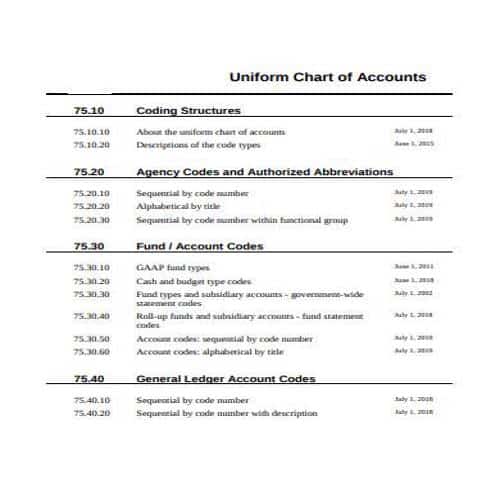
Setting up a Chart of Accounts
Setting up a chart of accounts is a simple process. The content of a company’s chart of accounts depends on the type and nature of its business.
However a chart of accounts is created, it includes at least the following three columns:
- Account: Account heads or account names of the business.
- Type: The type and nature of the account, i.e., asset, liability, income, expense or equity etc.
- Description: State the type of transaction that is usually recorded in the relevant account(s).
You can always include as many columns as you need to make your chart of accounts more effective and informative.
Today, almost all companies use computerized bookkeeping systems. In these systems, the computer automatically assigns specific numbers to all account types or account heads. However, if a company still uses a manual bookkeeping system, it will have to assign these numbers to all account types and account heads manually.
Usually, the following number system is used:
- Assets: From 1000 to 1999.
- Liabilities: From 2000 to 2999.
- Equity: From 3000 to 3999.
- Income/Revenue/Sales: From 4000 to 4999.
- Expense: From 5000 to 5999.
More Chart of Accounts Templates
Chart of Accounts Template
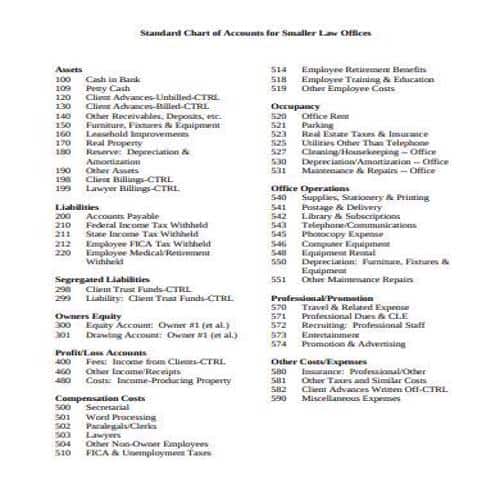
Chart of Accounts Template
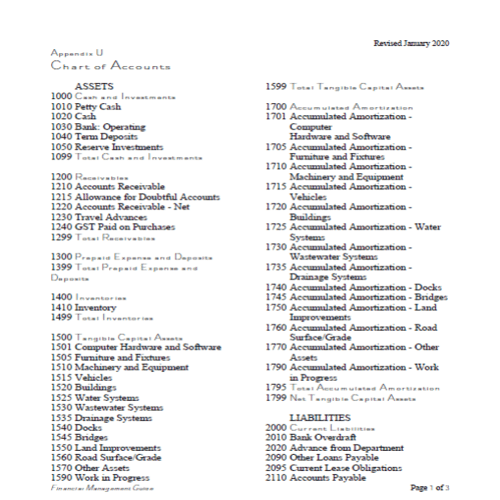
Chart of Accounts Template
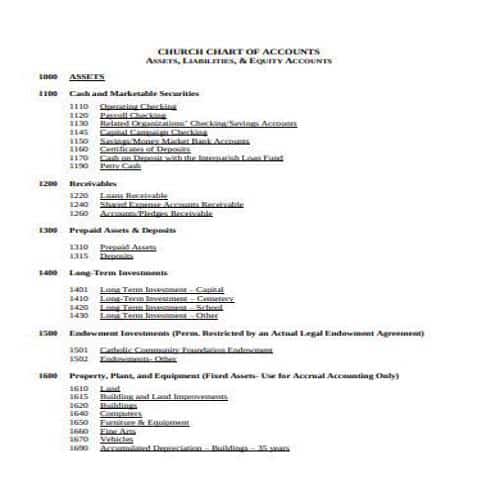
Chart of Accounts Template
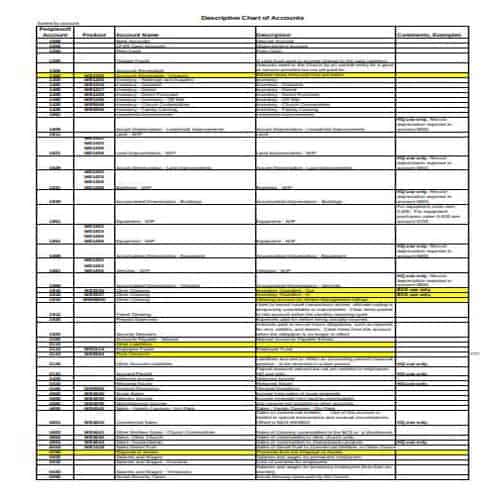
Chart of Accounts Template
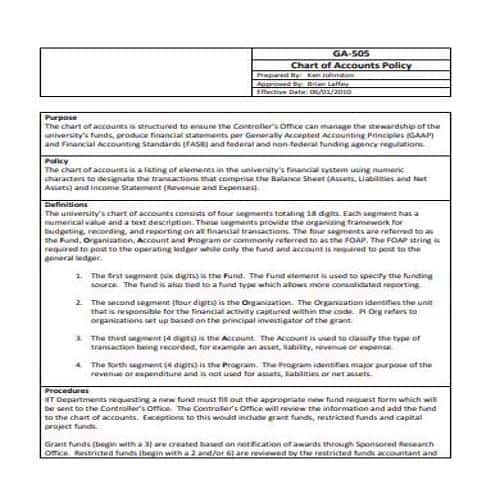
Chart of Accounts Template
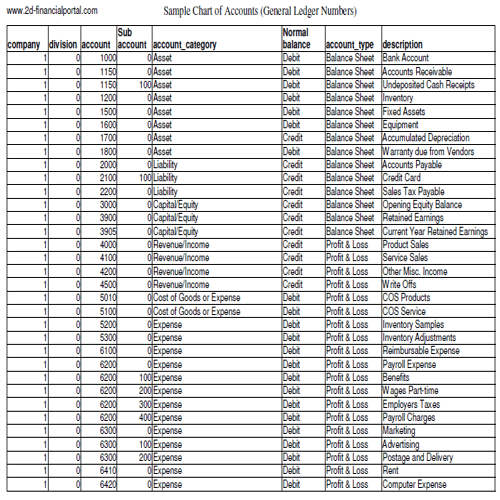
Chart of Accounts Template
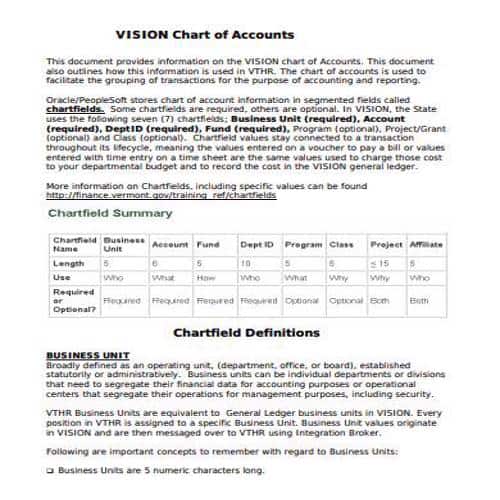
Chart of Accounts Template
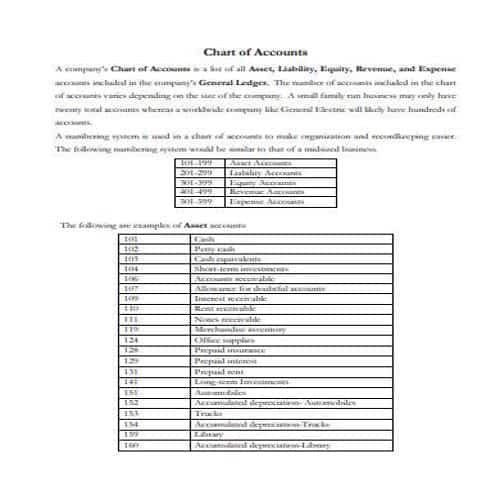
Chart of Accounts Template
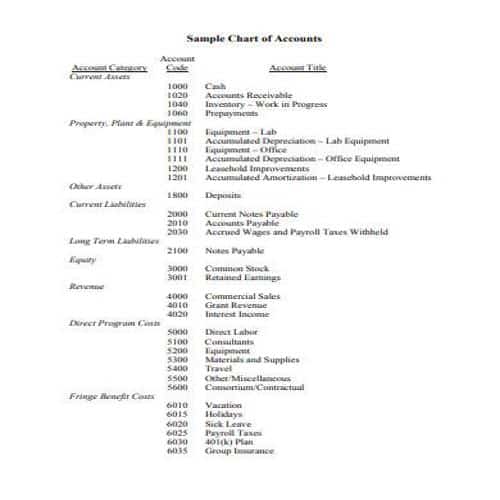
Chart of Accounts Template
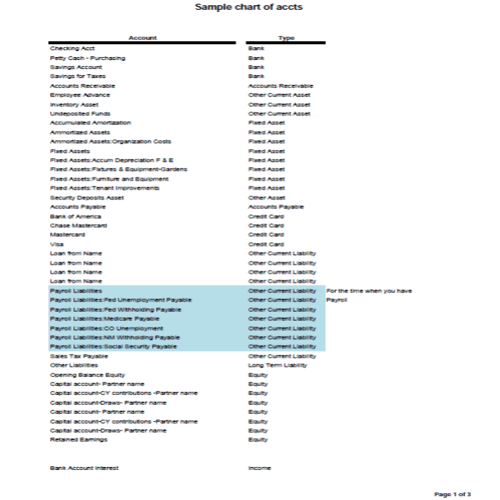
Chart of Accounts Template
Benefits of a Chart of Accounts
Following are some common benefits of a chart of accounts:
- A chart of accounts is very important in preparing the profit and loss statement and balance sheet.
- It minimizes the hard work and effort involved in integrating the information.
- It arranges the data and information in such a way so as to make it fairly easy to understand.
- With a properly prepared chart of accounts, standard reports can be prepared monthly or quarterly.
- The information is provided across all the departments of the business on a consistent basis.
- It is also helpful in saving time and effort required for reconciliations.
- Because each account type or account head has a specific number, it is easy to extract any required information just by entering the number of the relevant account head.
Designing a Chart of Accounts for Consistent Records
Choose account categories that fit the business and its reporting needs. Too many narrowly used accounts can be as confusing as one broad “miscellaneous” category. To see how income and expense accounts feed into a report, WordNExcelTemplates’ profit and loss statement templates provide a companion worksheet for the period’s results.
- Group accounts under assets, liabilities, equity, income and expenses as appropriate.
- Use a consistent numbering and naming convention.
- Document common transaction classifications and review unused accounts.
Worked Example
Example: a business separates sales revenue from owner funding and borrowing. It may also distinguish office supplies from equipment purchases under its accounting policies. Clear account definitions help different staff classify similar transactions consistently.
Common Mistakes to Avoid
Avoid creating duplicate accounts with slightly different names. Check reporting and tax requirements with an appropriate adviser before adopting a sample unchanged.
Related Templates
- Bank Statement Templates
- Income Statement Templates
- Billing Statement Templates
- Balance Sheet Templates
Frequently Asked Questions
Do account numbers have a universal meaning?
No. Numbering conventions vary. Choose a logical structure and document it rather than assuming another organization uses the same codes.
When should I add a new account?
When a recurring reporting or control need justifies it. Check whether an existing category or another tracking dimension would provide the same information more clearly.
