
A gift tag is a small label attached to a present that shows who it is for and who it is from. Many tags also carry a short message or a design that matches the occasion. People use them for birthdays, holidays, weddings and Valentine’s Day, and small businesses add them to orders and gift baskets.
This page has 40 free gift tag templates to edit and print. You’ll find an editable simple tag, circle-shaped tags, colorful designs, Valentine’s Day tags and birthday gift tags. Each sheet works as a printable gift tag, and many double as Christmas gift tags or gift labels for any season.
Print on card stock of at least 200 gsm so the tags don’t curl or tear when you thread ribbon through them. Reinforce the hole with a small sticker if the present will be handled a lot.
Gift tags pair well with other small printables. You may also like our coupon templates for gift vouchers, membership card templates, and Thanksgiving menu templates for holiday gatherings.
Gift Tag Templates
Stylish Gift Tag Template
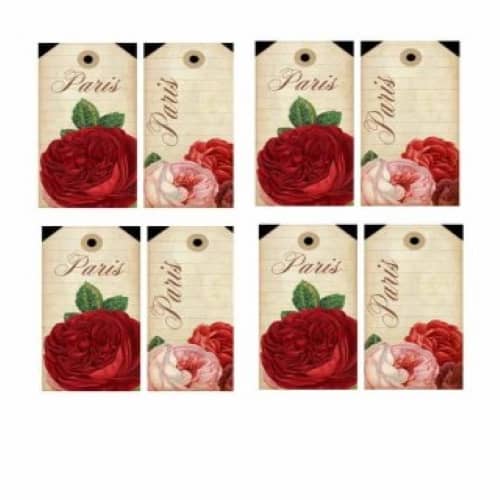
Colorful Gift Tag Template
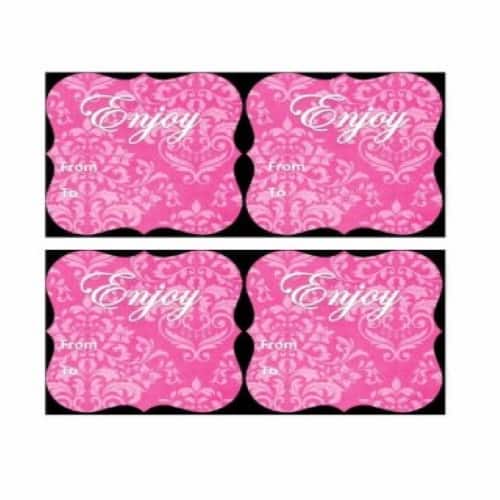
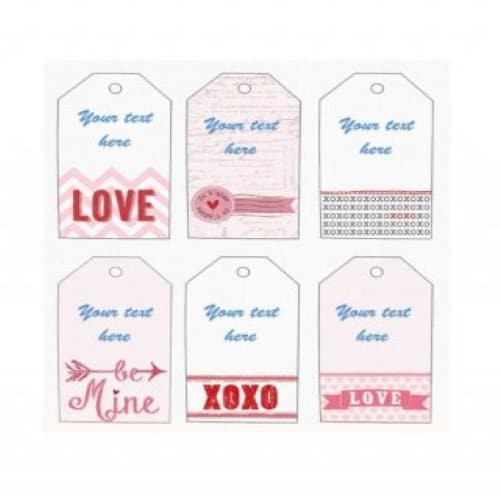
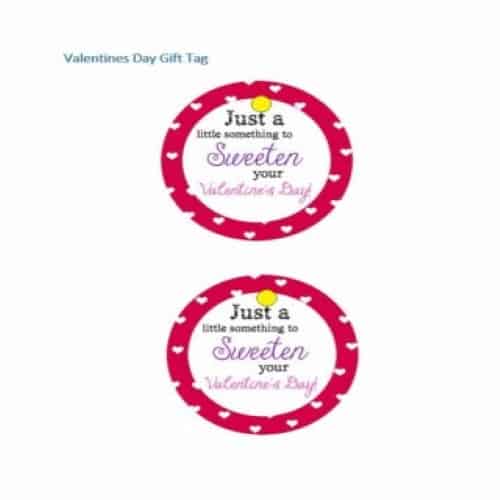
Valentine Day’s Gift Tag Template
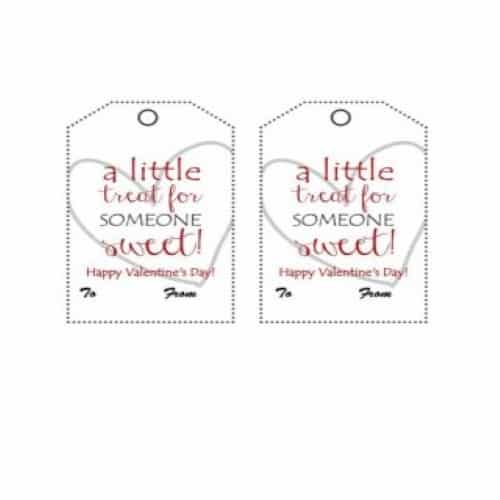
Simple Editable Gift Tag Template
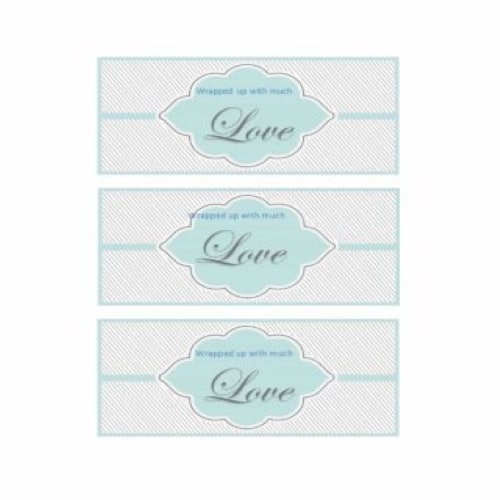
Decent Gift Tag Template
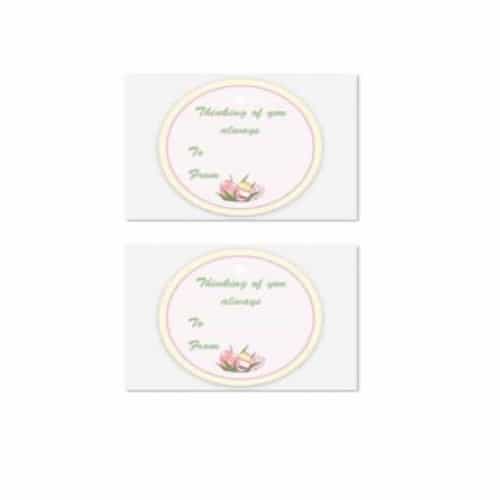
Circle Shape Gift Tag
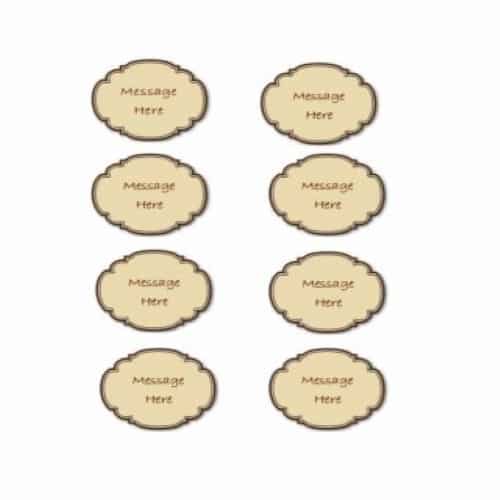
Beautiful Gift Tag Template
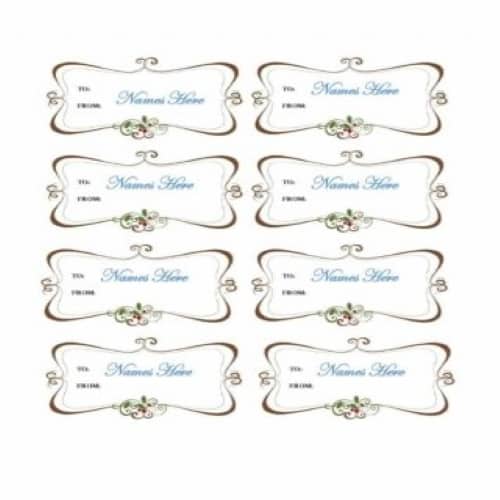
Birthday Gift Tag Template 1
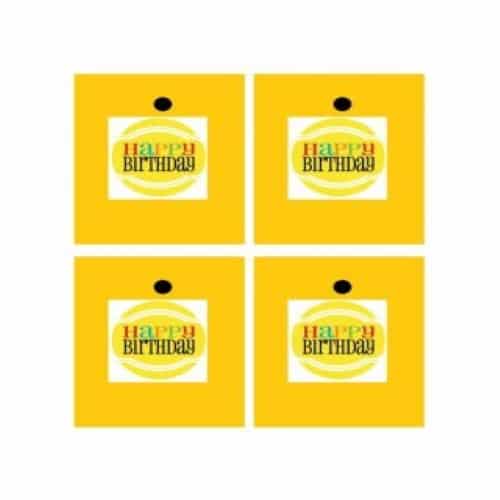
Best Wishes Gift Tag Template
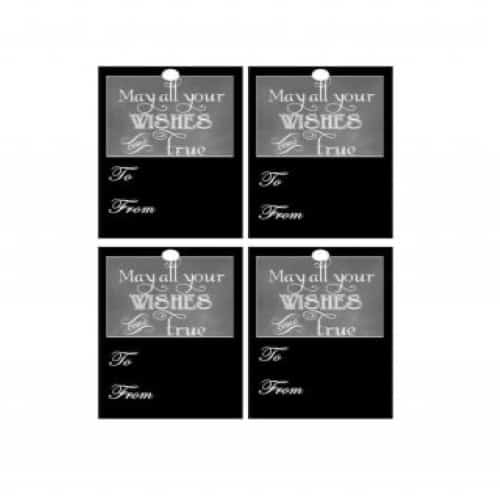
Sample Colorful Gift Tag Template
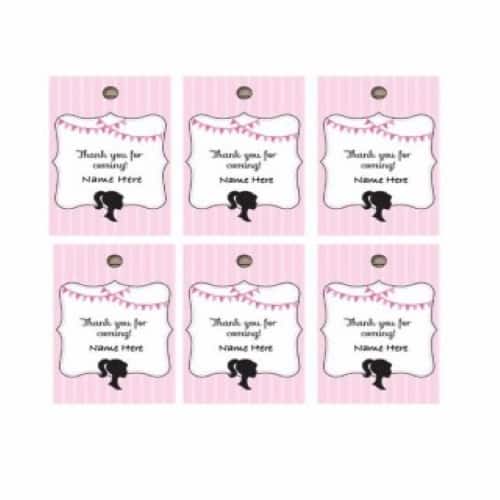
Charming Gift Tag Template
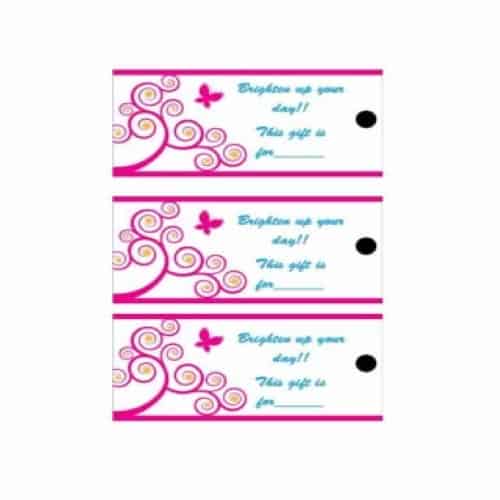
Pretty Gift Tag Template
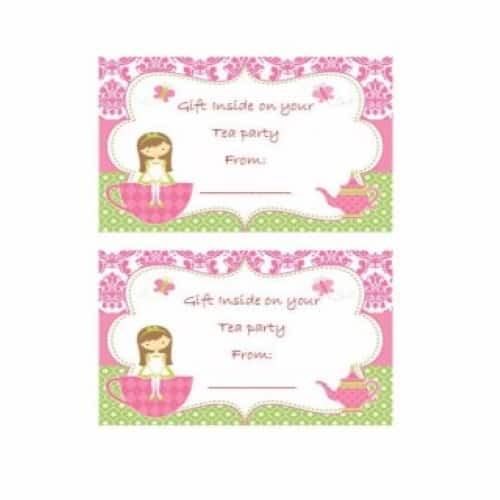
Custom Gift Tag Template

Colorful Gift Tag Template
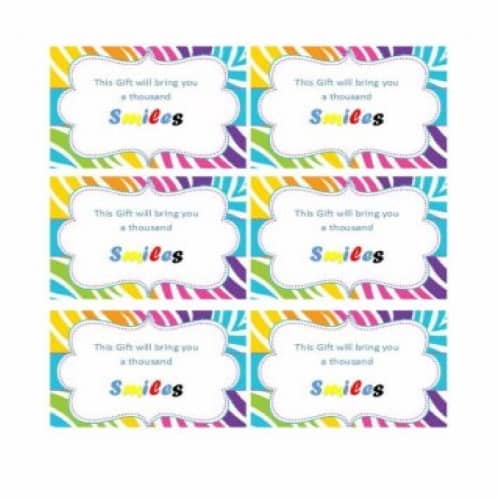
Catchy Gift Tag Template
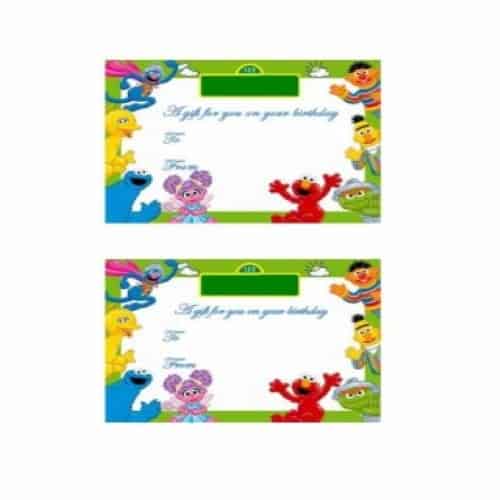
Special Gift Tag Template
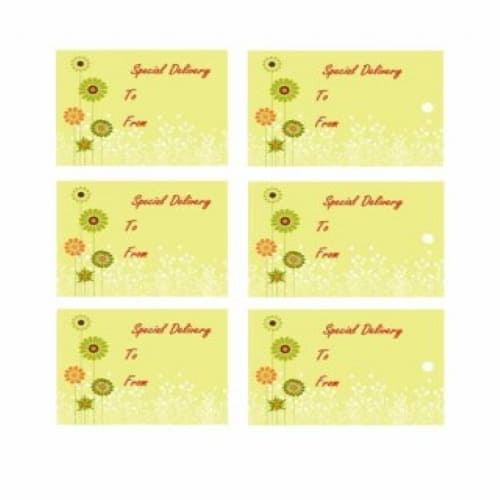
Black Gift Tag Template
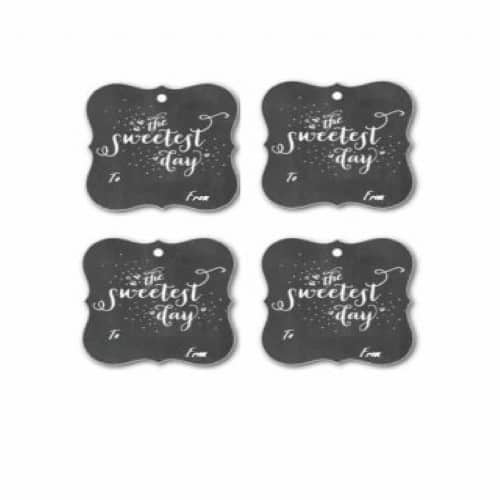
Simple Gift Tag Template
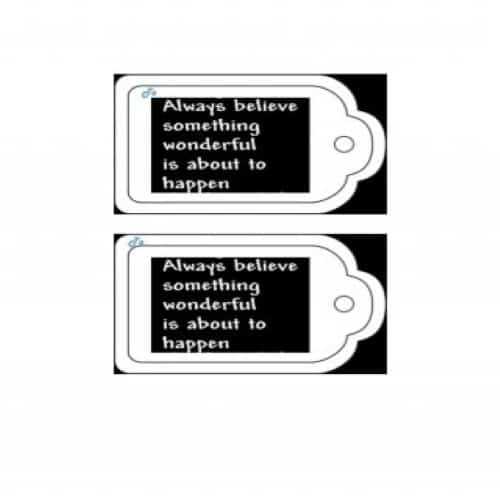
Sample Gift Tag Template
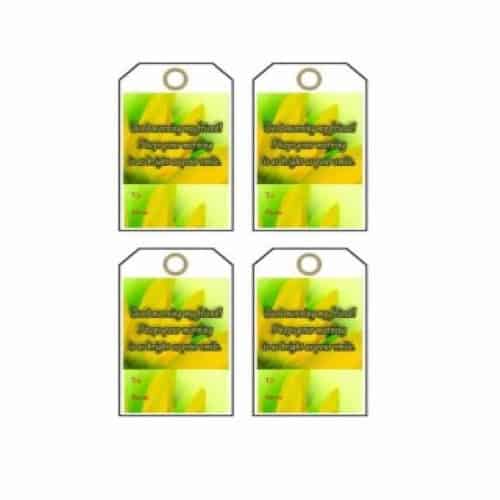
Modern Gift Tag Template
Tips for creating your own Gift Tag
Many stylish and beautiful gift tag templates are available, but if you want to create your own gift tag, the following tips will help you:
- Decide on a clear theme for your gift tag. For example, a tag for a birthday gift could feature balloons and birthday wishes, while a tag for a wedding gift could include flowers.
- Search the internet for suitable images to include in the gift tag, based on your theme and the event.
- Open Microsoft Word version 2010 or later for efficient working.
- Add a page border. Go to the Design tab at the top and click Design>Page Border>Box. This border keeps the design within the box margins.
- Draw the gift tags by selecting Insert tab>Shapes and choosing a shape you like. Draw the tag on the left side of the page.
- Next, insert the downloaded image inside the tag you drew. You can resize the image if you want.
- After resizing the image, add some text to it. You can change the color, font and size of the text as needed.
- Once you have finished the tag, duplicate it as many times as you want. Remember to adjust the spacing between the tags.
- Now that your tags are ready, take a print out and carefully cut these tags for use.
More Gift Tag Templates
Marriage Gift Tag Template
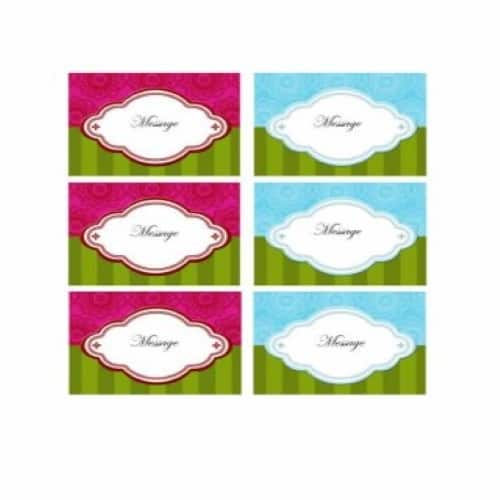
Simple Style Gift Tag Sample
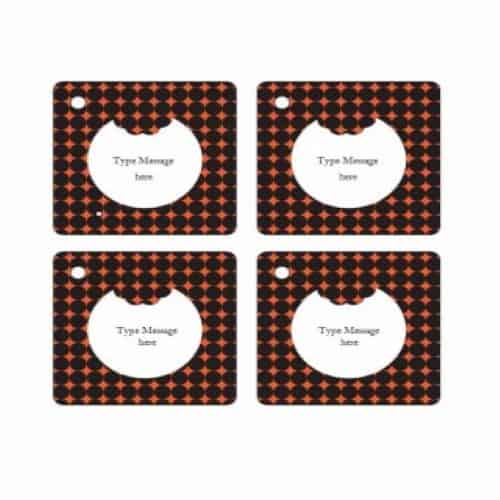
Cool Looking Gift Tag Template
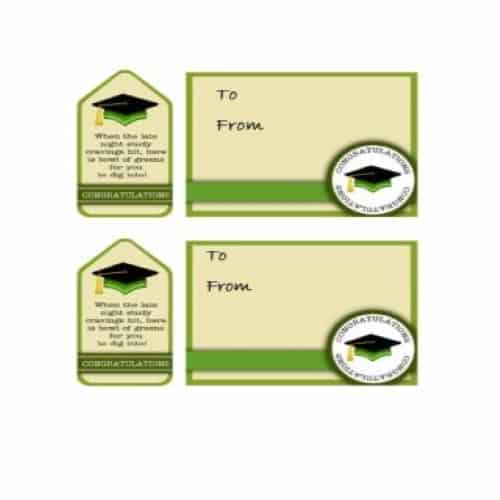
Congratulations Gift Tag Template
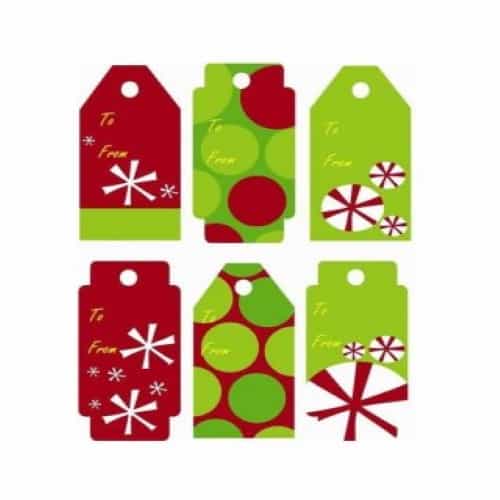
Simple Christmas Holiday Gift Tag Template

Graduation Congratulations Gift Tag Template
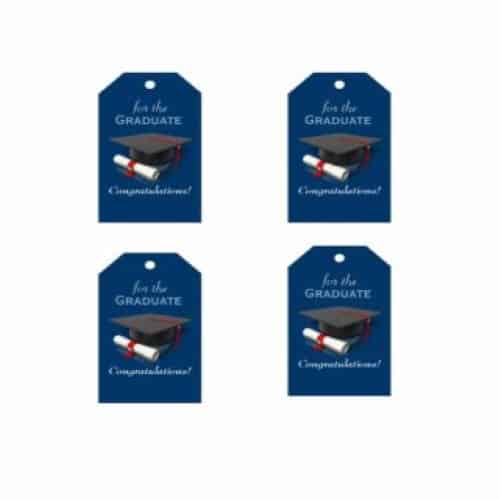
Special Gift Tag Template
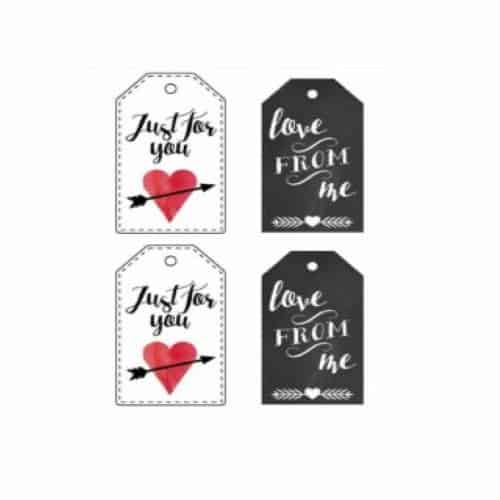
Valentine’s Day Gift Tag
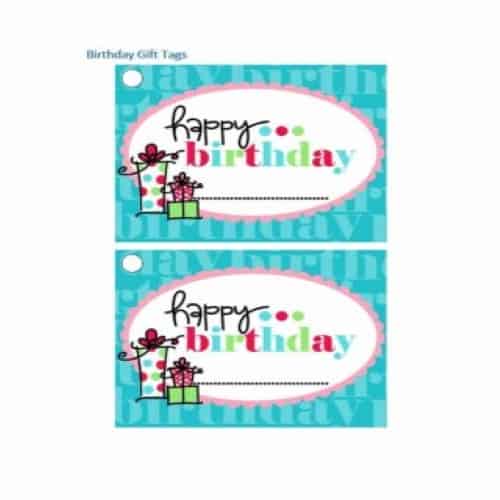
Birthday Gift Tag Template 2
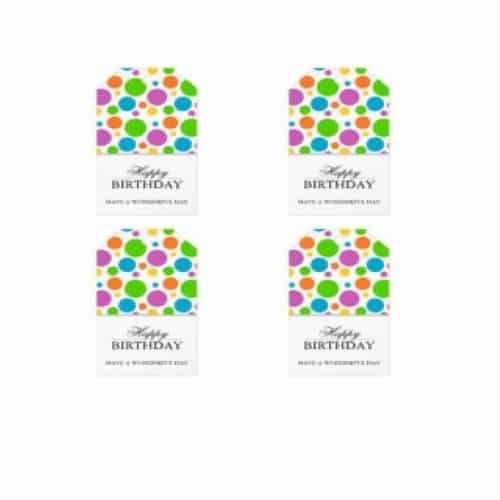
Birthday Gift Tag Template 3
Pretty Gift Tag Template
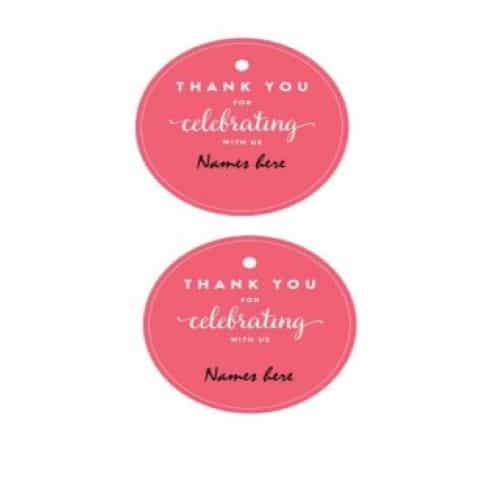
Sample Gift Tag Template
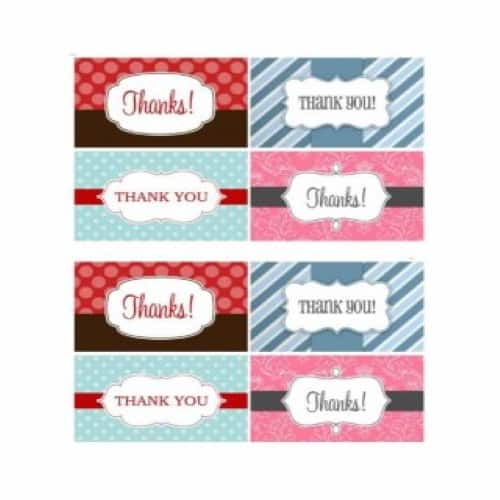
Catchy Gift Tag Template
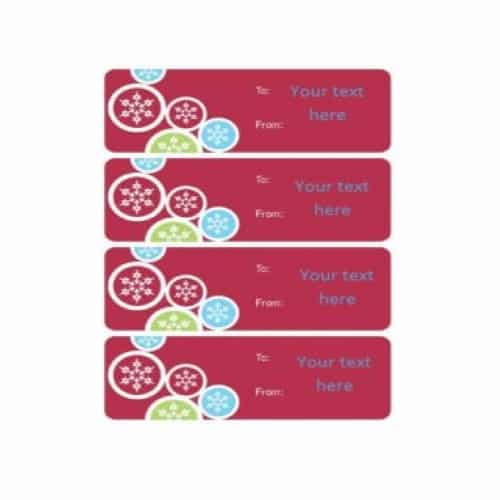
Usual Gift Tag Template
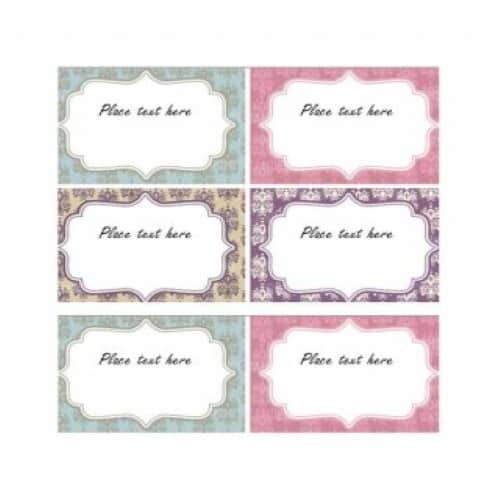
Unique Gift Tag Template

Routine Gift Tag Template
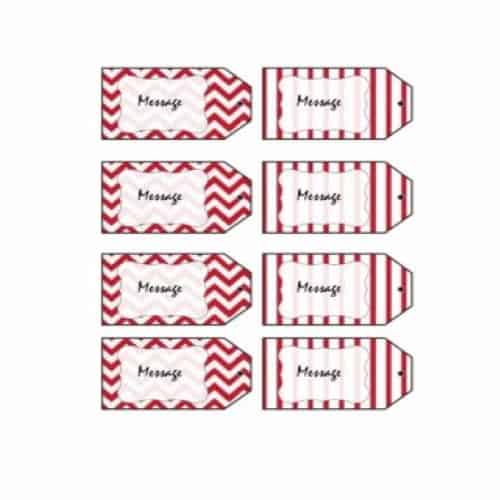
Special Gift Tag Template

Christmas Gift Tag Template
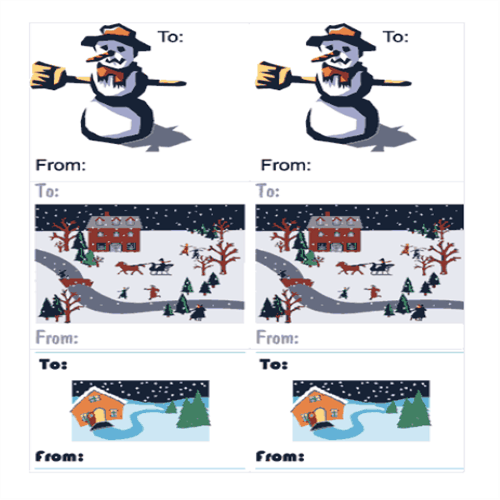
Sample Gift Tag Template
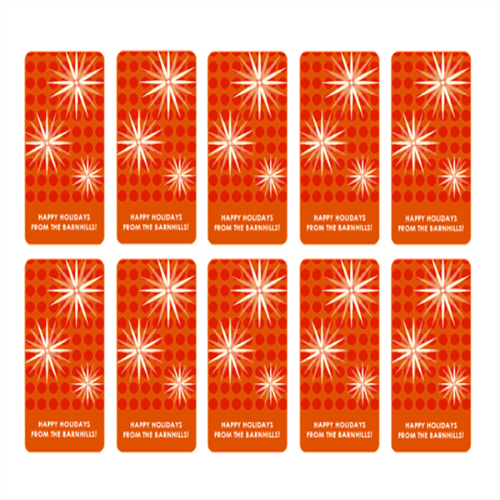
Holidays Gift Tag Template
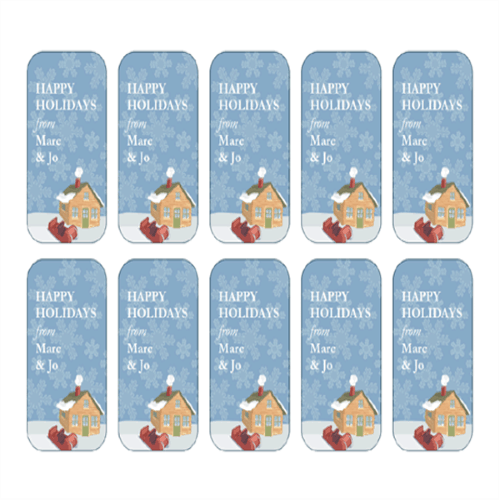
Choosing and Printing Gift Tags
Match the tag size to the gift and the amount of writing required. A small decorative tag suits a short name, while longer messages need more space and a readable type size. If the gift includes a voucher as well as a tag, WordNExcelTemplates’ gift certificate templates provide a separate format for recording the offer and its conditions.
- Choose the finished size and confirm the paper or label stock.
- Replace names and messages, keeping important text clear of the cut and hole position.
- Print one test sheet at the intended scale before producing the full set.
Worked Example
Example: a tag for a jar needs enough room for the recipient’s name without wrapping the text around the punched hole. Print and cut a single sample, attach it with the intended ribbon and check that it hangs in the right direction.
Common Mistakes to Avoid
Avoid assuming “fit to page” preserves label alignment. Check scaling, printer margins and whether the artwork is suitable for your intended personal or commercial use.
Related Templates
Frequently Asked Questions
What paper should I use for gift tags?
Choose a stock your printer supports and that is strong enough for the attachment method. Test a small quantity before buying or printing a large batch.
Why do my tags print smaller than the template?
The print dialog may be scaling the page. Compare actual-size and fit options and verify a measured test tag before cutting the whole sheet.
