
Report card templates give teachers and schools a consistent way to communicate student achievement, progress and areas for improvement. Depending on the grade level and assessment system, a report card may include subjects, grades, proficiency levels, attendance, work habits, teacher comments and term-by-term progress. The editable report card examples below can be adapted to different classroom and school reporting needs.
Use the previews below to compare layouts before downloading. Select the example closest to your purpose, customize it with accurate information, and keep an untouched copy for future use. A template is most useful when its wording and fields are adapted to the real situation rather than copied unchanged.
Best Report Card Templates
Detailed Report Card Template
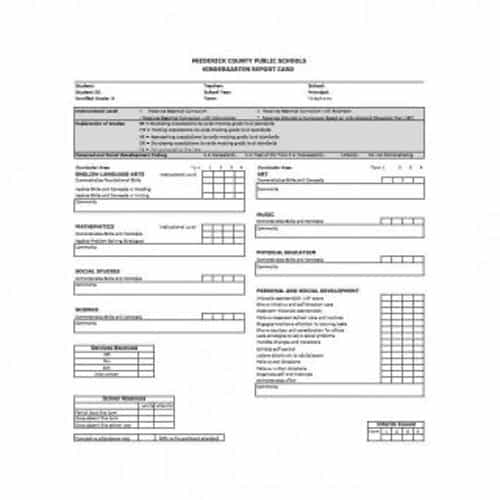
Behavior Report Card Template
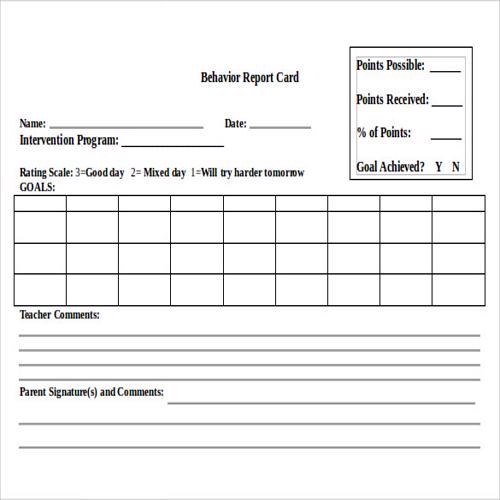
Report Card Sample Template
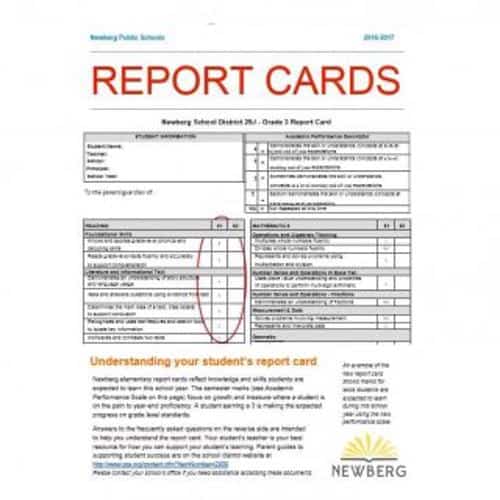
Extensive Report Card Template
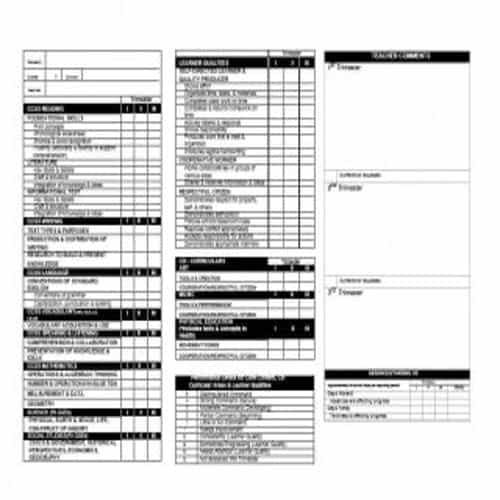
Exclusive Report Card Template
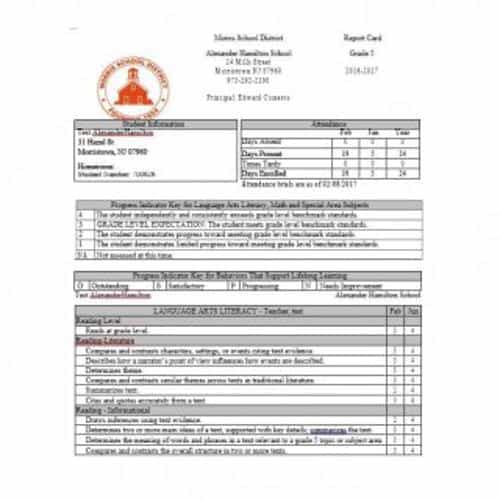
Comparative Report Card Template
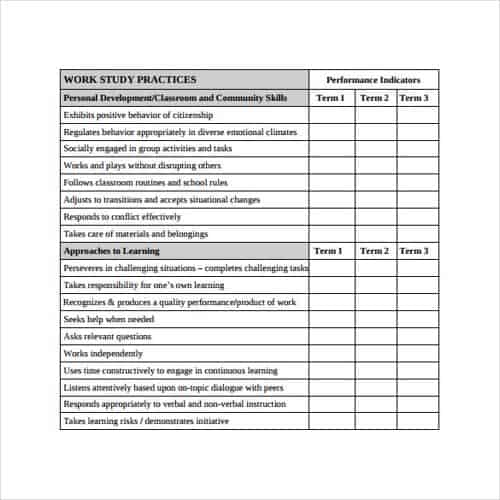
Informative Report Card Template
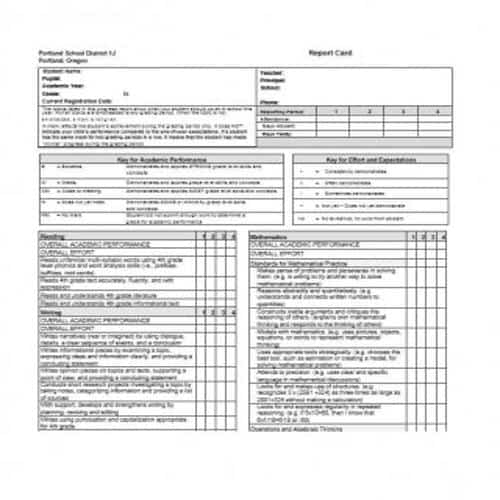
Special Report Card Template
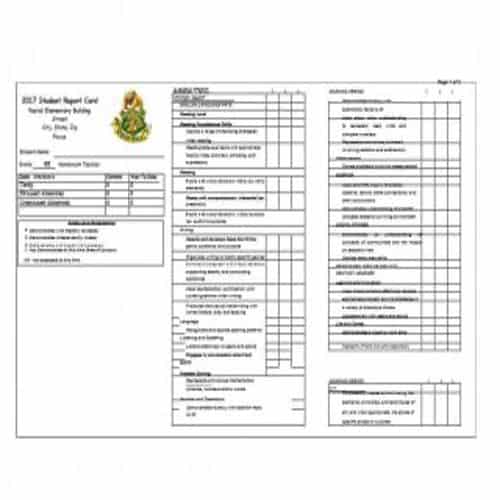
School’s Report Card Template
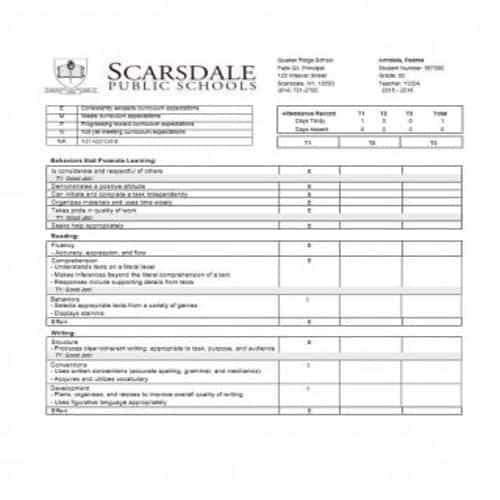
Unique Report Card Template
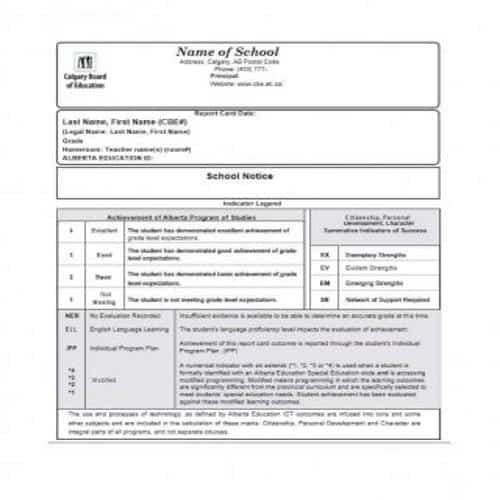
Progress Report Card Template
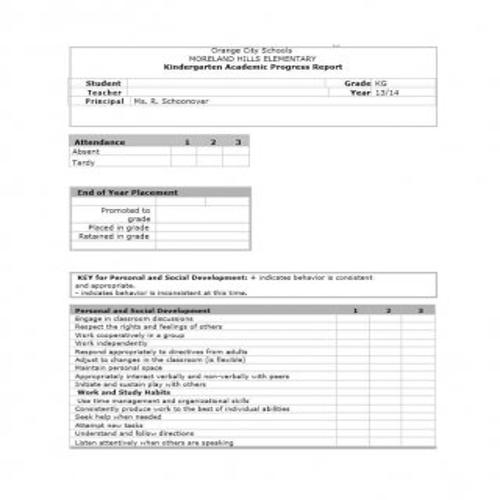
Practical Report Card Template
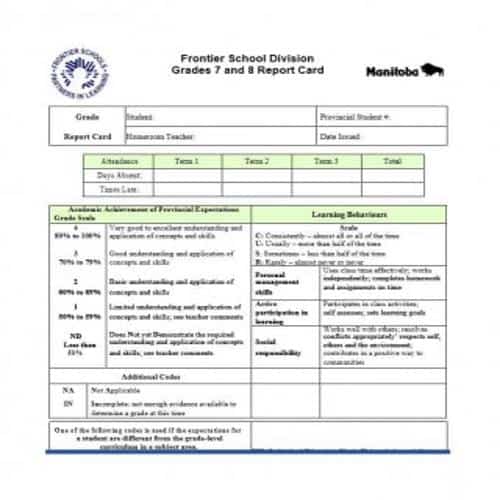
Useful Tips for making a Report Card Effective
A report card is an effective evaluation tool used to analyze the overall performance of a student. The details and information provided in a report card must be correct and useful as it’s the question of the future of a student.
The teachers must try to provide the accurate information about a student. This way the parents can easily analyze the current position of their child. So, in order to make a report card more effective and helpful, make sure to consider the following useful tips.
- As a teacher, think about your students and brainstorm some adjectives that describe every student. For this purpose, you should make a list of such adjectives at least 2 or 3 weeks before filling out the report card.
- After that, write down your observations of a particular student. You can use some sample works of a student, so that you will be able to provide accurate and precise details to the parents rather than providing generic statements.
- As a teacher, you should focus on your student’s strengths and any other things in which they performed well. This will motivate the students to stay consistent towards what they are good at. It is because the weaknesses and areas for improvements can be identified through grades or other report card items.
- Some students can be difficult to describe. An effective way to do so is to form your sentences like, ‘ Andrew has shown progress in . . . . ‘ or ‘ Jessie’s remarkable work for this term was . . . ‘ etc.
- As it can be difficult to describe some students, so it is better to start with adding comments and remarks for students who are easy to explain. It is also important to note that you should try your best not to make repetitions while writing the comments and remarks about students.
- Before finalizing the remarks and comments for a particular student, it is suggested to consult your colleagues and other teachers. Make sure to look for any important thing or information that they might have for you, about a particular student.
Practical Report Card Templates
Short Report Card Template
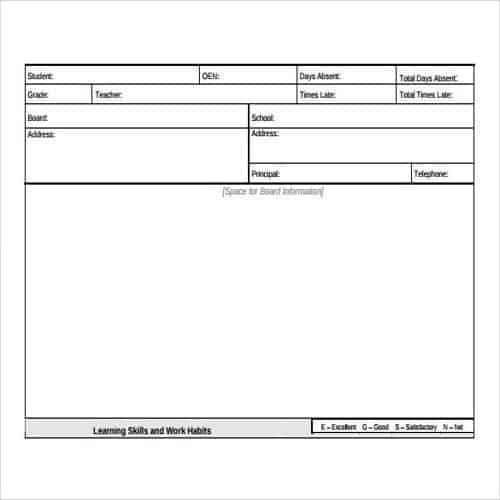
Grade 3 Report Card Template
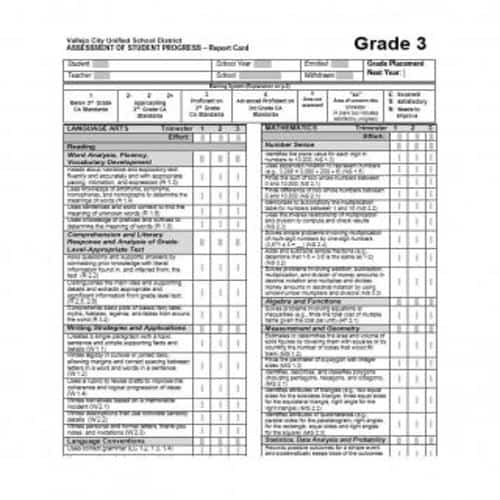
Report Card Guide Template
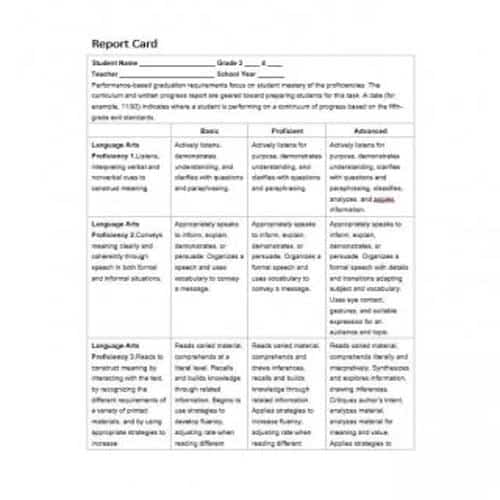
Blank Report Card Template
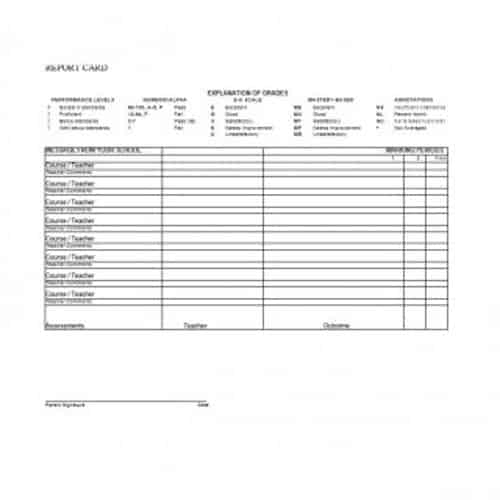
Report Card Format Template
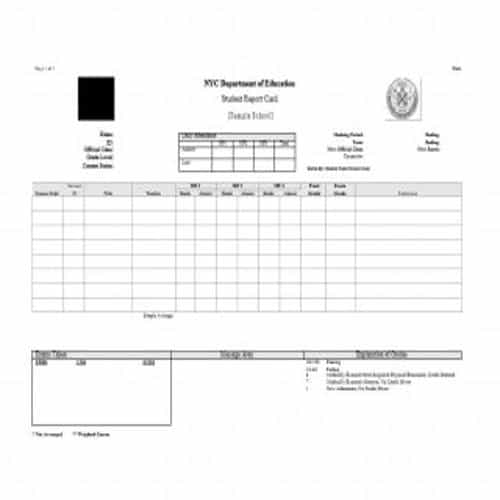
Student’s Report Card Template
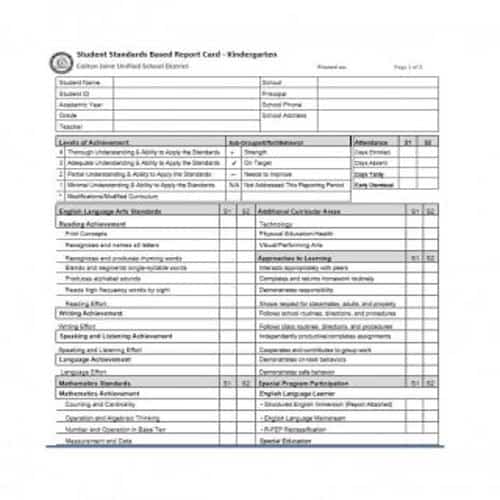
Example Report Card Template
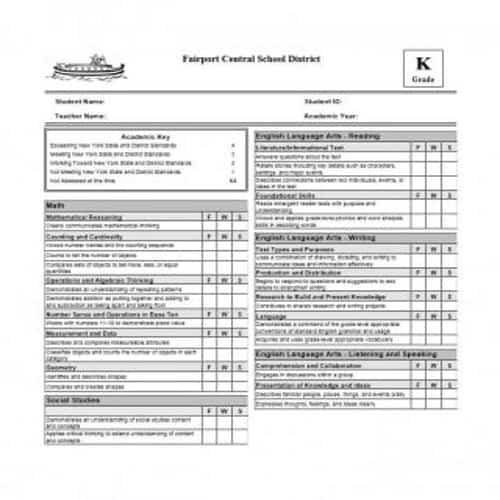
Standard Report Card Template
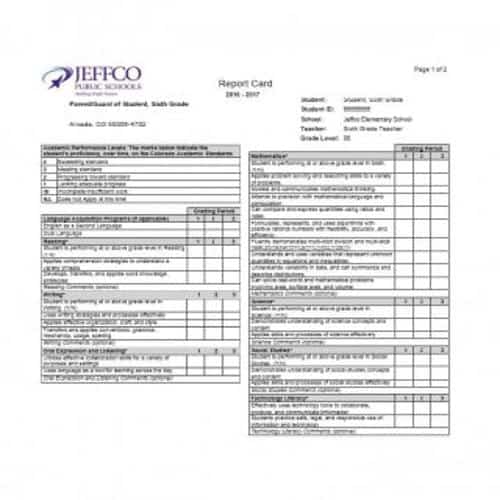
General Report Card Template
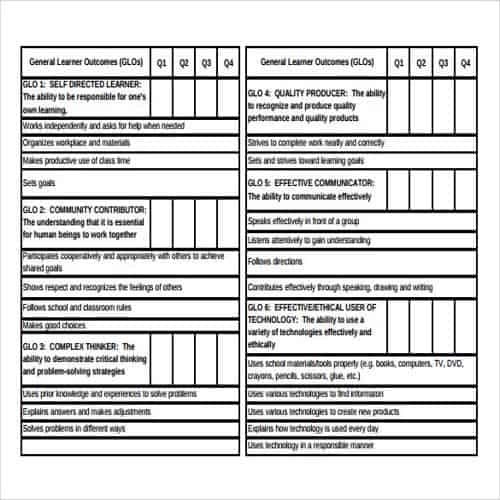
Model Report Card Template
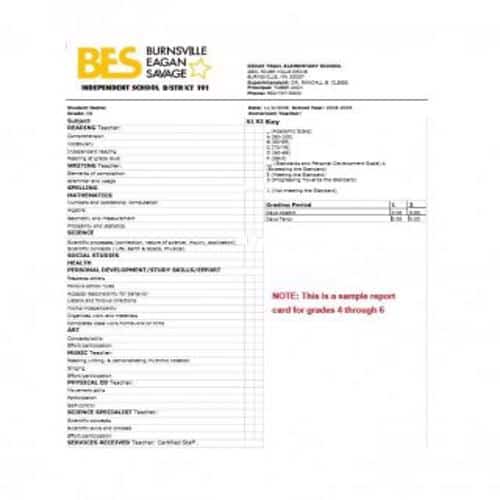
Kindergarten Report Card Template
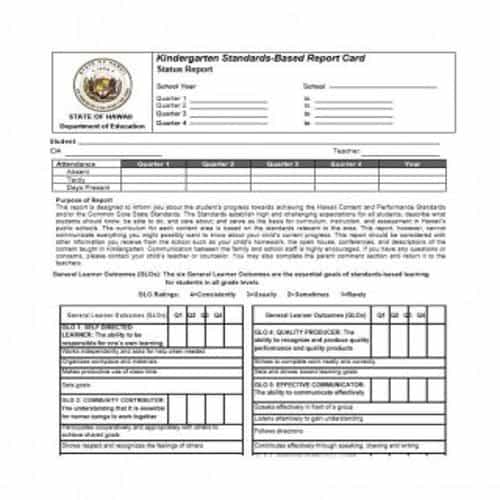
Report Card Signature Section
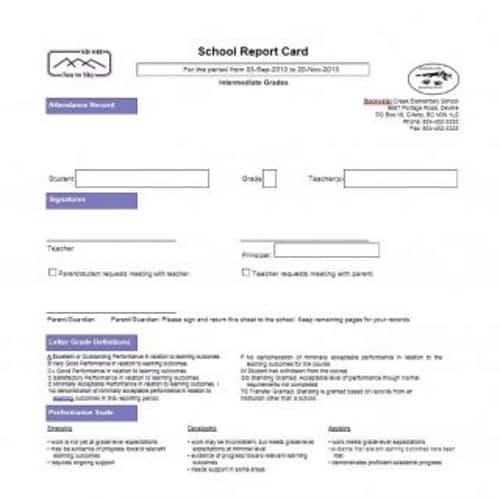
Pros and Cons of a Report Card
Every thing comes with benefits as well as disadvantages and for that reason, it is important to look for both sides of a coin. Some pros and cons of a reporting card are briefly explained below.
Pros:
A report card is helpful, even for parents with little to no educational background, as it provides complete details of strengths and weaknesses of a student. Just by looking at the report card once, the parents can easily analyze the areas in which their child requires improvement.
The accurate teacher’s remarks and comments on a report card indicates that a proper attention is being paid on every student. The report cards save teacher’s time and effort, as they can be used as references during any discussion in a parent-teacher meeting or conference.
On the basis of a report card, the eligibility of a student for scholarships in colleges can easily be recognized. As the grade scale of ‘A to F’ is common and easy to understand, so it can easily be decided whether or not a student will be able to get the scholarship.
Cons:
The teacher’s comments and remarks are helpful just as long as they are accurate and precise. As a human, it is perfectly possible that a teacher may make a mistake or shows laziness, and just add some generic statement in comments and remarks section.
A report card does not include any standard or criteria, so as to evaluate what a student has actually learned at the end of a term. It just shows the grades that depicts the academic performance of a student. A report card is not helpful in evaluating the actual learning ability of a student.
Another drawback of a report card is that, in some higher classes, the report cards may include separate daily class work grade average and testing average. It may be possible that there are some students whose performance in daily class work is excellent as compared to their performance in the tests.
More Report Card Templates
Colorful Report Card Template
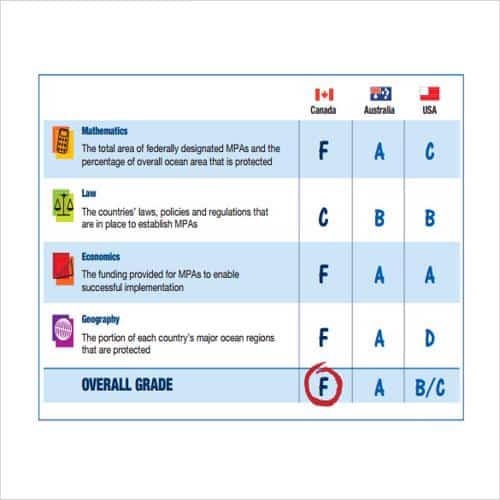
Basic Report Card Template
Particular Report Card Template
Elementary Report Card Template
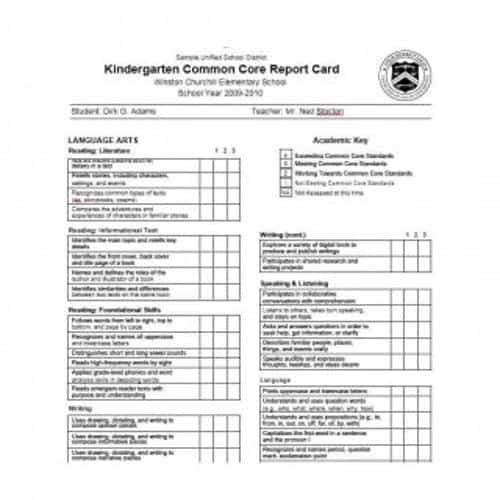
4th Grade Report Card Template
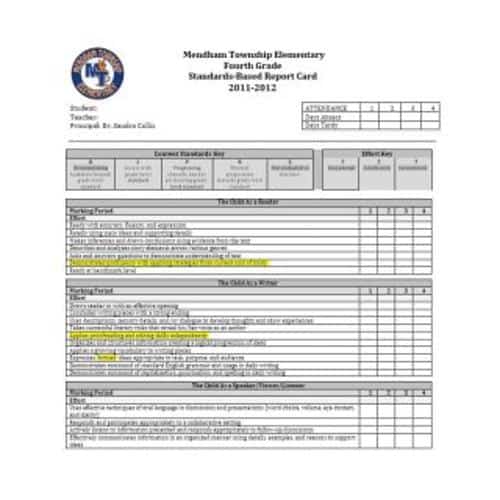
Specific Report Card Template
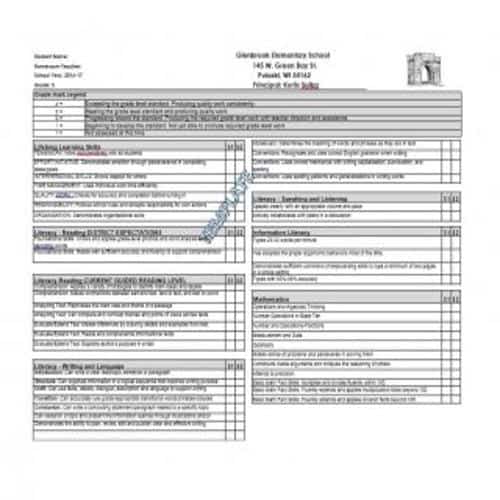
Quarterly Report Card Template
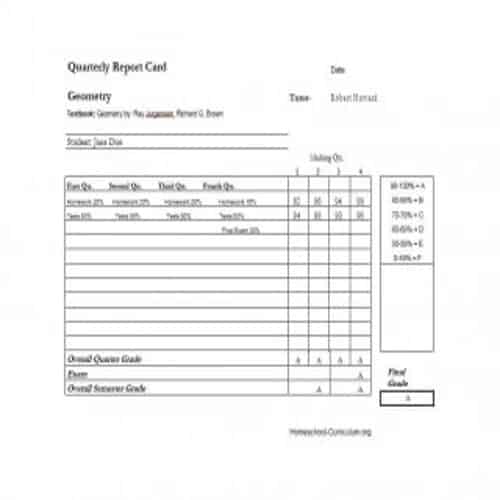
Sample Report Card Template
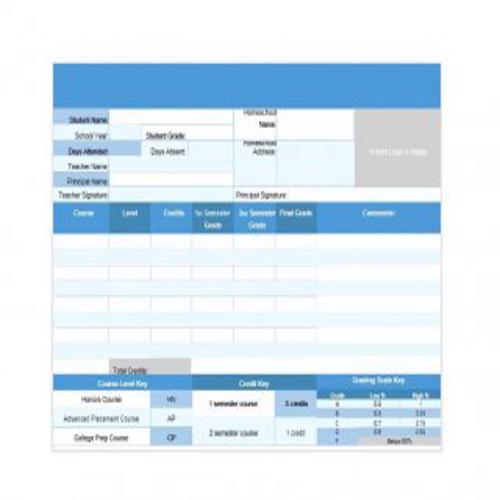
Thorough Report Card Template
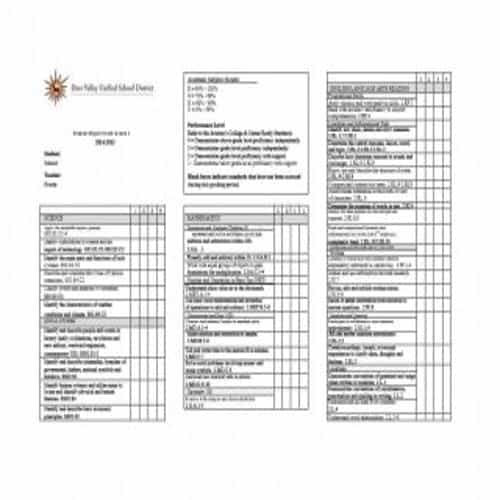
Behavior Report Card Template
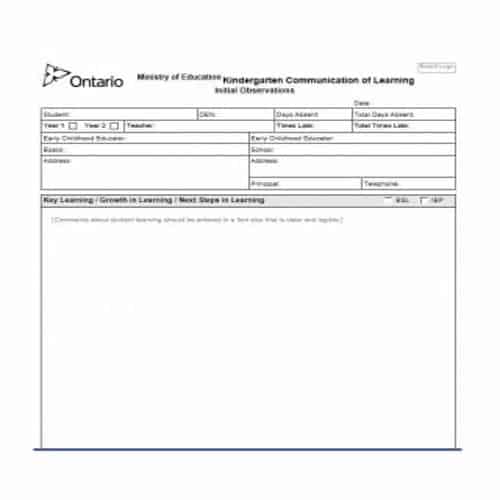
Proper Report Card Template
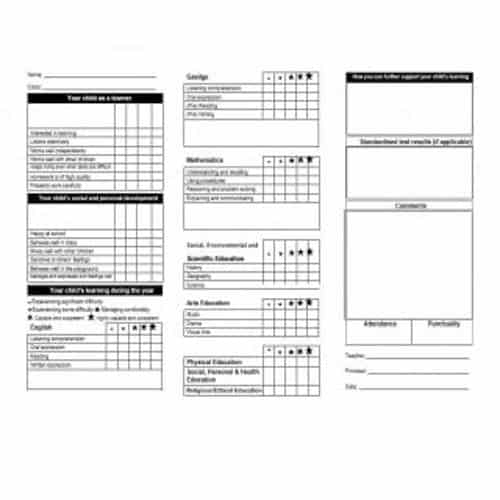
Home School Report Card Template
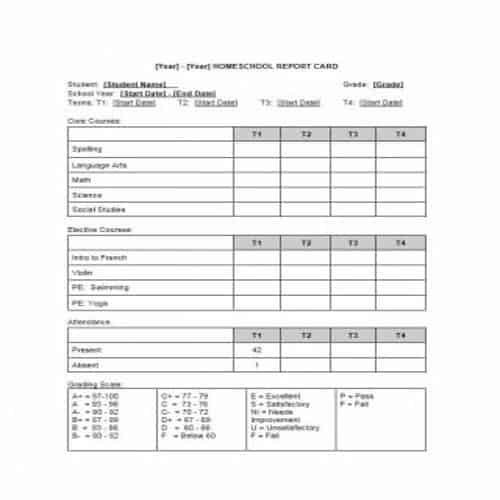
How to Use Report Card Templates Effectively
Report Card Templates give users an editable starting point for a planning or management document, but the downloaded file should be adapted to the actual situation before it is shared, signed, printed, or relied upon. Start by defining the document’s purpose, intended reader, required outcome, and the information available to complete it. Then compare the previews and choose the structure that needs the fewest unnecessary changes.
Save an untouched master copy before editing. Work in a duplicate, replace every placeholder with verified information, and remove sample wording that does not apply. Consistent headings, plain language, readable type, and sensible spacing make the final document easier to complete and review. Templates save setup time; they do not remove the need for judgment, fact-checking, authorization, or professional advice when the subject has legal, financial, medical, regulatory, or employment consequences.
What Good Report Card Templates Should Include
The exact fields vary by use case, but a dependable document makes its purpose obvious and lets a first-time reader find important information quickly. Review these elements while comparing and customizing the downloads:
- A concise objective, problem, expected outcome, and success measure.
- Defined scope, assumptions, constraints, dependencies, and exclusions.
- Named owners for tasks, decisions, approvals, and follow-up actions.
- Dates, milestones, priorities, resources, risks, and status indicators.
- Evidence, calculations, references, or acceptance criteria supporting conclusions.
- A review cycle and change log so the document stays useful after approval.
Not every item belongs in every version. Remove irrelevant fields rather than leaving them blank, and add a brief note when an unusual entry could be misunderstood. If several people use the file, define who prepares it, who verifies it, who approves it, and where the final record is stored.
How to Choose the Right Template
Select a lightweight version for a small team or routine task and a detailed version for multi-stage work, regulatory review, or several stakeholders. The best structure is the one people will actually update and use during decisions.
Check compatibility before investing time in customization. Confirm that the file opens correctly in your software, tables remain aligned, formulas recalculate, fonts are available, and page breaks work at the intended paper size. If the document will be used repeatedly, test it with a typical case and an exception before adopting it as the standard version.
Step-by-Step Customization Process
- Define the outcome. Write one sentence explaining what the completed document must help someone understand, approve, record, or do.
- Select the closest structure. Choose by content and workflow rather than decoration alone.
- Replace sample information. Verify spelling, dates, amounts, addresses, identifiers, and references against reliable source records.
- Adapt the sections. Add required fields, remove irrelevant material, and use terminology familiar to the intended readers.
- Review the presentation. Check heading levels, spacing, tables, image quality, contrast, and print or mobile readability.
- Obtain approval. Ask the responsible reviewer to check both accuracy and completeness before final distribution.
- Control the final version. Keep the editable source, create a dated PDF when layout must remain fixed, and archive superseded copies appropriately.
Quality-Control Checklist
- Every placeholder and instruction note has been replaced or removed.
- Names, dates, amounts, calculations, contact details, and references are verified.
- Headings and labels use consistent terms throughout the document.
- Required attachments, approvals, signatures, or supporting records are identified.
- Links, formulas, page numbers, tables, and page breaks have been tested.
- The final filename and version date make the approved copy easy to identify.
Common Mistakes to Avoid
Frequent problems include unclear ownership, activities without outcomes, dates without dependencies, risks without responses, duplicated metrics, unexplained ratings, and a document that is approved once but never maintained. Another common mistake is preserving every field merely because it appeared in the downloaded design. A shorter, accurate document is normally more useful than a crowded template filled with irrelevant sections. Do not present an edited sample as an official record from a bank, government body, school, employer, court, or other institution.
Frequently Asked Questions
Are these Report Card Templates editable?
Yes. Select a compatible download and edit the wording, fields, tables, colors, and branding as needed. Keep a clean master so you can return to the original structure.
Which file format should I choose?
Use Word for paragraph-based documents and flexible page layouts, Excel for calculations or repeatable records, and PDF for a final copy that should retain its appearance. The available download determines which option applies.
Can I use the template for professional purposes?
A template can be a practical starting point, but it must be reviewed for the organization, transaction, audience, and jurisdiction involved. Seek qualified advice when rights, money, safety, compliance, or formal obligations are affected.
How can I make the document easier to use?
Use clear labels, short instructions, consistent formats, sufficient writing space, and a logical completion order. Test it with someone who was not involved in creating it and revise anything they cannot interpret quickly.
What should I check before sharing the final version?
Proofread the content, verify facts and calculations, test links and printing, confirm approval, remove comments or tracked changes, and make sure no confidential sample or hidden information remains in the file.
