
A booklet is a small printed publication of several pages, usually folded and stapled along the spine. It holds more information than a flyer or brochure but is shorter than a book. Businesses use booklets for product guides and company handbooks, while schools, churches and event organizers use them for programs, workbooks and event guides.
This page has 23 booklet templates, all editable and free to download. Each booklet template gives you a ready page layout with a cover, inside pages and a back cover, so you can drop in your own text and images. You can print them as a printable booklet at home or send them to a print shop as a booklet layout.
Print a rough test copy on plain paper, fold it and check the page order before the final run. Booklet pages are imposed out of sequence on each sheet, and a quick dummy catches mistakes that are hard to spot on screen.
Official Booklet Templates
Booklet Template

Booklet Template
Booklet Template
Booklet Template
Booklet Template
Booklet Template
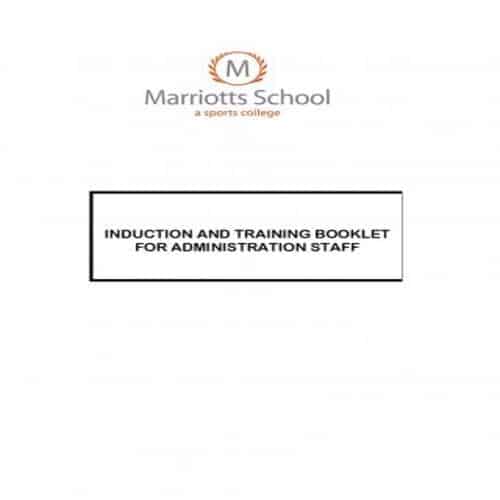
Booklet Template
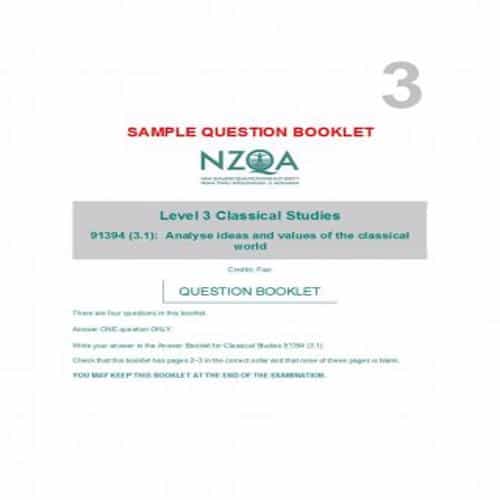
Booklet Template
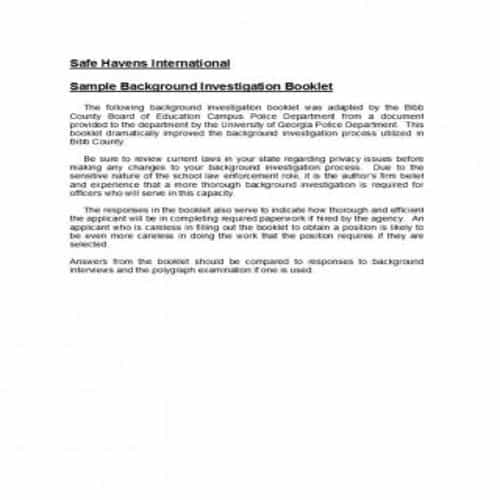
Booklet Template

Booklet Template
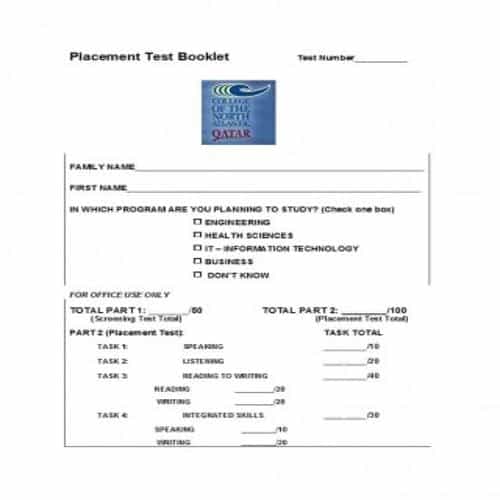
Different Types of Booklets
A booklet is not restricted to one format, style or design. There are many types, and some of them are:
This type of booklet usually comes with a product, as it contains information about installing, operating or handling that product.
2. Newsletter:
A newsletter is a type of booklet used mostly by the corporate sector. Just as an instruction manual contains information about a product, a newsletter contains information about a company, the nature of its business and its policies.
3. Portfolios:
This type of booklet is used by companies or agencies that do creative work, such as photography, design and decor. A company’s portfolio shows the type and quality of work it does.
4. Recipe Manual:
This type of booklet contains recipes for making different food items. A recipe manual is usually distributed by chefs or businesses in the food industry.
5. Brochure Booklet:
This type of booklet contains images of a product, along with its description and any other necessary information.
6. Reference guide:
A reference guide is a shorter version of an instruction manual. It contains only the most relevant information about a product, like its key features and general do’s and don’ts.
Stylish Booklet Templates
Booklet Template
Booklet Template
Booklet Template
Booklet Template
Booklet Template
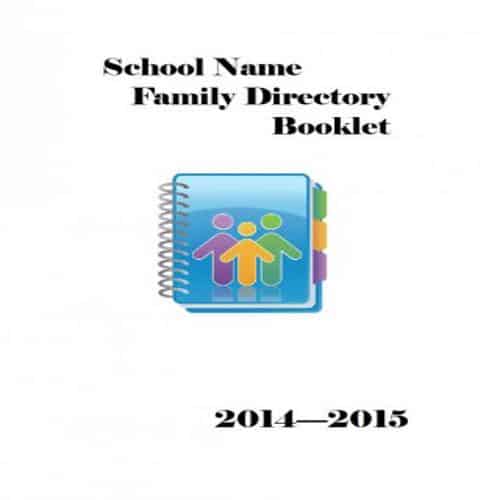
Booklet Template
Booklet Template
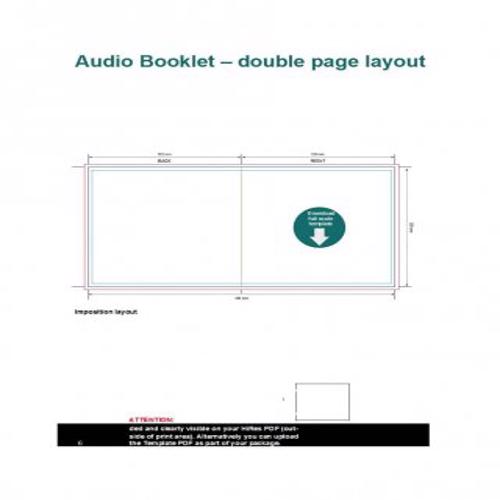
Booklet Template
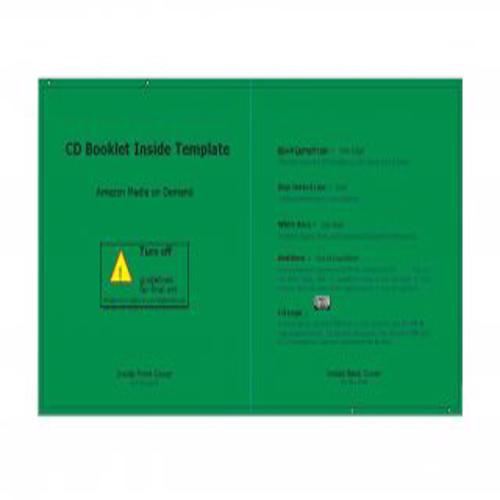
Booklet Template
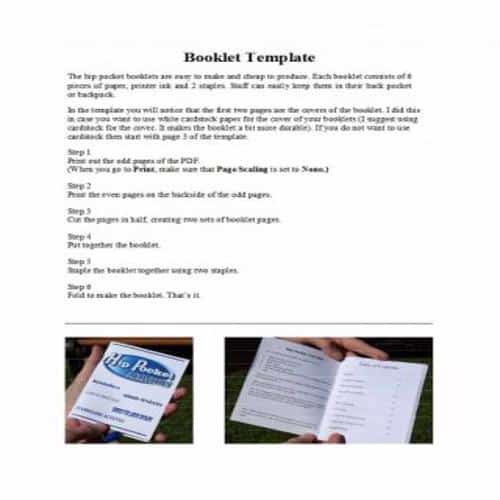
Booklet Template
Booklet Template
Booklet Template
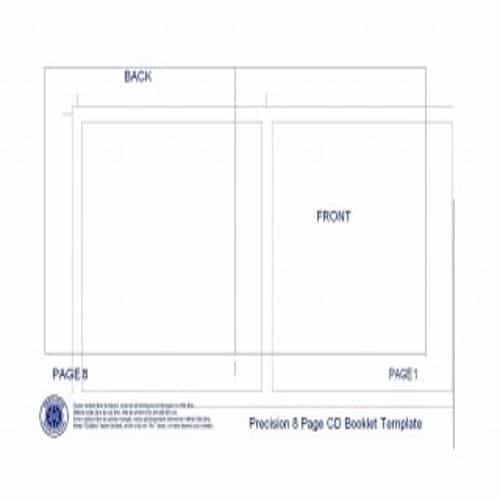
Booklet Template
Importance of a Booklet for a Business
The following points will indicate the importance of a booklet for a business:
- Distributing the booklets is an effective way to create awareness of your brand among the masses.
- A booklet is one of the effective and cheapest way of marketing for your business.
- With the help of a booklet, a business can easily enhance its interaction with its customers.
- It is quite easy to distribute booklets among the targeted audience.
- It is an effective and easy way to generate interest in the customers regarding your products or services.
- The more beautifully a booklet is designed, the more likely it is to grab your target audience’s attention and convince them to take specific actions.
Planning a Booklet Before Formatting
Choose the page size and binding approach before placing content. A folded booklet has pagination and print requirements that differ from a PDF read on a screen.
- Outline the sections and assign an approximate page allowance.
- Set the page size, margins, image quality and printer requirements.
- Export a proof and check page sequence, legibility and content before the final run.
Worked Example
Example: an event booklet needs a welcome page, schedule, speaker information and venue details. Put information people need during the event where it is easy to find, rather than giving equal space to every section. Test the schedule at the intended print size.
Common Mistakes to Avoid
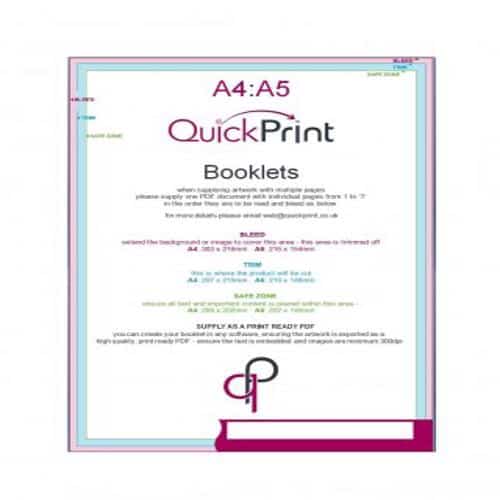
Do not rearrange pages into printer spreads unless the printer or workflow requires it. Keep important content away from the fold and confirm bleed and finishing requirements.
Related Templates
Frequently Asked Questions
Must a booklet page count be a multiple of four?
For many folded saddle-stitched booklets it does, because each folded sheet creates four pages. Confirm the actual binding and printer requirements before finalizing the file.
Should I send single pages or spreads?
Ask the printer. Many printers prefer a PDF in normal reading order and handle imposition themselves; sending imposed spreads without agreement can cause mistakes.
