
Productivity templates are ready-made planners, trackers and worksheets that help you organise work and use time well. Some plan your day or week, while others help managers measure team output or train staff in time management. Professionals, teachers, students and HR teams use them to set priorities, track habits and spot where time is lost.
Below are 15+ templates and planners. Several focus on skills: a workforce productivity skills sheet, a labor productivity template, a training and development plan, and a version for teaching productivity skills in class. A simple standard layout covers the basics for personal use. Each one works as a printable productivity planner, a time management template or a starting point for a team workshop on productivity skills.
Start with one tool and use it for two weeks before adding another. Running too many trackers at once becomes its own time sink.
To turn these productivity tools into a routine, try our daily planner templates, hourly schedule templates for time blocking, and task list templates to keep track of what still needs doing.
Productivity Skills Templates
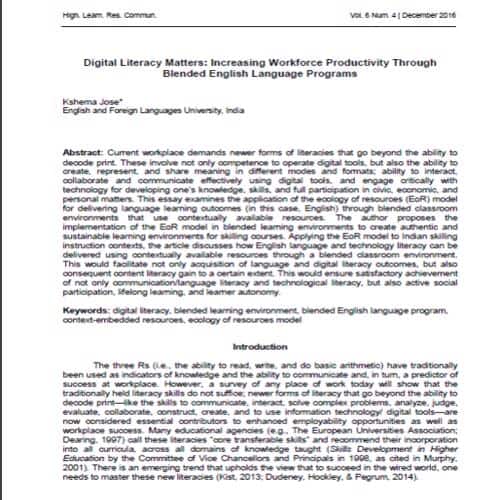
Sample Workforce Productivity Skills Template
Details:
File Type: PDF
File Size: 732 KB
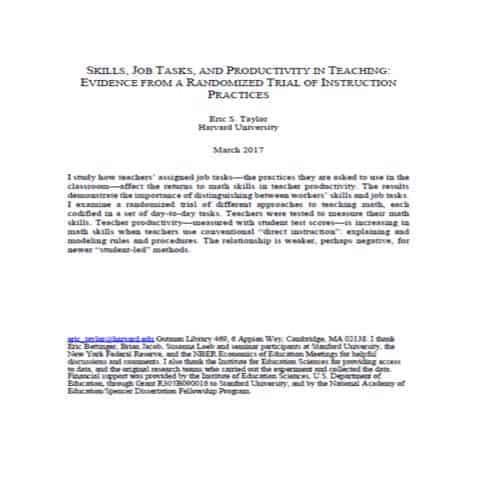
Teaching Productivity Skills Template
Details:
File Type: PDF
File Size: 503 KB
Special Productivity Skills Benefits Template

Details:
File Type: PDF
File Size: 2.28 MB
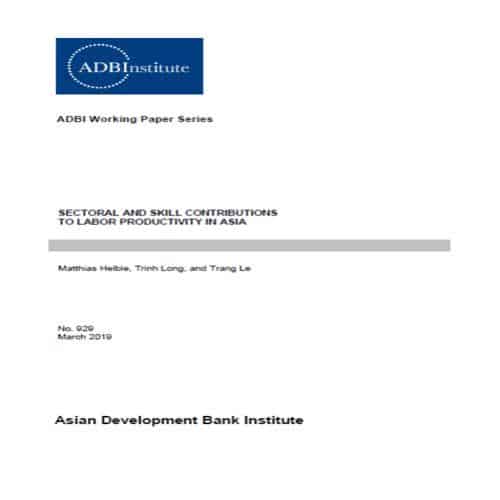
Official Labor Productivity Skills Template
Details:
File Type: PDF
File Size: 536 KB
Employment Productivity Skills Template

Details:
File Type: PDF
File Size: 1.48 MB
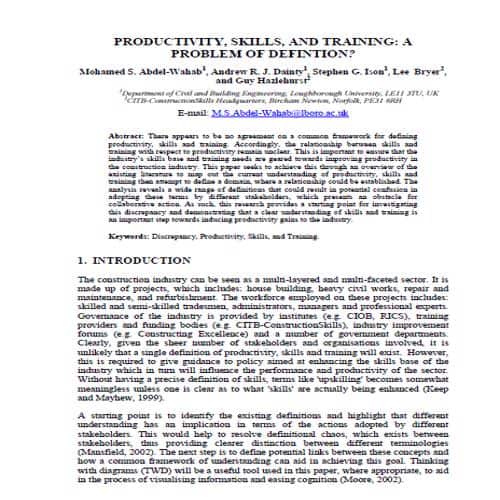
Productivity Skills & Training Template
Details:
File Type: PDF
File Size: 265 KB
Simple Productivity Skills Development Template
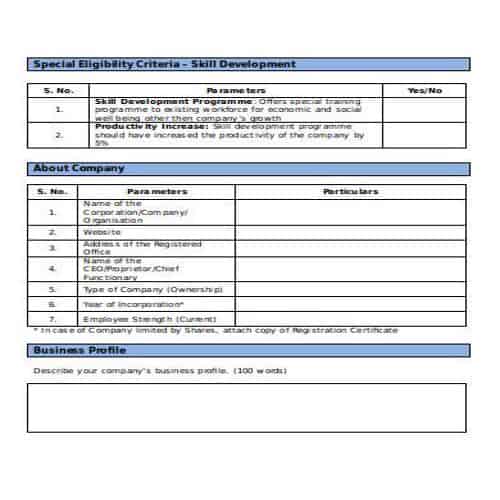
Details:
File Type: PDF
File Size: 20 KB
Standard Productivity Skills Template
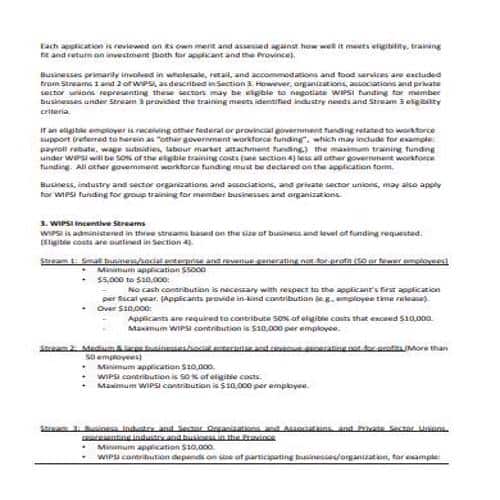
Details:
File Type: PDF
File Size: 645 KB
Self Assessment Productivity Skills Template
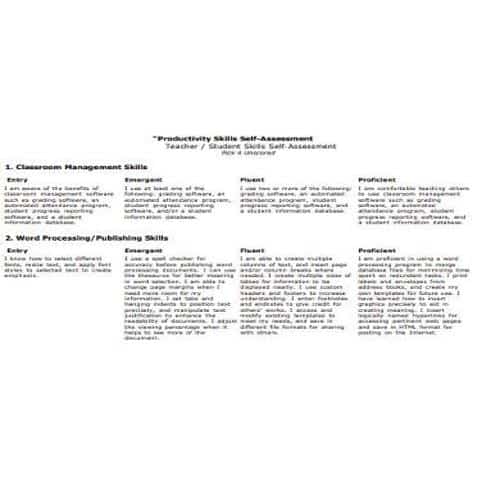
Details:
File Type: PDF
File Size: 40 KB
Analytical Productivity Skills Template
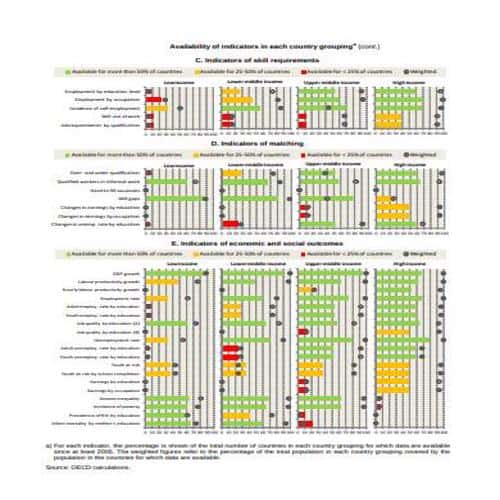
Details:
File Type: PDF
File Size: 1.48 MB
Tips for becoming Productive at Work
Along with skills, you need a positive mindset and work attitude to be productive. The following general tips will help you be productive and effective at work:
- Arrange your tasks and rank them by priority. Then do the important tasks first and leave the less important ones for later.
- Concentrating on your work and staying focused are essential to being productive. Follow proper workplace decorum. Avoid distractions like loud noise or unnecessary phone use.
- Keep your workspace arranged and organized. Work is easier when your office tools and other things are in the right place, so you don’t have to get up to find something every time you need it.
- Know your capacity for work and work according to your strengths. Avoid multitasking and stay focused on what you are doing or what needs to be done.
- Following on from the point above, only accept a new task if you know you can handle it. Instead of accepting a new task in a busy schedule and then failing to complete it on time or doing it badly, politely say ‘no’ to your superior or whoever is assigning the task. Give your reasons for saying ‘no’ so they can understand your position.
- To be productive at work or at anything else, you must take care of yourself first. Short breaks from work are necessary so that you can relax before resuming.
Free Productivity Skills Templates
Formal Productivity Skills Template
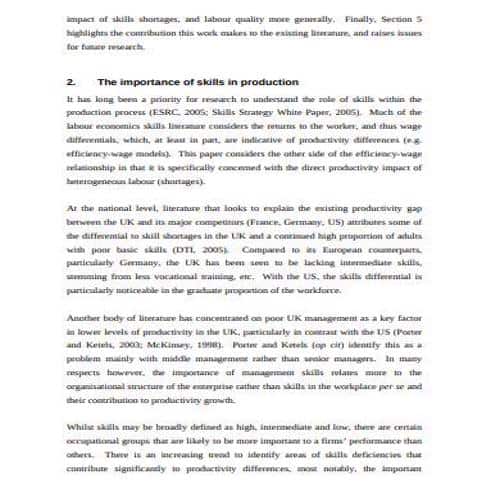
Details:
File Type: PDF
File Size: 98 KB
Personal Productivity Skills Template
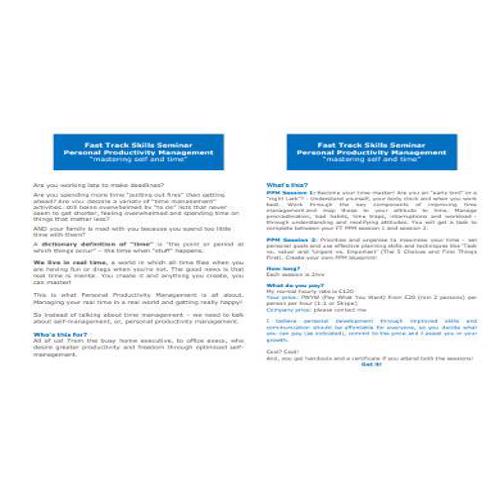
Details:
File Type: PDF
File Size: 36 KB
International Comparative Productivity Skills Template
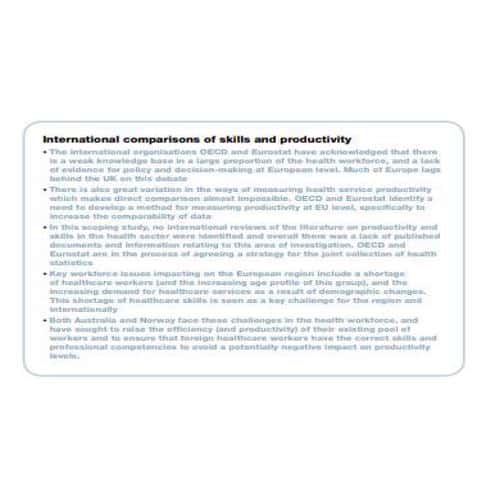
Details:
File Type: PDF
File Size: 625 KB
Typical Workforce Productivity Skills Template

Details:
File Type: PDF
File Size: 2.28 MB
Professional Productivity Skills Template
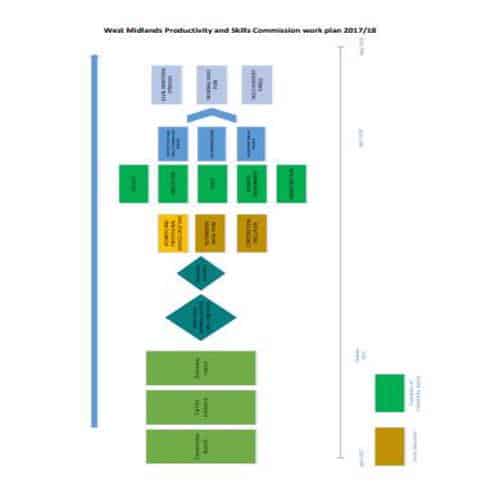
Details:
File Type: PDF
File Size: 1.24 MB
Comprehensive Productivity Skills Template
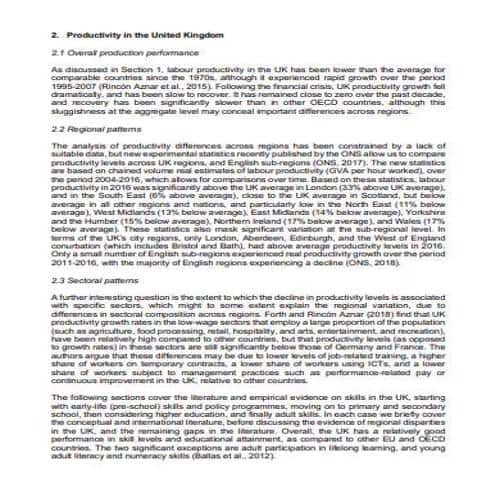
Details:
File Type: PDF
File Size: 1.55 MB
Business Productivity Skills Template
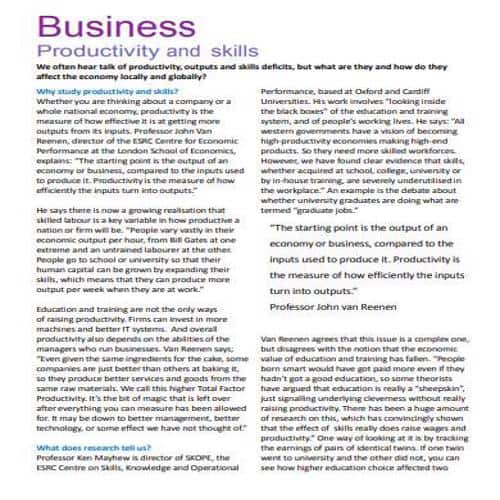
Details:
File Type: PDF
File Size: 1.08 MB
Choosing a Productivity Tool for the Actual Bottleneck
Use a time-block planner when work is not getting protected time, a priority matrix when selection is the problem, and a tracker when consistent repetition matters. More trackers do not automatically create more capacity. If the main difficulty is deciding the next action, WordNExcelTemplates’ task list templates provide a simple place to record priorities, owners and deadlines.
- Identify the one behaviour or workflow you want to improve.
- Choose a small set of fields you can maintain consistently.
- Review the record and change the plan based on what it reveals.
Worked Example
Example: someone repeatedly postpones a weekly report because urgent messages fill the morning. A protected writing block and a smaller first action may help more than adding another long task list. Track whether the block happened and what interrupted it.
Common Mistakes to Avoid
Avoid measuring activity without considering outcomes. Stop using a field that creates work but does not inform a decision.
Related Templates
- Project Charter Templates
- Hourly Schedule Templates
- Project Proposal Templates
- Daily Planner Templates
Frequently Asked Questions
Should I combine several productivity templates?
Only when each has a distinct purpose and the records remain manageable. Duplicating the same tasks across multiple tools can create extra maintenance and conflicting priorities.
How long should I try a new planner?
Use it long enough to observe a normal work cycle, then review the fit. Change fields or routines that consistently fail rather than treating the template as a fixed rule.
