
A task list is a written list of jobs to finish, usually with a deadline and a priority for each. It’s the simplest way to stop work from slipping. Office assistants use one to manage daily duties, managers to hand out work to a team, and volunteers or restaurant staff to get through everything before an event or opening day.
You’ll find 27+ task list templates on this page, among them a work task list, a management task list, a group project task list, a volunteer task list and a restaurant pre-opening list. The blank and simple versions work as a general to-do list template or a printable task list. All are editable.
Break big jobs into tasks you can finish in one sitting. “Plan the launch” sits on a list for weeks; “draft the launch email” gets done today.
For managing bigger pieces of work, you can also check out our kanban card templates, work plan templates and daily planner templates to schedule tasks across the day.
Simple Task List Templates
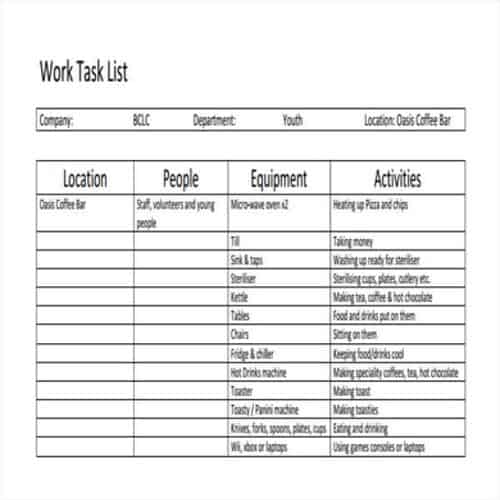
Work Task List Template
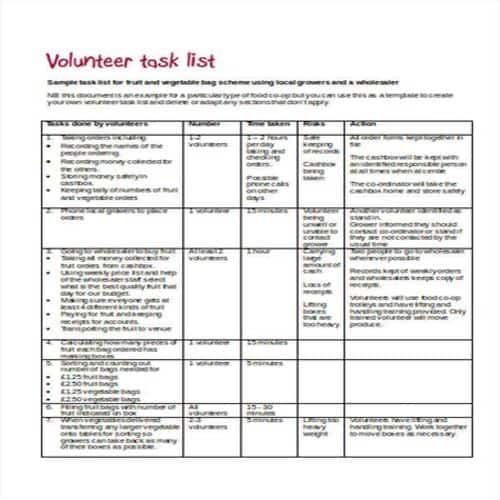
Volunteer Task List Template
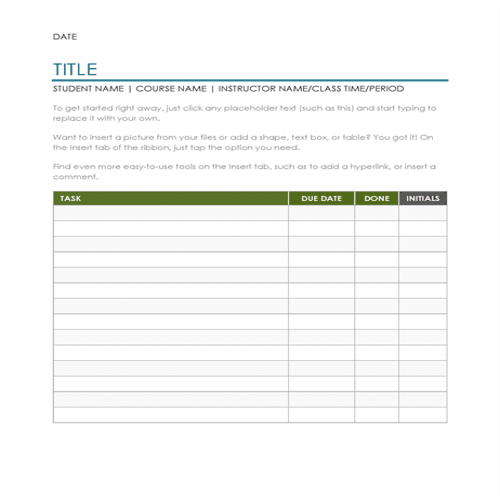
Blank Task List Template
Management Task List Template
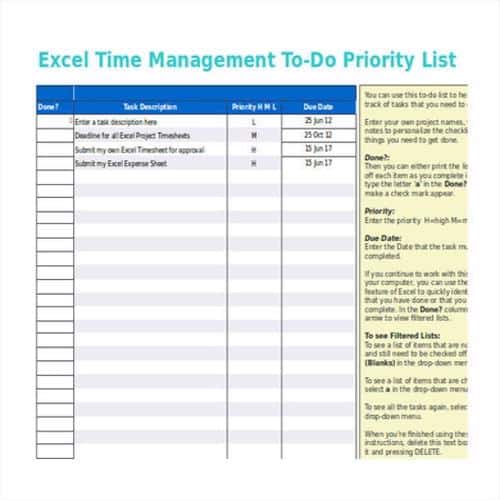
Simple Task List Template
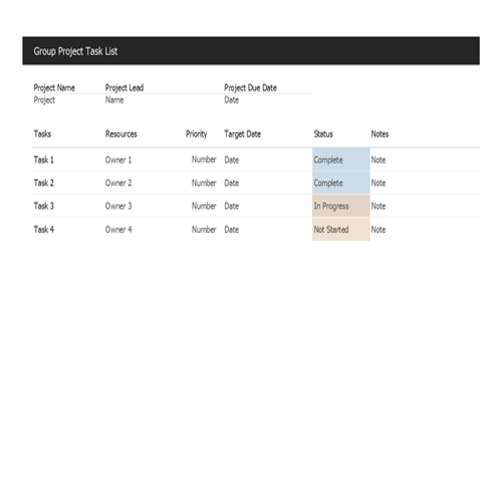
Group Project Task List Template
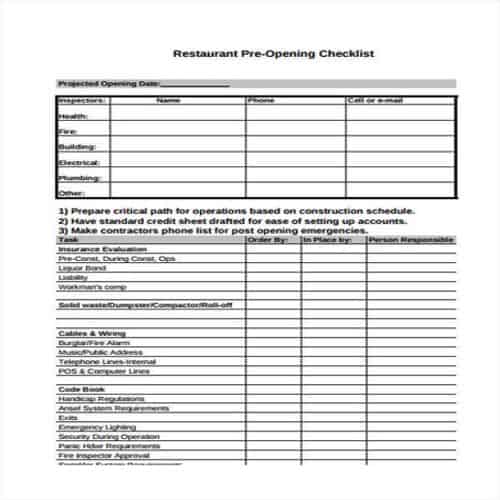
Restaurant Pre-Opening Task List
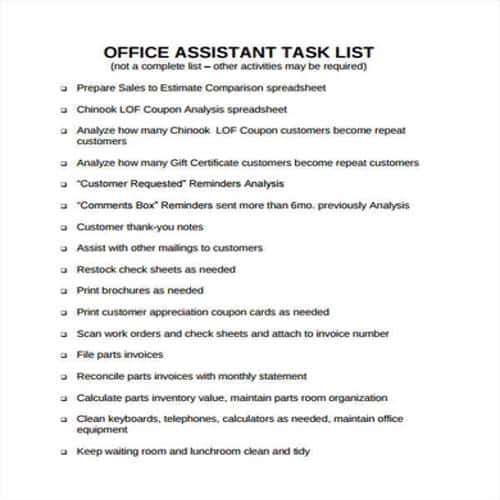
Office Assistant Task List Template
Job Task List Template
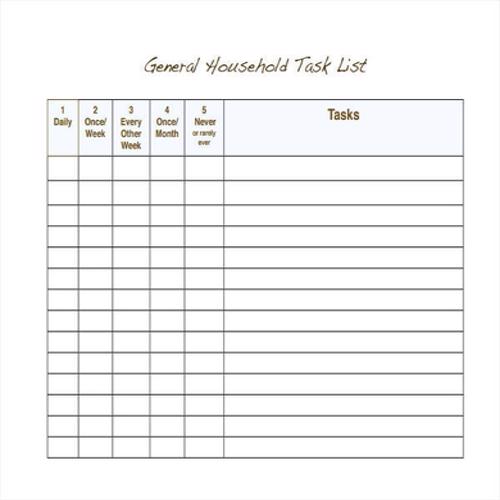
Household Task List Template
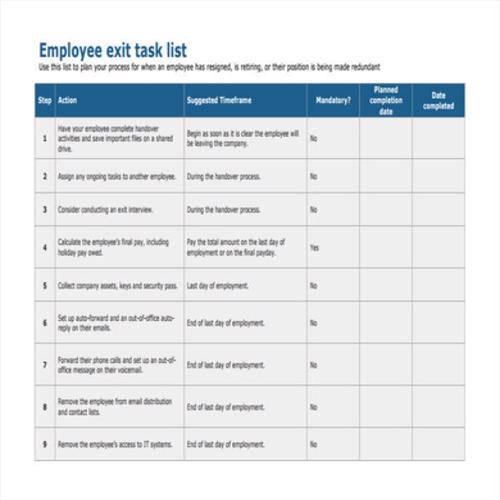
Employee’s Task List Template
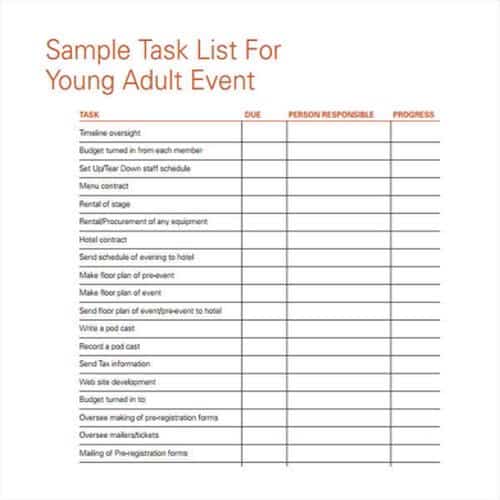
Event Task List Template
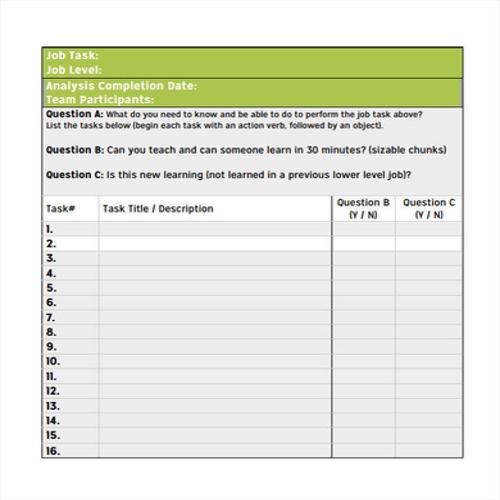
Training Task List Template
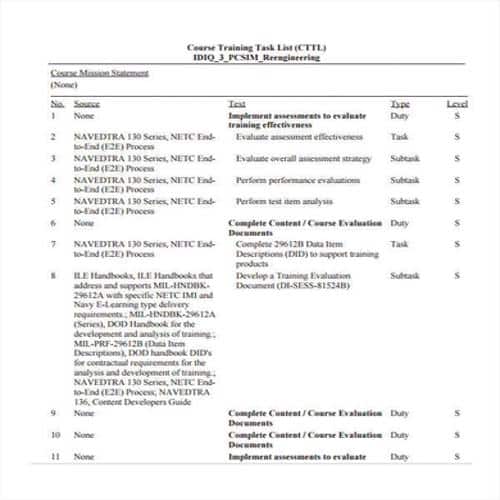
Daily Task List Template
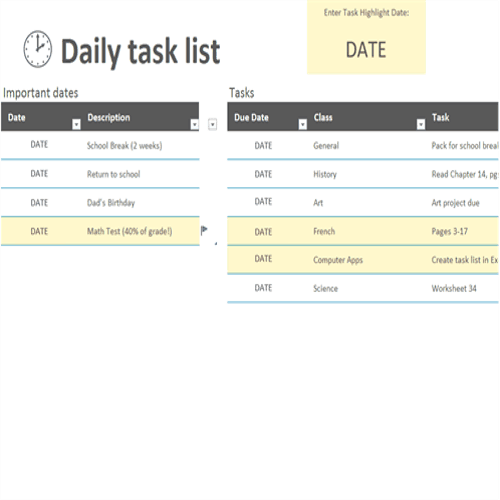
Useful Tips for making an Effective Task List Template
To get the most out of a task list, prepare it in a way that makes it effective and useful. Here are some useful tips for making an effective task list:
- A task list varies individually. So, it is important that you should know your purpose for making one.
- After that, prepare the draft of your task list and enlist your specific tasks.
- Mention the title of your task list at the top of the template.
- Create columns for the relevant details of each task. You can include columns for the name, date of performing the task, materials to be used, persons involved and costs. Of course, the details may vary when you create a personal task list template.
- Pay attention to the time or deadline for each task while making the task list. Ensure that these deadlines are practical.
- Prioritize the tasks that are most important to your business or personal goals.
- Before finalizing your task list template, make sure to review and analyze your draft properly.
Useful Task List Templates
Team Task List Template
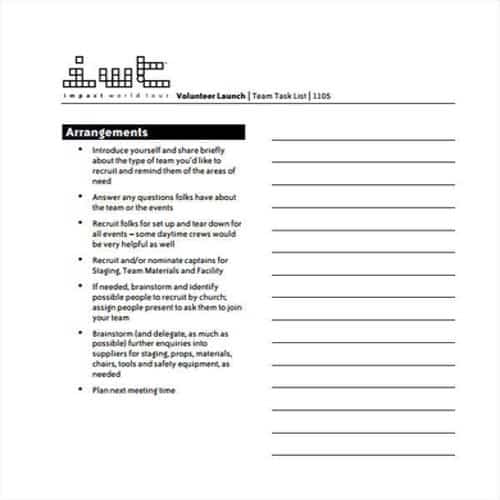
Lengthy Task List Template
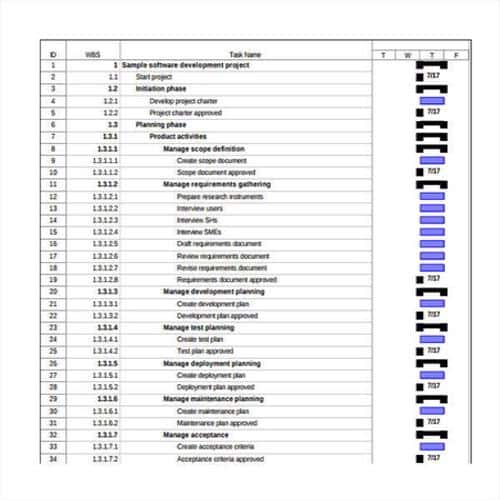
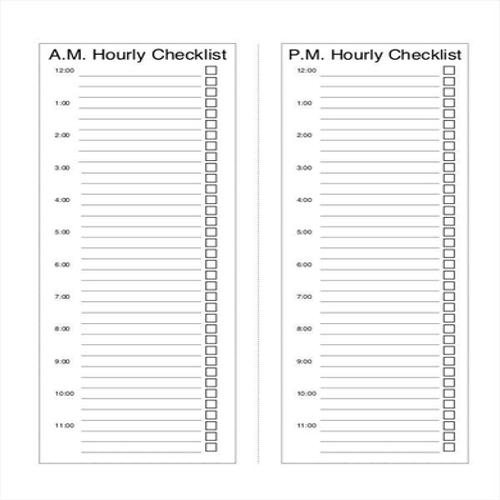
Hourly Task List Template
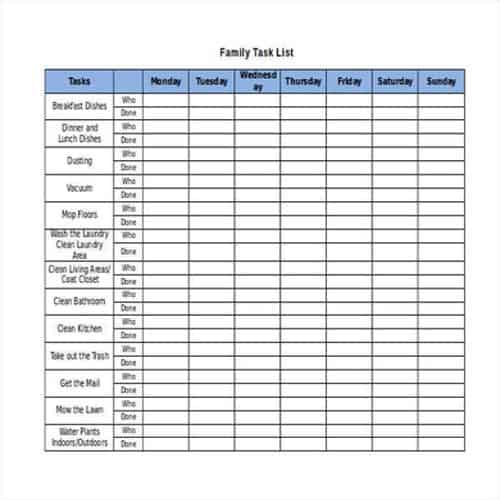
Family Task List Template
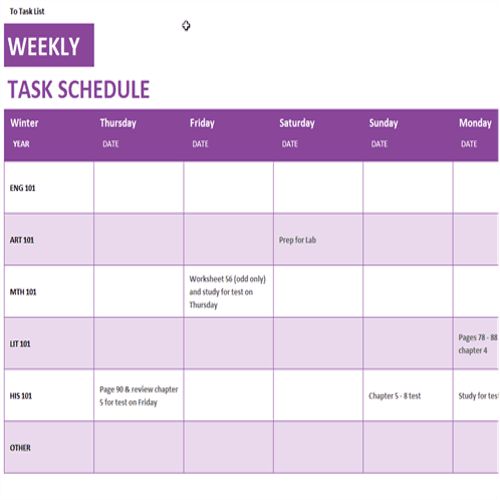
Task Schedule Template
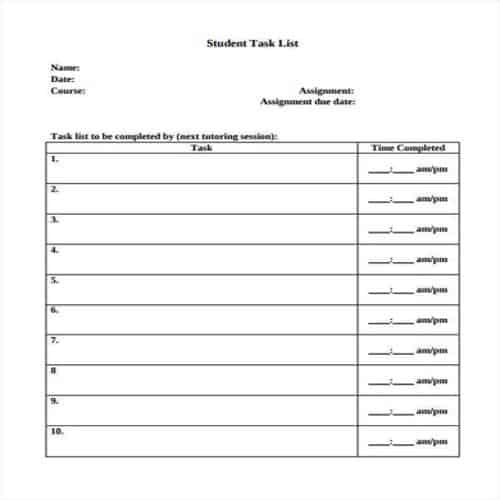
Student Task List Template
Basic Task List Template
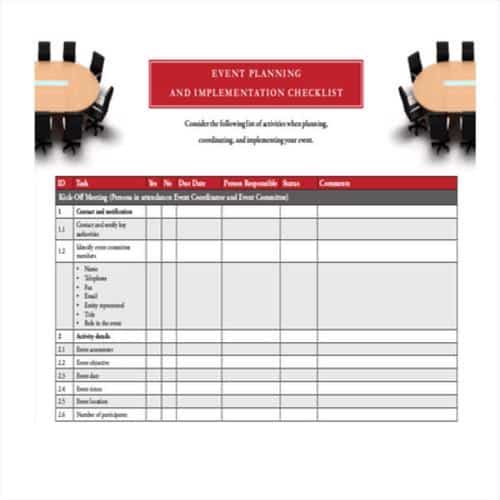
Event Planning Task List Template
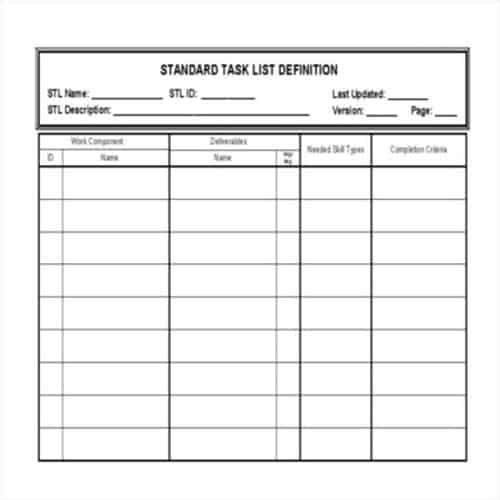
Standard Task List Template
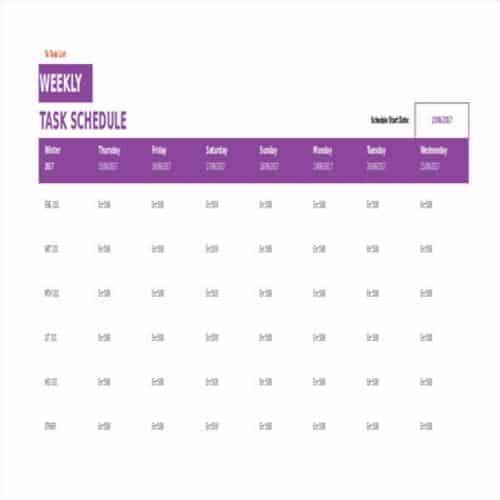
Weekly Task Shedule Template
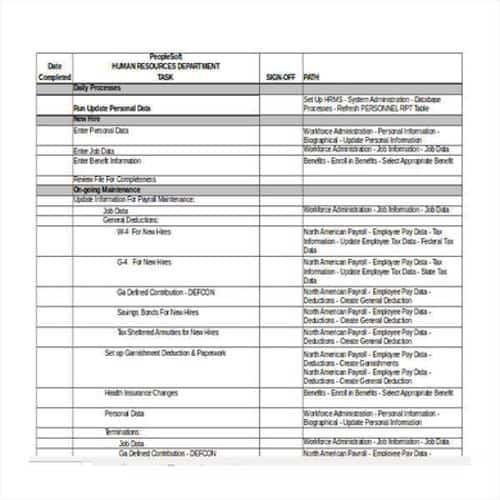
Business Task List Template
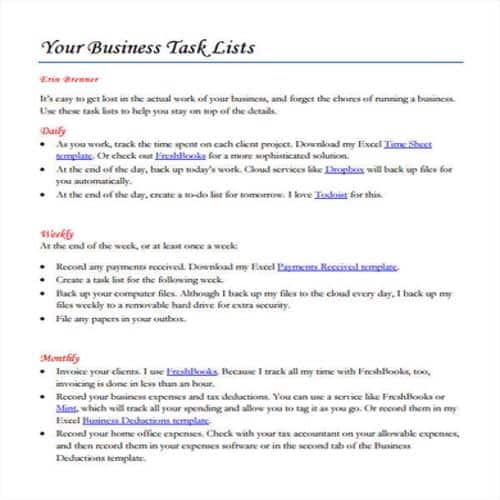
Admin Task List Template
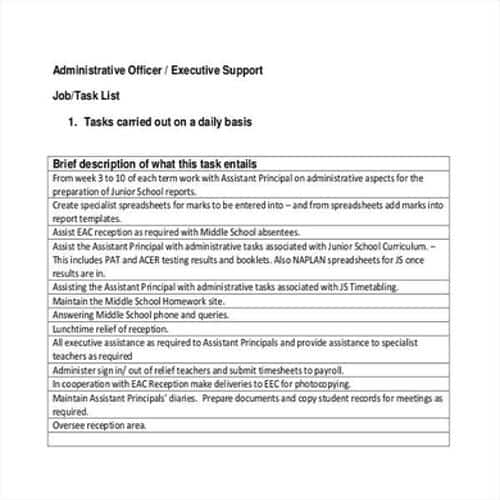
Daily Task List Template
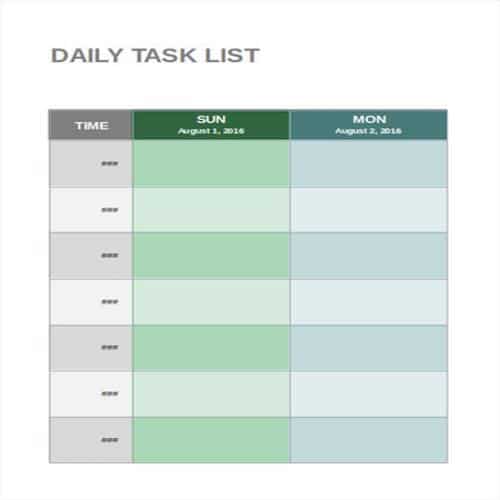
Easy Task List Template
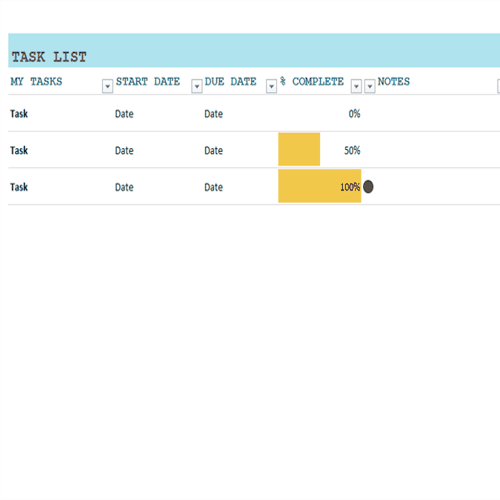
Benefits of a Task List
Time management is a key to business success. Many different tools are used for it, and a task list is one of them. The following points explain why it is important to use a task list.
- A task list is important for making budgets. When you know which tasks you will have to perform, you can easily estimate the costs and expenses they require.
- A task list template arranges tasks by priority. So, if you are short of funds, a task list helps you allocate your available funds to the most important tasks.
- Effective business strategies and decisions are made when you know exactly which tasks are important and how to perform them. That’s why many businesses use and follow task lists.
- A properly prepared task list ensures that no useless or time wasting activities are performed.
- With a task list, it is easy to check that all tasks have been completed, whether they are personal or business-related.
- Project managers also use task lists when they divide a single project into multiple tasks or stages.
Turning a Task List Into Clear Next Actions
Choose a simple list for personal work and add ownership or dependencies when several people are involved. Use only fields that help decide and complete the work. For additional spreadsheet layouts, compare WordNExcelTemplates’ task list templates and keep priorities and deadlines consistent with the working list.
- Write tasks as observable actions with a clear finish.
- Assign priority, owner and due date where relevant.
- Review regularly and remove or reschedule work deliberately.
Worked Example
Example: “Prepare the first draft of the June update” is actionable, while “June update” leaves the next step unclear. If approval depends on someone else, record that dependency rather than repeatedly moving the same due date.
Common Mistakes to Avoid
Avoid labelling every task urgent. Split large projects into manageable actions without losing the link to the intended outcome.
Related Templates
- Work Plan Templates
- Kanban Card Templates
- Implementation Plan Templates
- Critical Path Analysis Templates
Frequently Asked Questions
Should a task have more than one owner?
Several people can contribute, but one accountable owner makes coordination clearer. Record contributors separately where useful.
What should I do with a repeatedly postponed task?
Check whether it is still needed, too large, blocked or poorly defined. Change the underlying plan instead of only changing its date.
