
A professional email is a work message written in a clear, polite and structured way, with a focused subject line, a direct opening and a specific next step. It is how most businesses handle requests, follow-ups, updates and introductions. Employees, job seekers, freelancers and managers write dozens every week, and a solid template saves time and keeps the tone consistent.
This page has 32 free professional email templates you can copy and adjust. They include a standard and a brief layout, a detailed message for complex updates, an email letter for formal notices, and a guideline sheet that explains how to structure each part. A business email example shows each layout filled in, and the plain email format works for almost any message.
Save the templates you use most as quick replies in your mail program so you can insert them in two clicks. Then change the names and details every time before you send.
For more specific messages, you can also check out our meeting request email templates, business introduction letter templates and business memo templates for internal announcements.
Business Email Templates
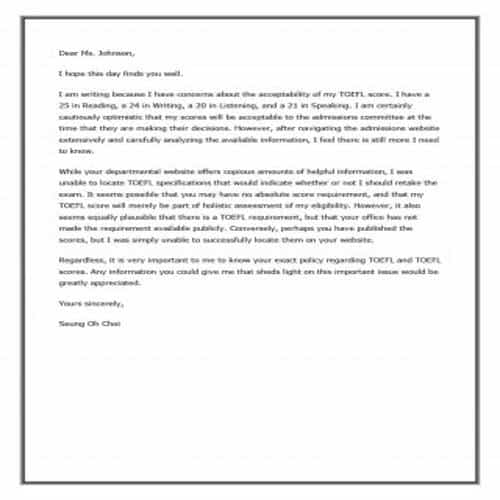
Standard Email Template
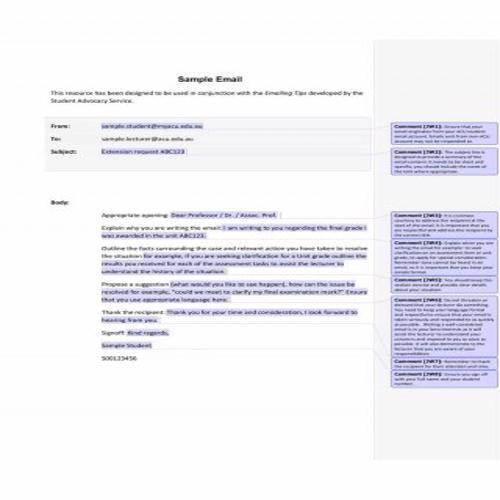
Sample Email Template
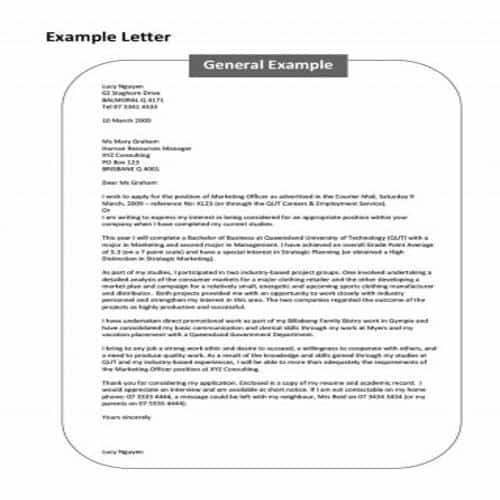
Email Letter Template
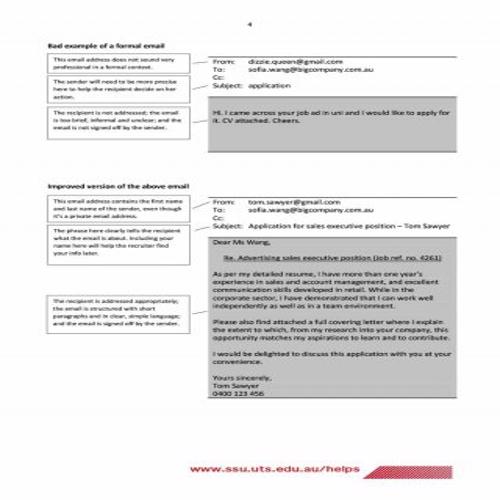
Example Email Template
Detailed Email Template
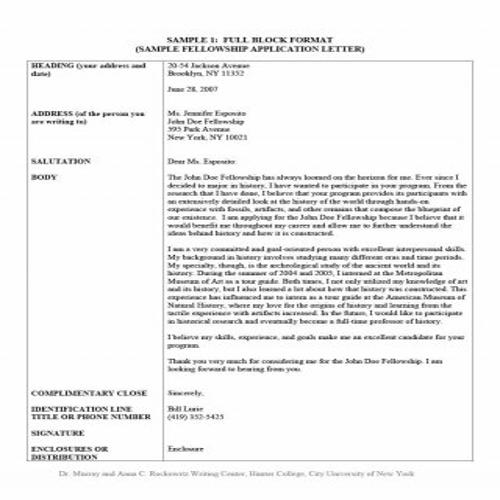
Email Format Template
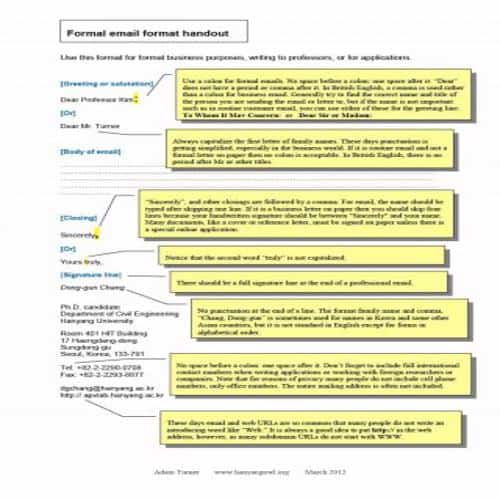
Email Guideline Template
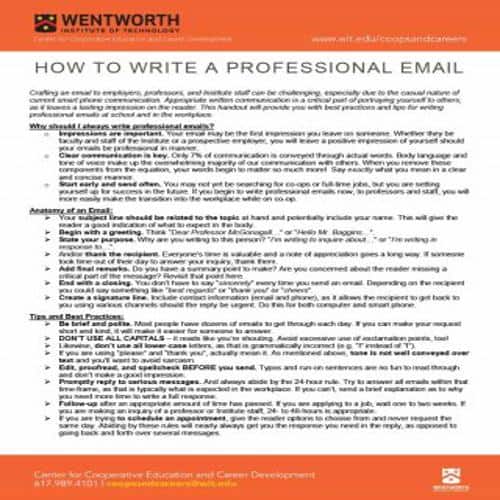
Brief Email Template
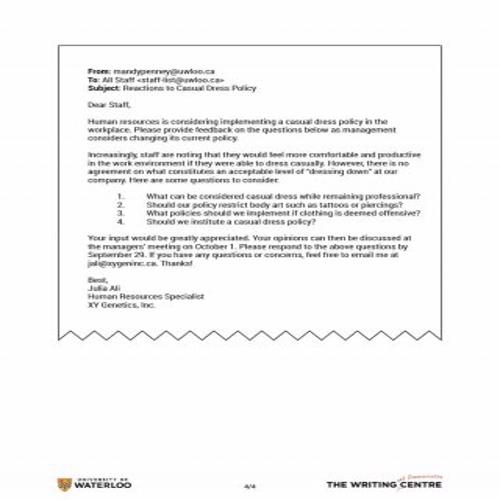
College Email Template
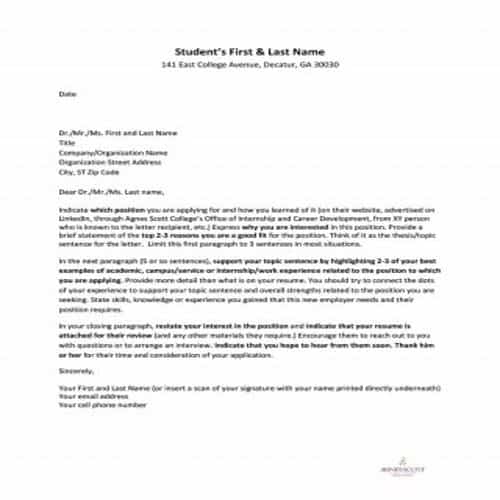
Special Email Template
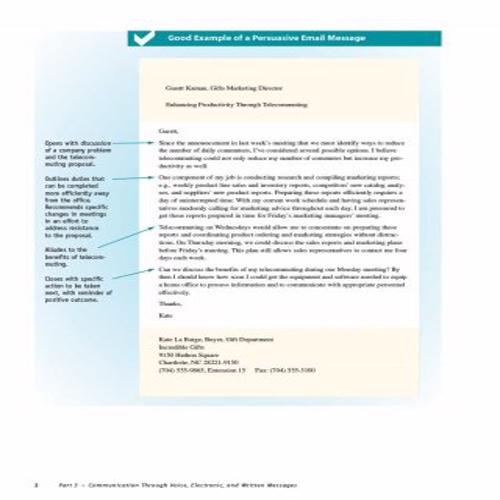
Executive Email Template
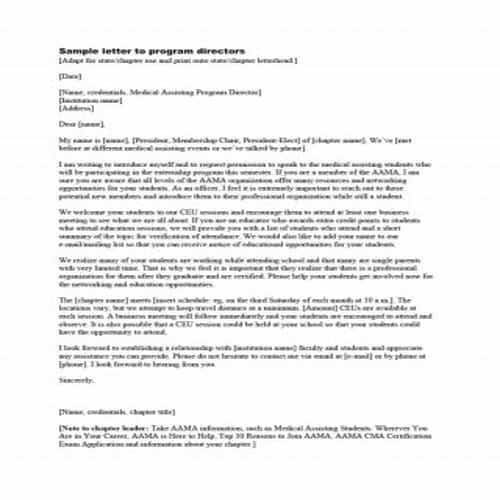
Professional Email Template
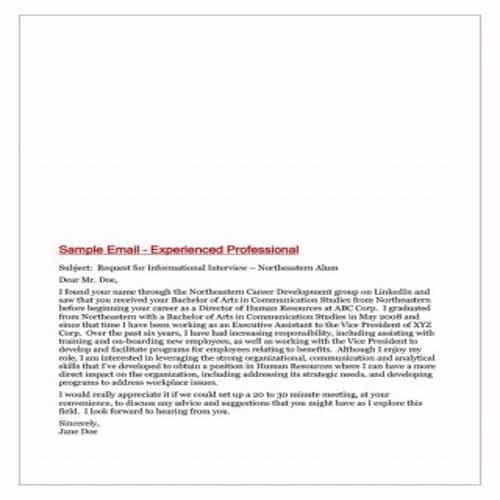
Email Request Template
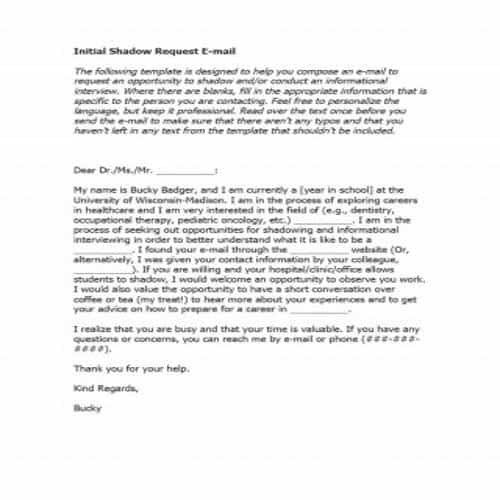
Business Email Template
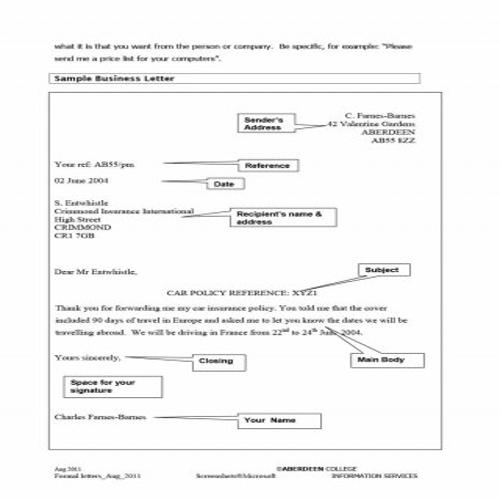
Example Email Template
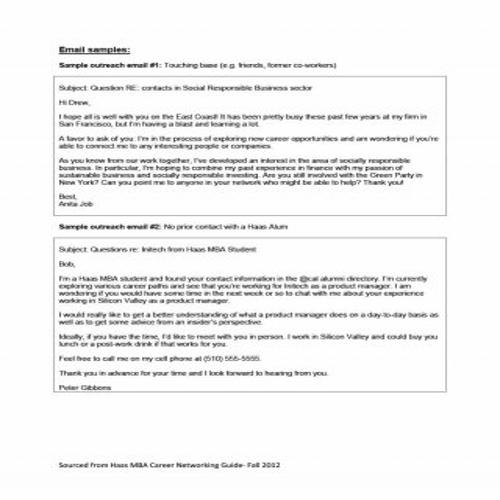
Basic Email Template
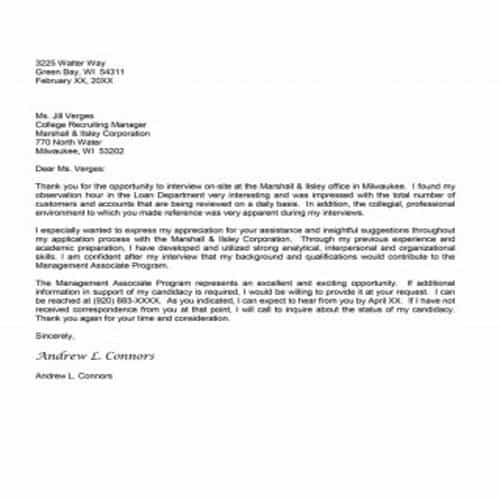
Tips for writing an Effective Email
Following are some useful tips for composing an effective and professional email:
- The first and most important thing is the email subject. You can skip it in personal emails, but an official email needs a proper subject. Keep the subject specific and precise.
- Start the email with a suitable greeting, followed by the recipient’s full name and job title. The most common greeting is ‘Dear’.
- As mentioned earlier, an email should be straightforward and to the point. Convey the message directly to the recipient instead of writing long details.
- When replying to a query, you can thank the recipient with a line like “Thank you for contacting us” or “We appreciate your response”.
- Use formal fonts and styles in an official email. Don’t use emojis, colored text or unusual fonts, as they look unprofessional.
- Just before signing off, you can add a brief closing remark that thanks the recipient again, such as “Thanks a lot for your valuable time”.
- The most common way to sign off is with a word like ‘Sincerely’, ‘Respectfully’ or simply ‘Thank You’, followed by your full name.
- After writing your email, review it for grammar and spelling errors before sending it to the recipient.
Special Email Templates
Extensive Email Template
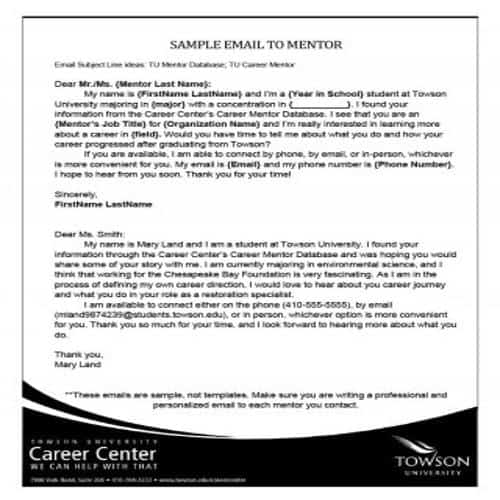
Email Writing Template
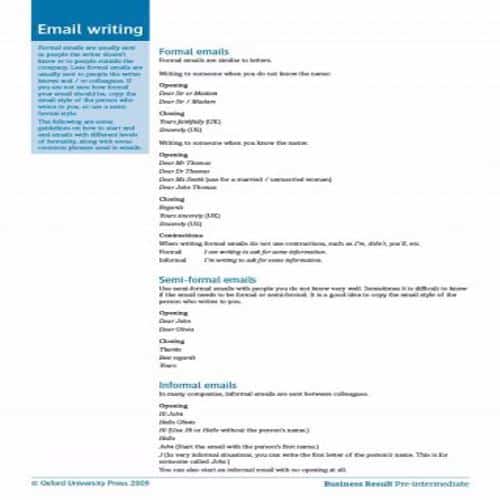
Direct Email Template
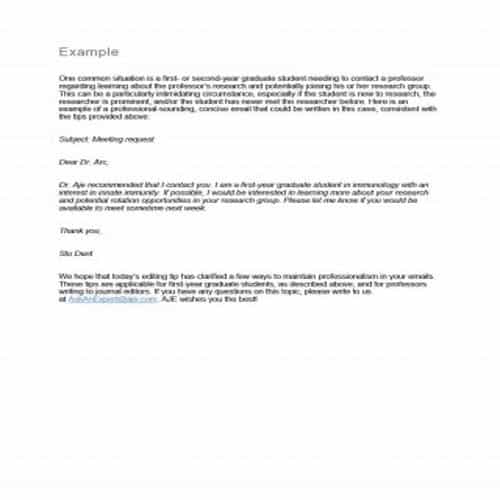
Resignation Email Template
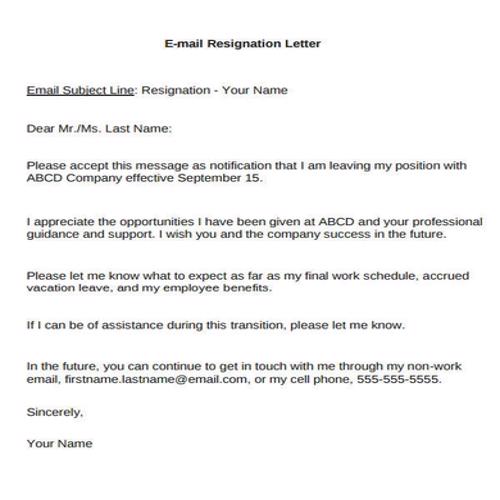
Sample Business Email Template
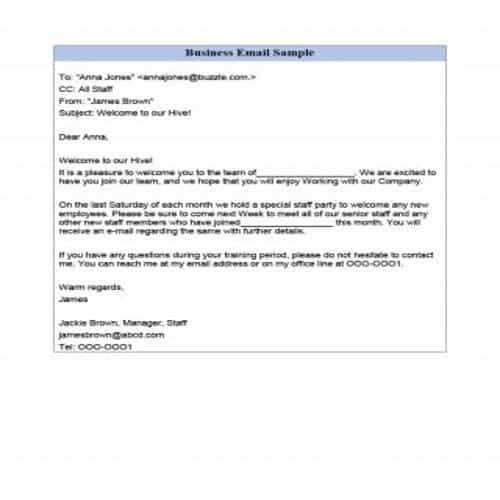
Simple Professional Email Example
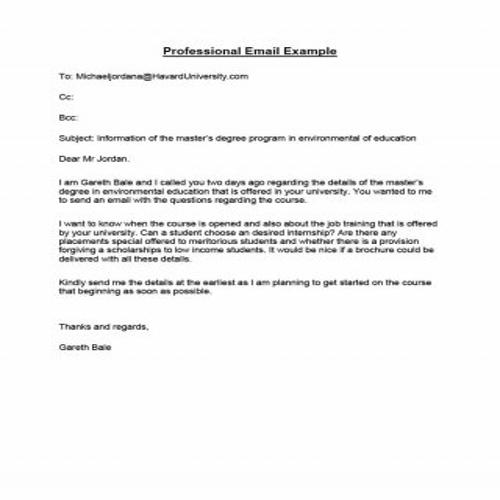
Sample Standard Email Template
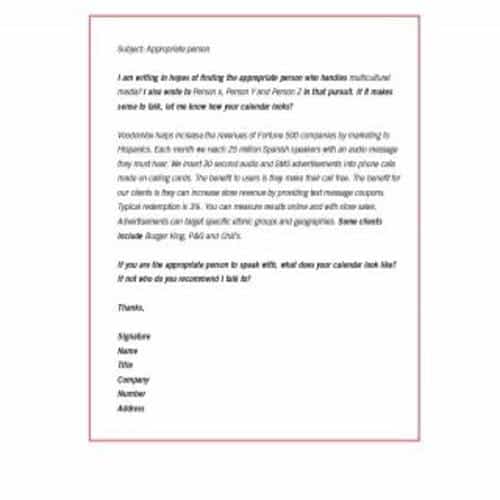
Professional Email Format Template
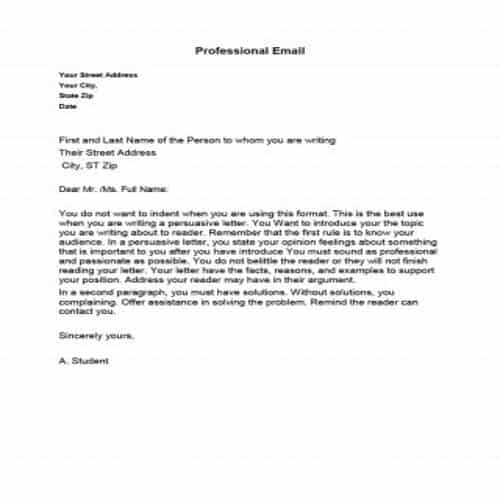
Student’s Email Template
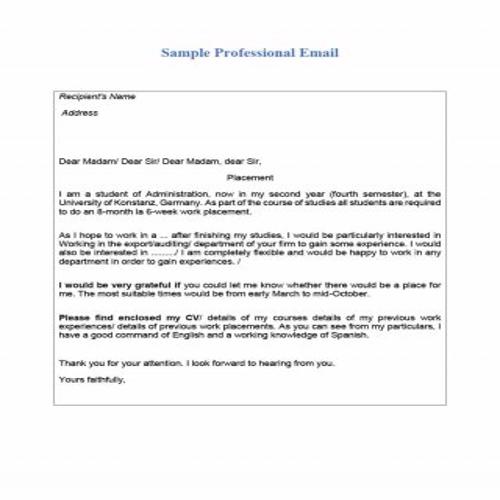
Job Candidate’s Email Template
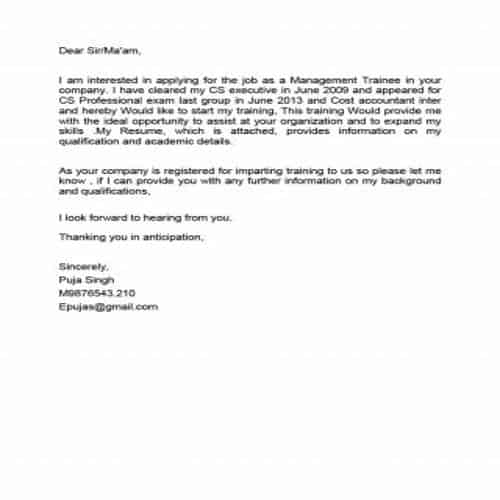
Typical Email Template
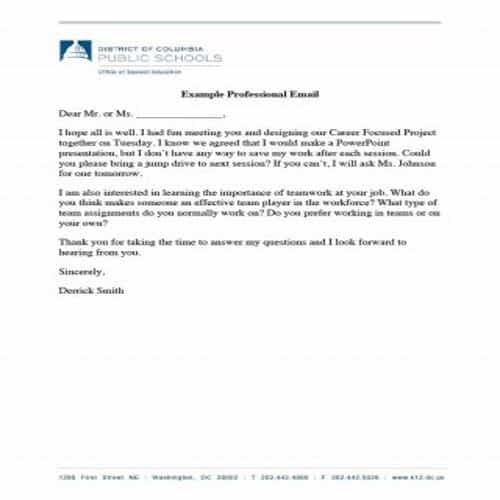
Quick Email Template
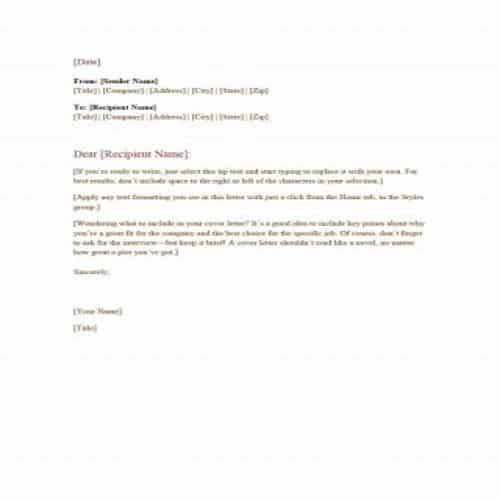
Multiple Email Template
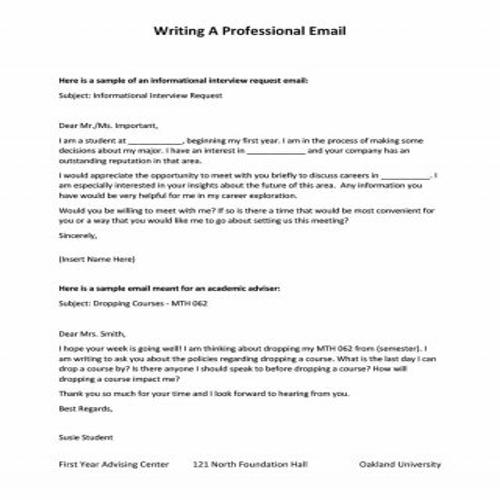
Effective Email Template
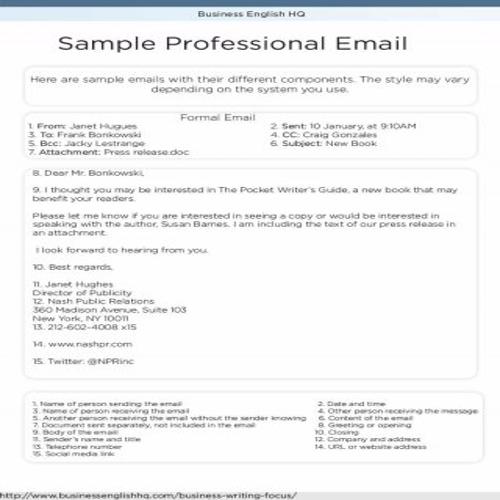
Email Blank Format Template
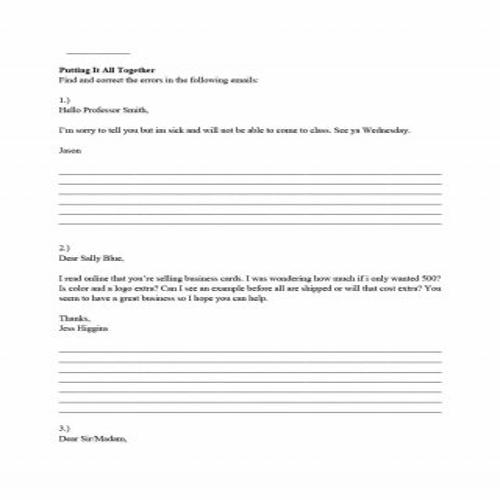
Email Writing Tips Template
Benefits of using Email Messaging
Some common advantages of using emails for formal communication are as follows:
- Email is completely free to use. You only need internet access to send and receive messages.
- Email is not technical or complex to use. Once your account is set up, sending and receiving messages is simple. With regular use, anyone can easily learn to compose an email.
- Email is very quick and fast in sending and receiving the communications.
- If you have access to internet, you can use email for communications from anywhere in the world.
- At the same time, a single message can be sent to as many people as you want, through email.
- Received emails can be stored for as long as you need, so you can keep a proper record of important communications. It is also easy to search for an important message.
- Just as you can enclose files or documents with a paper letter, you can attach important files or documents to an email.
Choosing the Right Professional Email Structure
Choose the message around its purpose: request, update, introduction or follow-up. A reader should understand the subject and required action without searching through background paragraphs. For the specific task of accepting a job offer, WordNExcelTemplates’ job offer acceptance letter template provides another structure to adapt to the agreed terms.
- Write a subject line that identifies the matter and relevant date or reference.
- Give essential context, then state the request or update plainly.
- Close with the next action, responsible person and realistic response timing.
Worked Example
Example: “Approval needed: revised event budget by Thursday” is more useful than “Quick question.” The body can summarize the change, link the relevant document and identify exactly what approval is requested. Keep unrelated questions in a separate message when they require different decisions.
Common Mistakes to Avoid
Avoid false urgency, unnecessary copying of recipients and vague follow-ups such as “any update?” without a reference. Check attachments and permissions before sending.
Related Templates
- Meeting Request Email Templates
- Business Introduction Letter Templates
- Business Memo Templates
- Price Increase Letter Templates
Frequently Asked Questions
How much background should I include?
Enough for the recipient to understand and act. Put lengthy supporting material in a clearly identified attachment or link rather than burying the request.
When should I follow up?
Use the agreed deadline and the matter’s urgency. Refer to the original request and ask a specific question instead of repeatedly sending an unexplained reminder.
