
A job offer acceptance letter is a short, formal reply in which a candidate accepts a job offer and confirms the key terms. New hires send it after receiving a verbal or written offer, interns use it to confirm a placement, and it gives both sides a written record of what was agreed before day one.
This page has 33 templates, all in Word, covering both letters and emails. Choose a formal letter for a traditional employer, or a short job acceptance email when the offer came by email. There’s also an internship acceptance email, a simple letter and a sample acknowledgement for when you want to confirm receipt before deciding. If you’re unsure how to write a job acceptance letter, these show the usual order and tone.
Reply within a day or two, in the same format the offer arrived in. If anything is still under negotiation, settle it before you accept, not in the letter itself.
Starting a new job often means wrapping up the old one. See our resignation letter templates to give notice, business reference letter templates for references, and employee information form templates that your new employer may ask you to fill in.
Job Offer Acceptance Letters Examples
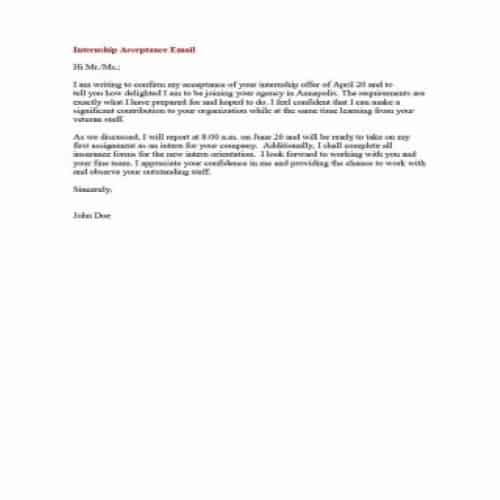
Simple Internship Acceptance Email
File Format: MS WORD
File Size: 7KB
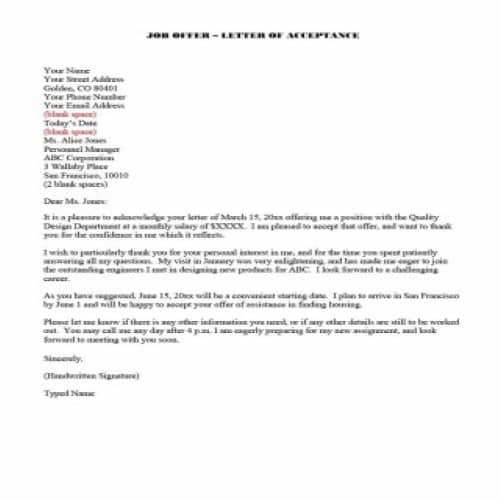
Job Offer Letter of Acceptance
File Format: MS WORD
File Size: 8KB
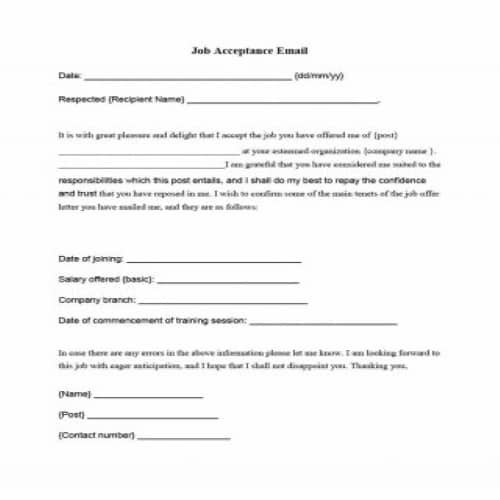
Job Acceptance Email
File Format: MS WORD
File Size: 13KB

Sample Acknowledgement of Job Offer Letter
File Format: MS WORD
File Size: 13KB
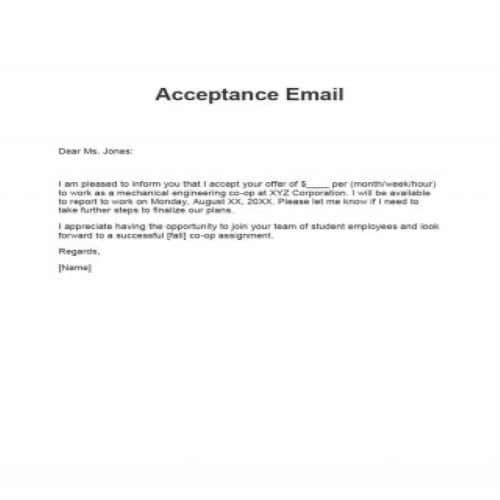
Job Acceptance Short Email
File Format: MS WORD
File Size: 13KB
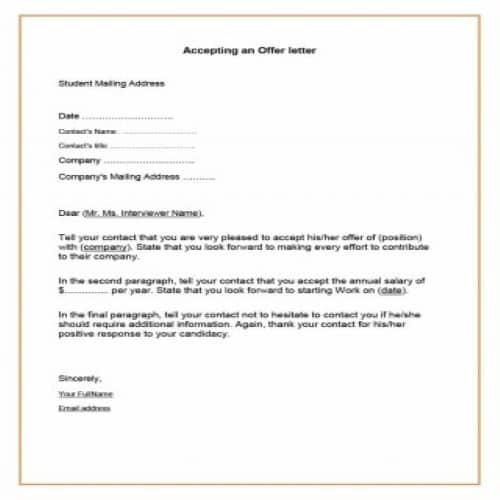
Simple Job Acceptance Letter
File Format: MS WORD
File Size: 13KB
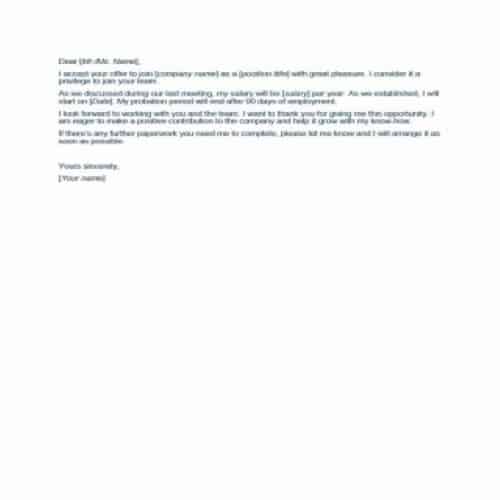
Short & Simple Job Acceptance Email
File Format: MS WORD
File Size: 13KB
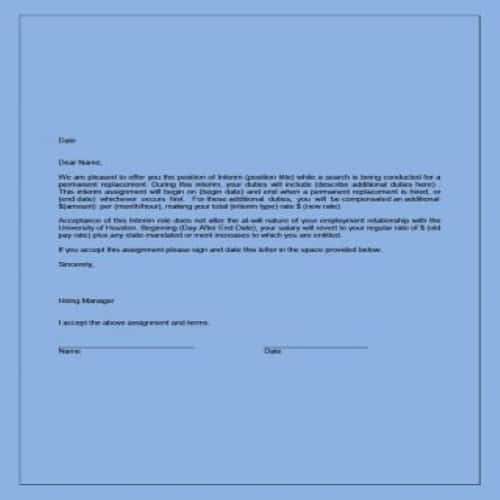
Formal Job Acceptance Letter
File Format: MS WORD
File Size: 15KB
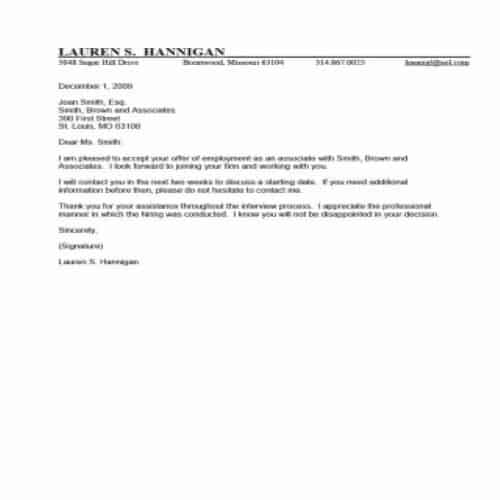
Company’s Job Offer Acceptance Letter
File Format: MS WORD
File Size: 8KB
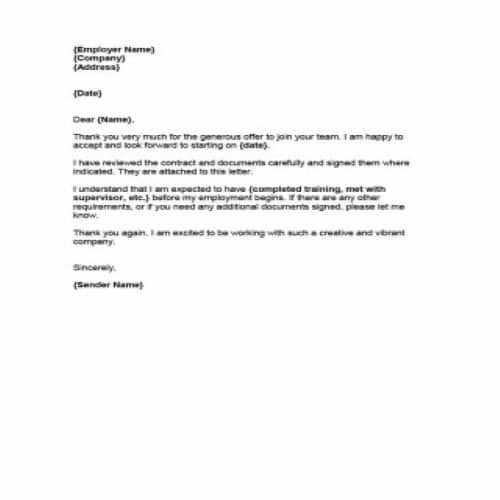
Company’s Job Acceptance Simple Letter
File Format: MS WORD
File Size: 20KB
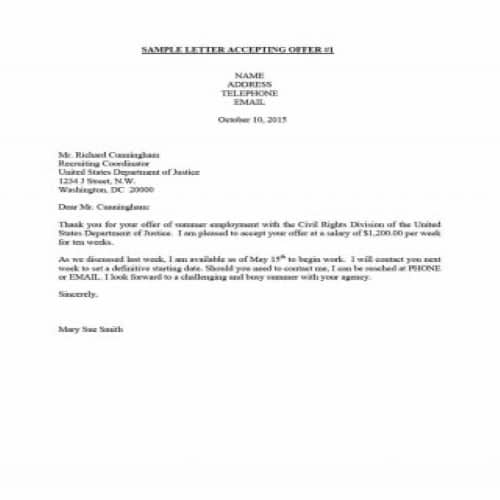
Sample Job Acceptance Letter
File Format: MS WORD
File Size: 78KB
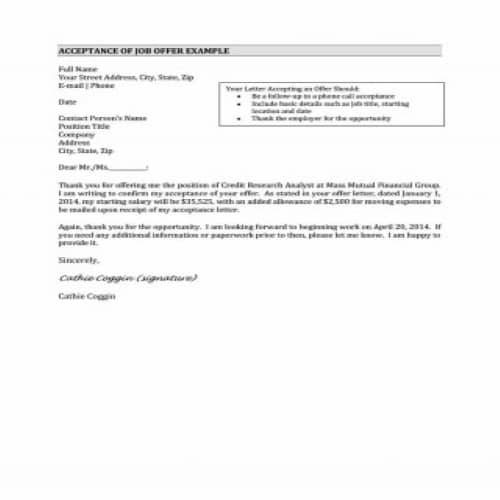
Job Acceptance Letter Example
File Format: MS WORD
File Size: 12KB
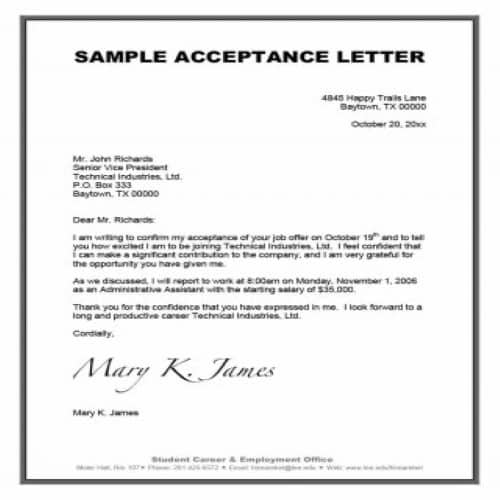
Professional Job Acceptance Letter
File Format: MS WORD
File Size: 8KB
Drafting the Job Acceptance Letter
Before you finalize and send the job acceptance letter to your new employer, prepare a draft. A draft is not the final version, so you are free to put down your thoughts and ideas. This lets you judge whether your writing is effective and attractive enough. After writing the draft, check it for mistakes in structure, content and grammar. Think carefully about what you want to communicate to your new employer. This is a new job opportunity, so try your best to make a good impression.
Before finalizing your job acceptance letter, make sure it looks like a proper, formal business letter, not just a piece of paper. It should include contact details, a greeting, a proper body, other necessary information and a signature section. Whether you send the letter by email or traditional mail, the writing style should be formal in both cases.
Job Acceptance Letter Format Types
Three business letter formats are commonly used for a job acceptance letter. The main difference between them is the layout. The three formats are:
- Block Style Letter:
This is a traditional letter style in which all the content of the letter is aligned with the left margin. The right margin stays empty. It is the simplest format for a job acceptance letter or email.
- Modified Block Style Letter:
In this style, the heading at the top of the letter, which contains the writer’s contact details, and the signature line are both aligned with the right margin. Everything else stays the same as in the traditional block style, that is, aligned with the left margin.
- Semi Block Style Letter:
In this format, the body of the letter is the same as in the modified block style. The main difference is that each paragraph is indented, that is, set in from the margin.
More Job Offer Acceptance Letters Examples
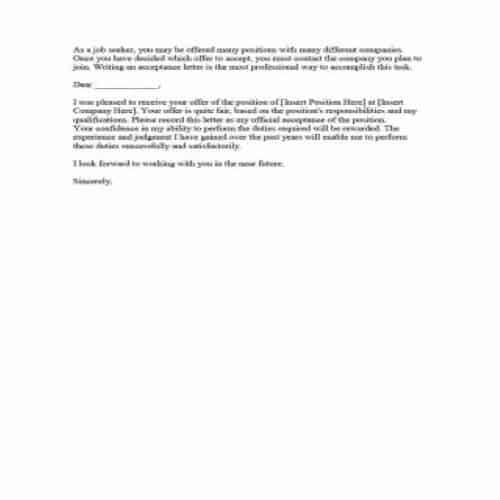
Job Acceptance Short Letter
File Format: MS WORD
File Size: 25KB

Detailed Job Acceptance Letter
File Format: MS WORD
File Size: 13KB
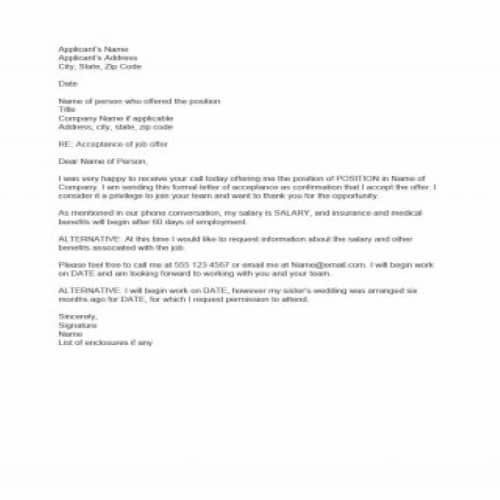
Formal Job Acceptance Letter
File Format: MS WORD
File Size: 13KB
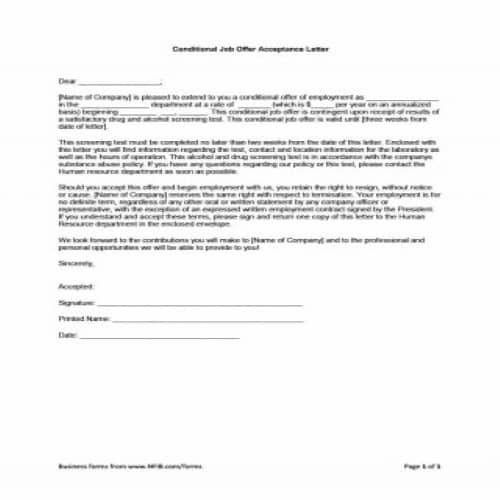
Confidential Job Acceptance Letter
File Format: MS WORD
File Size: 17KB
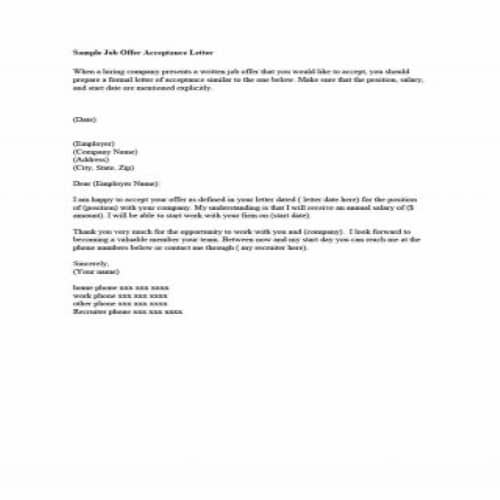
Sample Job Acceptance Letter
File Format: MS WORD
File Size: 5KB
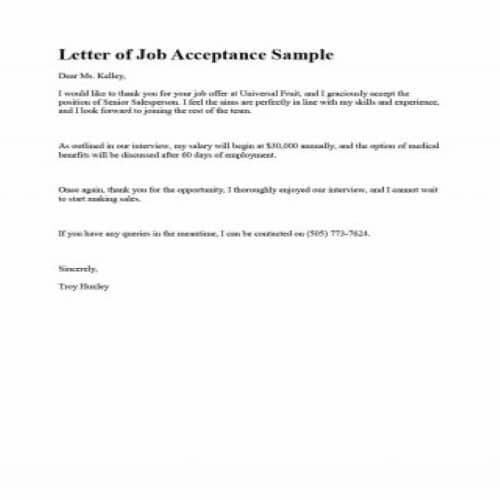
Sample Job Acceptance Email
File Format: MS WORD
File Size: 1KB
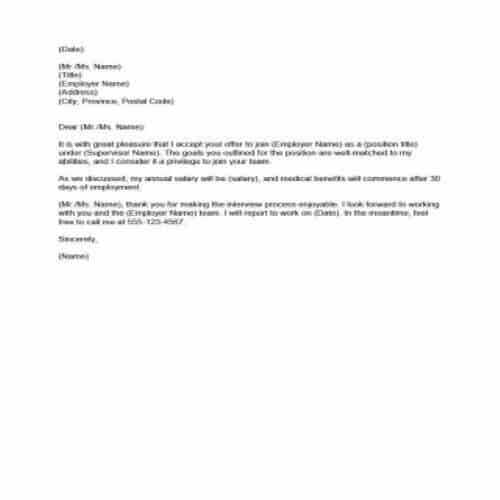
Internship Acceptance Short Email
File Format: MS WORD
File Size: 12KB
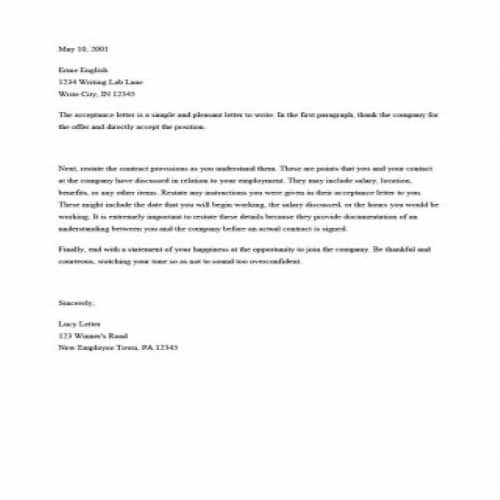
Decent Job Acceptance Letter
File Format: MS WORD
File Size: 13KB
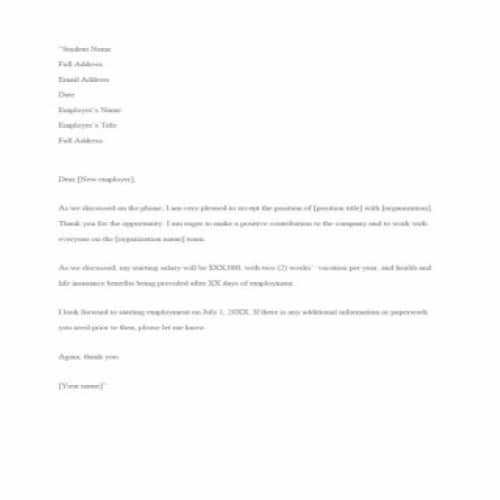
Official Job Acceptance Email
File Format: MS WORD
File Size: 13KB
Job Acceptance Email
File Format: MS WORD
File Size: 13KB
Elements of a Formal Job Acceptance Letter
As mentioned earlier, a job acceptance letter should be written as a formal business letter so that it is effective and professional. It should not be longer than a page. Include the following elements when you write a job acceptance letter manually:
1. Contact Information
Your contact details should appear prominently at the top of the document. They should include your full name, address, contact number and email address.
2. Date
Don’t forget to mention the date on which you are writing the letter. In a paper letter, put the date just below your contact information. In an email, mention the date in the body of the email.
3. Include Subject
Mention the subject of the letter just below the date, using the abbreviation RE:. In a job acceptance letter, the subject would normally be “Job Acceptance” or “In appreciation of the Job Offer”.
4. Details of Addressee
Address your letter to the person who is hiring you. Mention their full name and any title that fits their rank or level, to keep the letter professional.
5. Address of the Employer/Business
Write the employer’s address below the name and job title of the addressee. This inside address should include the property number, street name, city, state and zip code of the business.
6. Include proper Greeting
Most formal business letters and emails start with a greeting. It is better to address the person directly than to use the phrase “to whom it may concern”, which doesn’t seem professional. Begin the letter with the word “Dear” followed by the addressee’s name. You can also use titles like “Mr.”, “Mrs.” or “Miss” as required.
7. Body
This is the main content of the letter, covering your acceptance of the job. Begin by thanking the person who is hiring you. Express your gratitude and mention the title of the job offered. Let them know you are genuinely happy to accept the offer. Also assure them that you have understood and acknowledged the details of the salary and any other benefits.
8. Finishing the Content
Express your gratitude once again, and don’t forget to mention your eagerness to become part of the organization and to contribute to its progress and development.
9. Ending the letter
After wrapping up the content, end the letter with the word ‘sincerely’ or another suitable professional alternative. You can use the following words or phrases here:
- Kind regards
- Best regards
- Respectfully
- Yours sincerely
- Sincerely yours
- Yours truly
- Truly yours
- With thanks
10. Signature
Your name appears at the end of the letter, before the signature line. The signature line goes two lines below the body of the letter.
Sample Job Offer Acceptance Letters
Professional Job Acceptance Email
File Format: MS WORD
File Size: 13KB
Elegant Job Acceptance Email
File Format: MS WORD
File Size: 13KB
Simple Job Acceptance Email
File Format: MS WORD
File Size: 13KB
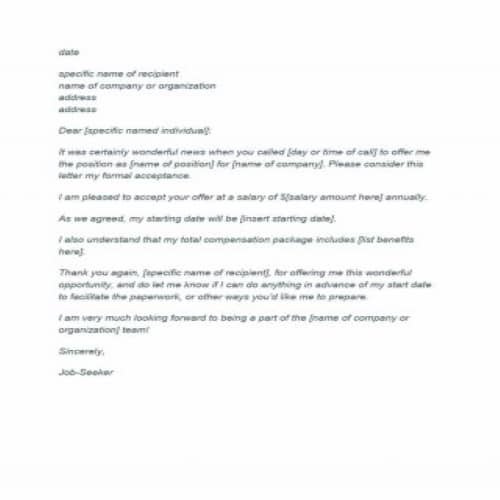
Formal Job Acceptance Letter
File Format: MS WORD
File Size: 13KB
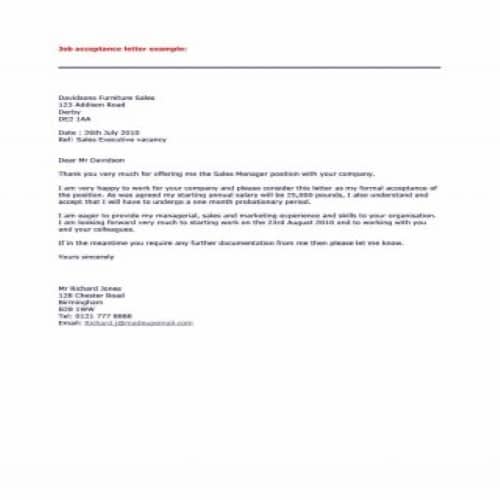
Job Acceptance Detailed Letter
File Format: MS WORD
File Size: 13KB
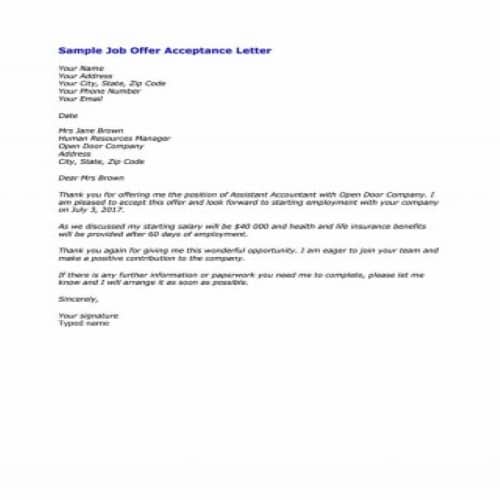
Sample Job Offer Acceptance Letter
File Format: MS WORD
File Size: 13KB
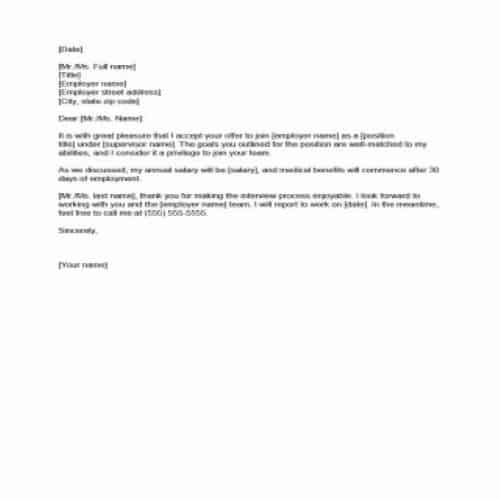
Job Acceptance Email Example
File Format: MS WORD
File Size: 12KB

Job Acceptance Official Letter
File Format: MS WORD
File Size: 13KB
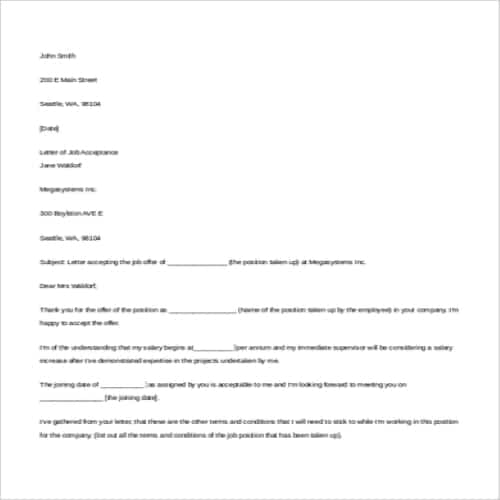
Job Acceptance Letter Sample
File Format: MS WORD
File Size: 5KB
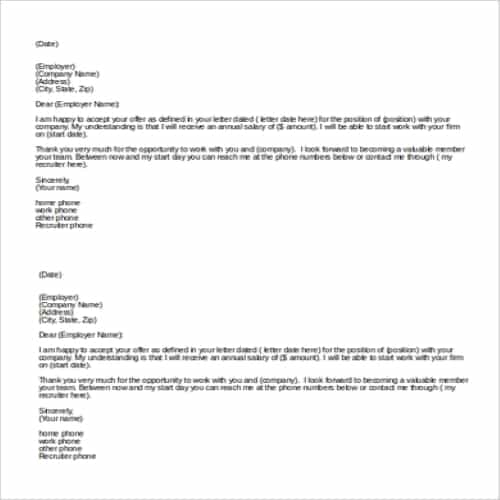
Job Acceptance Brief Letter
File Format: MS WORD
File Size: 5KB
What to Include in a Job Offer Acceptance Letter
- Thank-you for the offer
- Formal acceptance of the position
- Job title and confirmed salary
- Start date
- Any agreed conditions or benefits
- Next steps and signature
Tips for Using These Job Offer Acceptance Letter & Email Templates
Repeat the key terms so both sides have them in writing. A short email works for most roles; use a formal letter if the employer asks. For another editable response format, see WordNExcelTemplates’ job offer acceptance letter template and confirm that the wording matches the offer being accepted.
Related Templates
- Resignation Letter Templates
- Teacher Recommendation Letter Templates
- Retirement Letter Templates
- Business Reference Letter Templates
Frequently Asked Questions
Should I accept a job offer by email or letter?
Follow the employer’s requested process and any applicable requirements. Whichever format is used, identify the role and the terms you intend to accept, and keep a copy of the offer and your response.
What if important terms are still unclear?
Ask for clarification before sending an unconditional acceptance. Resolve matters such as start date, location or compensation through the appropriate process rather than assuming a sample letter overrides an unclear offer.
Can I change my mind after accepting?
The consequences depend on the offer, acceptance, circumstances and applicable law. Communicate promptly and obtain advice if needed; do not assume acceptance is either consequence-free or impossible to revisit in every case.
