
Quick picks
A Pareto chart is a bar chart that ranks problems or causes from most to least frequent, with a line showing the cumulative total. It is built on the 80/20 rule: a few causes usually create most of the trouble. Quality teams, plant managers and customer service leads use one to decide which defects, complaints or delays to fix first.
There are 32 free Pareto chart templates in this collection. They include a project Pareto chart for tracking issues, a product version for defect counts, an analytical chart with a fuller data table, and a Pareto chart example filled in with sample figures so you can see how the cumulative line works. Every Pareto analysis template is editable, so you can swap in your own categories and counts.
Group rare causes into a single “Other” bar at the far right. Too many tiny bars hide the few causes that really matter.
A Pareto chart helps you find the main causes; the next step is deciding what to do. You can also check out our problem statement templates, decision matrix templates and after action review templates.
Useful Pareto Chart Templates
Sample Pareto Chart Template
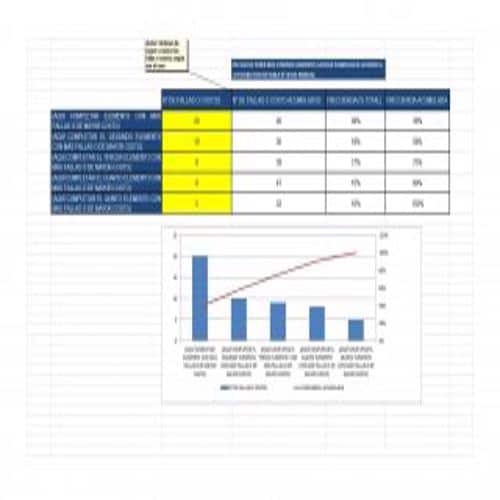
Proper Pareto Chart Template
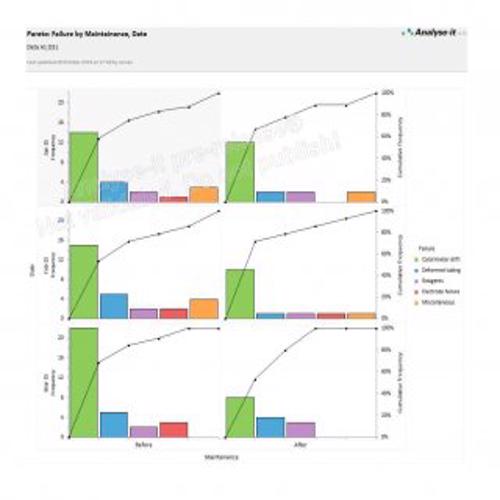
Typical Pareto Chart Template
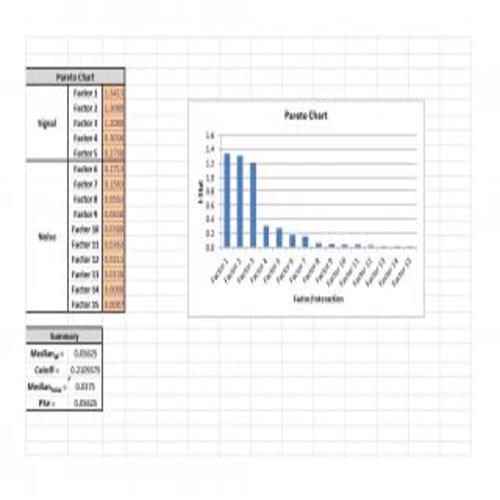
Project Pareto Chart Template
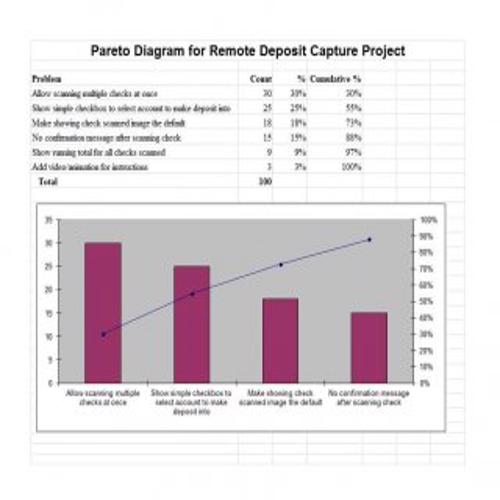
Product Pareto Chart Template
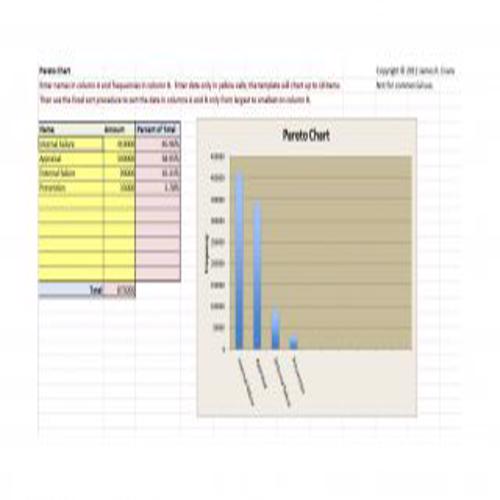
New Pareto Chart Template
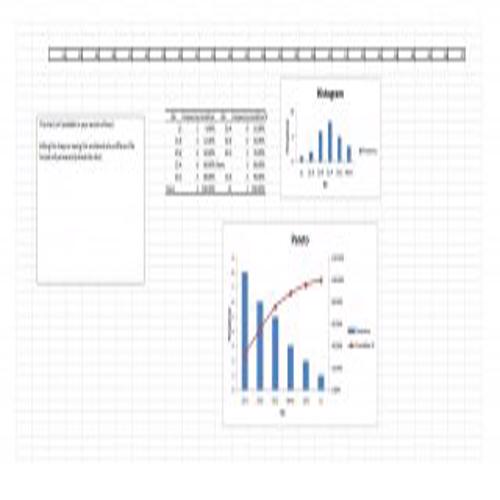
Analytical Pareto Chart Template
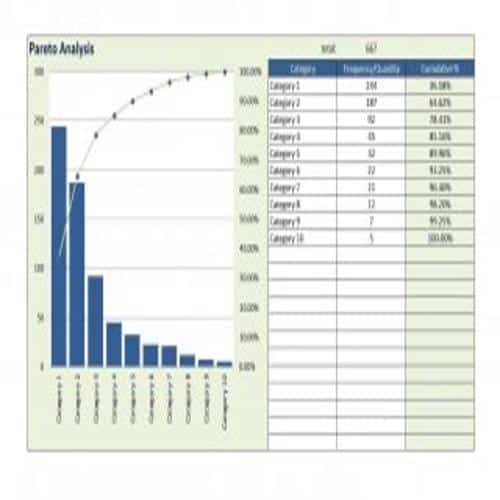
Exclusive Pareto Chart Template
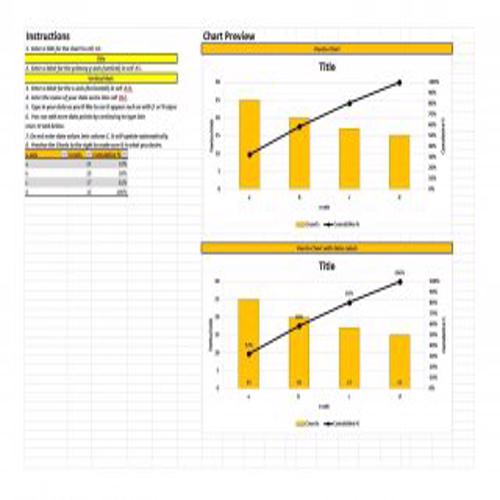
Dynamic Pareto Chart Template
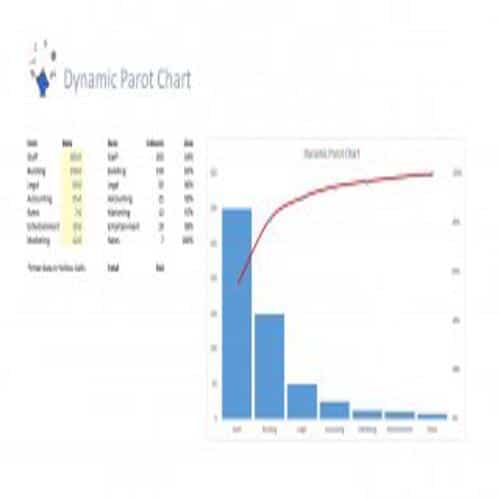
Special Pareto Chart Template
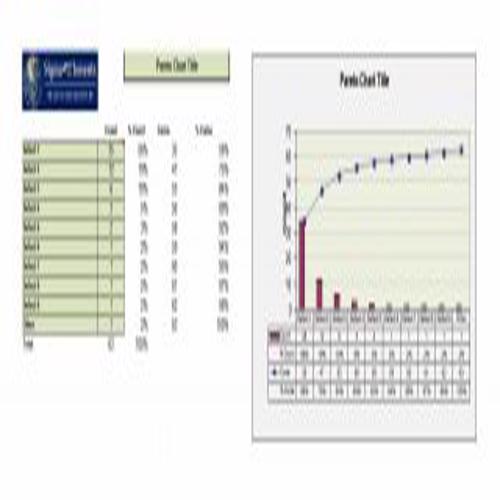
Simple Pareto Chart Template
Webpage Pareto Chart Template
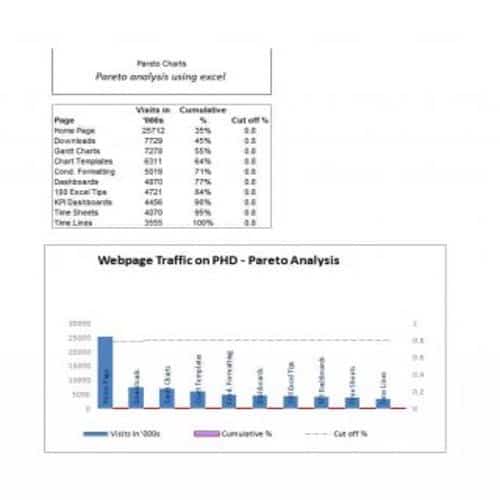
Stylish Pareto Chart Template
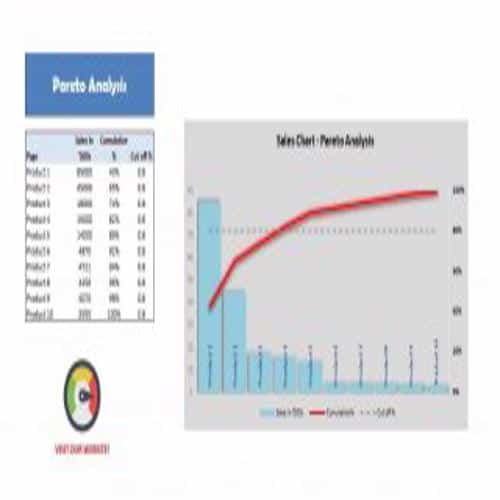
Usual Pareto Chart Template
Official Pareto Chart Template
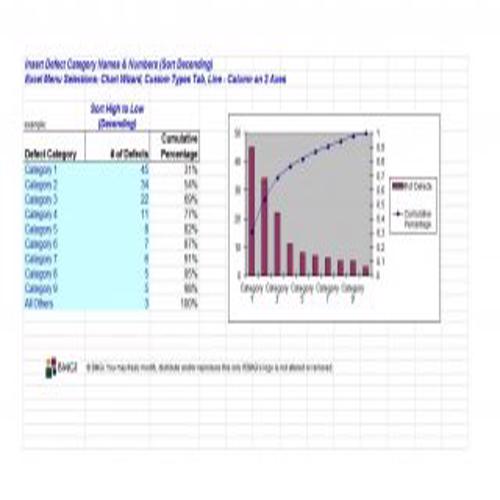
Standard Pareto Chart Template
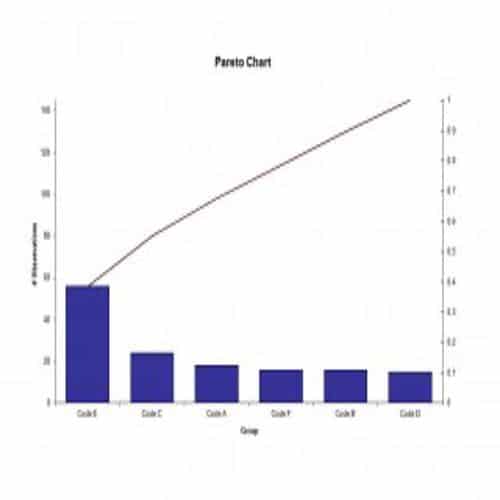
Creating a Pareto Chart Template
To create a proper and effective Pareto Chart template, follow these steps:
- Make a complete list of problems, values or items to be compared.
- Set a standard measure for the proper comparison of items, depending upon the cost, frequency or time.
- Choose a period for the collection of data.
- For each item, check how often it occurred, its cost or the total time it took. Then add up these items to get the grand total for all items. Calculate each item’s percentage of the grand total.
- List the items in decreasing order of the chosen measure of comparison, for example from most frequent to least frequent. Then calculate the cumulative percentage for each item.
- List the items on the horizontal axis and write the numbers (frequency, time or cost) on the left vertical axis. Write the cumulative percentages on the right vertical axis. Then draw a bar for each item.
- Draw a line showing the cumulative percentages. The first point should line up with the top of the first bar.
- Finally, analyze the chart to identify the items that account for most of the effect. Look for a clear break point in the line graph, where it starts to level off. If there is no break point, identify the items that account for 50 percent or more of the effect.
More Pareto Chart Templates
Quality Pareto Chart Template
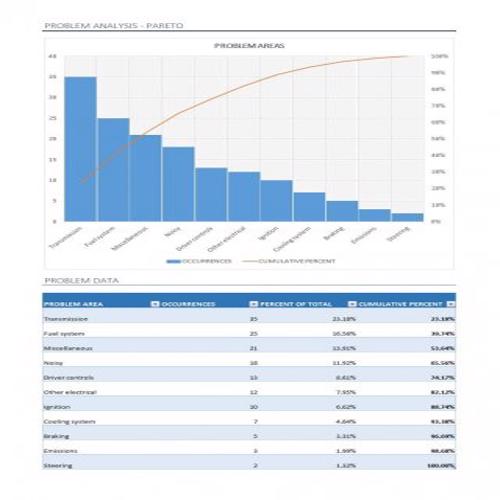
Informative Pareto Chart
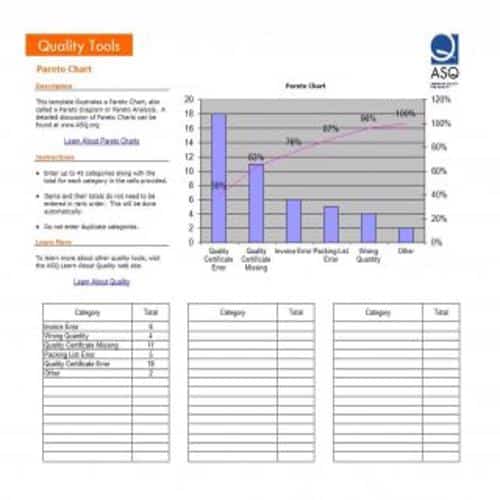
Webpage Traffic Pareto
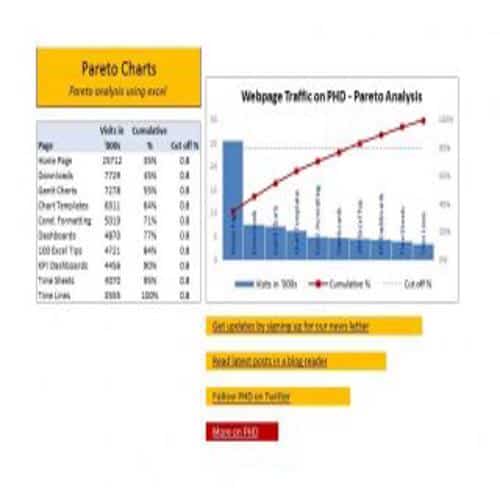
Multi Level Pareto Chart Template
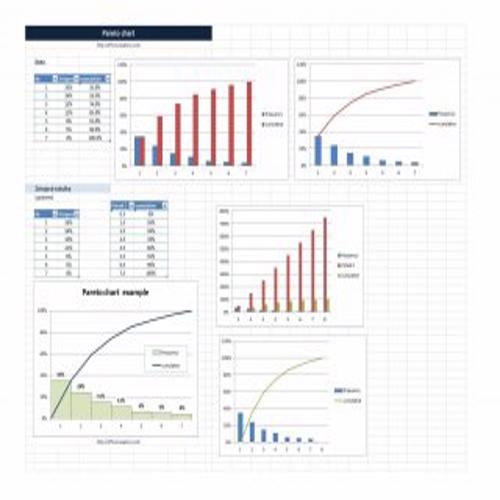
Explained Pareto Chart Template
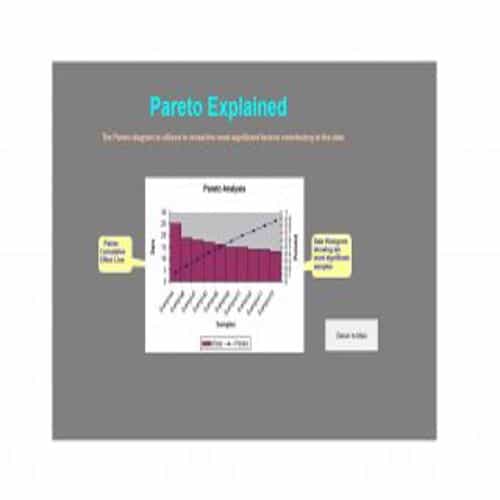
Descriptive Pareto Chart Template
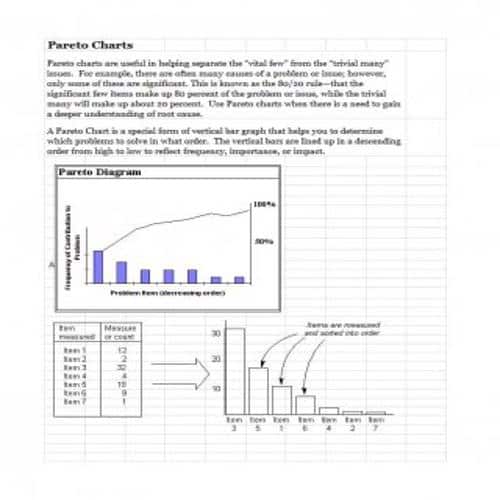
Decent Pareto Chart Template
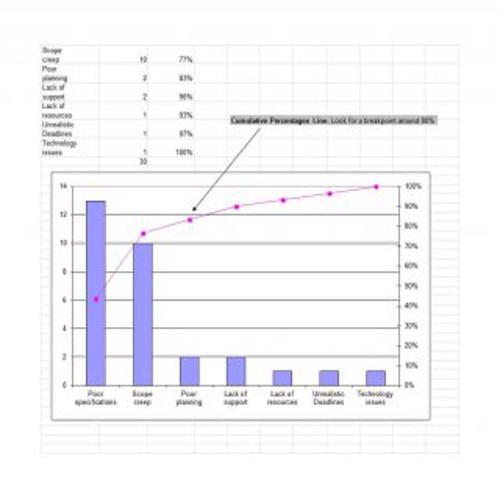
Formal Pareto Chart Template
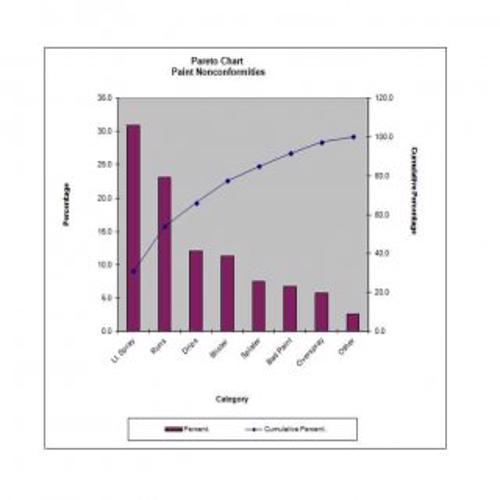
Elegant Pareto Chart Template
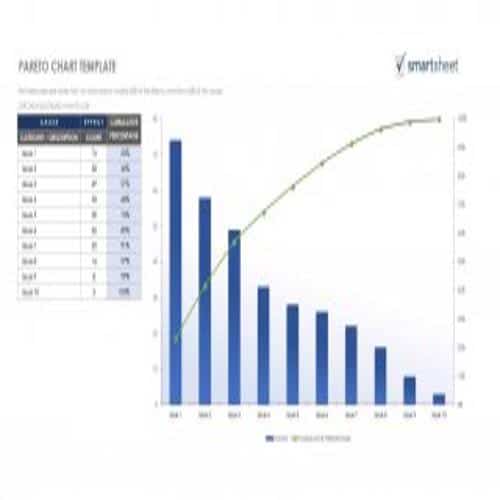
Handy Pareto Chart Template
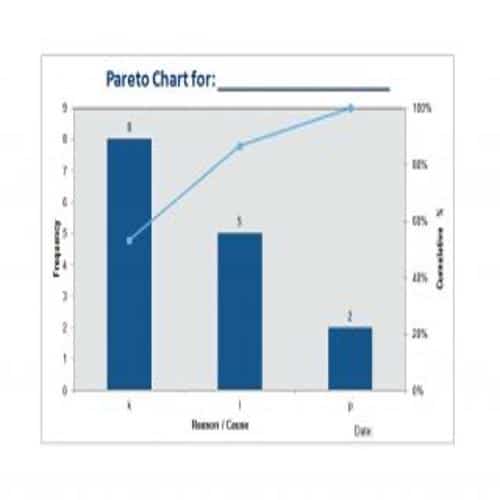
Best Pareto Chart Template
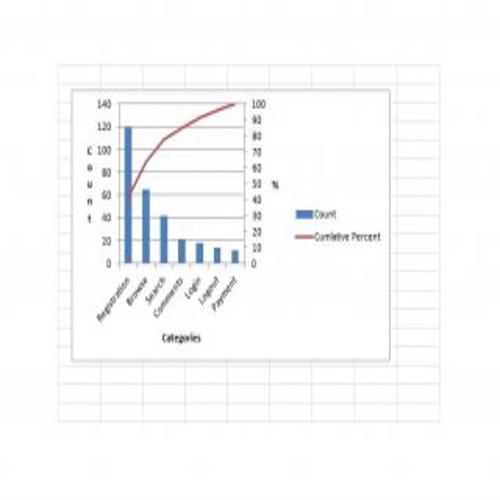
New Pareto Chart Template
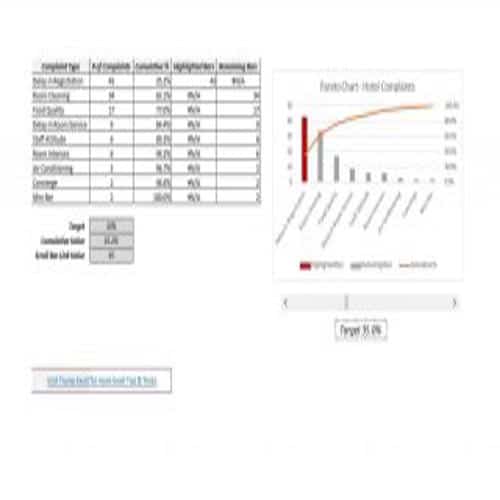
Blank Pareto Chart Template
Official Pareto Chart Template
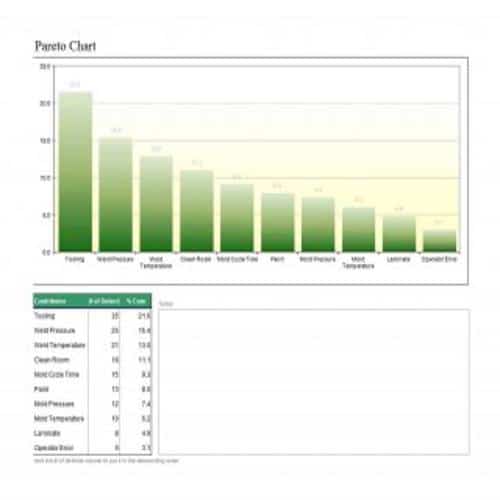
Example Pareto Chart Template
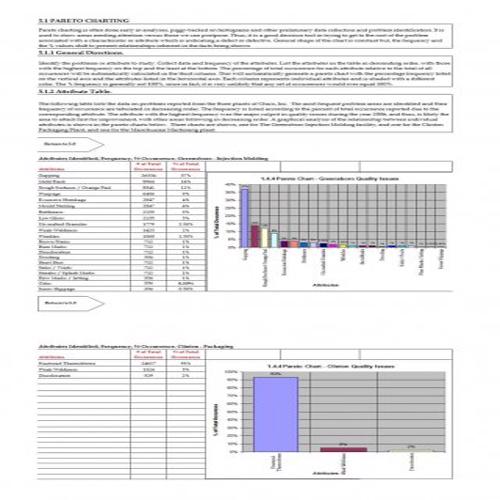
Special Pareto Chart Template
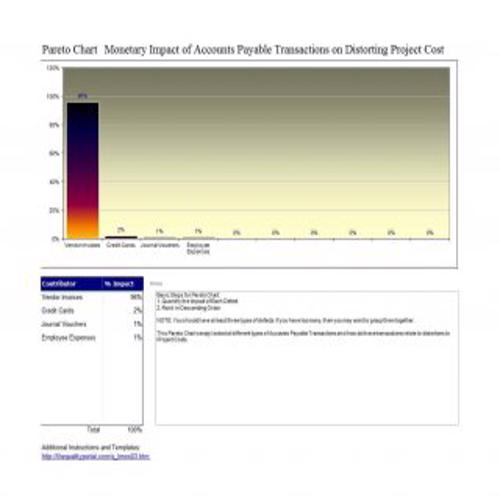
Preparing Data for a Pareto Chart
Choose categories that describe the same type of event and a consistent measure, such as frequency or cost. A Pareto chart prioritizes the observed data; it does not prove the underlying causes.
- Define the period, category rules and measure before collecting data.
- Total each category, sort from largest to smallest and calculate cumulative percentages.
- Label the axes and review the leading categories before deciding what to investigate.
Worked Example
Example: defects occur 40, 30, 20 and 10 times across four categories. The cumulative percentages are 40%, 70%, 90% and 100%. The first two categories account for 70%, not an automatic 80%. Use the actual results instead of forcing the data to fit the familiar 80/20 phrase.
Common Mistakes to Avoid
Avoid mixing counts and monetary values in the same bar series. Check whether an “Other” category is hiding several important issues.
Related Templates
Frequently Asked Questions
Must a Pareto chart show exactly an 80/20 split?
No. That is a common heuristic, not a required result. The cumulative line should reflect the actual proportions in your dataset.
Does the biggest bar identify the root cause?
It identifies the largest recorded category under your definitions. Further investigation is needed to understand the causes and choose an effective action.
