
A balance sheet is a financial statement that shows what a business owns, what it owes and the owners’ stake on a single date. It’s a snapshot, unlike an income statement, which covers a period. Small business owners prepare one at year-end, lenders ask for it with loan applications, and farmers use an agricultural version when applying for credit.
Below are 20+ balance sheet templates: 23 in Excel (22 .xlsx and 1 .xls) and one in Word. Each Excel balance sheet template adds up the totals for you. Options include a standard balance sheet format, a simple annual version, a year-ending sheet, a comparative layout and a multi-year template for tracking change over time, plus the agricultural balance sheet example for farms.
Prepare it on the same date each year, usually your fiscal year-end, so comparisons are meaningful. If the figures will go to a bank or tax authority, have an accountant review them.
To complete your financial statements, see our cash flow statement templates and chart of accounts templates for organising the accounts behind each balance. If you hold shares or funds, our investment tracking spreadsheet templates help you value them.
Sample Balance Sheet Templates
Comparative Balance Sheet Template
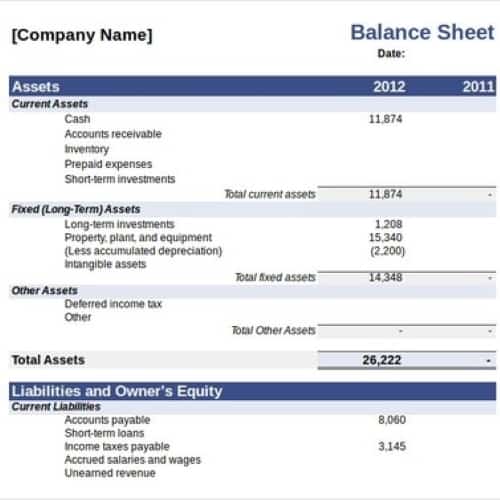
Simple Annual Balance Sheet Template
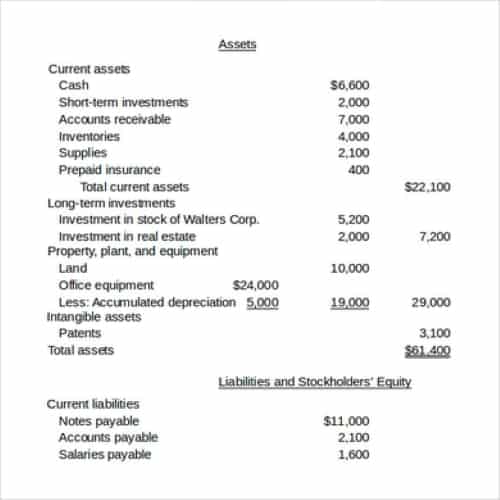

Agricultural Balance Sheet Template
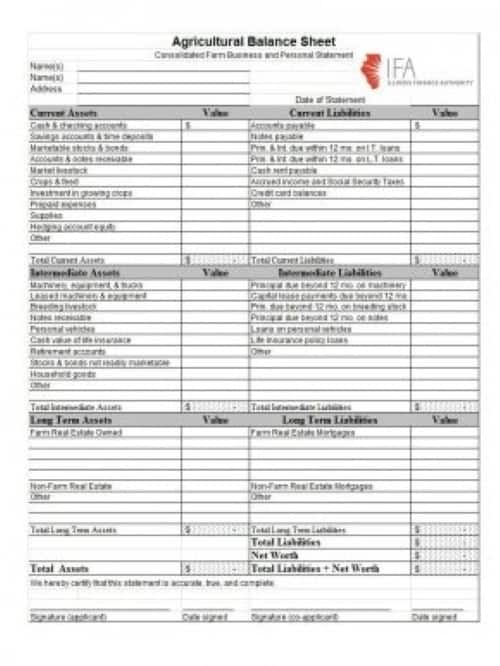
Year Ending Balance Sheet Template
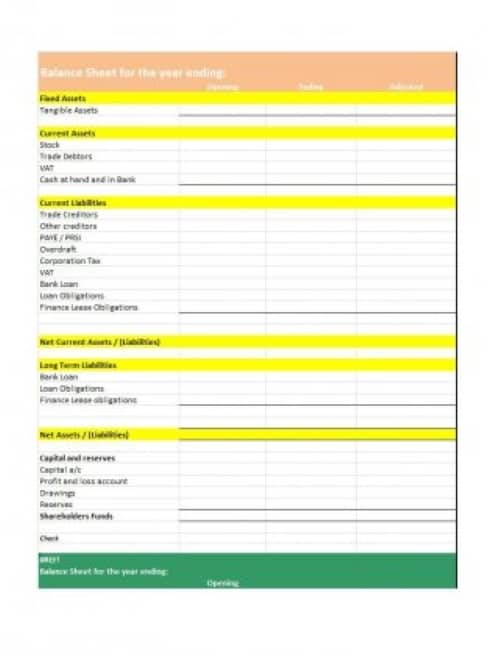
Standard Balance Sheet Template
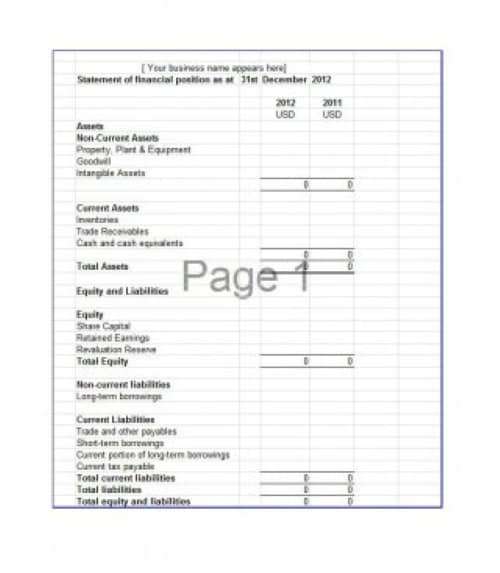
Business’s Balance Sheet Template
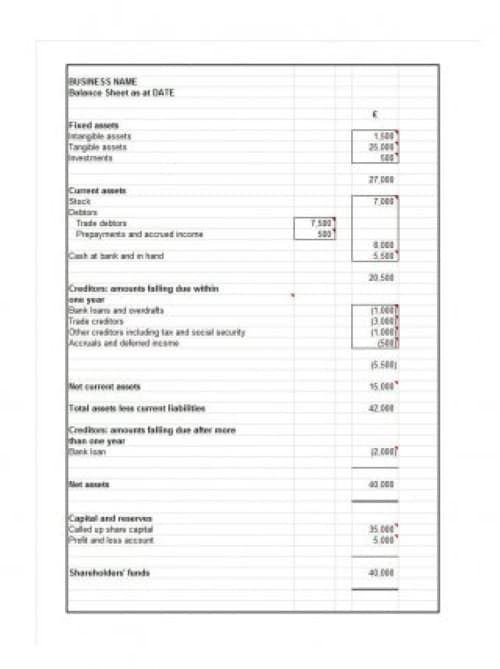
Multi Years Balance Sheet Template
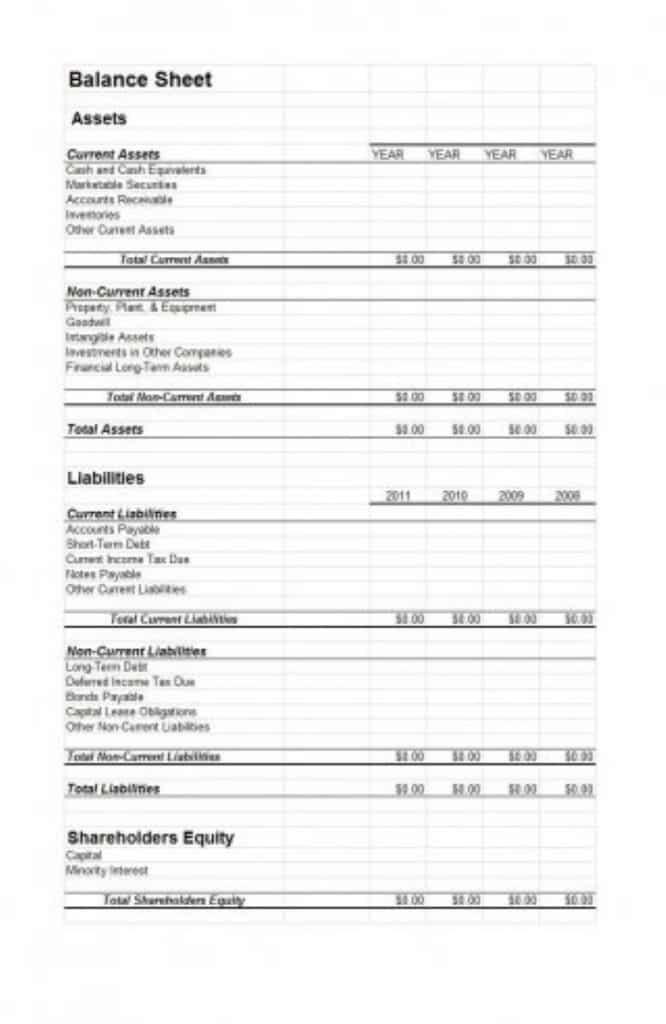
Highlighted Balance Sheet Template
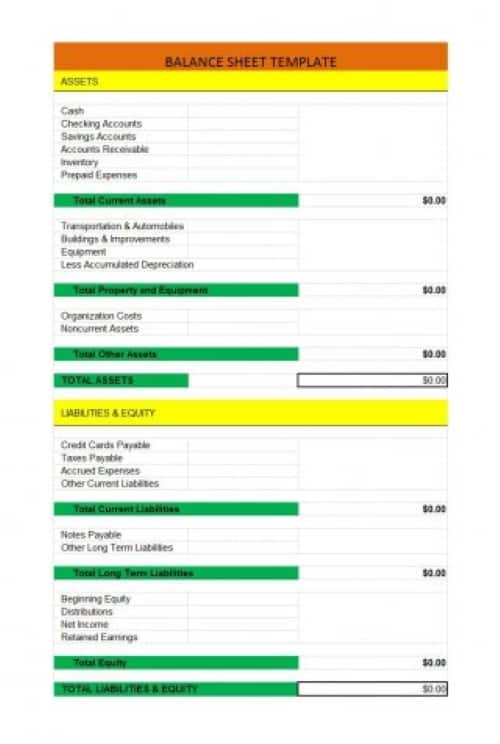
Simple Balance Sheet Template
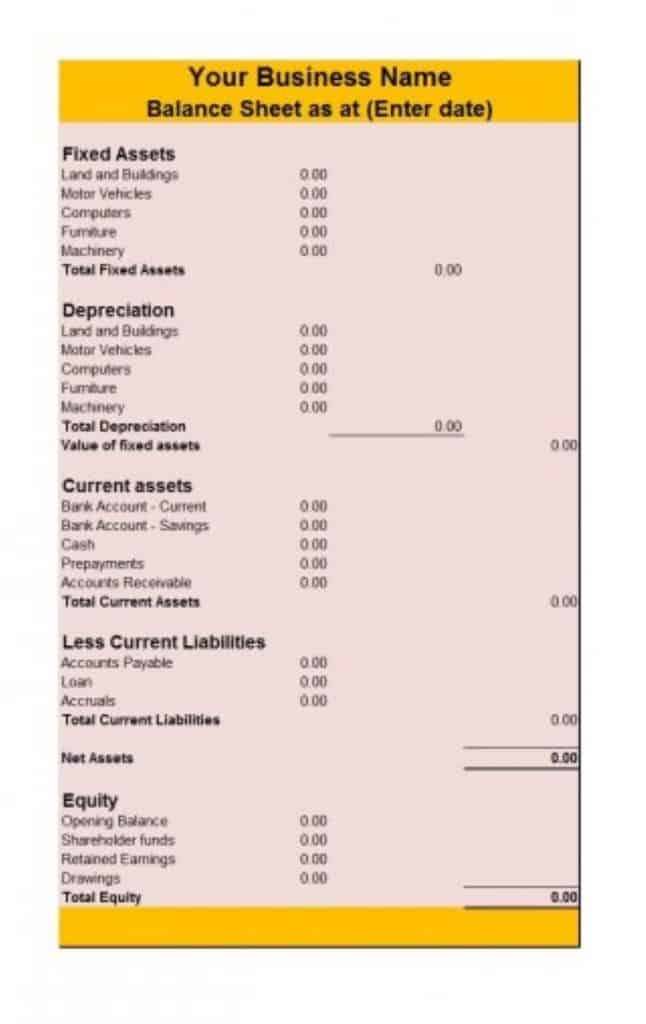
Two Sided Balance Sheet
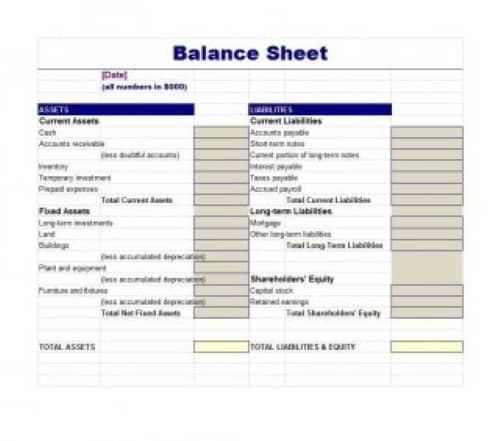
Importance of Balance Sheet
A balance sheet is very important because it gives a detailed picture of a business. If you own a company and cannot track income and expenditure daily, you need a balance sheet.
A balance sheet helps you understand how well or badly your company is doing, for example whether its assets have depreciated or its liabilities have increased or decreased over a given period. In general, it reflects the overall health of the company.
Most importantly, the balance sheet helps with long-term decisions, such as where the company needs to invest and which areas it needs to improve. Its information helps potential investors, lenders and other key stakeholders understand how the company’s business works.
It also helps them learn about the company’s principal resources and any threats to its growth. By combining the balance sheet and income statement, stakeholders can analyze trends over time and check ratios and balances.
More Balance Sheet Examples
Company’s Decent Style Comparative Balance Sheet
Company’s Simple Style Balance Sheet Template
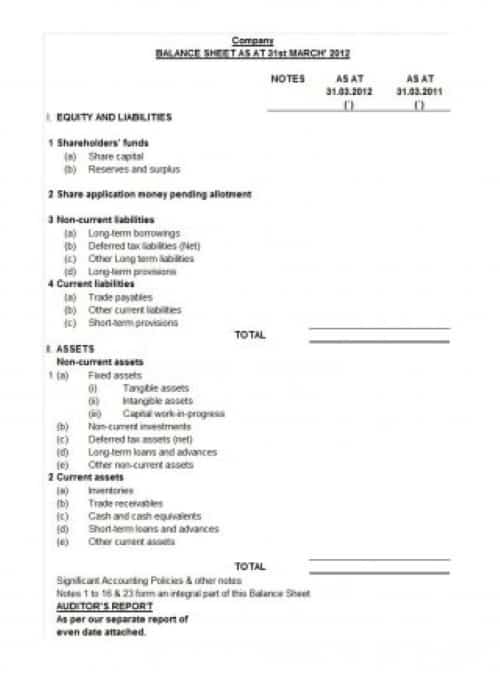
Comprehensive Balance Sheet Template
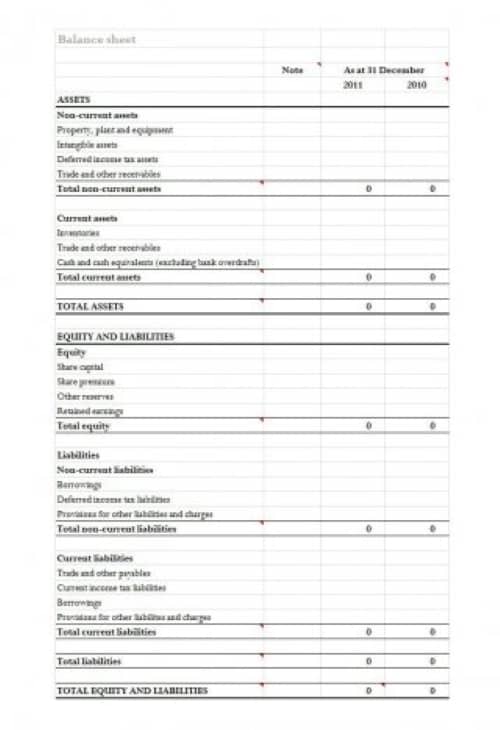
5 Years Comparative Balance Sheet Sample
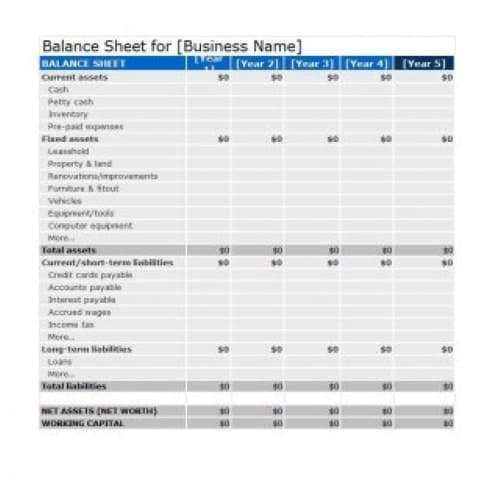
Trader’s Balance Sheet Template
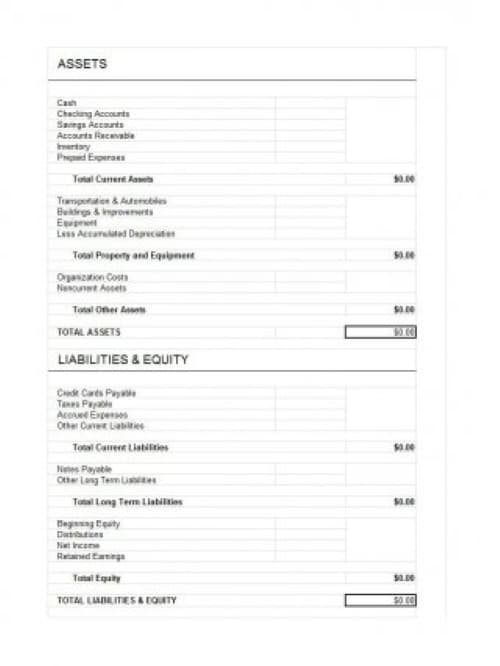
Elegant Style Balance Sheet Sample
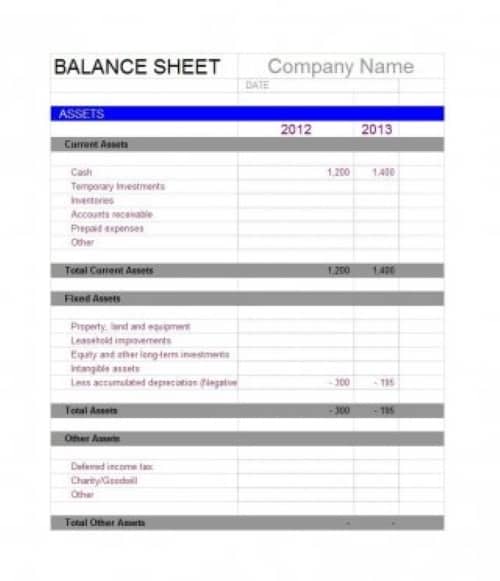
Detailed Balance Sheet Template
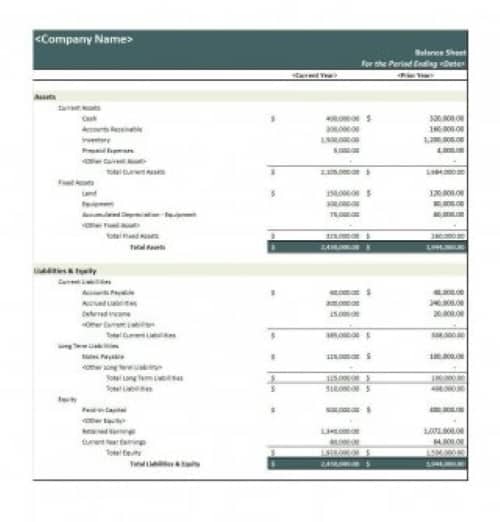
Personal Balance Sheet Template
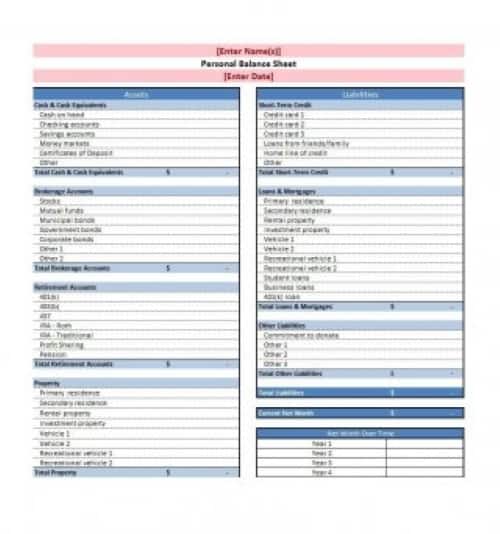
Special Design Balance Sheet Template
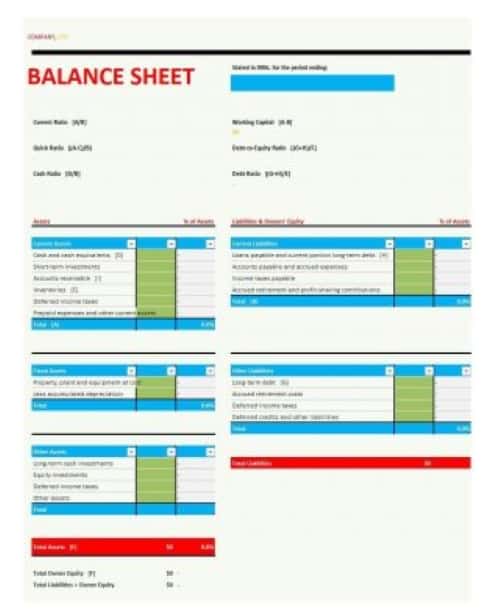
Company’s Official Balance Sheet Template
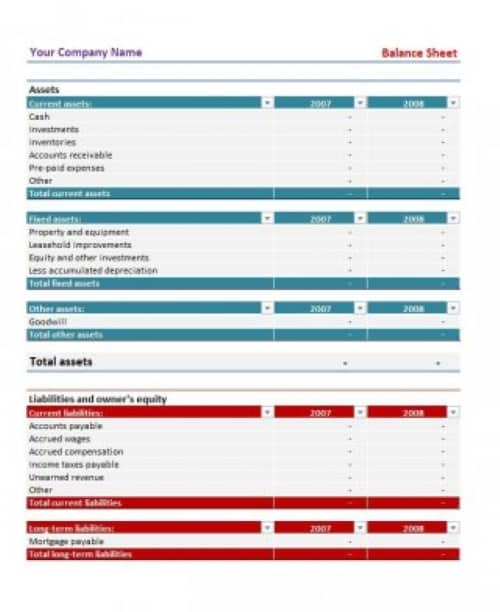
Typical Balance Sheet Sample
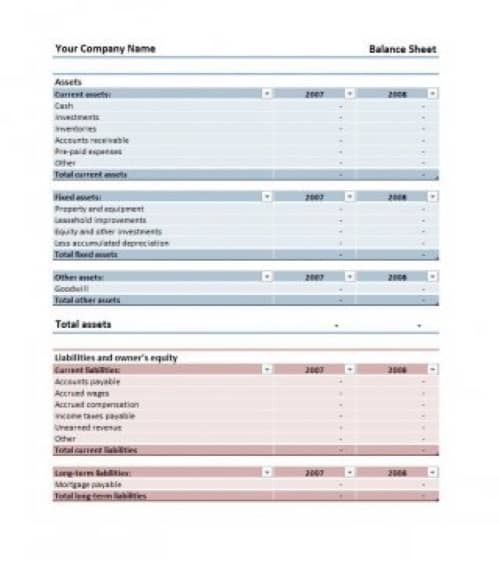
Simple Balance Sheet Template
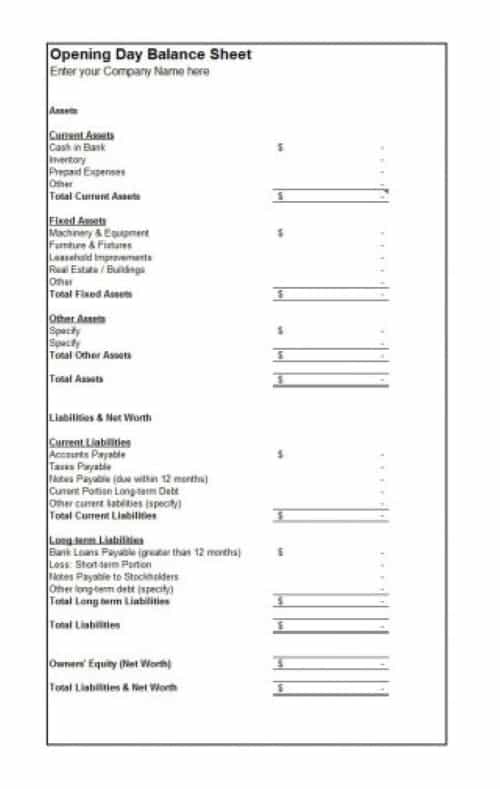
Company’s Proper Balance Sheet Template
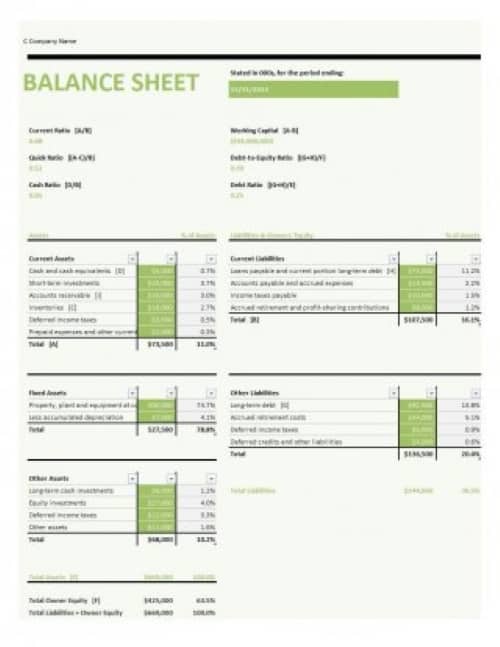
Small Business’s Balance Sheet Template
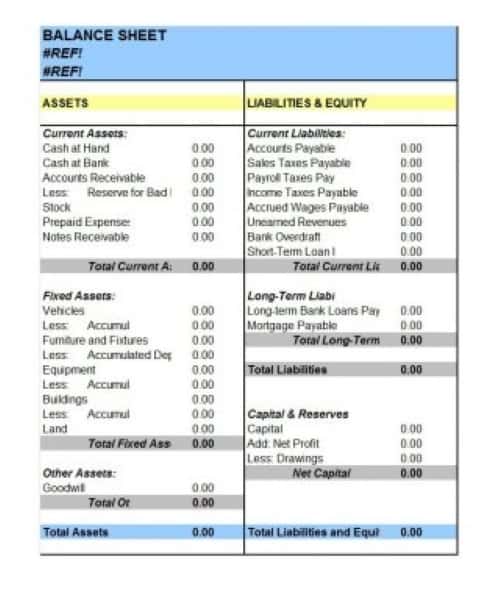
Company’s Basic Comparative Balance Sheet Template
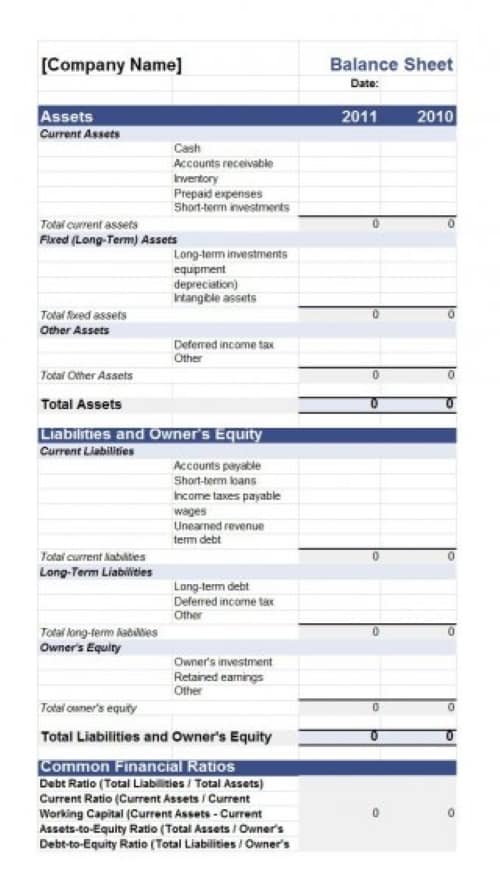
Components of a Balance Sheet
As stated earlier, a business’s balance sheet consists of equity, assets and liabilities. Each of these includes different components, listed below:
Assets
Non-Current Assets
- Property, Plant and Equipment
- Any investment property
- Intangible Assets e.g, patent, license and goodwill etc.
- Biological Assets
- Loan given to someone, whether an individual or a business ( for more than one financial period)
Current Assets
- Accounts Receivable
- Cash and cash equivalents
- Inventories
- Cash at Bank
- Prepaid Expenses
- Accrued Revenue
- Loan given to someone, whether an individual or a business ( for less than one financial period)
Liabilities
- Accounts Payable
- Provisions for warranties or court orders
- Financial liabilities such as corporate bonds and promissory notes.
- Deferred tax liabilities
- Interests on loans
Equity/Capital
- Issued capital and reserves attributable to equity holders of the parent company (controlling interest)
- Non-controlling interest in equity
Building a Balance Sheet That Reconciles
Choose a layout suited to the entity and reporting requirements. A balance sheet describes financial position at a date rather than activity across a period. To review financial performance alongside the balance-sheet position, use WordNExcelTemplates’ profit and loss statement templates as a separate reporting worksheet.
- State the reporting date and identify the records supporting each balance.
- Classify assets, liabilities and equity consistently.
- Check the accounting equation and investigate differences before sharing.
Worked Example
Illustration: assets of 50,000 and liabilities of 18,000 imply equity of 32,000. If the worksheet shows a different total, do not insert an unexplained balancing number. Review the records and classification, including any owner contributions or prior balances.
Common Mistakes to Avoid
Avoid mixing market estimates and accounting carrying values without explanation. A template does not determine the correct recognition or valuation treatment.
Related Templates
- Income Statement Templates
- Cash Flow Statement Templates
- Chart of Accounts Templates
- Investment Tracker Spreadsheet Templates
Frequently Asked Questions
Why must a balance sheet balance?
It presents assets financed by liabilities and equity within the accounting framework used. A mismatch usually indicates missing, duplicated or incorrectly classified entries.
Is a balance sheet the same as an income statement?
No. The balance sheet shows position at a date; the income statement shows revenue and expenses over a period. They answer different questions.
