
A product catalog is a document that presents a company’s products with images, descriptions, specifications and often prices, so buyers can choose and order. Retailers, wholesalers and manufacturers send them to customers and sales reps, and schools and service providers publish catalogs of their courses or services.
Here you’ll find 30+ catalog templates, editable and free to download. They include a simple product catalog template, a featured product catalog, an enterprise catalog, a service catalog guide and an undergraduate course catalog. Each layout can serve as a printable catalog or a catalog design starting point for your own brand.
Shoot all product photos with the same lighting and background before you start the layout. Consistent images do more for a catalog than any design choice. Keep prices on a separate sheet if they change often, so the catalog stays current longer.
A catalog works best as part of a wider print set. You can also check out our flyer templates for single-product promotions and booklet templates for shorter multi-page guides.
Best Catalog Templates
IT Center Catalog Template

Simple Product Catalog Template
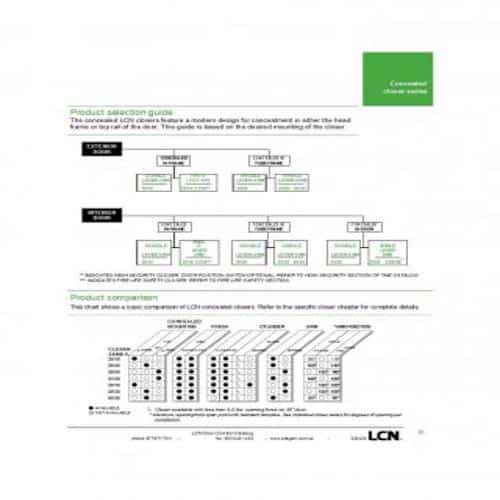
Undergraduate Catalog Template

Enterprise’s Catalog Template

Service Catalog Guide Template

Learning Center Catalog Template

Web Resources Catalog Template
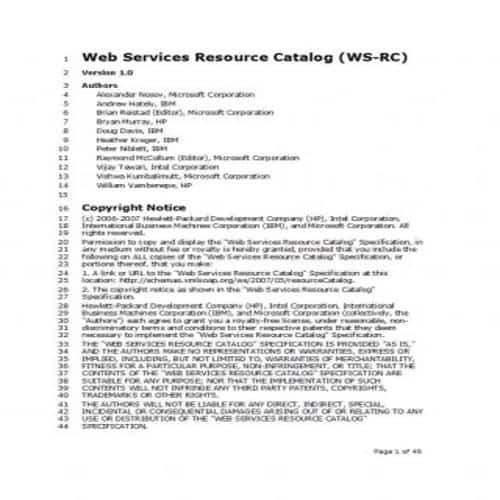
Featured Product Catalog Template
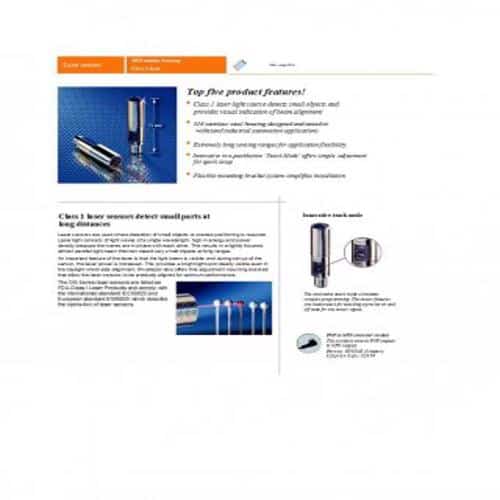
Product’s Parts Catalog Template
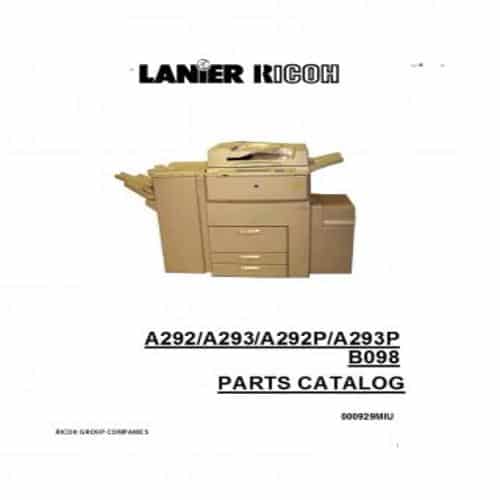
Medical Services Catalog Template

Consulting Services Catalog Template
Multi-Business Group’s Catalog Template

Research Catalog Template

University’s Catalog Template

Special Catalog Template
Tips for creating an Effective Catalog Template
Following are some useful tips of creating an effective catalog template:
1. Assemble the product information:
Collect all the relevant information about the products and include it in the catalog template, so that anyone who wants to buy a product knows what they are buying.
2. Include images:
Text alone is not enough. You should also include attractive, catchy images of the products in your catalog template. If you are not satisfied with the available images, you can hire an expert graphic designer to create stylish images of your products.
3. Organize the template:
Once you have the text and images of the products, organize the layout of the template as a whole. Divide the information properly into separate sections.
4. Using Captivating Elements:
The overall style and design of your catalog template must be attractive and attention-grabbing. Use bright colors, high-quality images and brief, high-quality information in your catalog template.
5. Look for a proper Printing Company:
After finishing the design of the catalog template, find a suitable printing company to print your catalog. Always consider the company’s past work and quality level before assigning the job.
6. Review and send the catalog design for printing:
Finally, before sending the catalog template or design to the printing company, check and review it carefully one last time. Don’t forget to make any necessary changes before final approval.
Useful Catalog Templates
Official Services Catalog Template

Modern Product Catalog Template

Analytical Services Catalog Template

Hardware Store Catalog Template

Exclusive Catalog Template

Professional Catalog Template

Tech Company ‘s Catalog Template

Standard Service Catalog Template
Tech Services Catalog Template
Accessories Catalog Template

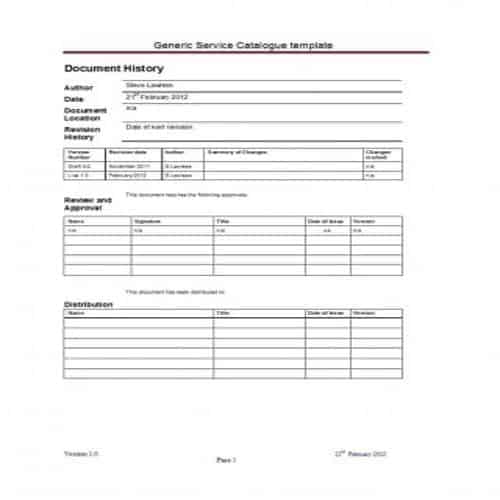
Generic Service Catalog Template
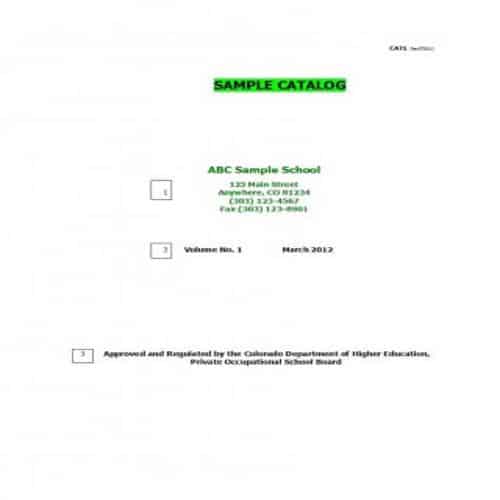
School’s Sample Catalog Template
Cool Plant Catalog Template

Craft Making Catalog Template

New Products Catalog Template

Latest Style Catalog Template

Decor Company’s Catalog Template

Benefits of a Catalog Template
Some common benefits of a catalog template are listed below:
- A printed catalog helps boosting up the sales that ultimately leads to maximization of profits.
- It is a very effective tool for enhancing the brand visibility and its awareness.
- A catalog template provides more opportunities to target selected audience.
- Through a catalog template, you develop the overall look and style of your brand as well.
- A catalog template simplifies the process of performance monitoring and results tracking.
- A catalog template is for both existing and new customers, so it also helps keep existing customers satisfied.
- If your catalog template includes the ways customers can respond, it makes the ordering process simple and easy for them.
- A catalog template for your brand shows its professionalism and leaves a lasting impression on the audience.
- It is also a very cost-effective marketing tool.
- Unlike a brochure or a postcard, a catalog is less likely to be thrown away, so the brand makes a stronger impression on the reader or recipient.
- A catalog template includes brief information about every product or service of a business, which saves a lot of time and effort.
Organizing a Product Catalog for Buyers
Choose a layout based on product variety and how customers order. A visual lifestyle catalog and a technical parts catalog need different balances of photography, specifications and item codes. For a separate, easily updated pricing reference to accompany the catalog, see WordNExcelTemplates’ price list templates.
- Group products using categories that make sense to the buyer.
- Assign a consistent item code and verify descriptions, variants and measurements.
- Explain pricing scope, availability and the ordering or enquiry process.
Worked Example
Example: a lamp comes in two finishes and three sizes. Give each orderable variant a clear code or explain the variant-selection system. A beautiful photograph labelled only “Modern Lamp” may generate enquiries that cannot be fulfilled accurately.
Common Mistakes to Avoid
Avoid prices without a currency or an explanation of tax and delivery where relevant. Use licensed images and do not imply that a product is in stock without checking.
Related Templates
Frequently Asked Questions
Should I use one page per product?
Use the space needed to compare the product meaningfully. Technical products may need a full specification page; simple variants may be clearer in a compact comparison table.
How can I keep a printed catalog current?
Add a version date and a clear route to current availability and prices. Review changing information before each print run rather than relying on an old export.
