
Customer relationship management (CRM) is the practice of recording every interaction with customers and prospects so no lead or follow-up slips through. A CRM template does this in a simple spreadsheet or form. Small businesses, freelancers and sales teams use one before they’re ready for dedicated CRM software, or alongside it when they need a quick, shareable list of who to call next.
Below are 10+ CRM templates you can edit. Use the tracker template to log calls and deal stages, the small business version for a straightforward customer list or the real estate CRM to manage buyers, sellers and viewings. A standard format suits most general pipelines. Any of them can serve as a customer tracking spreadsheet while your client list is still small.
Agree on fixed deal stages, such as New, Contacted, Proposal, Won and Lost, before anyone enters data. Consistent stages make the list easy to sort and the pipeline easy to read.
To make the most of your CRM, see our sales plan templates to set targets and sales report templates to review results from your customer data.
Handy Customer Relationship Management or CRM Templates
CRM Format Template
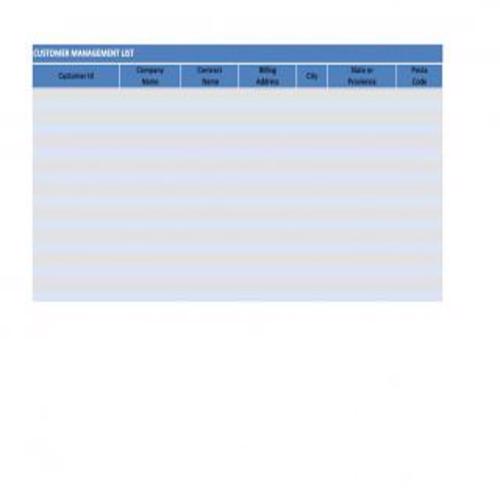
Tracker CRM Template
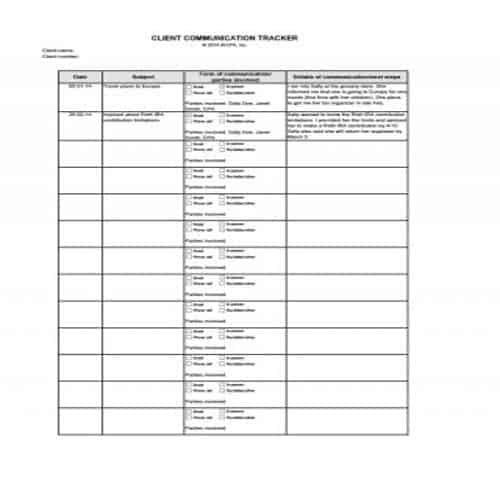
Official CRM Template
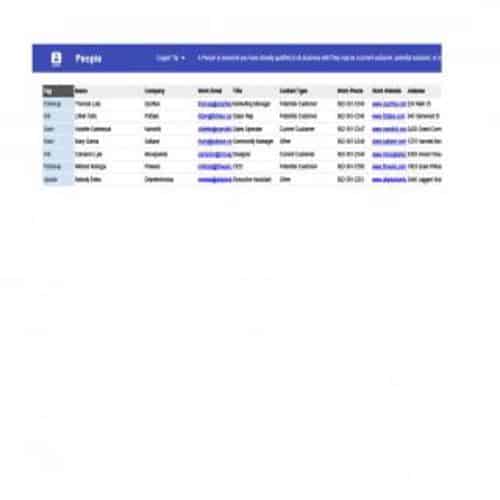
Standard CRM Template
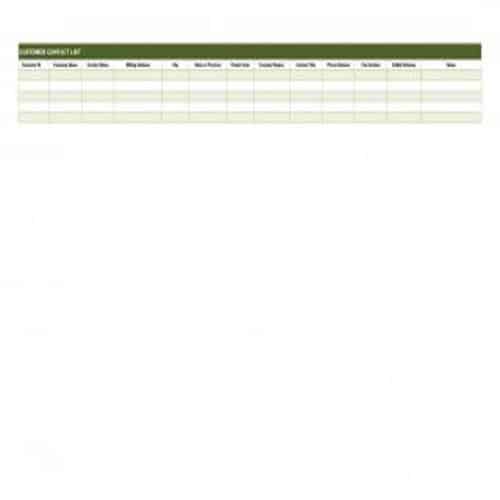
Special CRM Template
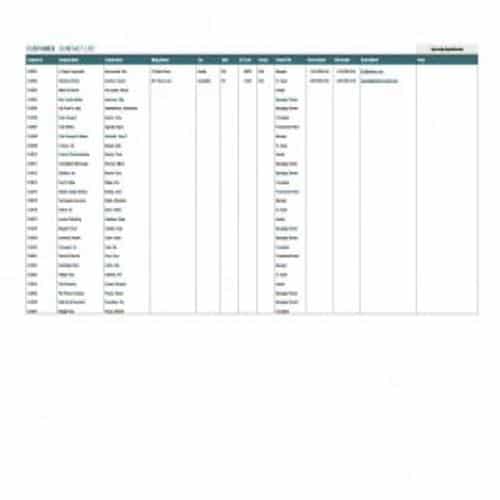
Real Estate CRM Template
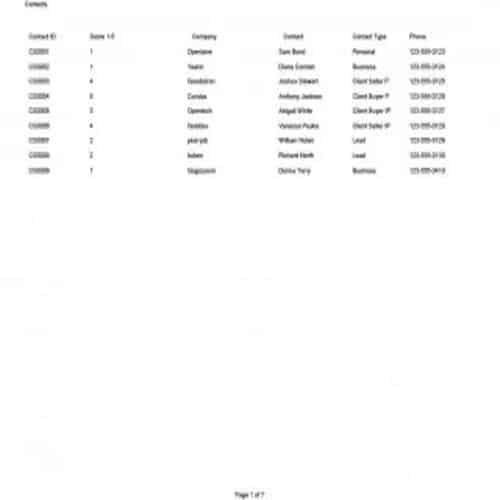
Small Business CRm Template
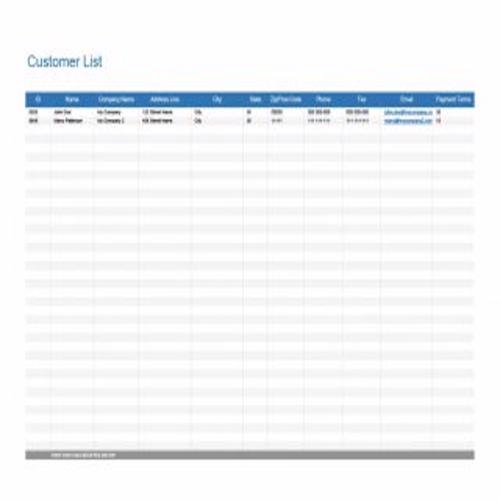
Typical CRM Template
Components of a CRM Template
As mentioned above, one of the most important functions of a CRM template is to keep in touch and communicate effectively with your customers. This includes updating the status of potential customers, tracking sales and scheduling communications with new customers to turn them into regular ones. So, prepare a CRM template with care and consider including the following important components:
1. Information:
A CRM template can store any information about a client or customer, such as name, company, job title or position and more. Any details that are not needed in other worksheets can be included here.
2. Projected sales:
This can include the average yearly or monthly sales for each client or customer. With this information, a business can identify the importance of a particular customer by making comparisons. It can also help identify potential customers easily.
3. Contact details:
Include all the relevant contact details of the customers, such as cell number, office number (if any), fax number (if any), location and street address, and email address. You can also put customers’ contact details on a separate worksheet if you like.
4. Last Contact:
In a CRM template, add a ‘last contact’ column and enter the date and time each customer was last contacted. Keep this column updated regularly.
5. Next Contact:
Similarly, include a separate ‘next contact’ or ‘to be contacted’ column in your CRM template, with the details of your next planned communications with your customers.
6. Sales record:
In this section, keep a proper record of sales from each customer. You can also use a separate worksheet for this. A CRM template is used not only to track sales but also to make sales reports and sales analyses.
7. Comments or notes:
In a CRM template, create a separate ‘comments’ or ‘notes’ section to record how communications between you and your clients took place. This doesn’t mean writing lengthy notes. You can also use a separate worksheet for comments and notes on individual communications.
More Customer Relationship Management or CRM Templates
Updated CRM Template
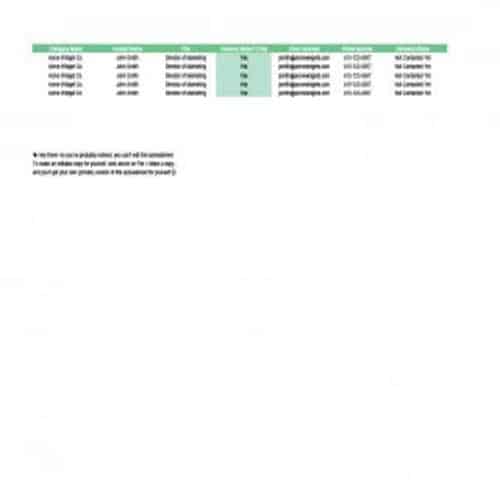
Proper CRM Template
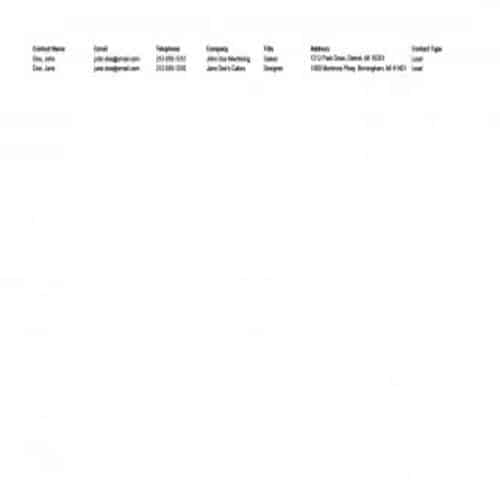
Professional CRM Template
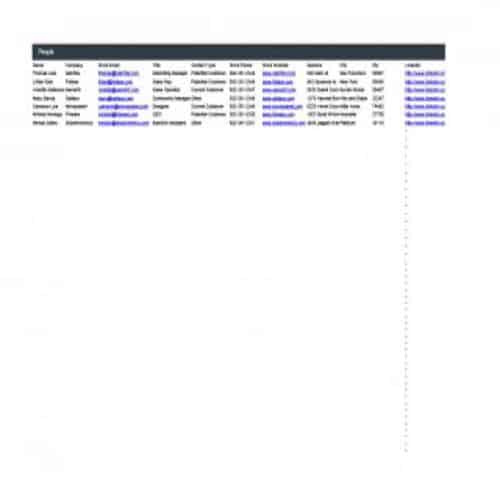
Useful CRM Template
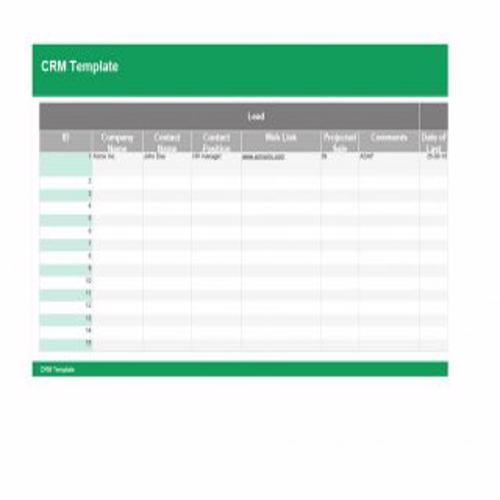
Basic Format Template
Useful CRM Template
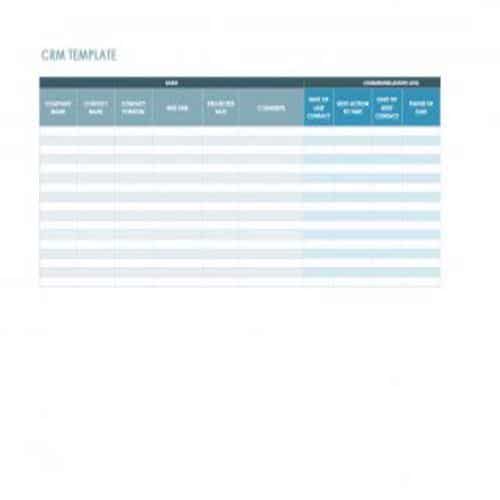
Using a CRM Worksheet Without Losing Follow-Up
Choose fields around the sales or service workflow. A contact directory becomes a useful CRM record when it shows responsibility, next action and relevant history. If you need a simpler contact register alongside the CRM workflow, WordNExcelTemplates’ customer contact list templates provide a separate directory format.
- Assign a unique customer or lead reference and an owner.
- Record the stage, last meaningful contact and next agreed action.
- Review overdue actions and restrict access to personal information.
Worked Example
Example: a prospect requesting a quotation has an owner, a quote reference and a follow-up date. A row containing only a phone number and “interested” gives the next salesperson little basis to continue the conversation accurately.
Common Mistakes to Avoid
Avoid recording unnecessary personal opinions or sensitive information. Define stage labels so staff do not interpret “qualified” or “won” differently.
Related Templates
Frequently Asked Questions
Should I record every email in the spreadsheet?
Keep enough history to support the next action and reference the source record where appropriate. Excessive free text can make the worksheet difficult to maintain.
When should I move from a spreadsheet to CRM software?
Consider collaboration, access control, volume and reporting needs. A spreadsheet may become unsuitable when version conflicts or manual follow-up create regular errors.
