
A meeting request email asks someone to meet with you and gives them what they need to say yes: why, when, how long and where. Professionals send one to set up a call with a client, job seekers to request an informational interview, and employees to ask a manager for a one-to-one.
This page has 45 meeting request email templates ready to copy and edit. Use one as a professional email to schedule a meeting with someone new, or shorten the wording for a quick note to a colleague. Seeing a finished example is the fastest way to learn how to ask for a meeting politely and clearly.
Keep the email short enough to read on a phone. If you don’t hear back, a polite follow-up after three or four working days is normal and rarely seen as pushy.
For other workplace messages, see our professional email templates, business memo templates and meeting minutes templates to record what is agreed at the meeting.
Simple Meeting Request Email Templates
Meeting Request Email Template
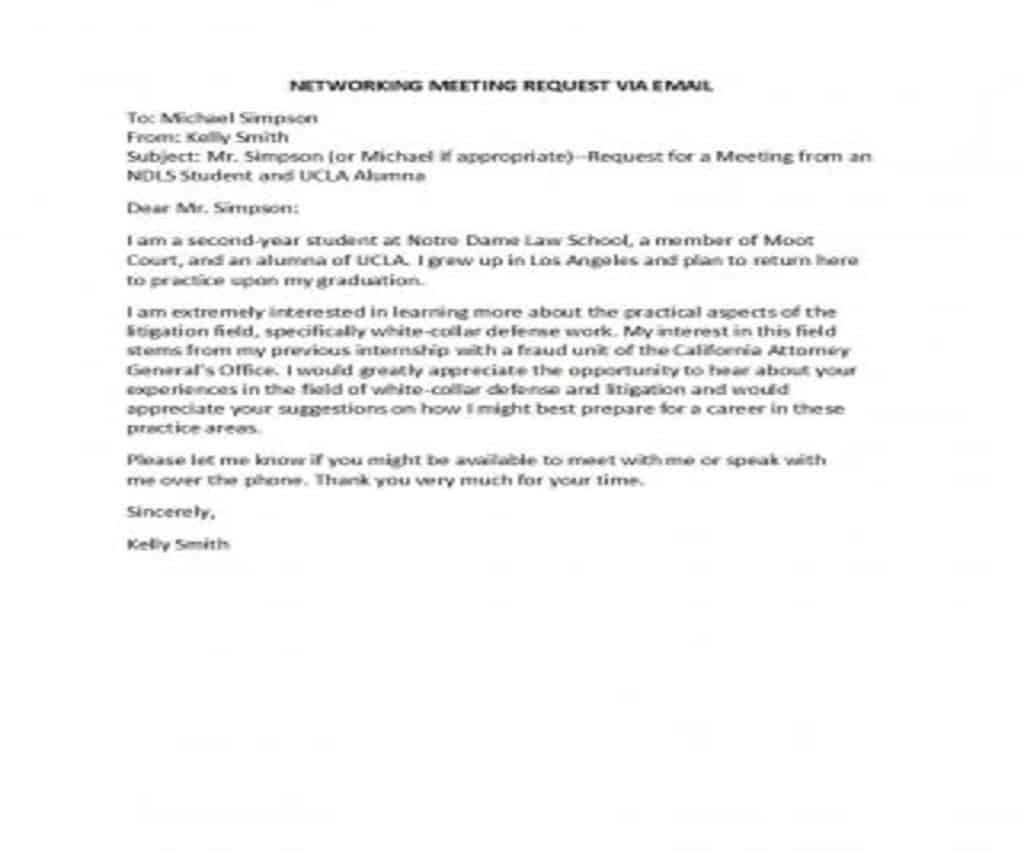
Meeting Request Email Template
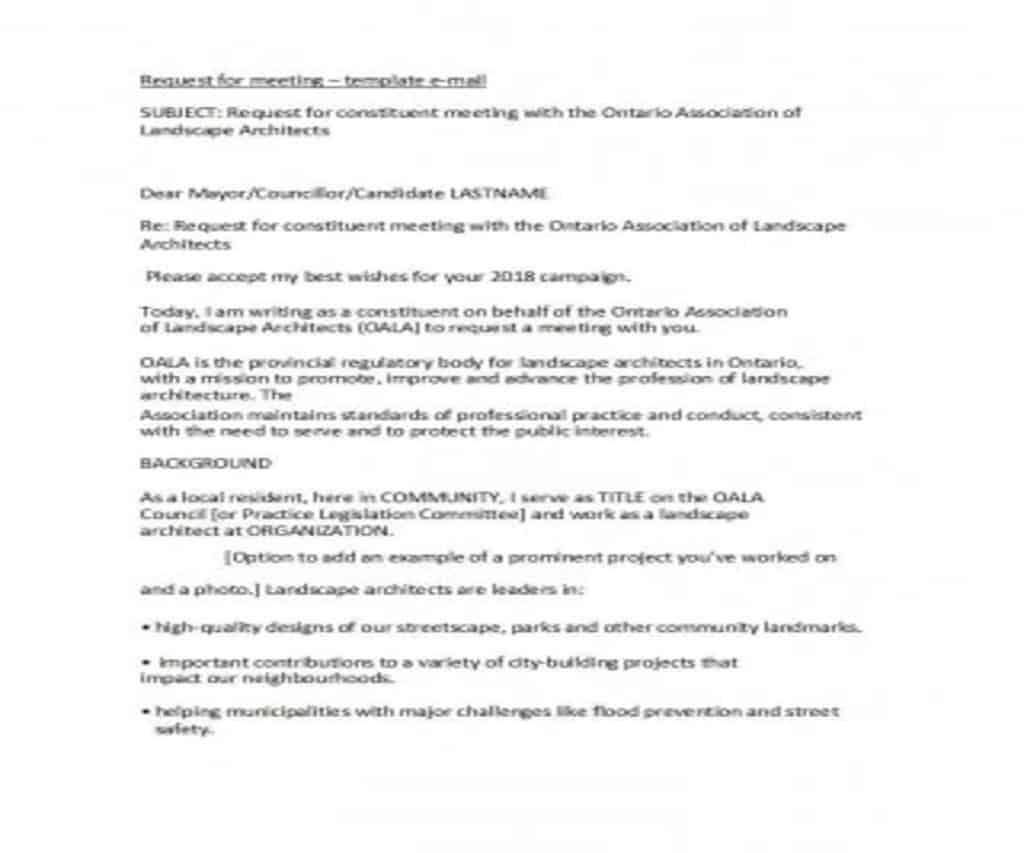
Meeting Request Email Template
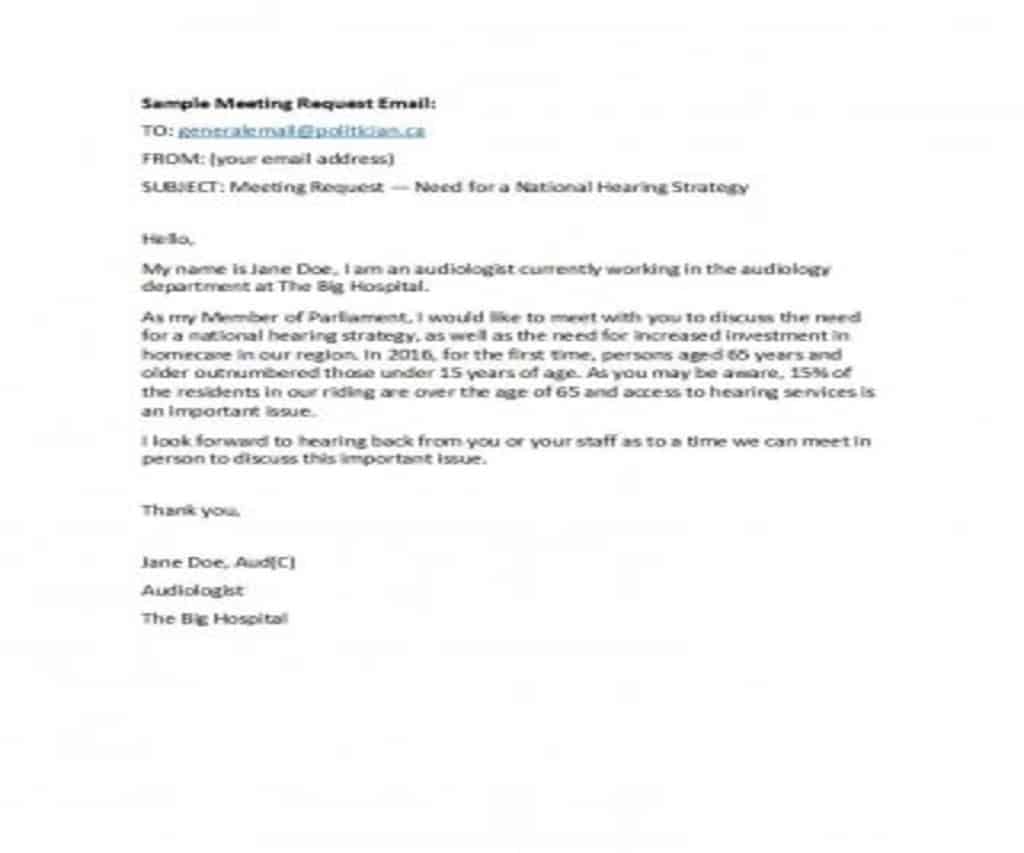
Meeting Request Email Template
Meeting Request Email Template
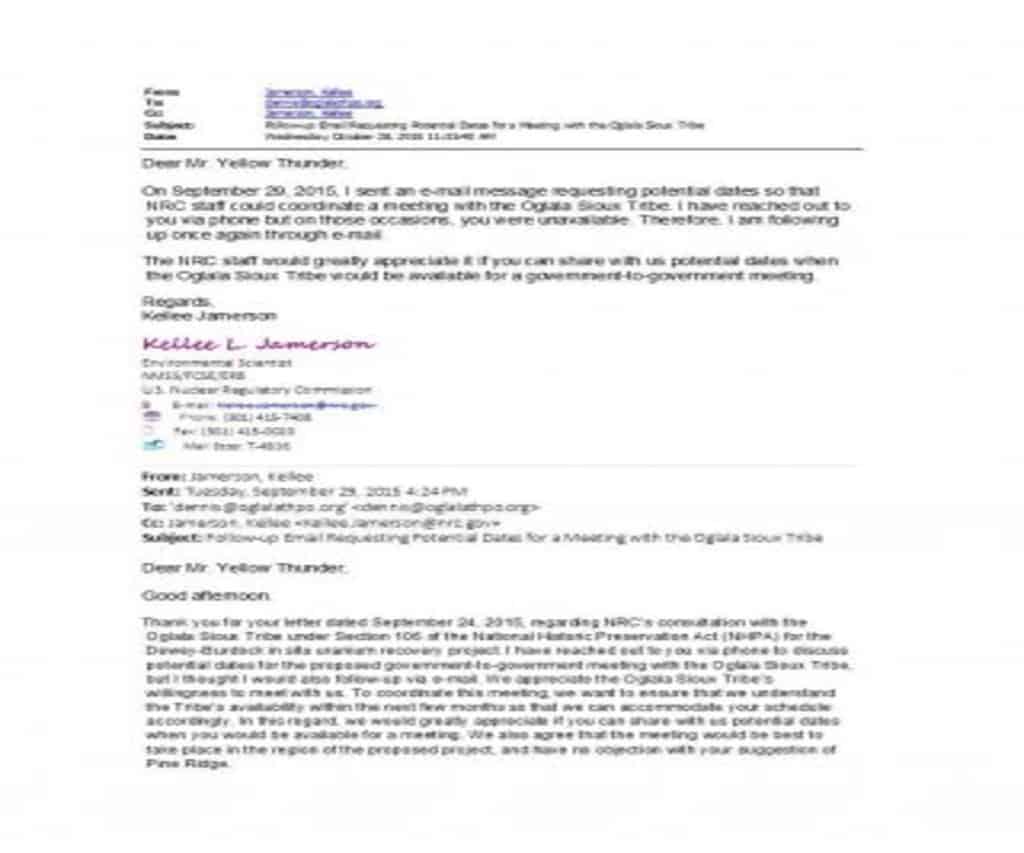
Meeting Request Email Template
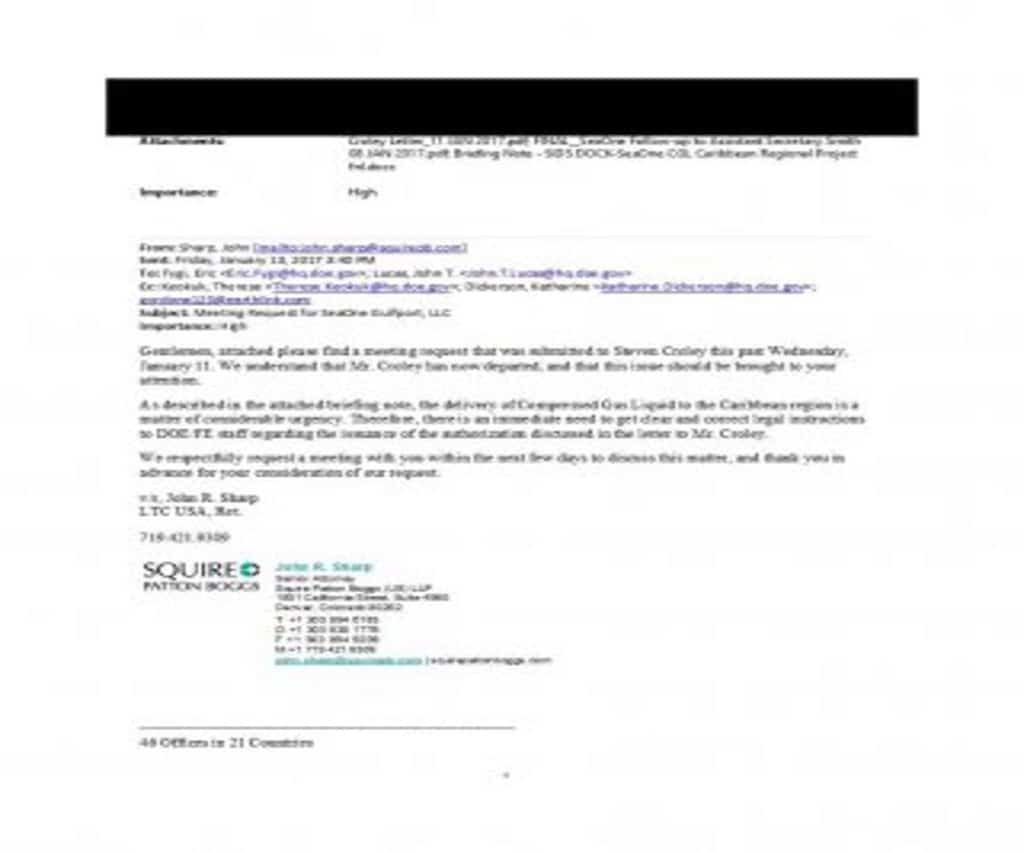
Meeting Request Email Template
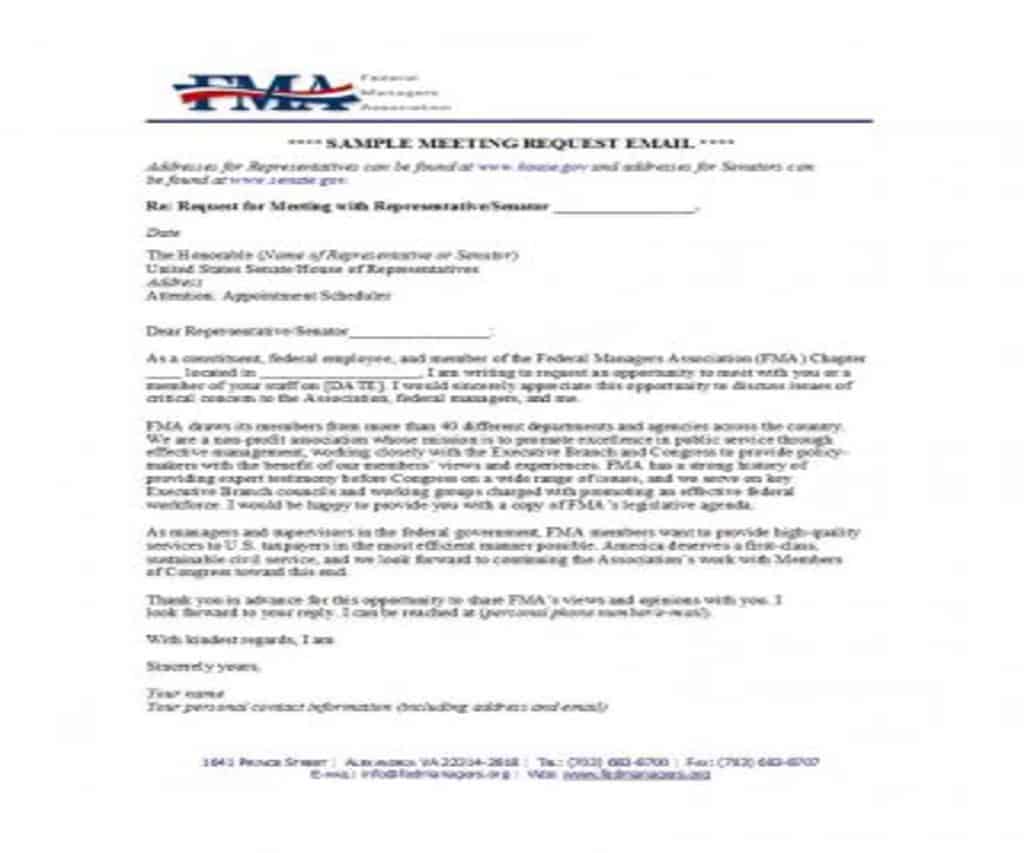
Meeting Request Email Template
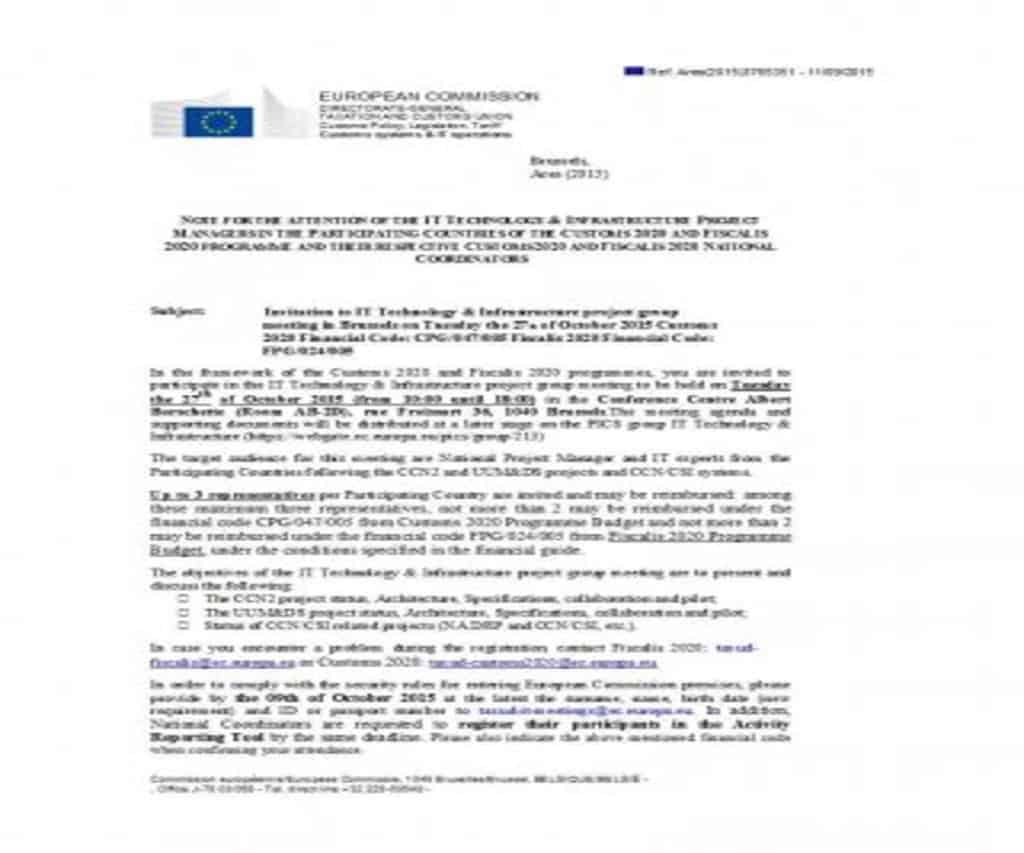
Meeting Request Email Template
Meeting Request Email Template
Meeting Request Email Template
Meeting Request Email Template
Meeting Request Email Template
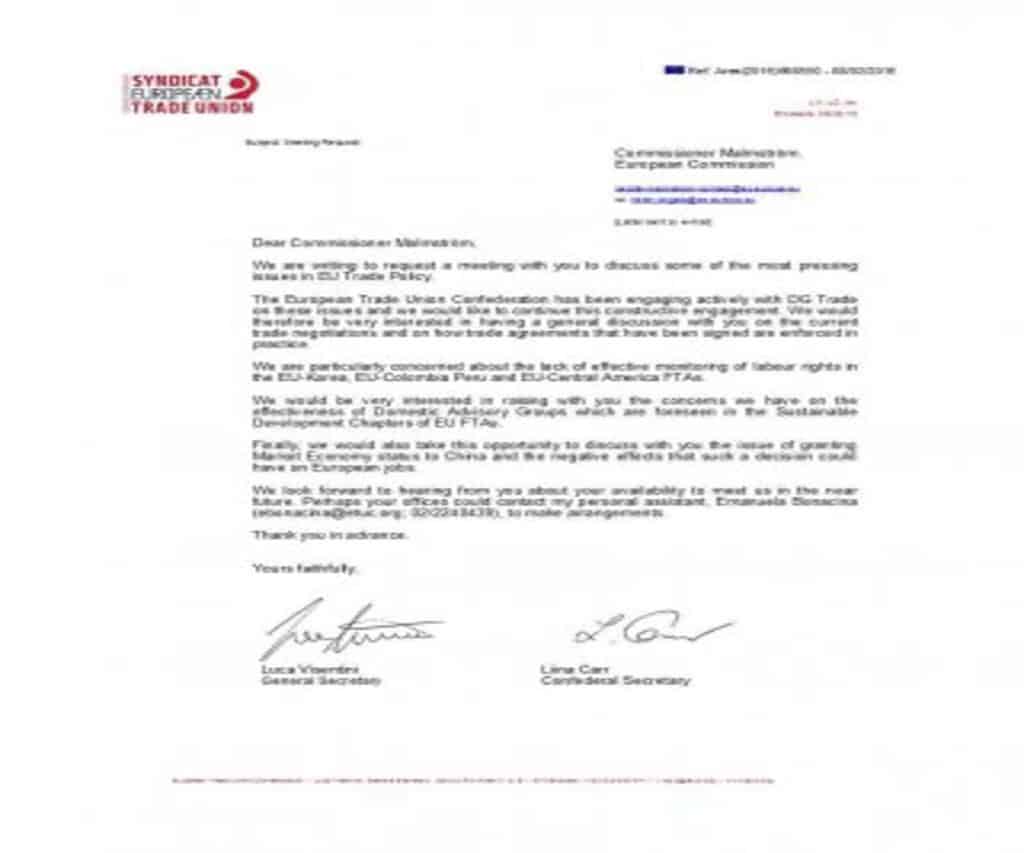
Meeting Request Email Template
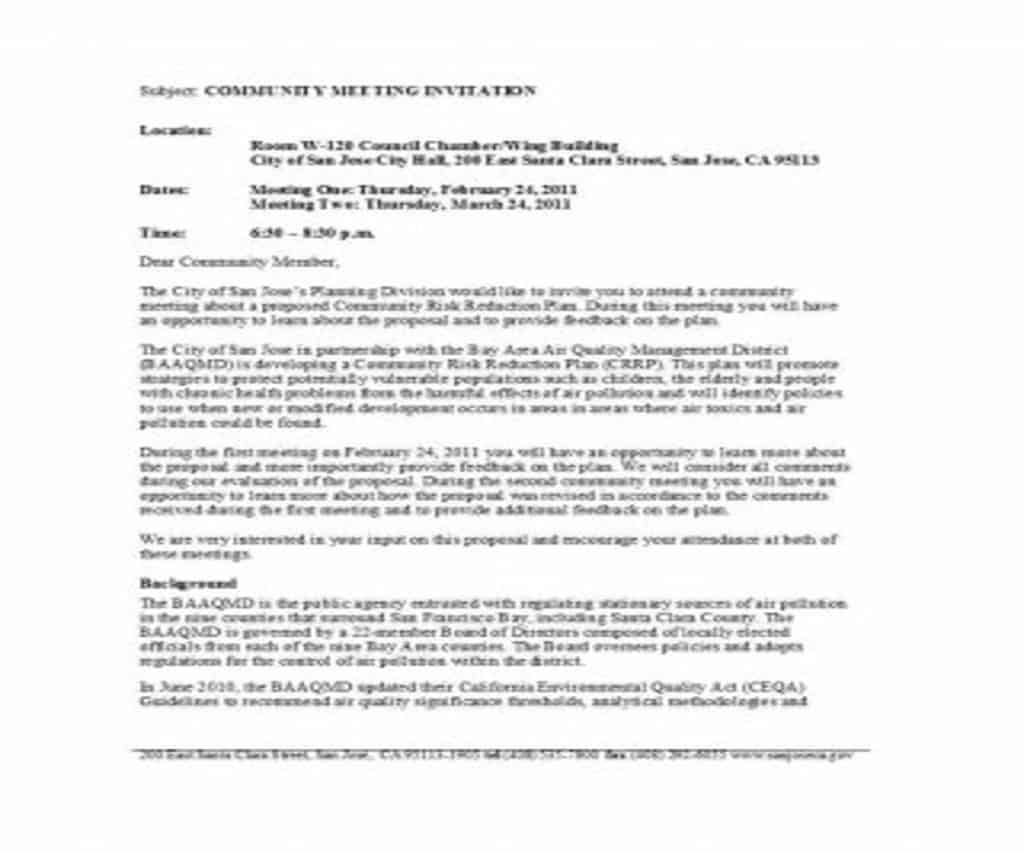
Meeting Request Email Template
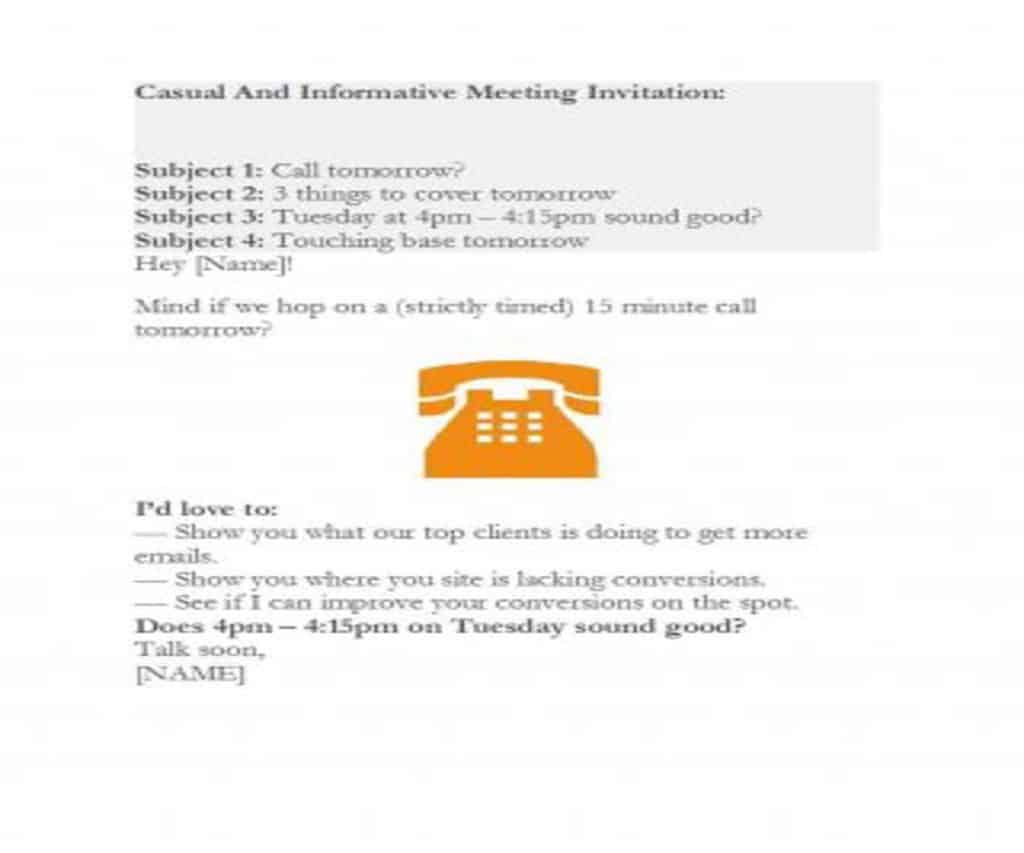
How to write and send a Meeting Request Email?
In order to write an effective meeting request email, make sure to follow these below steps:
- Briefly introduce yourself at the start of the email, so that the recipient knows about you.
- If someone suggested the meeting or gave you the recipient’s contact details, mention that person’s name.
- Then state directly why you are requesting the meeting. Try to persuade the client by clearly stating the benefits for them.
- Suggest a suitable date and time for the meeting, but let the client decide. Do your best to fit your schedule around their availability.
- Similarly, suggest a venue for the meeting and here too, prefer the client’s choice.
- If possible, mention the expected time duration of the meeting.
- Before signing off, ask the client to acknowledge your request. This formally confirms the meeting.
However, it is very important that before finally sending the email, you must:
- Check whether the person you are emailing is available. You can do this simply by calling their office.
- Review your email and check that the recipient’s name, job title and all other details are correct.
- Review your schedule again and check whether you already have an important appointment at the same date and time.
Standard Meeting Request Email Templates
Meeting Request Email Template
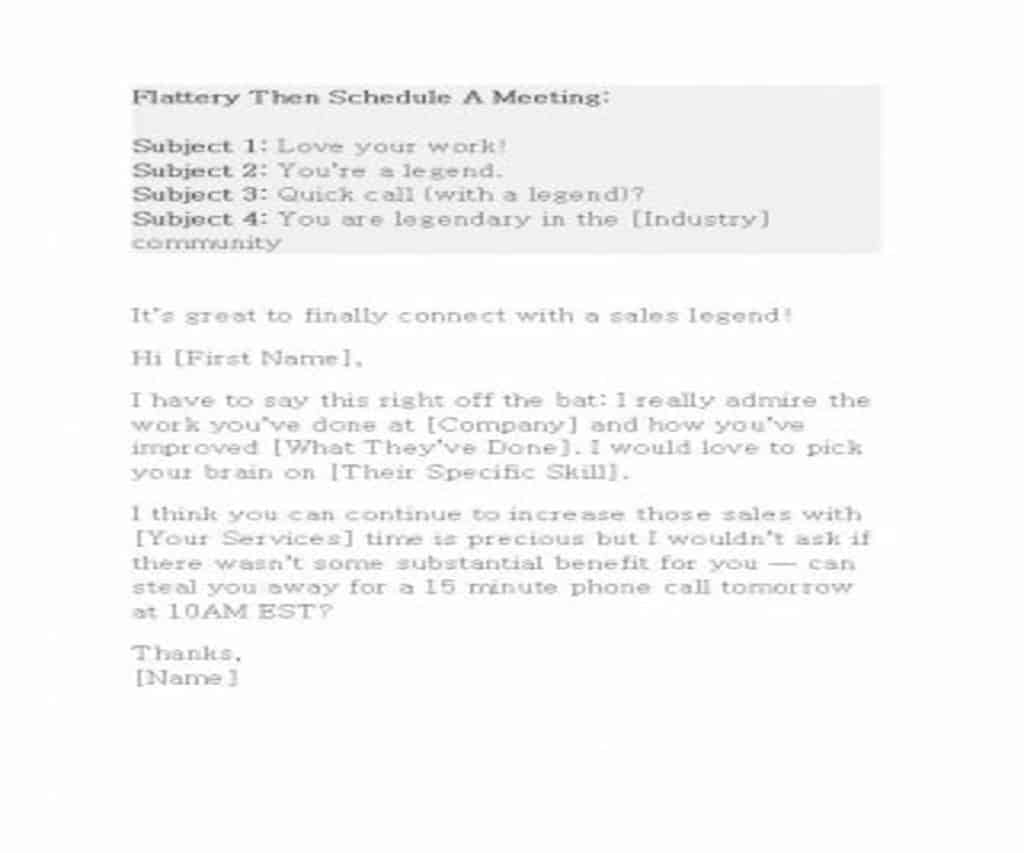
Meeting Request Email Template
Meeting Request Email Template
Meeting Request Email Template
Meeting Request Email Template
Meeting Request Email Template
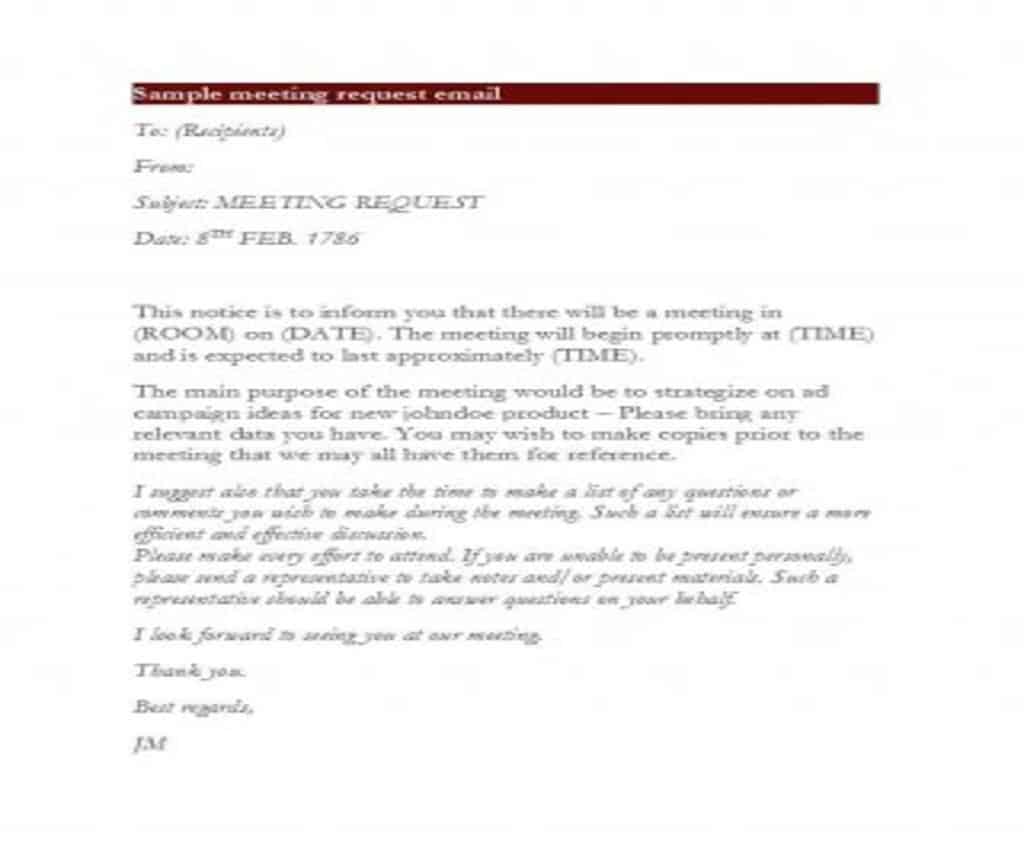
Meeting Request Email Template
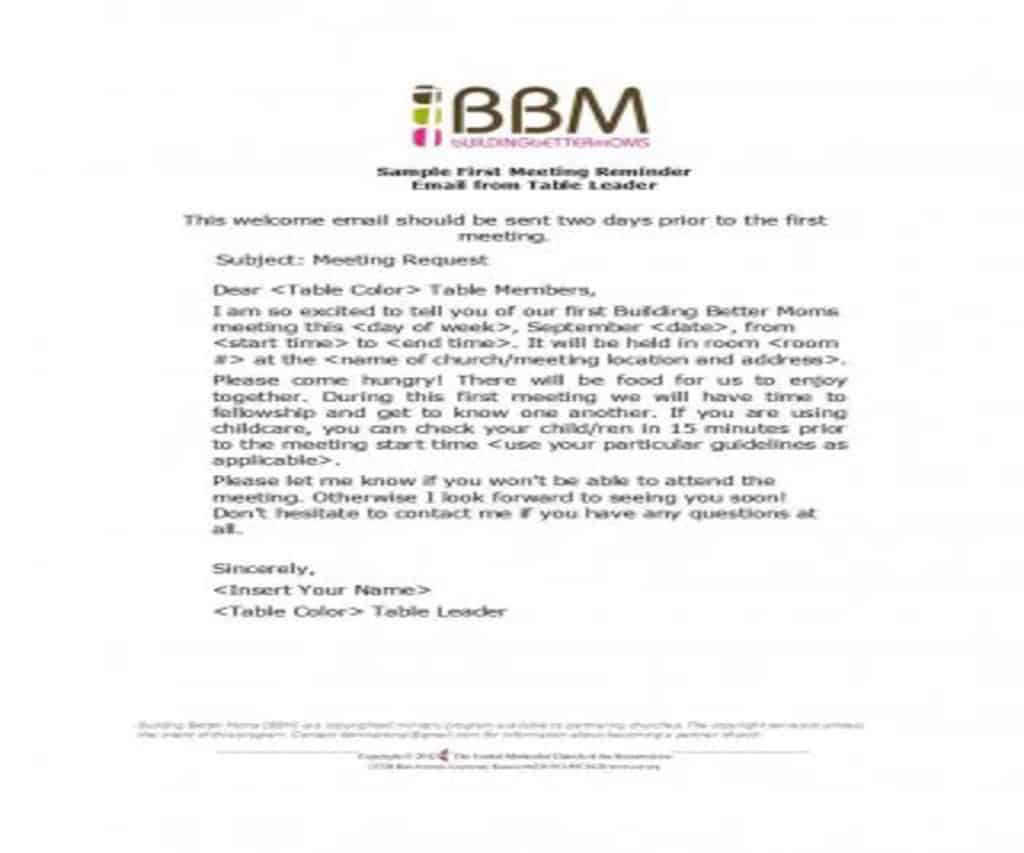
Meeting Request Email Template
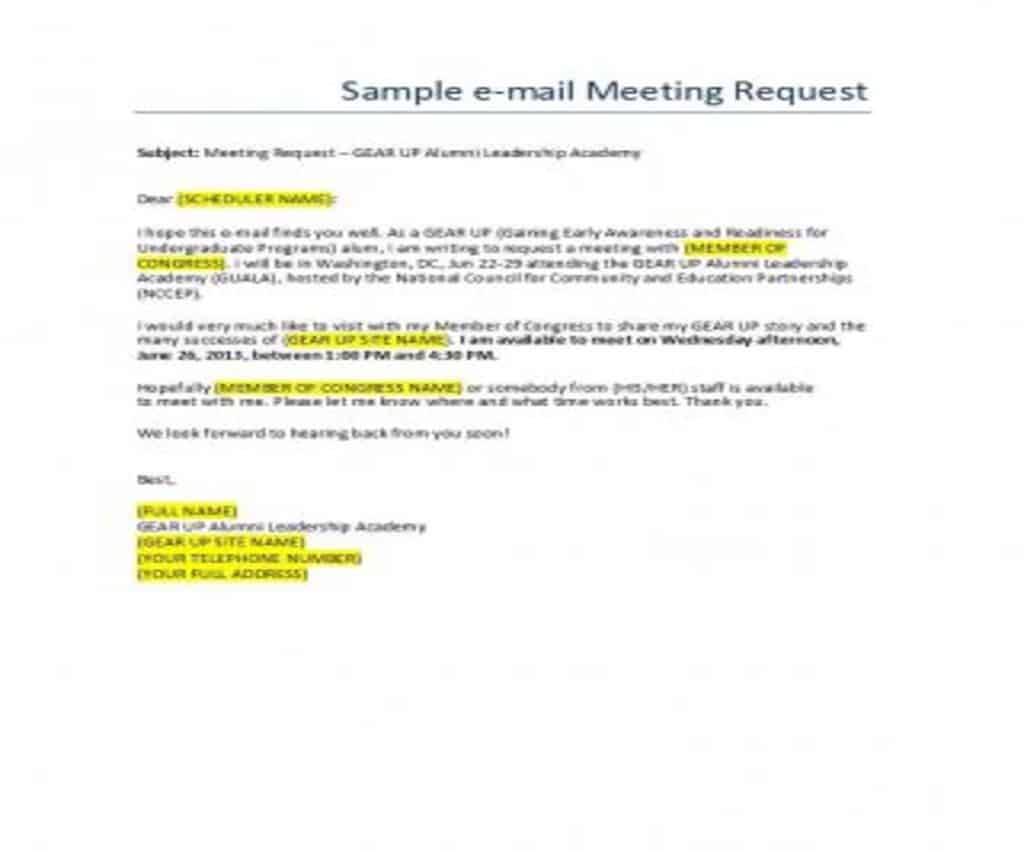
Meeting Request Email Template
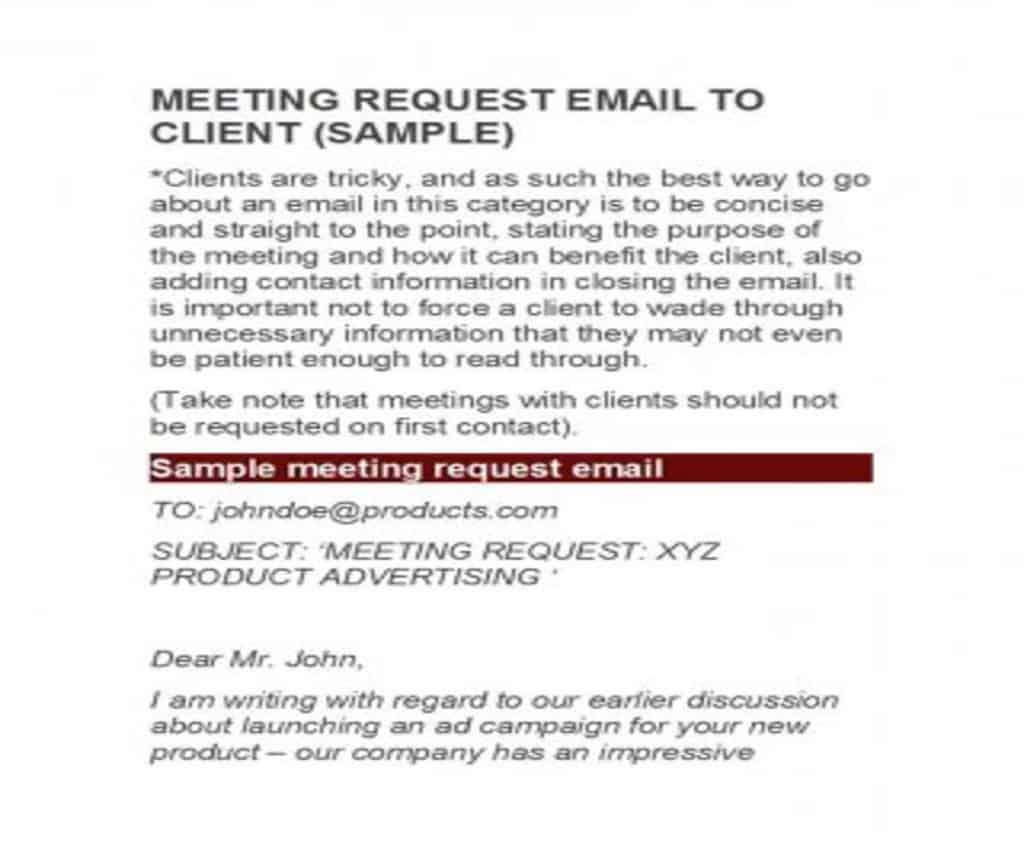
Meeting Request Email Template

Meeting Request Email Template
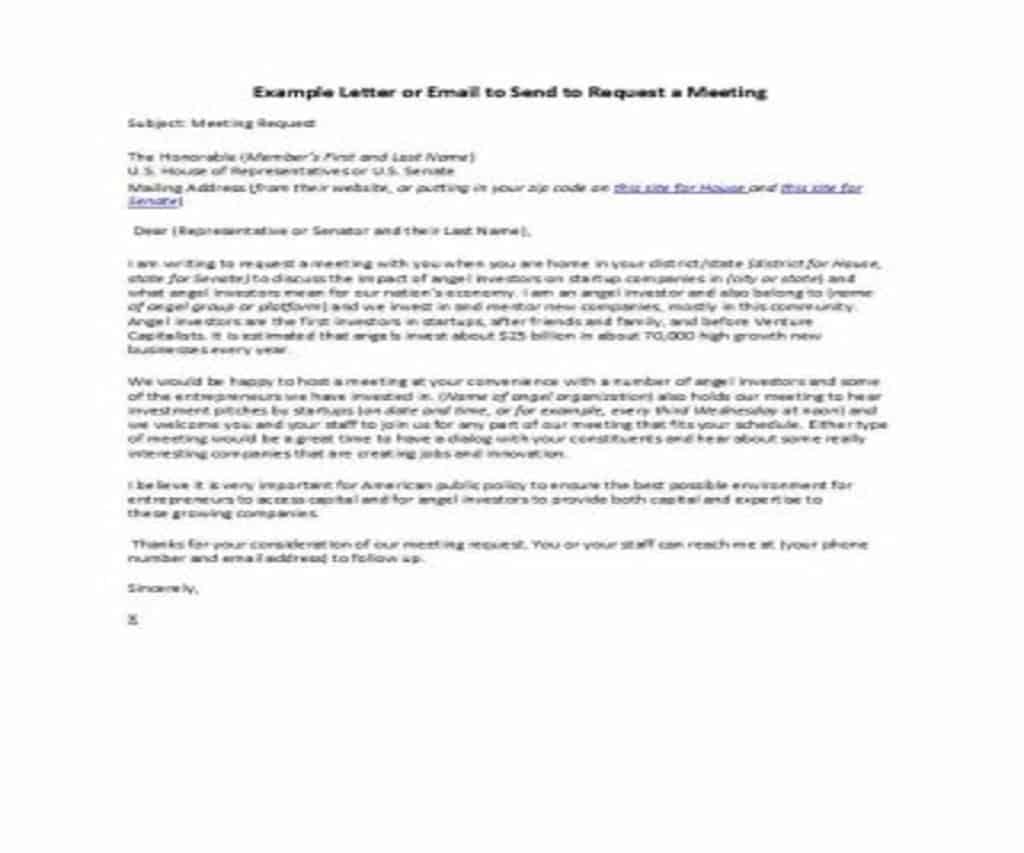
Meeting Request Email Template
Meeting Request Email Template
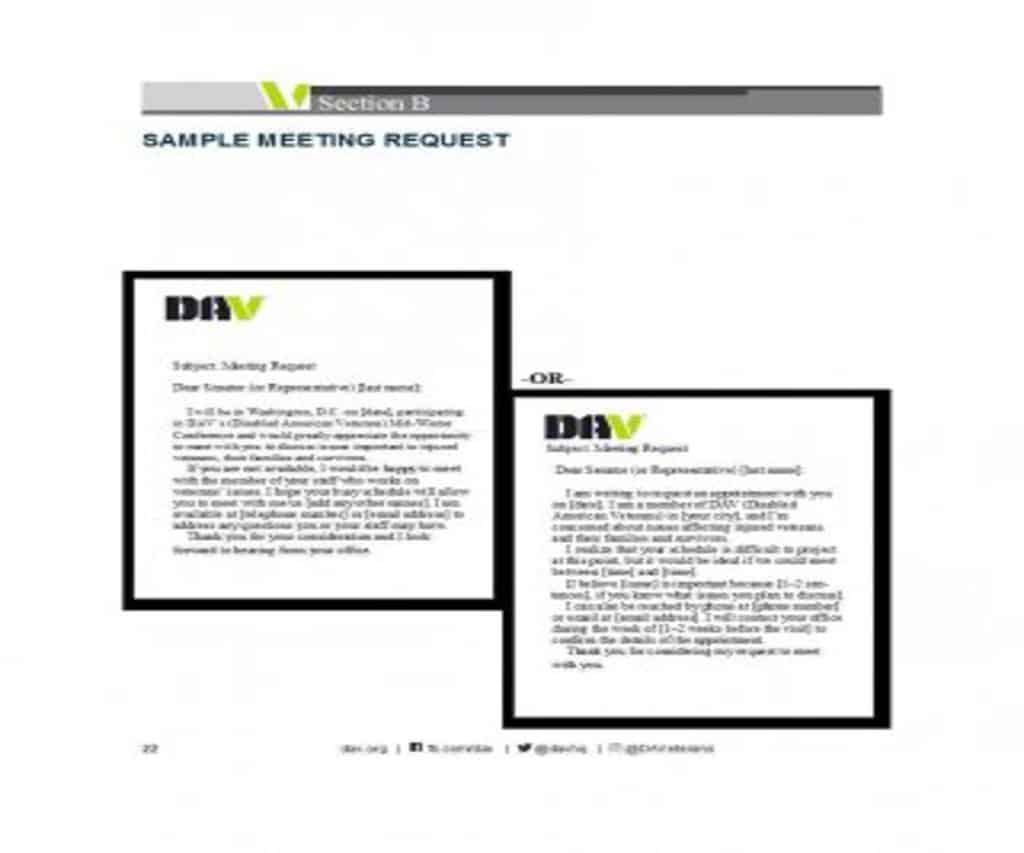
Meeting Request Email Template
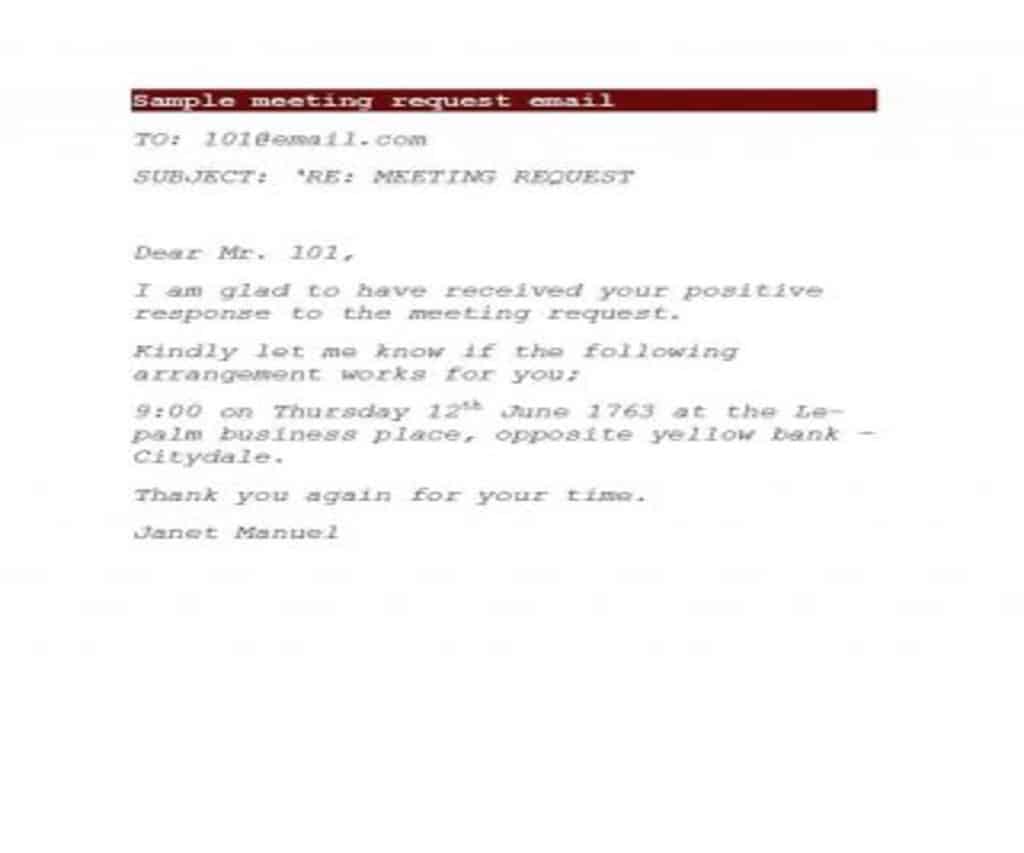
Meeting Request Email Template
What to do after sending a Meeting Request Email?
After sending a meeting request email, you can possibly face any of the following situations:
1. If the Meeting Request is accepted:
In this case, you must:
- Reply to the person and thank him for accepting your request for the meeting.
- If you wrote and sent the email on behalf of someone else, such as your manager or another senior colleague, write an email to both parties confirming the meeting schedule.
- Finally, get yourself prepared for the meeting.
2. If the Meeting Request is rejected:
In this case, you should:
- Suggest other venue for him, if the client rejected your request due to the location.
- Propose another time if the client rejected your request because of timing, or if the previous time no longer suits them for any reason.
- Revise your reason for the meeting and make it more attractive and interesting.
It is important not to pressure the client too much. Whatever the reason for rejecting your meeting request, don’t forget to thank them for their time.
3. If you receive no Reply:
You may have sent a meeting request email to a client and received no reply yet. This could be for the following reasons:
- The suggested time for the meeting was not suitable for the recipient. Or;
- The proposed venue was not suitable to him. Or;
- The reason for the meeting was not of much interest to him. Or;
- Simply, the person has not received your request.
In this case, you should send a follow-up email to the client asking him:
- Whether or not he received the first email.
- Emphasize the importance of the meeting once again.
- Ask the client to choose the time, date and venue for the meeting, according to their choice and suitability.
Formal Meeting Request Email Templates
Meeting Request Email Template
Meeting Request Email Template
Meeting Request Email Template
Meeting Request Email Template
Meeting Request Email Template
Meeting Request Email Template
Meeting Request Email Template
Meeting Request Email Template
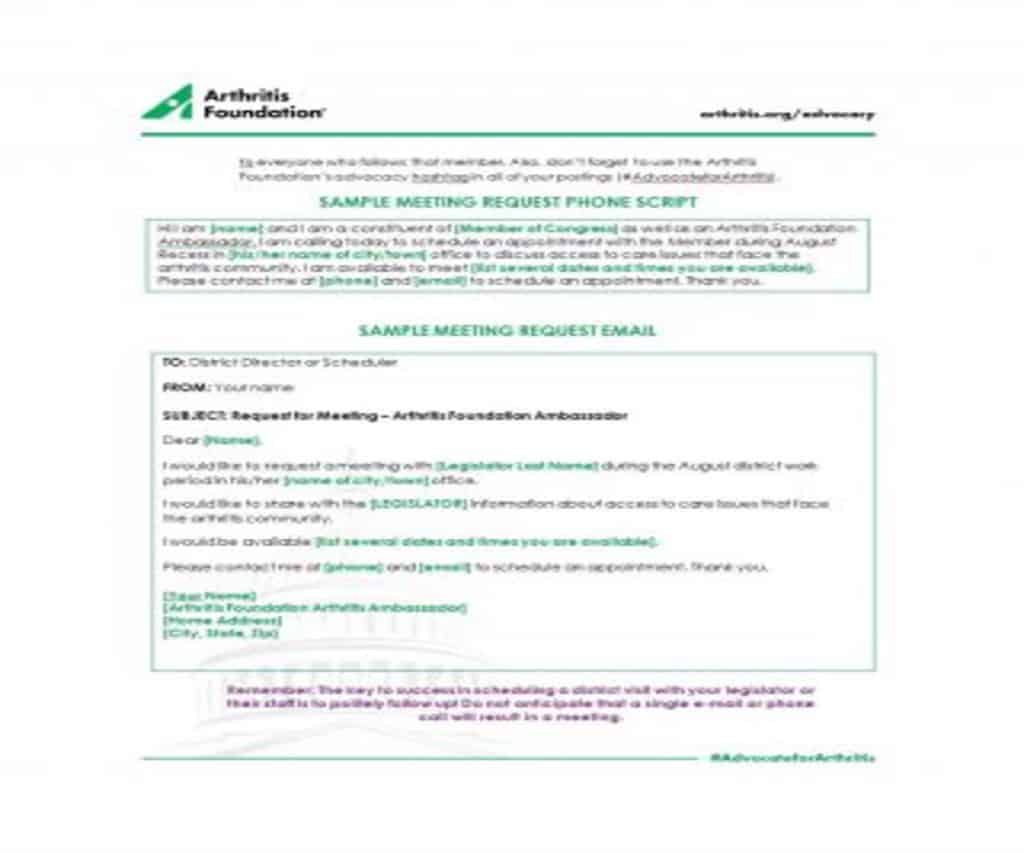
Meeting Request Email Template
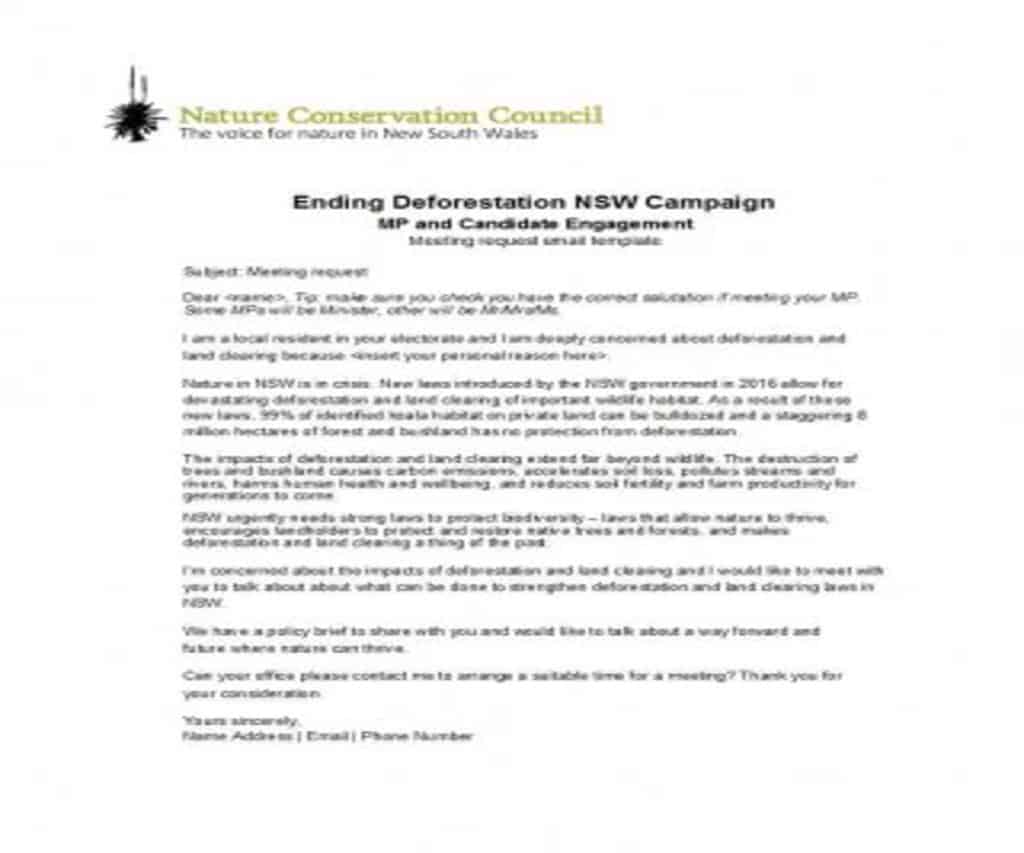
Meeting Request Email Template
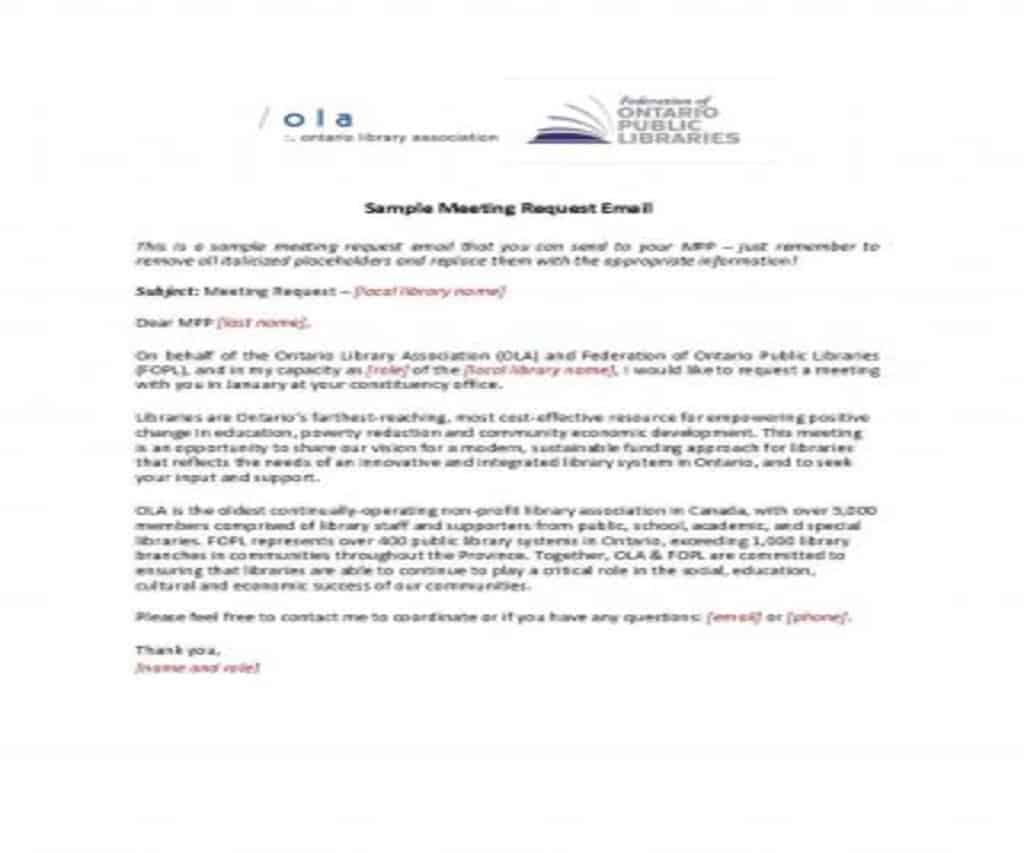
Meeting Request Email Template
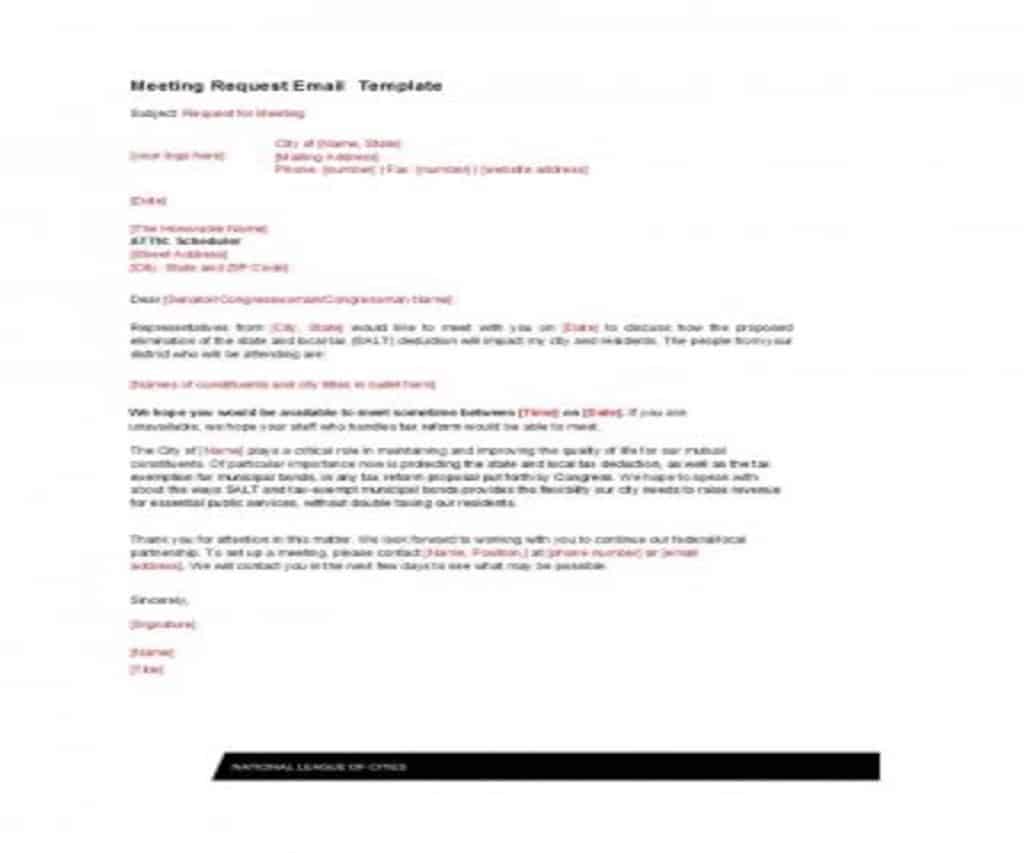
Meeting Request Email Template
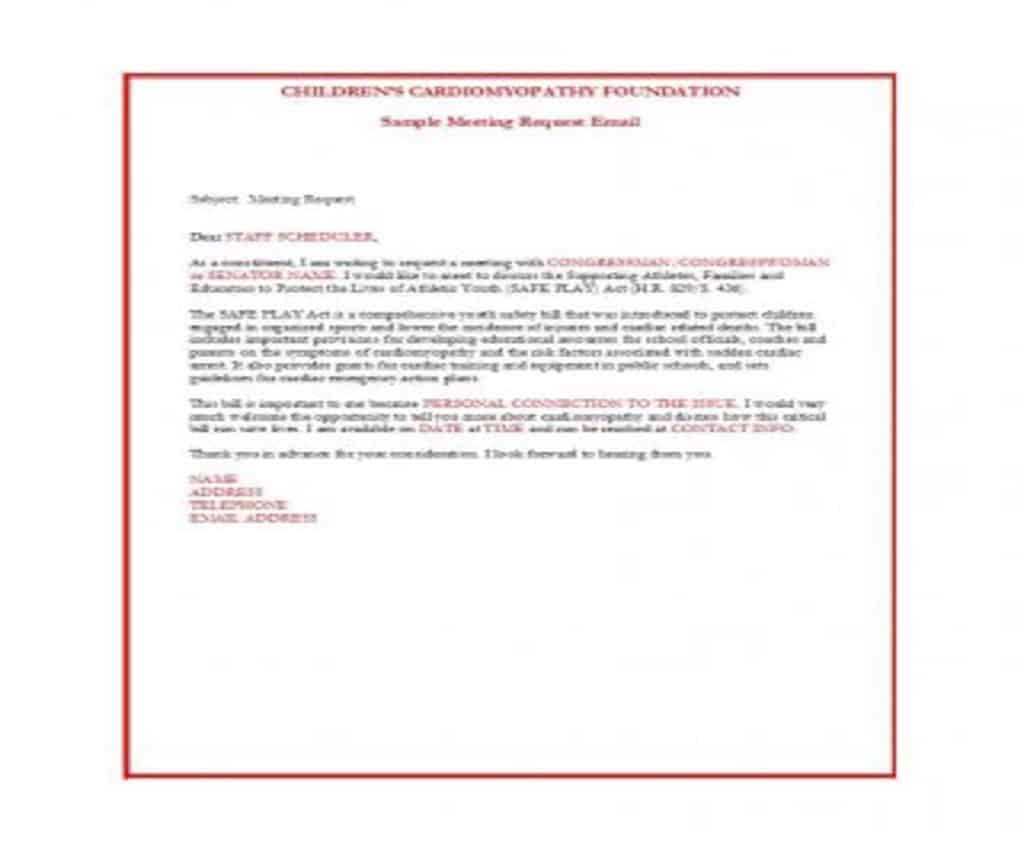
Meeting Request Email Template
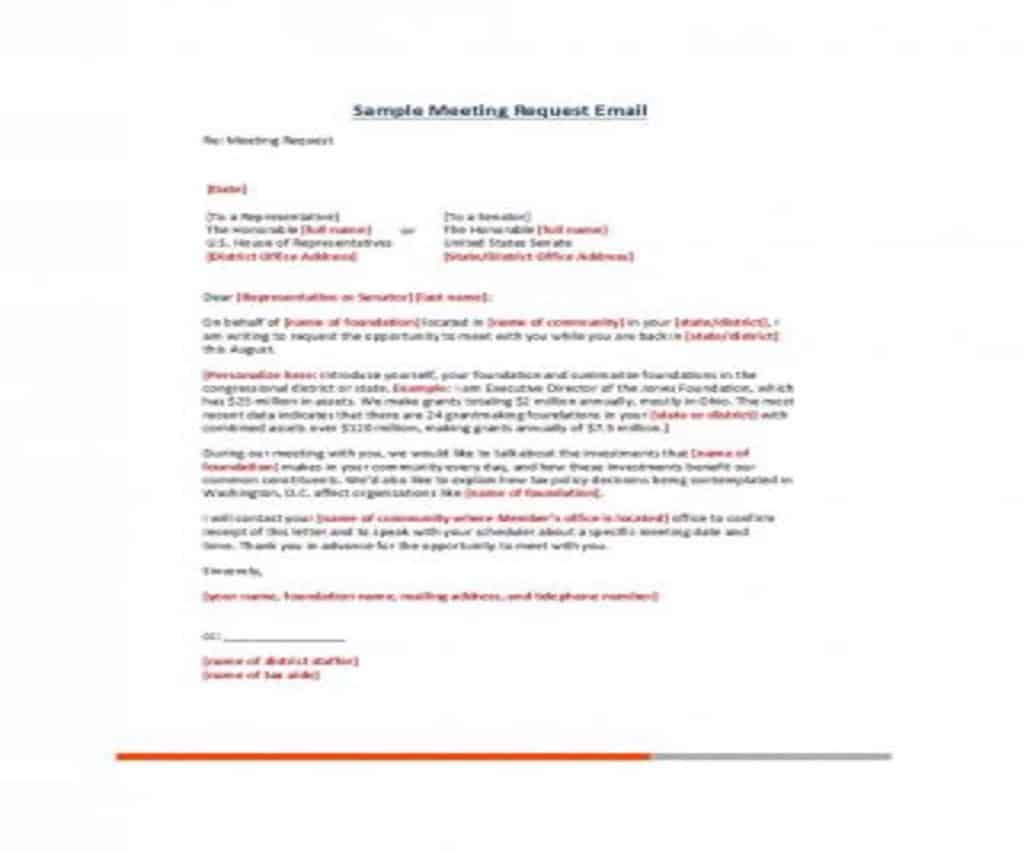
Meeting Request Email Template
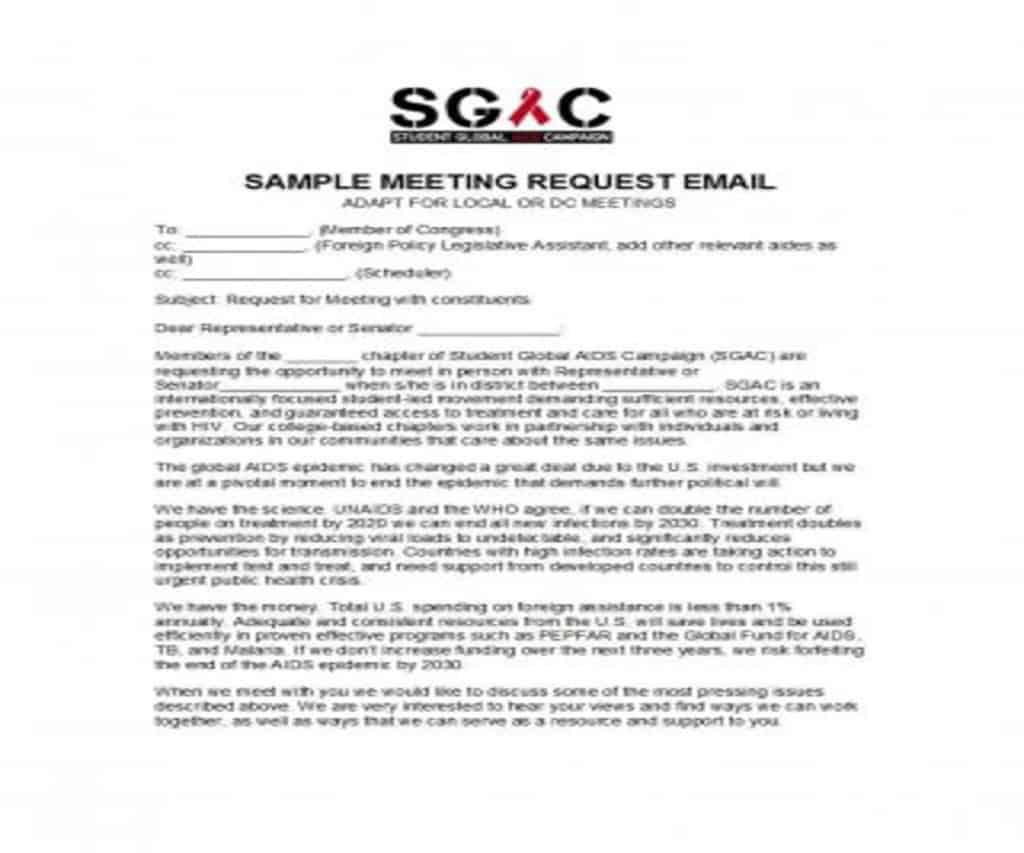
Meeting Request Email Template
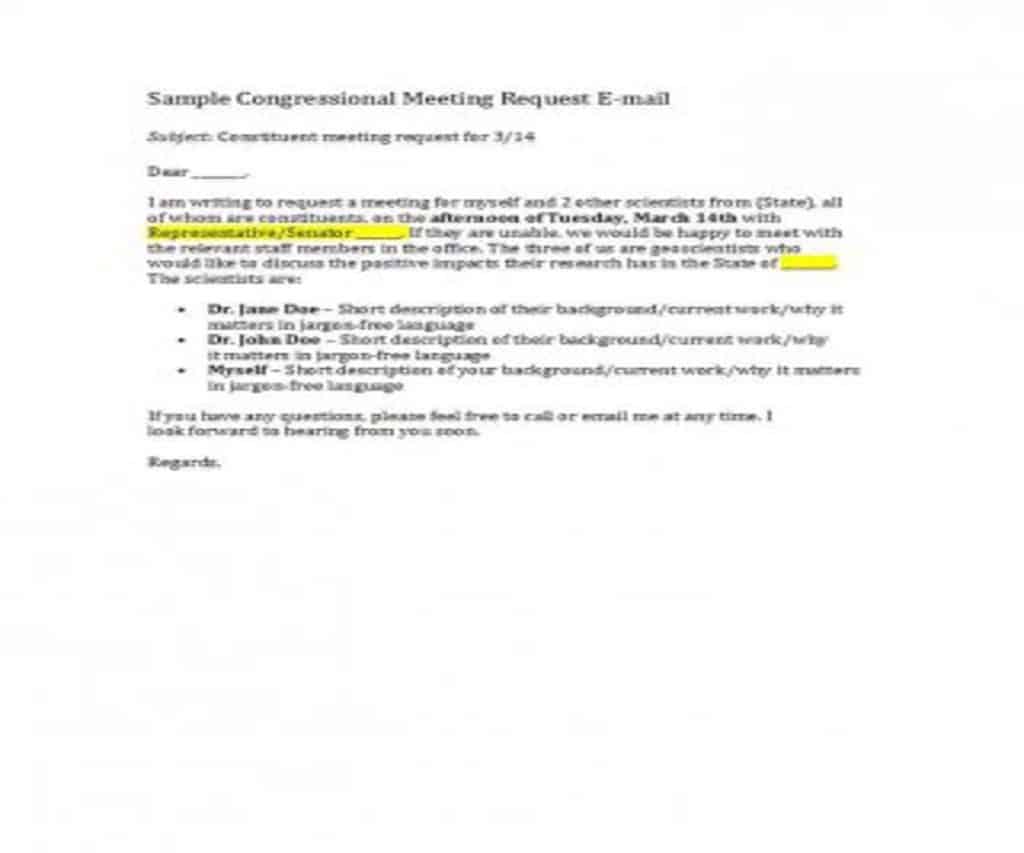
Requesting a Meeting With a Clear Purpose
Choose a message that explains why the meeting is needed and what outcome is sought. The recipient should be able to judge relevance and prepare. To help invited participants prepare, WordNExcelTemplates’ formal meeting agenda templates can accompany the meeting request with topics and intended decisions.
- State the topic, intended outcome and proposed duration.
- Offer suitable times with an explicit time zone where needed.
- Identify participants, preparation and a response route.
Worked Example
Example: “Could we meet for 20 minutes to choose between the two launch dates?” gives a decision and scope. Attach or link the short comparison so participants can prepare. “Let’s catch up about the project” may be appropriate socially but is less useful for a specific decision.
Common Mistakes to Avoid
Avoid assuming silence confirms attendance. Check document access and do not invite people who have no role in the outcome.
Related Templates
- Professional Email Templates
- Business Memo Templates
- Employment Application Form Templates
- Business Introduction Letter Templates
Frequently Asked Questions
How many time options should I offer?
A small set of workable options is usually easier to answer than an open-ended request. Include the time zone for participants in different locations.
What if the issue can be resolved by email?
Use an asynchronous question when it can achieve the same result clearly. Reserve meetings for discussion, coordination or decisions that benefit from live exchange.
