
A web developer is a person who takes a web design, either from the client or on his own, depending upon the circumstances, and converts that design into an official website. These are expert persons which use different languages and different complex codes for the development of the website. That is why a website can never be designed or developed by any random person unless he is a competent and qualified web developer. So, that’s why the field of web development and web designing is very vast and has a major scope in the modern world. There are lots of job opportunities for such experts in the market and they can always use web developer resume templates to officially apply for a particular job.
Just like in case of applying for any other job, you will be required to submit your professional looking resume to the company. It is where web developer resume templates can be helpful for you, especially if you don’t know how to create an effective web developer resume. Such a resume is your documented introduction, as the company, in which you are applying for a job, firstly meets you on paper and then in person. So, that is why you are required to prepare your resume with due care and it should depict your professionalism. For this purpose, we provide you some amazing and stylish Web Developer Resume Templates. You can use some of these templates and further customize them too, and many other templates can also be used to take ideas and create your very own official resume.
Web Developer Resume Templates
Front-end Web Developer Resume Template
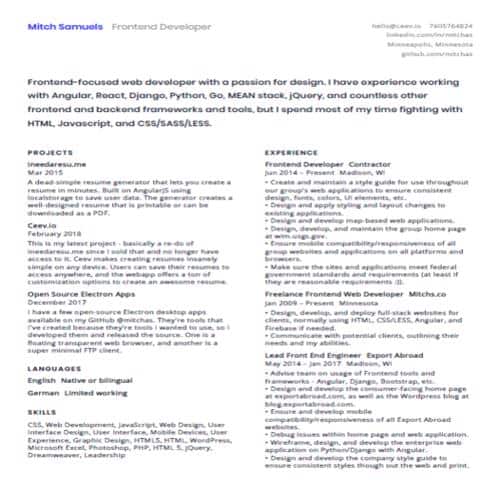
File Format: PDF
File Size: 31 KB
Expereienced Web Developer Resume Template
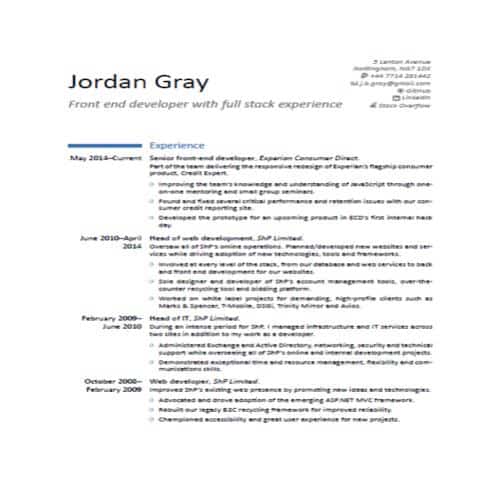
File Format: PDF
File Size: 70 KB
Sample Web Developer Resume Template
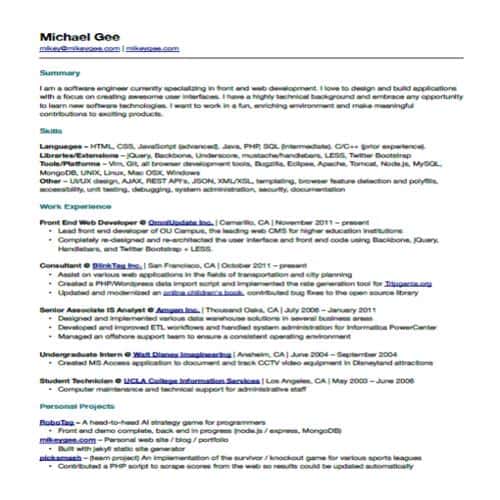
File Format: PDF
File Size: 40 KB
Professional Web Developer Resume Template
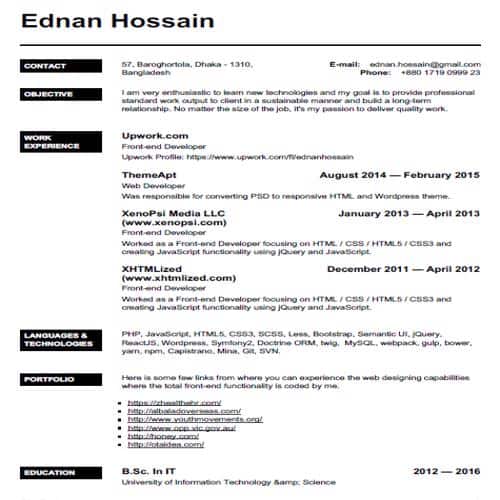
File Format: PDF
File Size: 37 KB
Simple Web Developer Resume Template
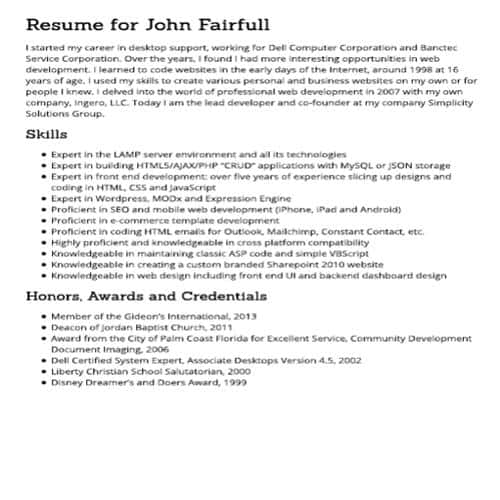
File Format: PDF
File Size: 690 KB
Senior Front-end Web Developer Resume Template
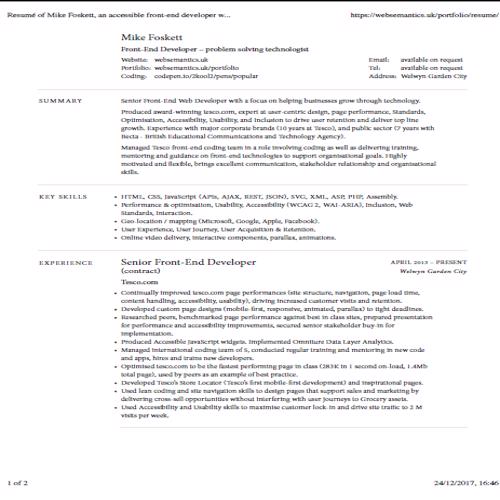
File Format: PDF
File Size: 133 KB
Official Web Developer Resume Template
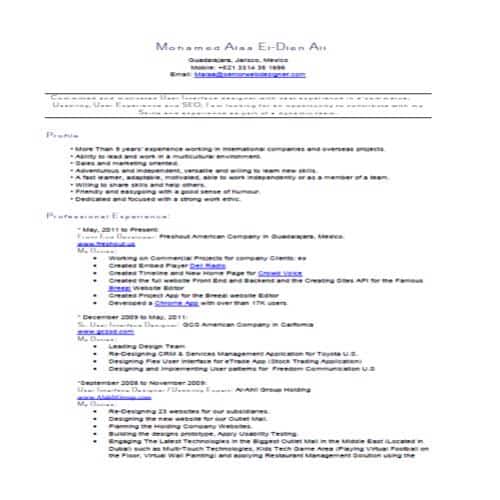
File Format: PDF
File Size: 185 KB
Typical Web Designer Resume Template
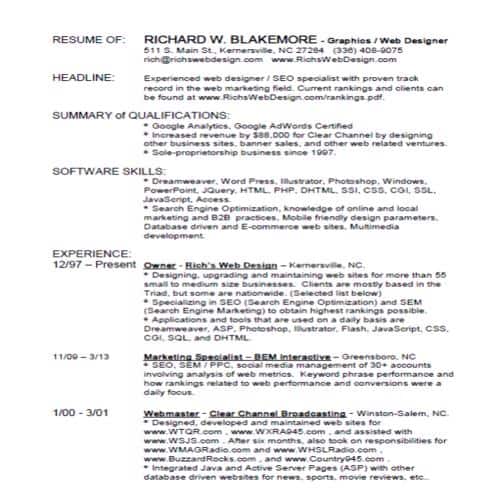
File Format: PDF
File Size: 140 KB
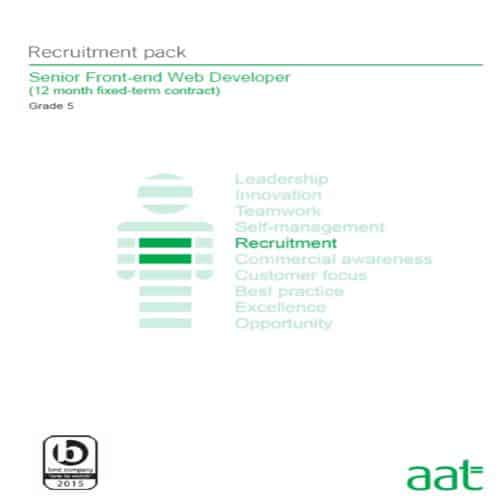
Senior Front-end Web Developer Stylish Resume
File Format: PDF
File Size: 419 KB
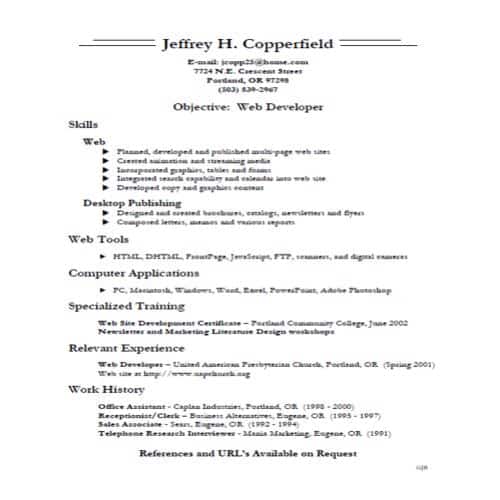
Basic Web Developer Resume Template
File Format: PDF
File Size: 72 KB
Creating a Professional Web Developer Resume
In order to create a professional web developer resume, you should consider including the following sections in it:
- Contact Information
Mention your necessary contact details e.g, street address, contact number, e-mail etc. It is usually placed at the very top of the resume under your name.
- Career Summary
Right after the contact information, include the section of ‘career summary’. In this section, briefly discuss about your professional skills and experiences so that the resume reader gets an idea of your expertise. Ideally, its length should not be more than a short paragraph of 4 to 5 lines.
- Skills
After the career summary, include the section of ‘skills’. Mention the skills that you have learned e.g, programming languages or other tools etc. Make sure to only mention those skills which you have actually learned or in which you have experience. It means that there is no need to be over efficient by mentioning those skills which you don’t know about because ultimately, it will have a bad impact on your portfolio.
- Work Experience
In this section, mention with details, the complete history of your work experience in the field of web development or web designing. This is the most important section of your web development resume as it provides a complete picture to the reader of resume. By analyzing the details in this section, the reader of the resume can easily decide whether to call the candidate for an interview or not.
- Education
In this section, mention the details of your educational background and educational history. Tell the complete details of degrees or certificates that you have been awarded with and the institutes from which you got education including the schools, colleges and universities.
- Projects
If you have previously completed any project or projects successfully, whether personal or for your ex-employers, during your whole career, then feel free to discuss the details of such projects in this section. It will have a positive impact on your overall profile and the reader of resume will surely be impressed by this.
- Other Activities
It is not a compulsory requirement to include this section and it is solely your choice whether to include this section or not. In this section, you can mention your interests, hobbies and other extra-curricular activities.
More Web Developer Resume Templates
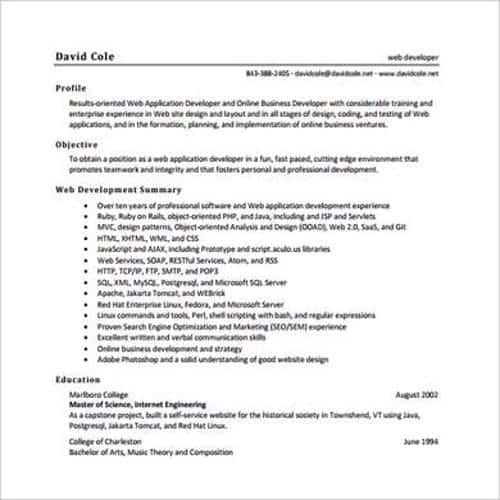
Standard Web Developer Resume Template
File Format: PDF
File Size: 176 KB
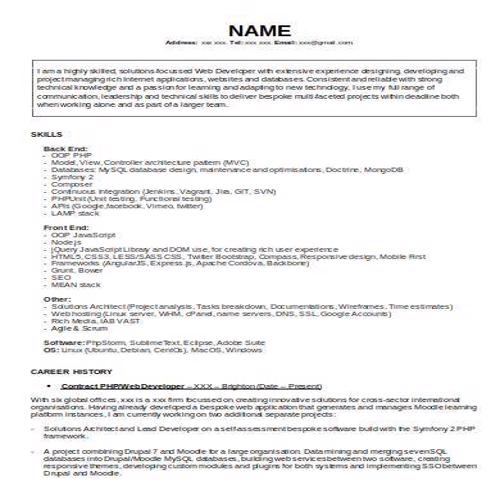
Example Web Developer Resume Template
File Format: MS WORD
File Size: 26 KB
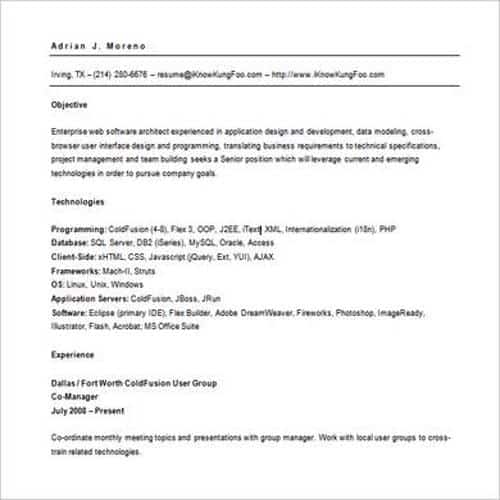
Informative Web Developer Resume Template
File Format: MS WORD
File Size: 53 KB
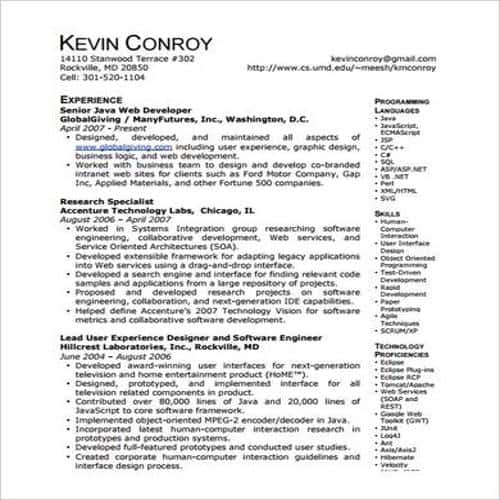
Detailed Web Developer Resume Template
File Format: PDF
File Size: 105 KB
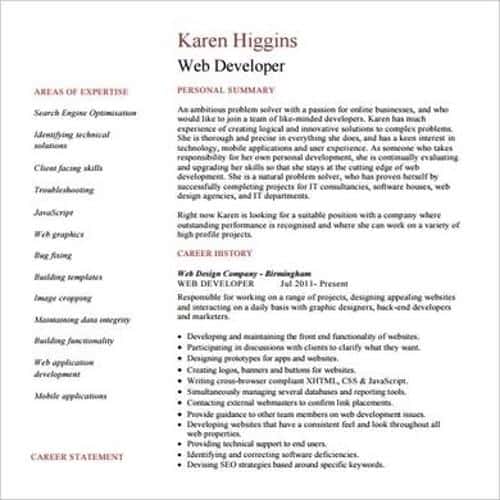
Decent Style Web Developer Resume Template
File Format: PDF
File Size: 261 KB
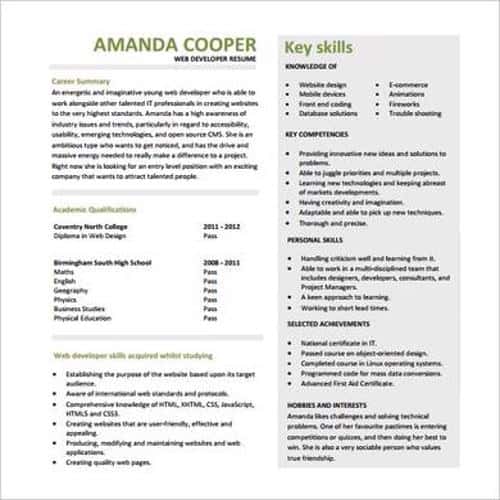
Modern Style Web Developer Resume Template
File Format: PDF
File Size: 224 KB
Elemental Web Developer Resume Template
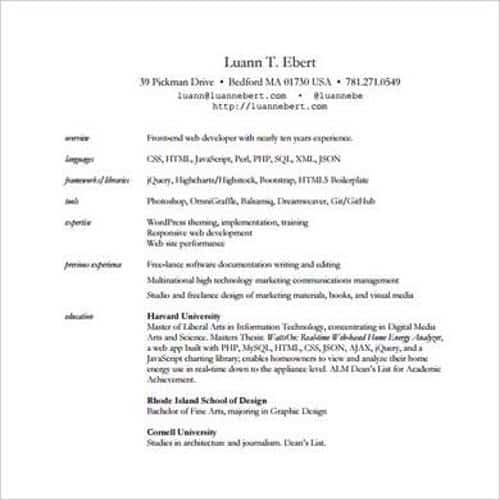
File Format: PDF
File Size: 237 KB
Special Web Developer Resume Template
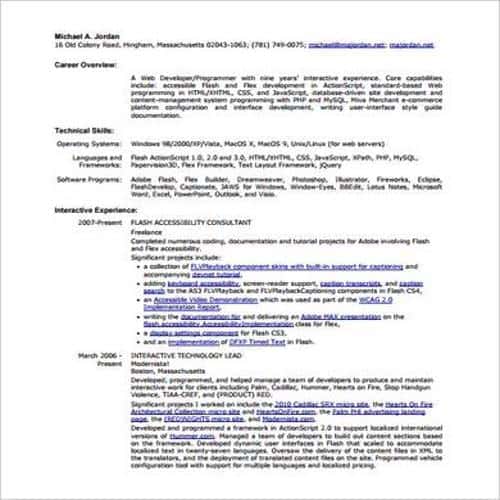
File Format: PDF
File Size: 99 KB
Expert Web Developer Resume Template
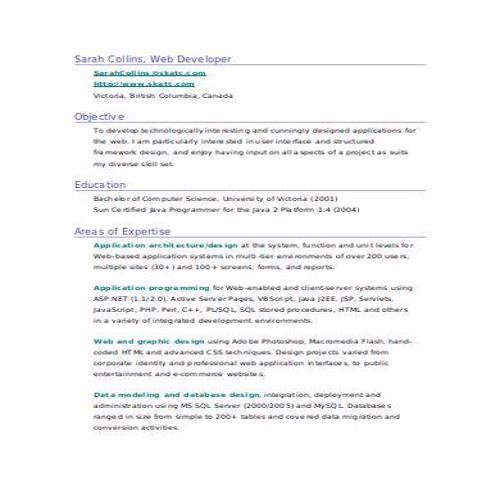
File Format: MS WORD
File Size: 40 KB
Simple Web Developer Resume Template
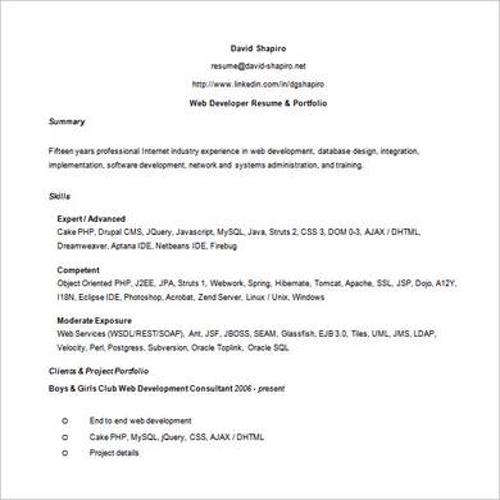
File Format: MS WORD
File Size: 49 KB
FREE Professional Web Developer Resume Templates: Practical Guide
These free professional web developer resume templates are designed to help users communicate a focused message clearly and credibly. A strong free professional web developer resume template is more than an attractive layout: it should guide the user through the right information in a sensible order, make important details easy to verify, and produce a finished record that another person can understand without extra explanation.
Begin by reviewing the preview images and download options on this page. Choose the version that most closely matches your real purpose, software, paper size, and level of detail. Download a clean copy, save the original as a master, and edit a duplicate. This simple workflow protects the source file and makes later revisions much easier.
What to Include in a FREE Professional Web Developer Resume template
The exact content depends on the situation, but a dependable professional communication normally needs the following information:
- Clear purpose in the opening. Add complete, current information and use the same terminology throughout the document.
- Relevant names, dates, references, and context. Add complete, current information and use the same terminology throughout the document.
- Specific facts or evidence. Add complete, current information and use the same terminology throughout the document.
- The requested action or intended outcome. Add complete, current information and use the same terminology throughout the document.
- Supporting attachments or contact information. Add complete, current information and use the same terminology throughout the document.
- An appropriate closing, name, title, and date. Add complete, current information and use the same terminology throughout the document.
Only retain sections that serve a genuine purpose. If a field is required but does not apply, use an approved notation such as “Not applicable” instead of leaving an unexplained blank. Where the document affects money, rights, employment, safety, or regulatory duties, have a qualified person review the customized version before it is issued or signed.
How to Choose the Best FREE Professional Web Developer Resume template
Compare templates by substance before appearance. Check whether the structure reflects the actual workflow, whether the available fields are sufficient, and whether the file can be edited in the software you use. A shorter template that matches the task is usually better than a complicated design filled with irrelevant sections.
Also test practical details. Open the file, type realistic sample information, check tables and page breaks, verify that formulas or totals behave correctly, and print or export one test copy. If several people will use the document, ask someone unfamiliar with it to complete or review the test. Their questions often reveal unclear labels, missing instructions, or a poor sequence.
Step-by-Step Customization
- Define the purpose. Write one sentence describing what the completed free professional web developer resume template must record, communicate, approve, or help someone decide.
- Select the closest layout. Match the sections and workflow first; fonts, colors, and branding can be adjusted later.
- Replace every sample entry. Verify spelling, dates, amounts, addresses, identifiers, and references against reliable source records.
- Adapt the structure. Add genuinely required fields, remove irrelevant clauses or columns, and arrange the content in the order users need it.
- Apply consistent formatting. Use clear heading levels, readable type, adequate spacing, aligned tables, and a restrained color palette.
- Review and approve. Assign a responsible person to check accuracy, completeness, calculations, and authorization.
- Control the final version. Use a descriptive filename, include the revision date when appropriate, and store the editable and final copies securely.
Common Mistakes to Avoid
The most common problems with free professional web developer resume templates include generic wording, unsupported claims, unclear requests, incorrect names or dates, an unsuitable tone for the audience. Users also sometimes preserve instructions, example data, tracked changes, hidden comments, or blank pages from the source file. Complete a final content review and a separate visual review before distribution.
A template should not be presented as an official record from a bank, government office, court, school, employer, or other institution unless it has actually been issued or authorized by that organization. Do not add seals, signatures, certifications, or claims that could mislead the recipient.
Quality-Control Checklist
- Every placeholder, instruction note, and sample value has been replaced or removed.
- Names, dates, amounts, calculations, contact details, and references have been verified.
- Headings, labels, capitalization, numbering, and terminology are consistent.
- Required evidence, attachments, signatures, approvals, and submission details are identified.
- Links, formulas, tables, page numbers, margins, and page breaks have been tested.
- The final copy contains no comments, tracked changes, hidden data, or confidential examples.
Frequently Asked Questions
Are these free professional web developer resume templates editable?
Yes. Use the available download format to change text, fields, tables, colors, and branding. Keep an untouched master copy so the original structure remains available.
Which format should I use?
Word is suitable for text-heavy documents and flexible page layouts. Excel is better for calculations, recurring logs, schedules, or structured data. PDF is useful for a final copy whose appearance should remain fixed. Choose the format offered by the specific download and appropriate to your workflow.
Can I use a downloaded free professional web developer resume template for professional purposes?
It can provide a useful starting point, but it must be customized for the organization, transaction, audience, and applicable rules. Seek professional advice where legal rights, financial obligations, safety, compliance, or formal employment decisions are involved.
How do I make the document easier to complete?
Use short labels, plain instructions, a logical order, enough writing space, and examples only where they clarify the expected response. Mark mandatory fields consistently and avoid requesting information that is not needed.
What should I check before sharing it?
Proofread the wording, verify facts and calculations, test printing and links, confirm authorization, remove editing marks, and make sure the filename clearly identifies the approved version.
