
A flow chart (also spelled flowchart) is a diagram that shows the steps of a process in order, using shapes for actions and decisions and arrows for the direction of work. It makes a complex process easy to follow at a glance. Teams use one to document procedures, train new staff, find bottlenecks, plan software logic and explain approvals across departments.
Below are 43 flow chart templates, editable and free to download. They include a process flow chart, a simple chart, a detailed version, an illustrated design and a departmental flow chart. Each flowchart template gives you a ready layout, so you can rearrange shapes instead of drawing from scratch.
Map the process as it really works today, not as the manual says it should. Walk through it with the people who do the job; the gaps they point out are usually the reason you needed the chart in the first place.
For other diagrams and planning visuals, you can also check out our organizational chart templates, website sitemap templates and PERT chart templates for project schedules.
Sample Flow Chart Templates
Process Flow Chart Template
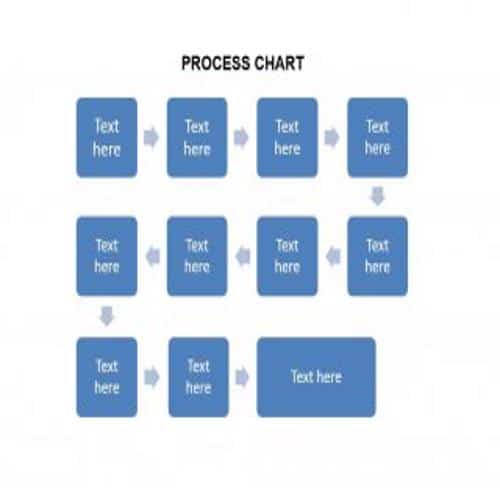
Simple Flow Chart Template
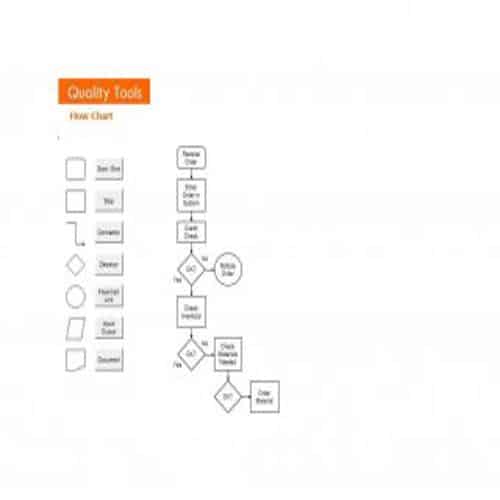
Detailed Flow Chart Template
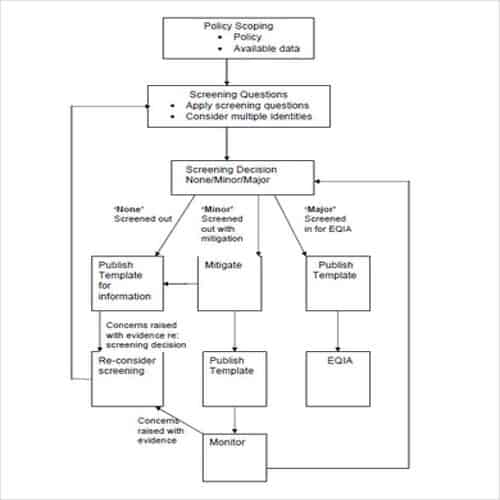
Colorful Flow Chart Template
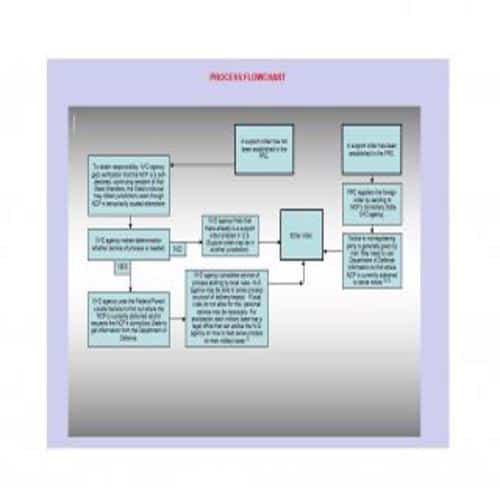
Sample Flow Chart Template
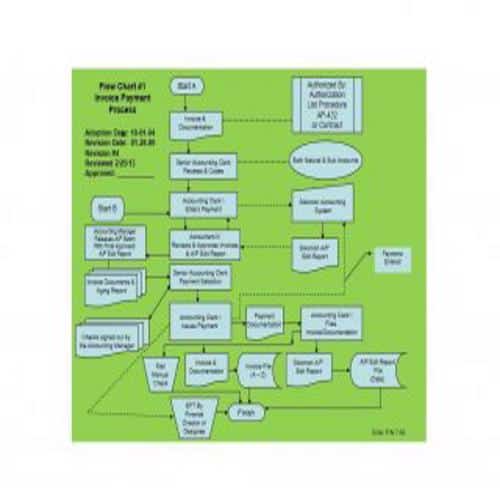
Special Flow Chart Template
Illustrated Flow Chart Template

Departmental Flow Chart Template
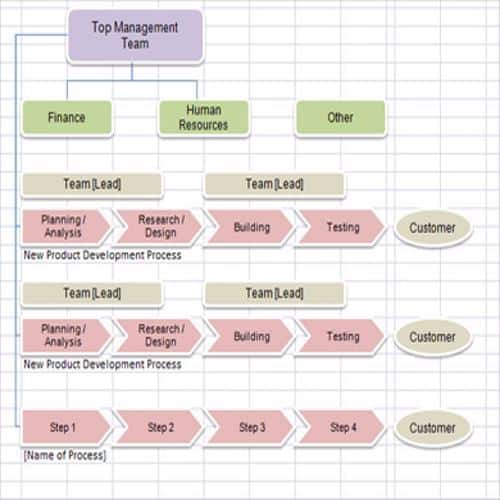
Basic Flow Chart Template
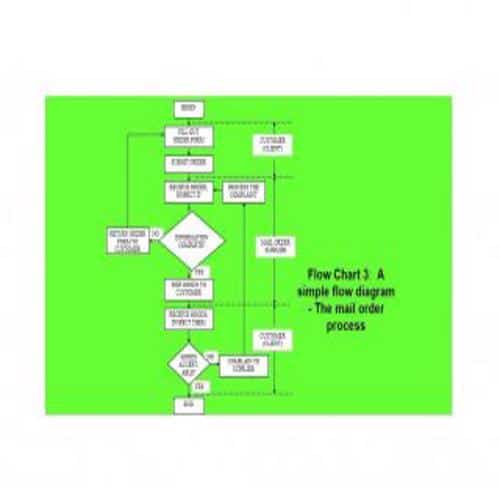
Brief Flow Chart Template
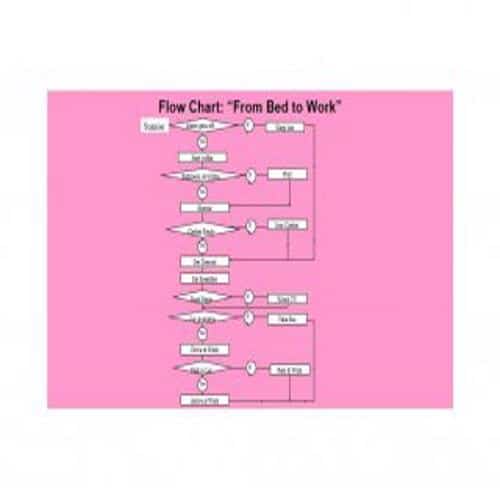
Data Flow Chart Template

Flow Chart Guide Template
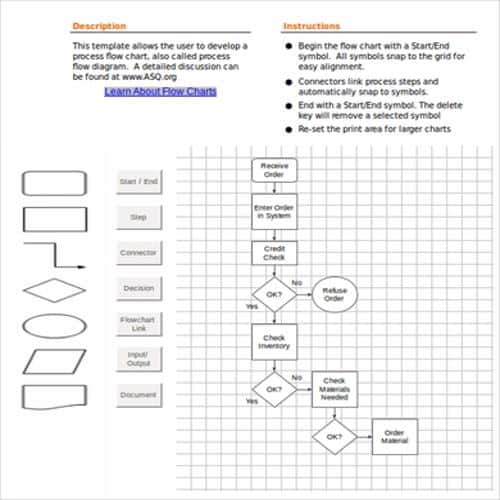
Supply Flow Chart Template
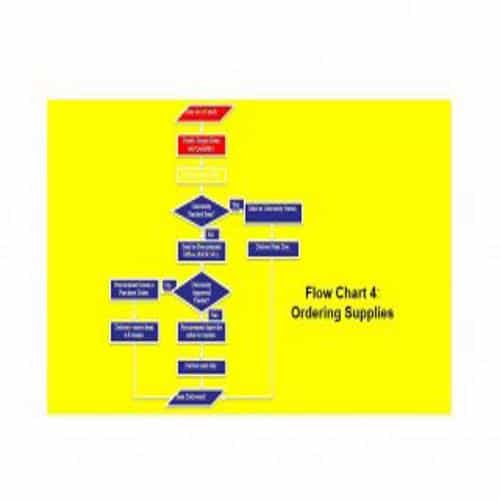
Mail Order Flow Chart Template
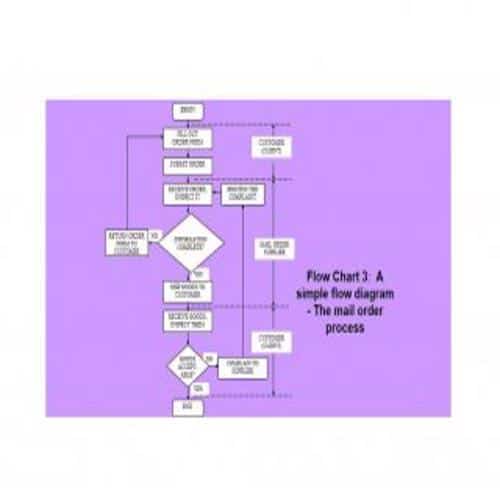
Example Flow Chart Template
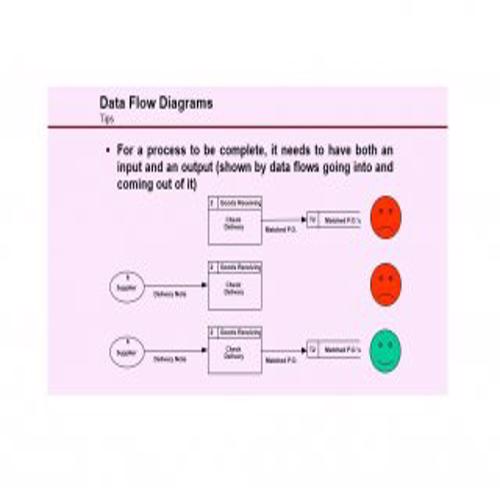
Necessary Elements of a Flow Chart Template
Following are some basic elements that are important to be included in a flow chart template.
1. The process, system or procedure:
First, the flow chart must show the process, system, procedure or algorithm it is being prepared for.
2. People involved:
The flow chart must show the people involved in the process and clearly identify their roles.
3. Tasks or Activities:
The second element is the activities or tasks that are required to be done in the process or procedure.
4. Input:
The flow chart template must clearly state what input materials or items are required for each task or activity.
5. Output:
Like the input, a flow chart must also identify the output you expect after completing a task or activity.
6. Decision:
Next, it states the decisions that will be made based on an output or end result.
7. Symbols:
Specific symbols are used in every type of flow chart and are one of its important elements. These symbols are explained below.
Best Flow Chart Templates
Flow Chart Format Template
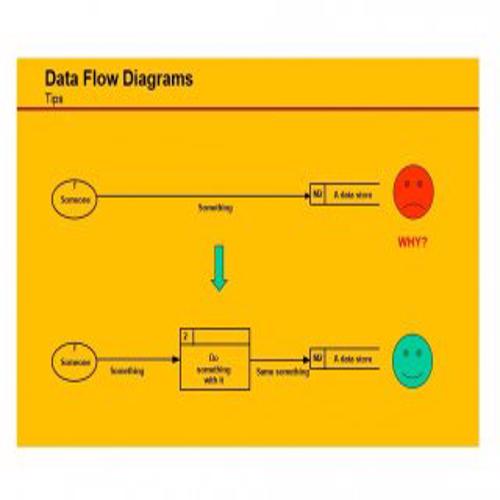
Proper Flow Chart Template
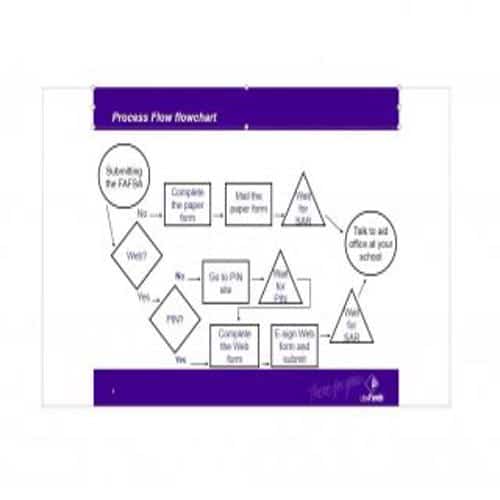
Special Flow Chart Template
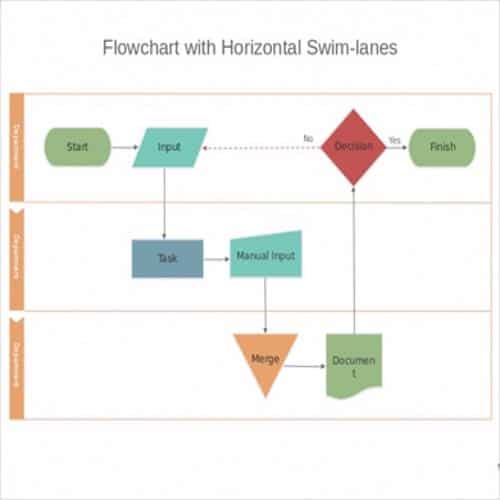
Official Flow Chart Template
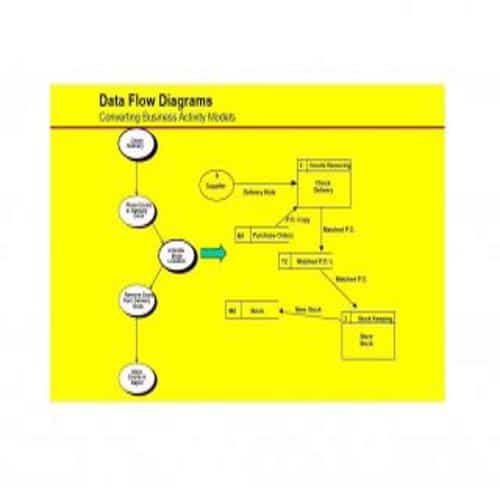
Practical Flow Chart Template
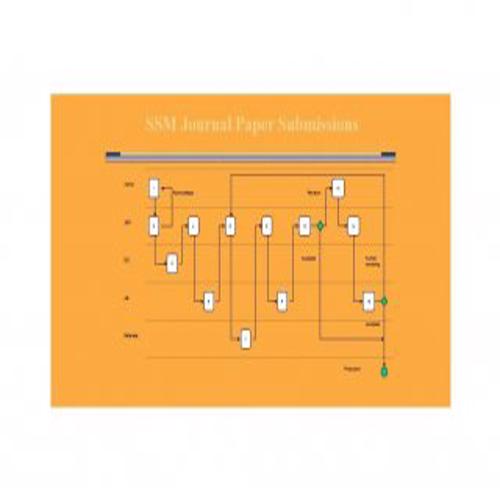
Service Blueprint Template
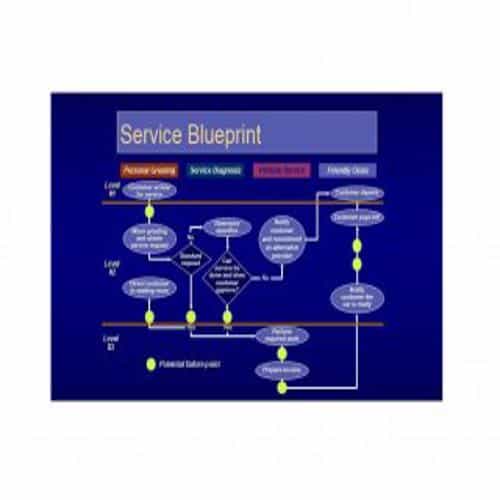
Project Flow Chart Template
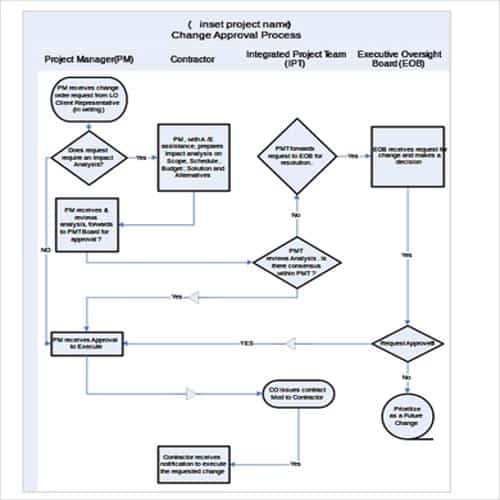
Explained Flow Chart Template
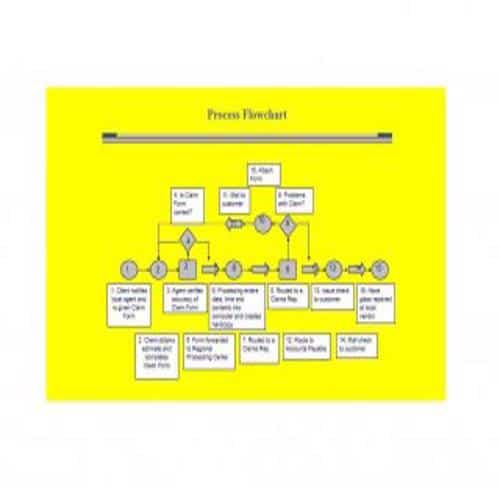
Sample Flow Chart Illustration Template
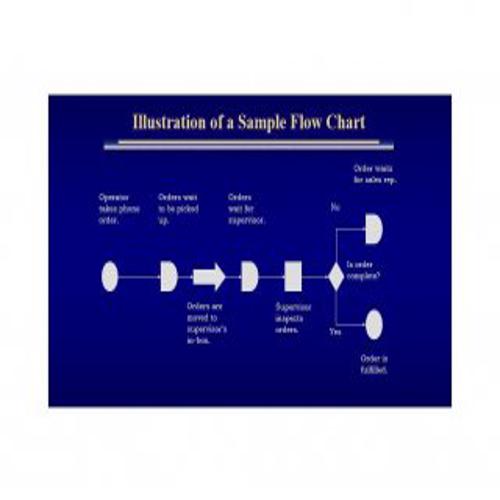
Process Flow Chart Hierarchies Template
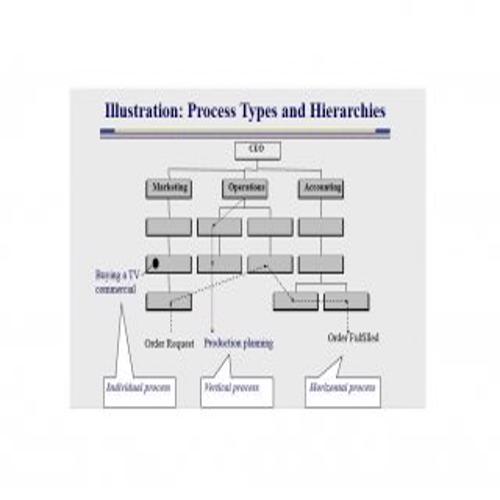
Service Process Flow Chart Template
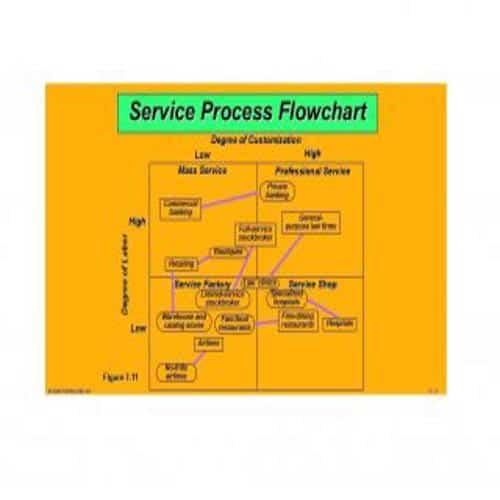
Proper Process Flow Diagram
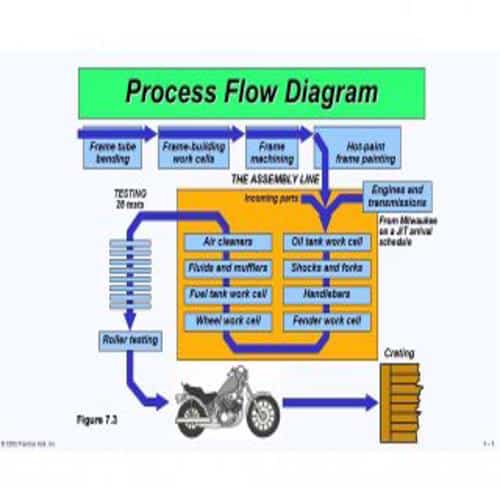
Effective Flow Chart Template
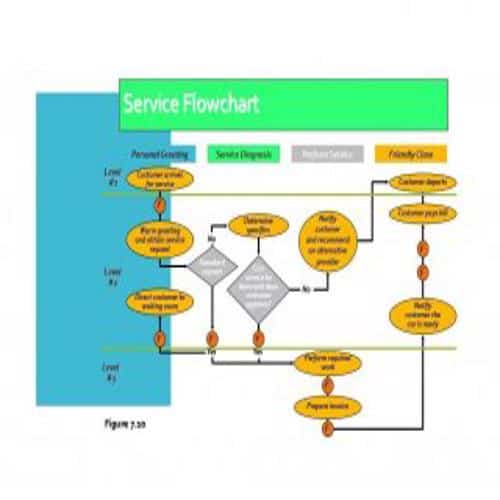
Complete Flow Chart Template
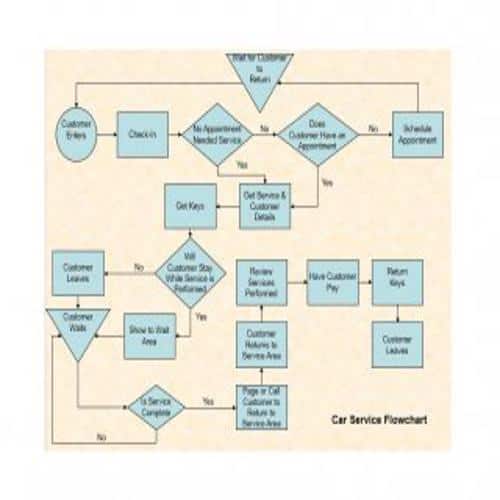
Plain Flow Chart Template
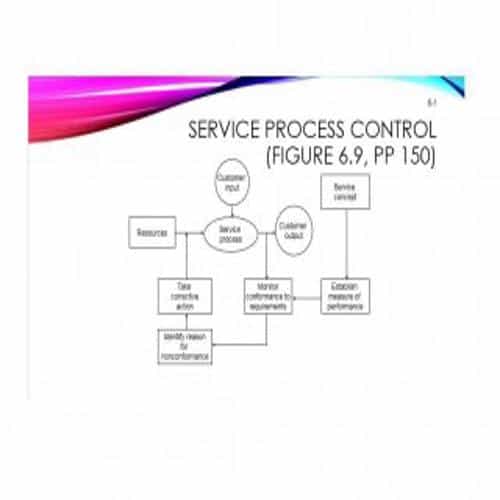
Types of Flow Charts and the Symbols
Types of Flow Charts:
Basically, there are three different types of flow charts which are briefly explained below:
1. Linear Flow Chart:
A linear flow chart simply shows the sequence of work steps that make up a process. Sometimes this type of flow chart may also include unnecessary or irrelevant steps.
2. Deployment Flow Chart:
A deployment flow chart shows the actual flow of a process and the individuals or groups involved in each step. It also explains how these people or groups fit into the process and how they relate to one another.
3. Opportunity Flow Chart:
An opportunity flow chart is a further modification of a linear flow chart. An opportunity flow chart differentiates:
- The process activities that add value. and,
- The process activities that add costs only.
Symbols of a Flow Chart:
The symbols that are used in a flow chart are mentioned below:
- Oval: Oval symbols in a flow chart indicates the starting and ending points of process.
- Box: A box simply indicates an individual activity or a step in a process.
- Diamond: Diamond symbols are basically used to show the decisions to be taken.
- Circle: A circle indicates a connection within a process on the same page. A number written in a circle indicates the continuation of a sequence.
- Pentagon: The pentagon symbol links a specific step to another part or page of the flow chart.
- Flow Line: A flow line simply indicates the direction of flow of the process.
Practical Flow Chart Templates
Circular Flow Chart Template
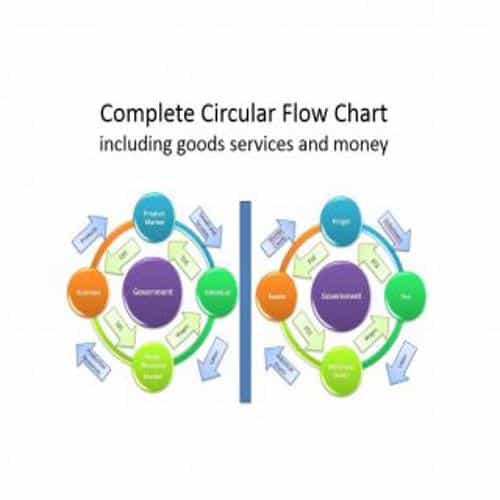
Thorough Flow Chart Template
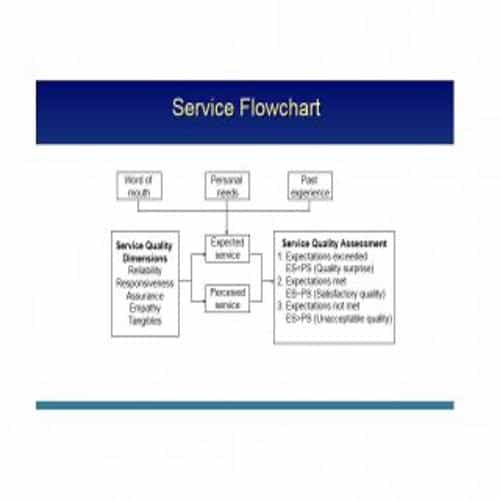
Data Flow Diagram Template

Student Flow Chart Template
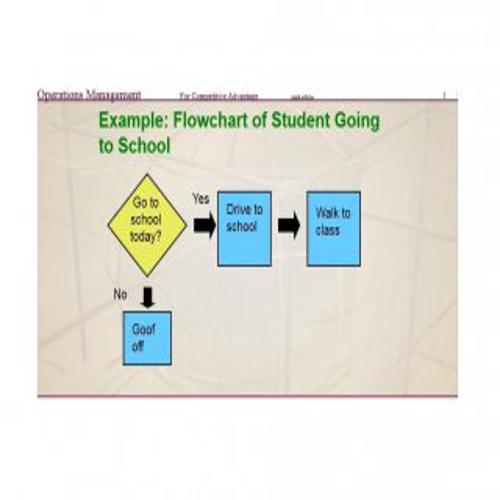
Typical Flow Chart Template
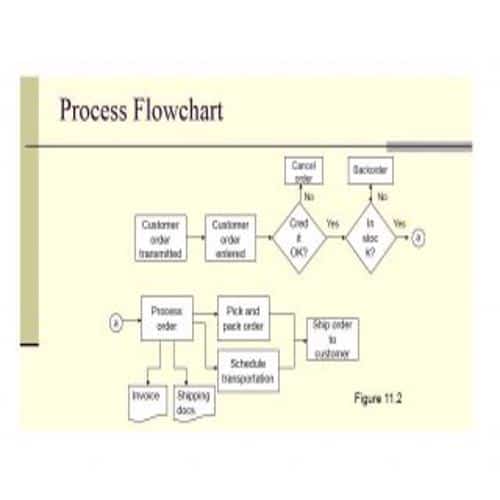
Model Flow Chart Template
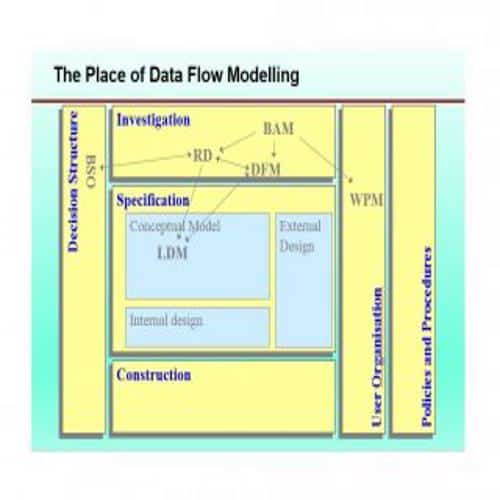
Flow Chart Sample Template
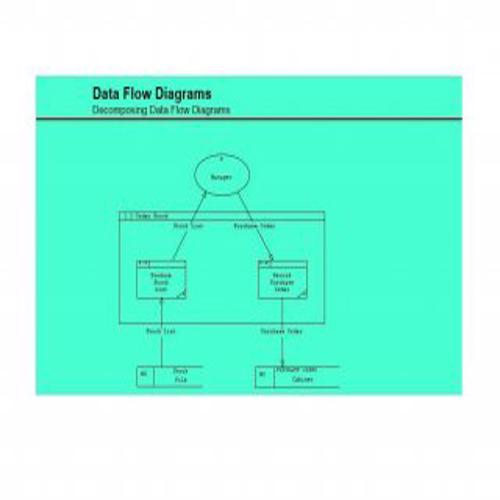
Exclusive Flow Chart Template
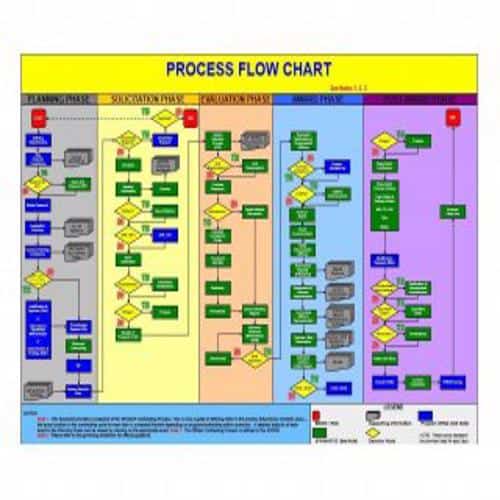
Standard Flow Chart Template
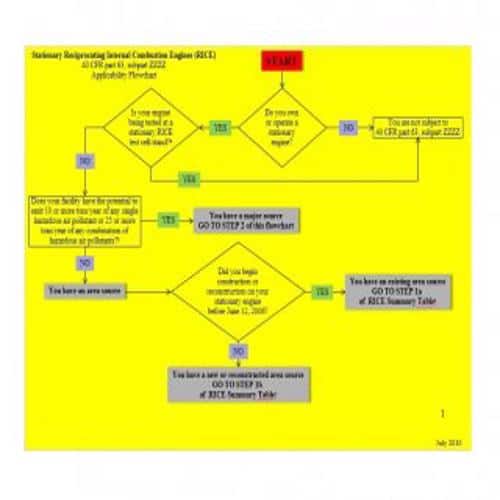
Decent Flow Chart Template
Catchy Flow Chart Template
Elegant Flow Chart Template
Executive Service Flow Chart Template
Advantages and Limitations of a Flow Chart
Advantages:
- A flow chart is an effective tool in enhancing the overall understanding and evaluation of a process.
- Flow charts are helpful in managing the work load and work flow.
- It shows the various duties performed by an individual or group, thus providing graphic evidence of any conflicting responsibilities.
- Flow chart is very beneficial when it comes to planning the computer algorithms.
- Flow chart provides visual means of documenting a process.
- A flow chart presents information in a proper, logical sequence, which makes a process, system, algorithm or procedure easier to understand.
- By using standard symbols, a flow chart highlights the overall strengths and weaknesses of a system.
Limitations:
- Flow charts are only suitable for describing standard systems. They fail to record systems with unusual or complex transactions or procedures.
- Preparing a flow chart is time-consuming, and a complex or technical system or process will require the services of an expert.
- Another major limitation of a flow chart is that a single change may require changes to the entire chart.
- Flow charts are not suitable for recording the systems or processes with further classifications, subsystems or subroutines.
- A flow chart may also record redundant or unnecessary areas or elements.
Drawing a Flow Chart That Handles Decisions
Choose a flow chart for a defined process and audience. A simple overview and a detailed operating workflow need different levels of detail.
- Identify the start, end and boundaries of the process.
- Map actions and decisions using consistent symbols and labelled branches.
- Walk through ordinary and exception cases with the people doing the work.
Worked Example
Example: an invoice-checking chart asks whether the order reference matches. The “No” branch identifies who investigates the discrepancy, rather than ending with an unexplained arrow. Every decision path should lead to a meaningful next action or endpoint.
Common Mistakes to Avoid
Avoid crossing lines and unlabelled decisions that force readers to guess. A diagram should describe the real process, including exceptions.
Related Templates
- Website Sitemap Templates
- Organizational Chart Templates
- Business Card Templates
- Table of Contents Templates
Frequently Asked Questions
Should every decision have Yes and No branches?
Use branch labels that fit the question and make all relevant outcomes clear. Some decisions have more than two valid paths.
How do I test a flow chart?
Trace representative cases from start to finish, including failures and exceptions. Ask users where the chart assumes information or authority they do not have.
