
A kanban card is a visual card that represents a single task or work item on a kanban board. As the work moves from “To do” to “In progress” to “Done”, the card moves with it, so the whole team can see what is happening and where work is stuck. Software teams, factories, marketing departments and people organizing their own workload all use kanban cards.
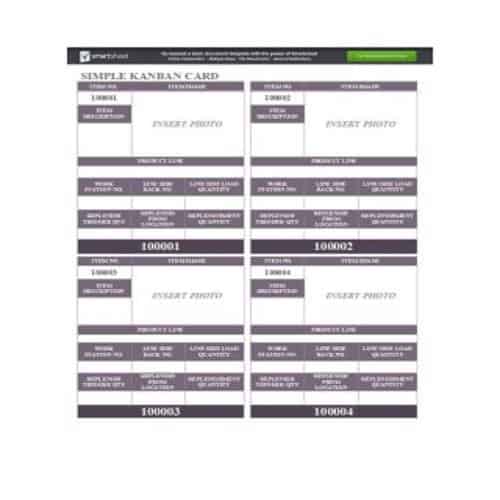
The page offers 20+ kanban card templates: 13 in Word, 10 in Excel and 2 in PowerPoint. Options range from a basic or simple card to a detailed card with fields for owner, dates and blockers, plus colored designs for sorting work by type. Each printable kanban card fits a physical board, and the kanban card template Excel files are handy for tracking cards digitally.
Keep each card to one task that one person can finish in a few days. If a card stays in the same column for weeks, split it into smaller cards.
Kanban boards work well with other planning tools. You may also find our task list templates, work plan templates and work breakdown structure templates useful for breaking a project into cards.
Kanban Cards Templates:
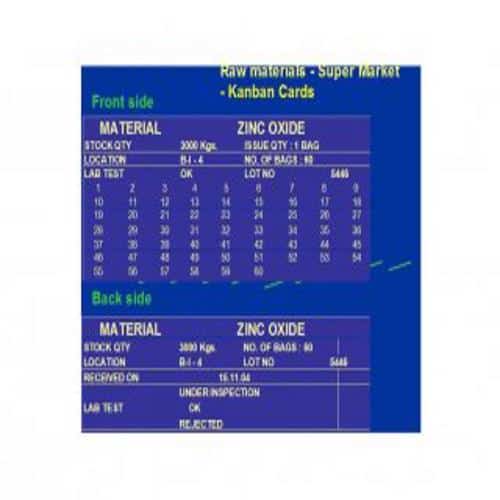
Detailed Kanban Card Template:
Details:
File Format: MS Word
File Size: 5.08 MB
Download Template
Simple Kanban Card Template:
Details:
File Format: MS Word
File Size: 548 KB
Download Template
Kanban Card Format Template:
Details:
File Format: MS Word
File Size: 3.12 MB
Download Template
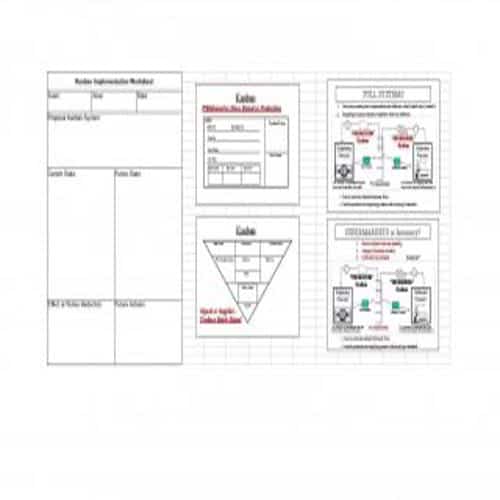
Formal Kanban Card Template:
Details:
File Format: MS Excel
File Size: 3.9 MB
Download Template
Stylish Kanban Card Template:
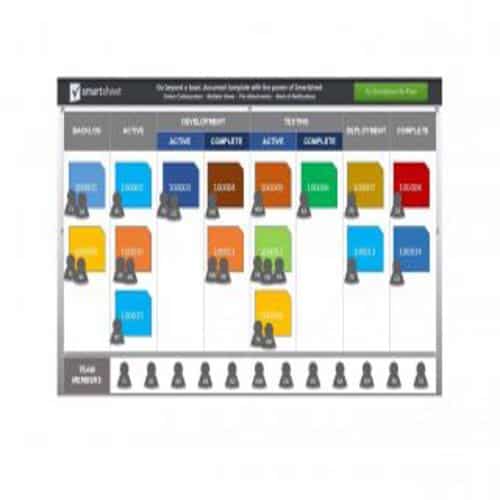
Details:
File Format: Power Point
File Size: 148 KB
Download Template
Basic Kanban Card Template:
Details:
File Format: MS Word
File Size: 118 KB
Download Template
Informative Kanban Card Template:
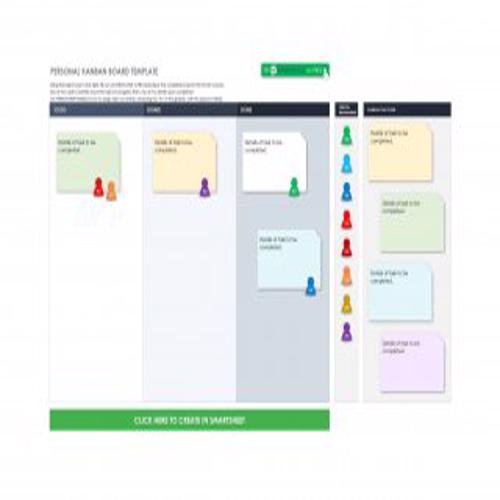
Details:
File Format: MS Excel
File Size: 65.7 KB
Download Template
Colored Kanban Card Template:
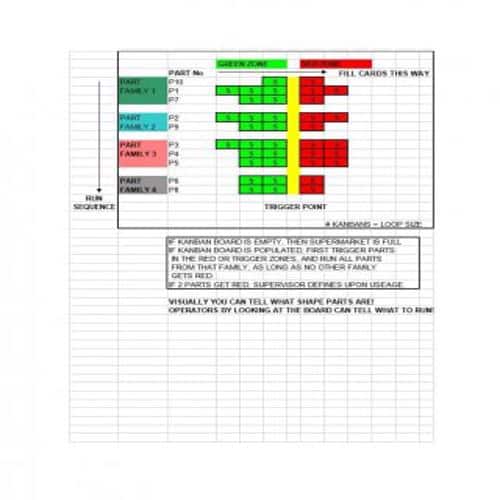
Details:
File Format: MS Excel
File Size: 19.5 KB
Download Template
Attractive Kanban Card Template:
Details:
File Format: MS Word
File Size: 0.99 MB
Download Template
Typical Kanban Card Template:
Details:
File Format: MS Word
File Size: 2.10 MB
Download Template
Sample Kanban Card Template:

Details:
File Format: MS Word
File Size: 1.99 MB
Download Template
Example Kanban Card Template:
Details:
File Format: MS Word
File Size: 5.44 MB
Download Template
Basic Kanban Card Template:
Details:
File Format: MS Word
File Size: 64.7 KB
Download Template
Information to be included in a Kanban Card:
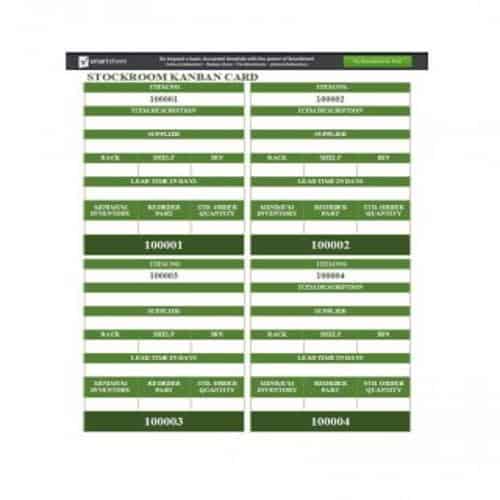
A kanban card can hold any information your process needs. What you include depends on your business and the systems you already use, but a stock-replenishment card may need the following details; a task card should use fields relevant to its own workflow:
- Part/Item number.
- Part/Item description.
- A bar code.
- Number of items or parts required.
- Specify whether the process is upstream or downstream.
- Name of supplier.
- Lead Time.
- Person who is responsible.
- Date of order.
- Any other relevant information.
Kanban Card Examples:
Stockroom Kanban Card Template:
Details:
File Format: MS Word
File Size: 115 KB
Download Template
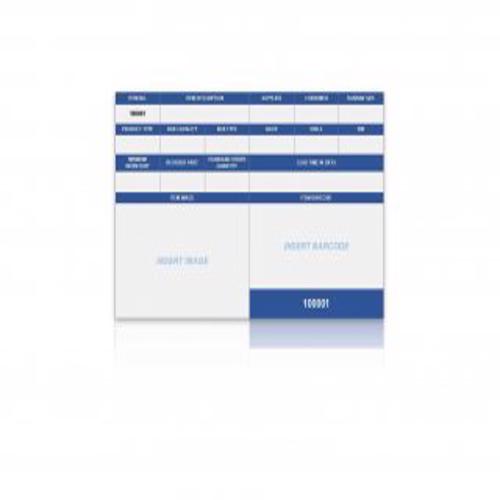
Decent Style Kanban Card Template:
Details:
File Format: Power Point
File Size: 142 KB
Download Template
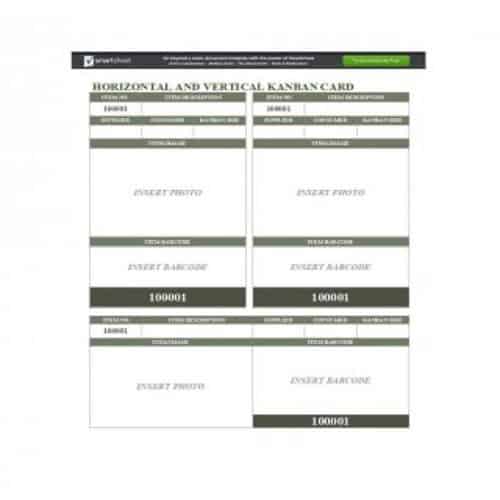
Horizontal and Vertical Kanban Card Template:
Details:
File Format: MS Word
File Size: 65.4 KB
Download Template
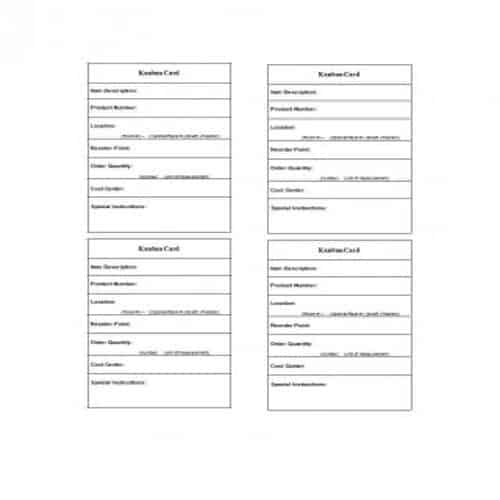
Simple Kanban Card Template:
Details:
File Format: MS Word
File Size: 4.66 MB
Download Template
Cool Looking Kanban Card Template:
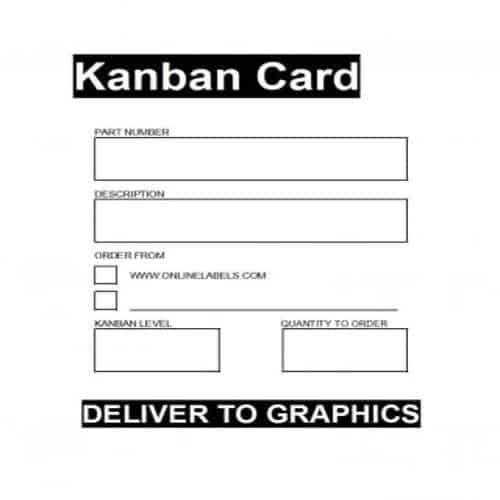
Details:
File Format: MS Word
File Size: 14 KB
Download Template
Production Kanban Card Template:
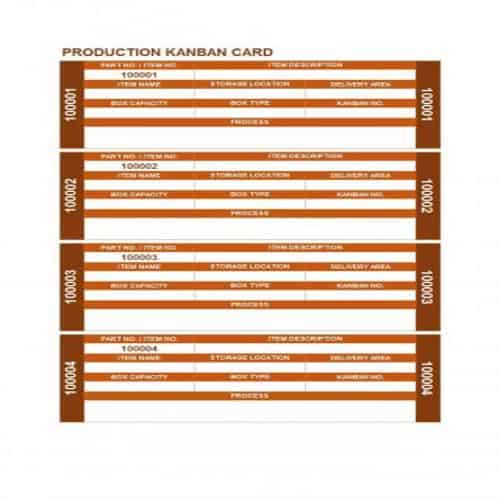
Details:
File Format: MS Excel
File Size: 109 KB
Download Template
Product’s Kanban Card Template:
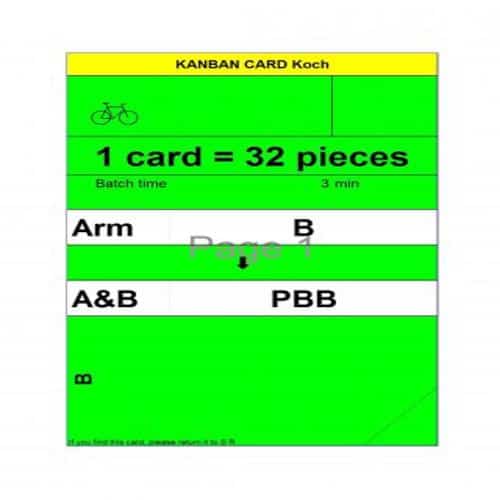
Details:
File Format: MS Excel
File Size: 352 KB
Download Template
Proper Kanban Card Template:
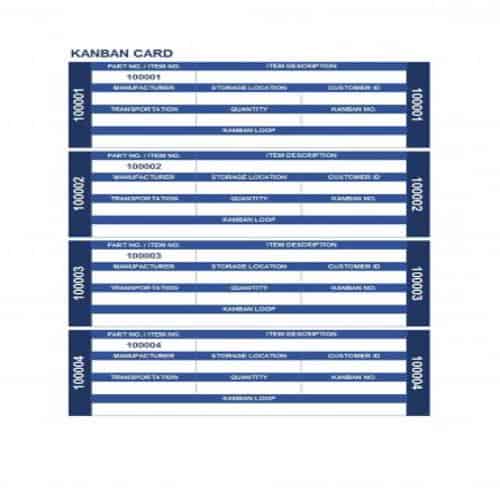
Details:
File Format: MS Excel
File Size: 109 KB
Download Template
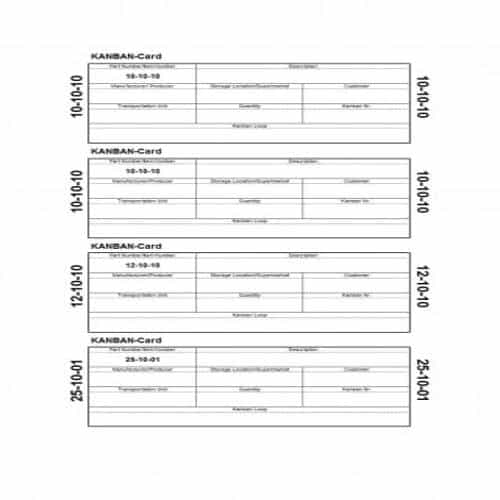
Date Wise Kanban Card Template:
Details:
File Format: MS Excel
File Size: 20.5 KB
Download Template
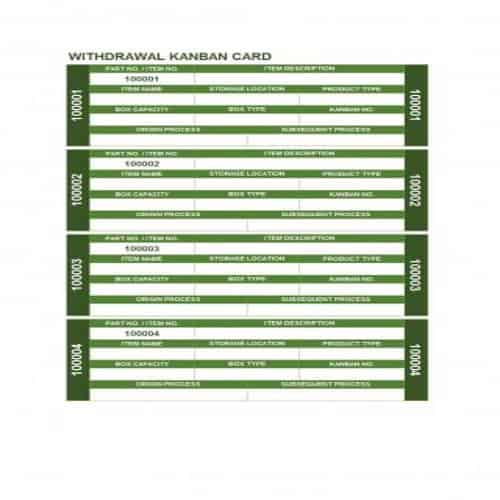
Withdrawal Kanban Card Template:
Details:
File Format: MS Excel
File Size: 54.8 KB
Download Template
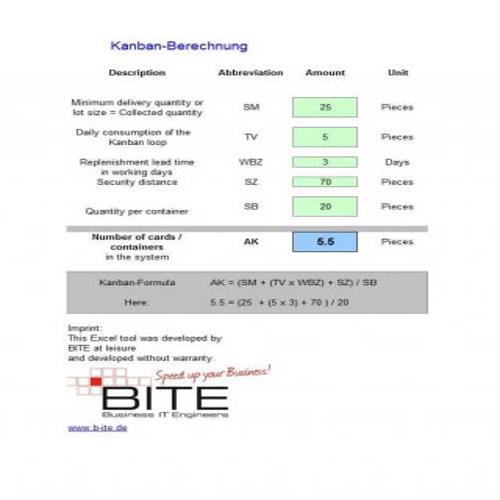
Informative Kanban Card Template:
Details:
File Format: MS Excel
File Size: 61.5 KB
Download Template
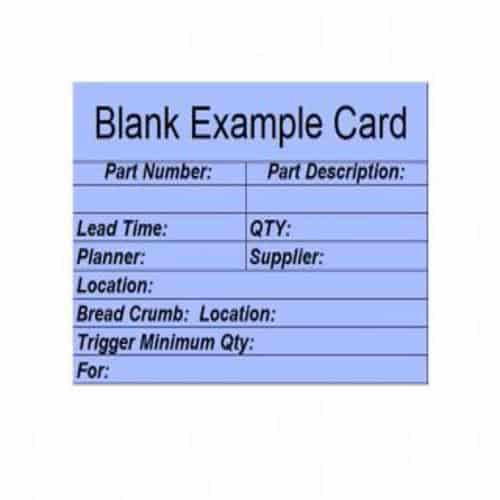
Blank Kanban Card Example:
Details:
File Format: MS Excel
File Size: 11.7 KB
Download Template
Effectiveness of Kanban Cards:
Taiichi Ohno, a Japanese industrial engineer at Toyota, is credited with introducing the kanban system. The word “kanban” combines “kan” (visual) and “ban” (card or board). The cards form a simple visual system that helps teams communicate, and they make each team’s jobs and responsibilities clear. Kanban works well because of the following principles:
1. Accept the Existing Information and Processes:
Kanban does not throw away the information and processes already in place. Instead, it is used to assess whether existing processes are working well.
2. Support Gradual Change:
Kanban does not support sudden or drastic changes, which can disrupt a business. It encourages small, gradual improvements so that production runs more effectively and efficiently.
3. Respect and support the current system:
Kanban respects existing job titles, roles and responsibilities and recognizes that current systems still have value. It simply introduces small, gradual changes to them. Sometimes a minor change to one part of a system makes a big difference to the whole business.
4. Support leaderships at all levels:
Kanban is built on the idea that everyone in the organization matters. Any team member can be a leader or an innovator, not just management, as long as the shared goal is the progress of the business.
We hope that you find information on this page useful for you.
