
An organizational chart (often shortened to org chart) is a diagram that shows how a company or institution is structured: who holds each role, which team they sit in and who reports to whom. HR teams use one to onboard new staff, managers use it to plan headcount, and growing businesses update it after a reorganization so everyone knows where decisions are made.
This collection holds 25+ organizational chart templates, all editable and free to download. There is a hospital chart, an institute or school chart, a departmental chart, an enterprise-wide version, a sales department chart and a simple blank org chart template you can fill in from scratch.
Match the layout to your size. A small team reads best as a flat, single-level chart, while a large business is easier to follow with one top-level company organizational chart and a separate chart for each department.
For other ways to show structure on a page, see our flow chart templates for processes, team charter templates for defining team roles, and employee information form templates to collect the details behind each role.
Organisational Chart Templates
Hospital’s Organizational Chart Template
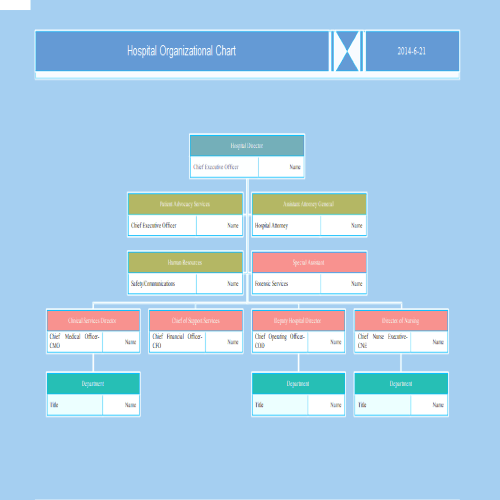
Institute’s Organisational Chart Template
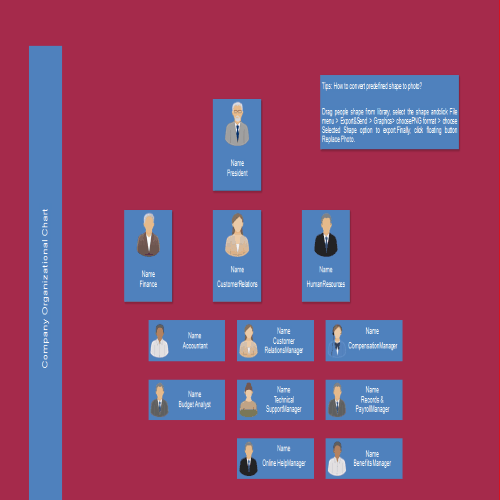
Departmental Organisational Chart Template
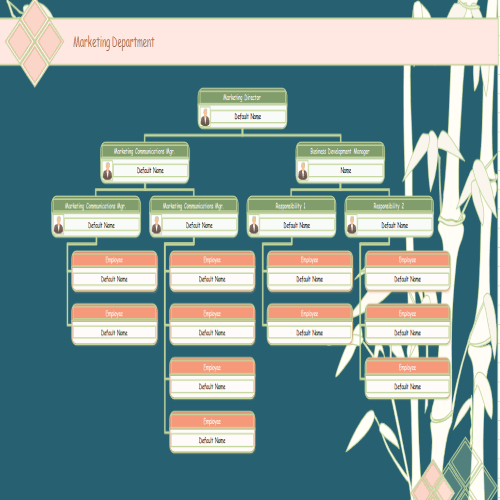
Enterprise Organisational Chart Template
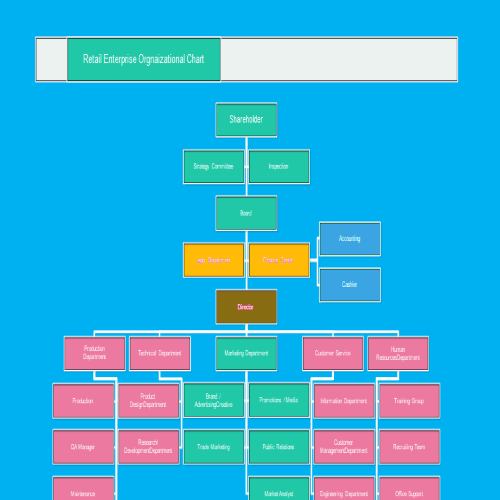
Company Organisational Chart Template
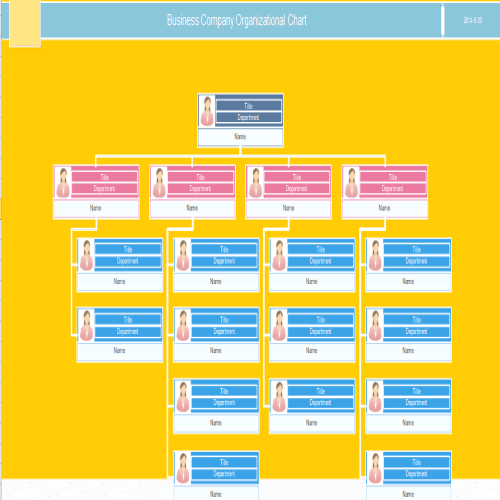
Attractive Organisational Chart Template
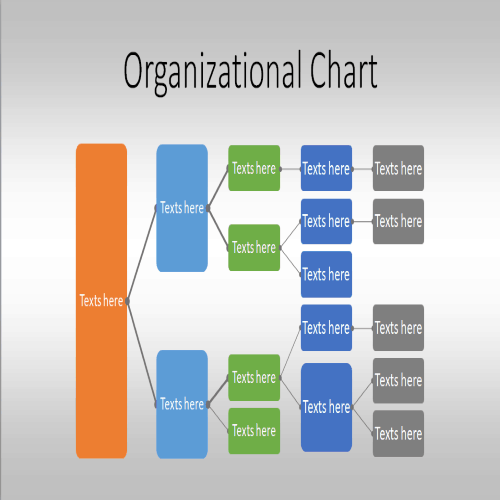
Sales Department Organisational Chart
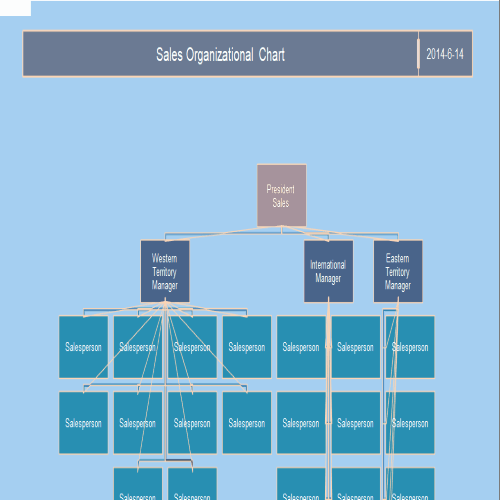
Simple Blank Format of Organisational Chart
Academic Organisational Chart Example

Grand County Organisational Chart Sample

Detailed Organisational Chart Template
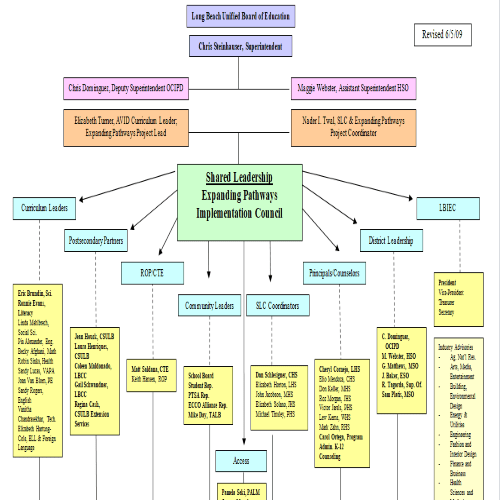
Simple Organisational Chart Template
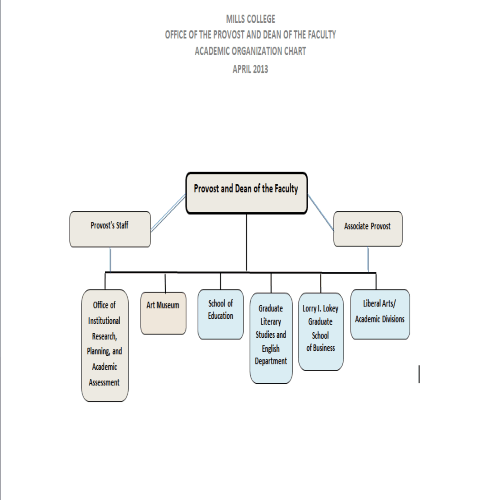
Academic Organisational Chart Template
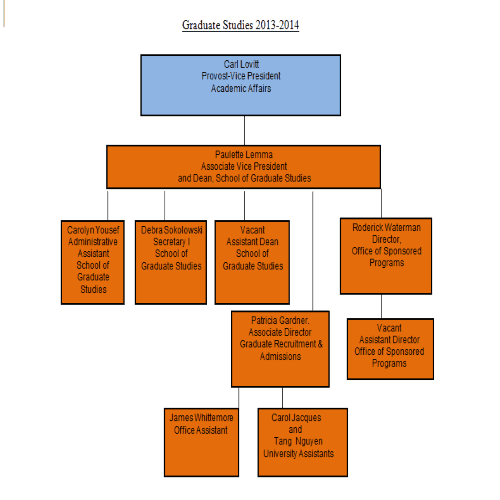
Hospital’s Organisational Chart Sample
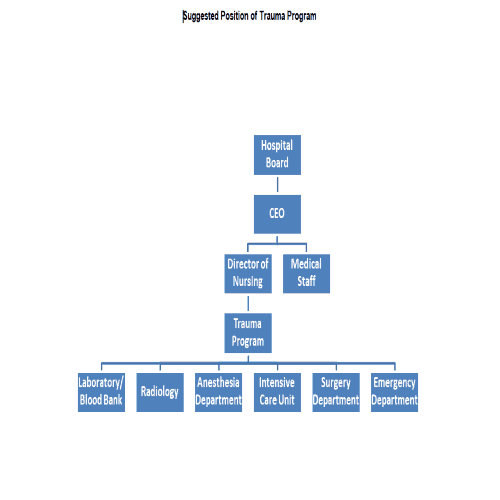
Medical Organisational Chart Template
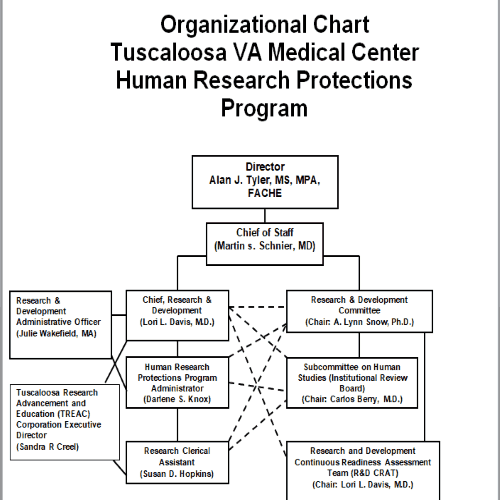
Blank Format Organisational Chart Sample
Reasons of using an Organisational Chart
An organizational chart makes an organization’s structure clear to people inside and outside it. This matters most where the structure is complex. It shows employees who reports to whom, and in a large business with many departments it gives everyone the clear information they need to work efficiently. It also helps departments coordinate and communicate on shared projects and tasks. The difference between an organization with a clear, formal chart and one without is usually easy to see.
Sample Organisational Charts
Sample Format of Organisational Chart

Financial Aid Organisational Chart Sample
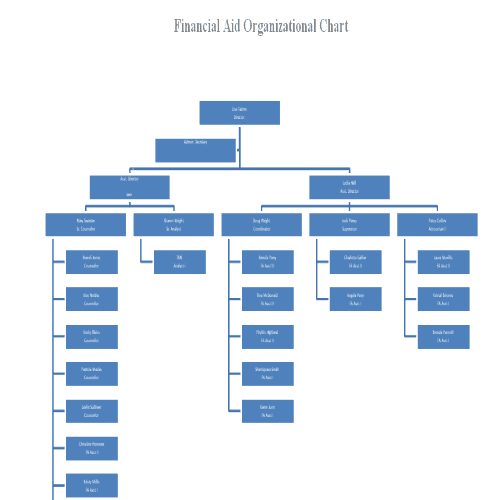
Easy Organisational Chart Template
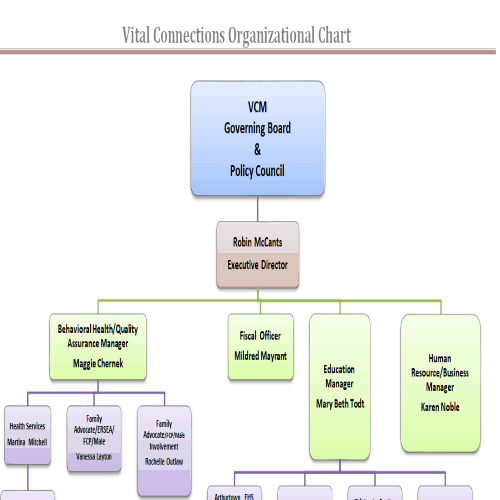
Informative Organisational Chart
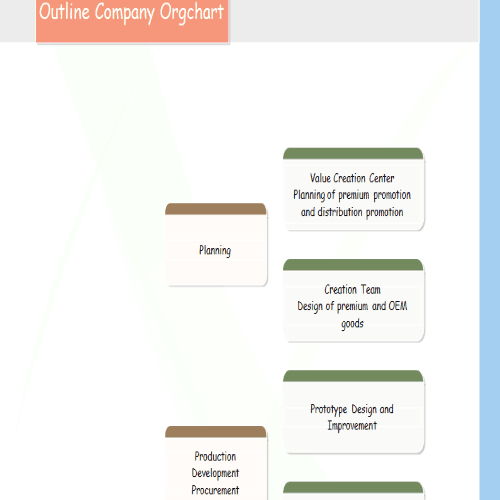
Hierarchical Organisational Chart Sample
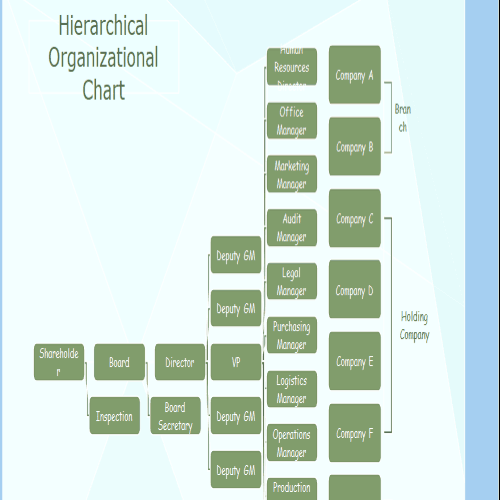
Blank Format Organisational Chart Template
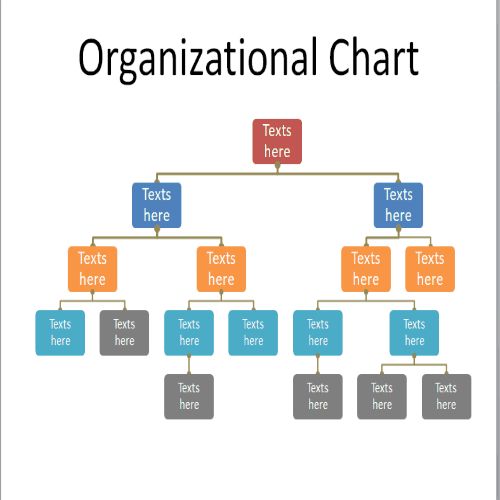
Smart Pictorial Organisational Chart Template
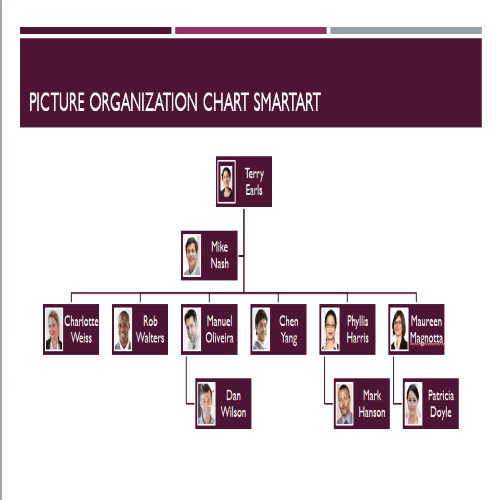
Public Laboratory Organisational Chart
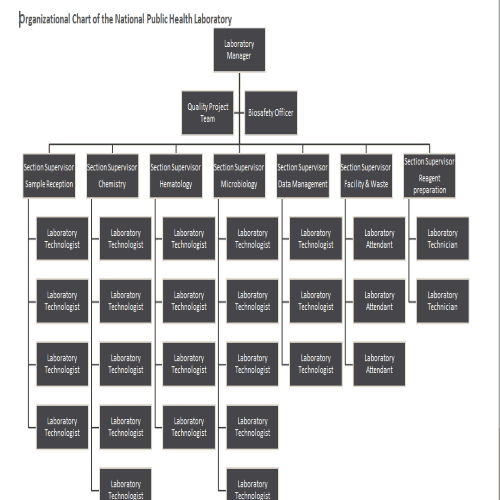
Plain Vertical Organisational Chart Template
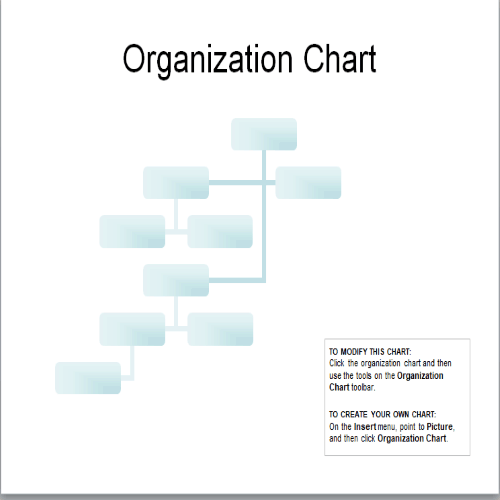
Stylish Blank Organisational Chart Template
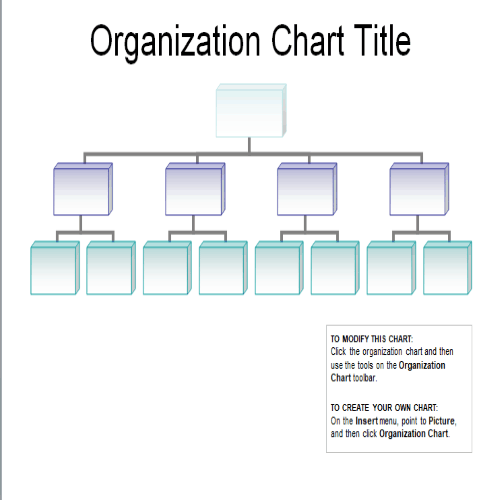
Catchy Organisational Chart Template
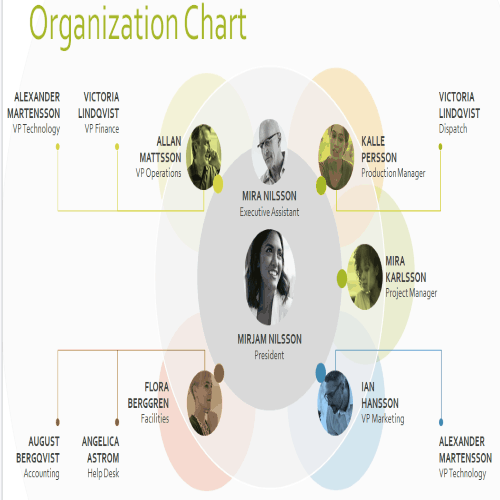
Simple Organisational Chart Template
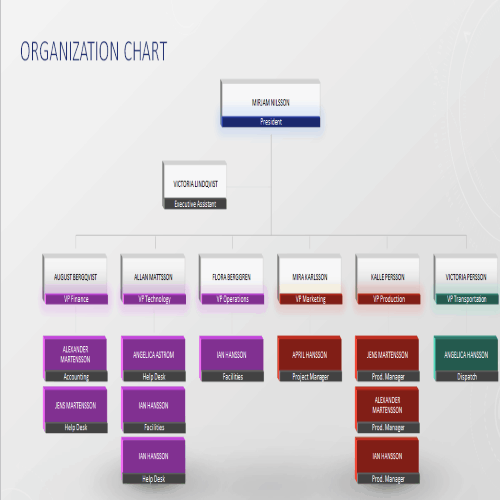
Official Organisational Chart Example
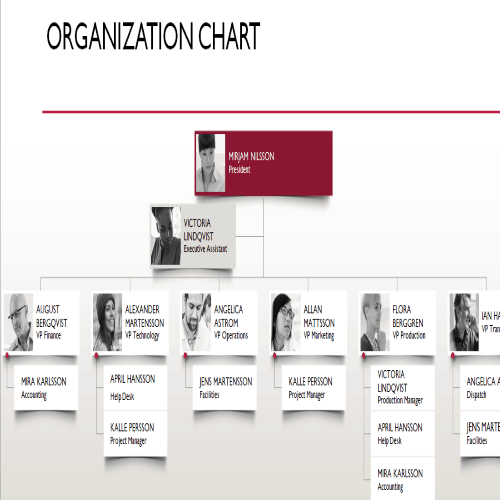
Elegant Organisational Chart Template
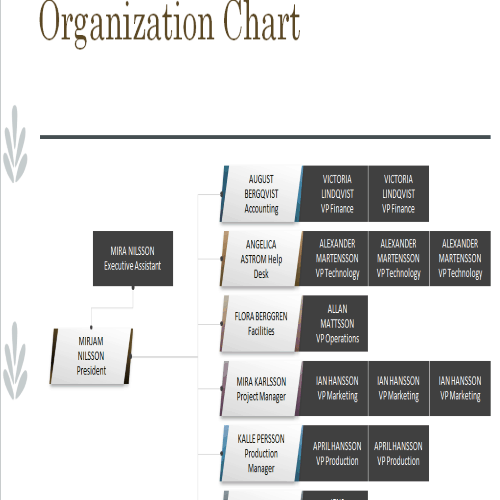
Horizontal Hierarchy Organisational Chart Template
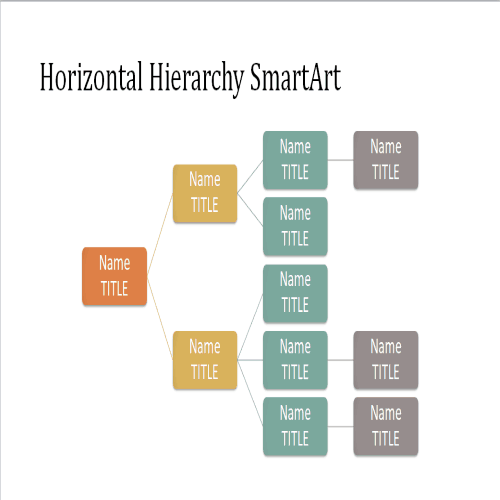
Benefits of using Organisational Charts
Organisational chart provides many advantages to an organisation. Following are some of the key benefits of using it:
- It provides a clear reporting structure.
- A properly prepared organisational chart helps the business to manage its workload effectively.
- It helps the organisation to relocate its staff and redistribute certain tasks among them.
- It overall helps in better and effective communication within the organisation.
- It allows the leadership to make better decisions and proper assignment of tasks to proper individuals, departments or groups.
- It helps in building strong work relationships between the employees.
- An organisational chart is of great help in allocating the available resources all across the organisation.
- Whether the company is planning a product launch or another event, an organizational chart gives leaders quick access to who is responsible for what.
We hope you will like these free organogram templates.
