
A sales report is a summary of how much a business sold over a set period and how that compares with its targets. Sales managers send one to leadership each week or month, reps use it to track their own results, and small business owners use it to see which products actually pay the bills.
Here you’ll find 33+ sales report templates, all editable and free to download. Any of them can be set up as a weekly sales report or a monthly sales report: change the reporting period, add the products or regions you track, and the layout is ready.
Keep the same layout from one period to the next. When the format never changes, managers find the numbers they care about in seconds, and they spend the meeting on decisions instead of on reading the report.
To plan the next period, you can also check out our sales plan templates, sales forecast templates and customer list templates to see which accounts drive your numbers.
Company’s Sales Report Templates
Sales Report Template
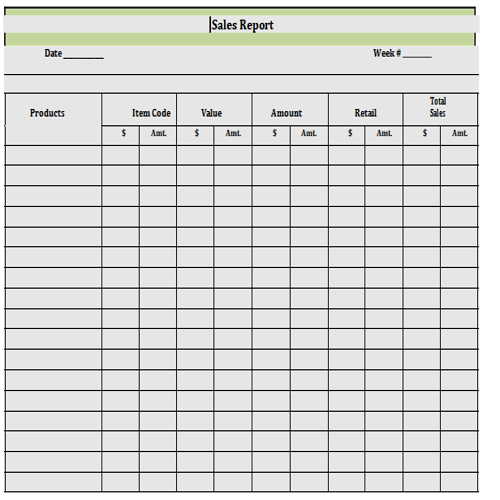
Sales Report Template
Sales Report Template
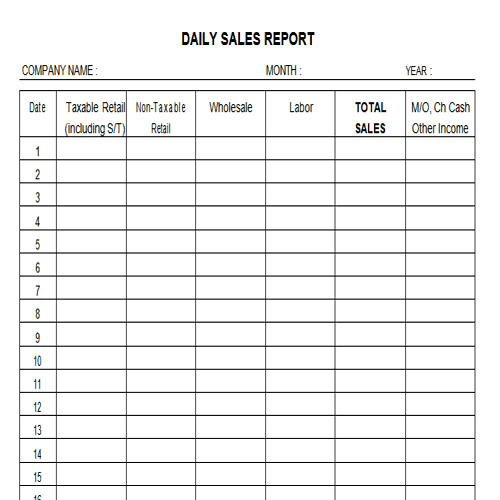
Sales Report Template
Sales Report Template
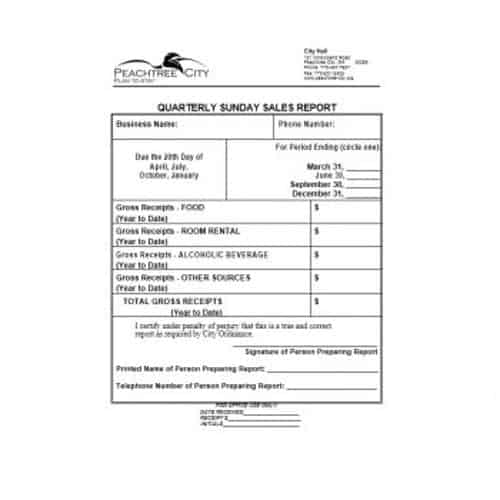
Sales Report Template

Sales Report Template
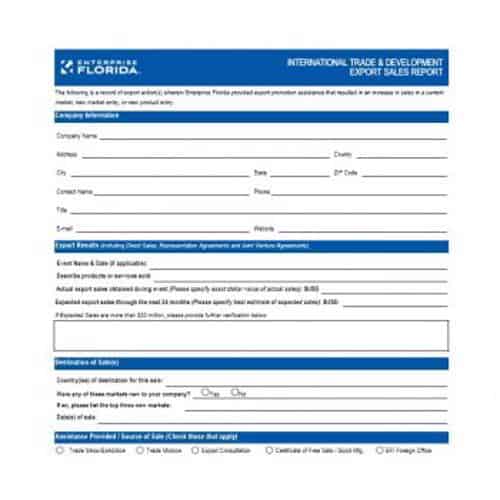
Sales Report Template
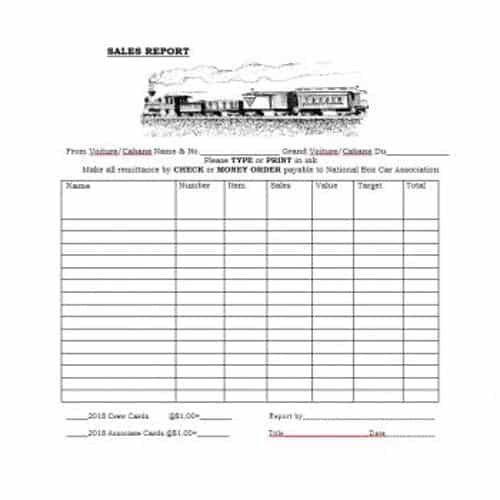
Sales Report Template
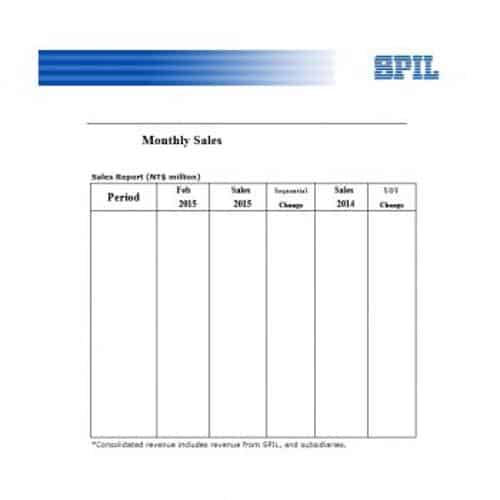
Sales Report Template
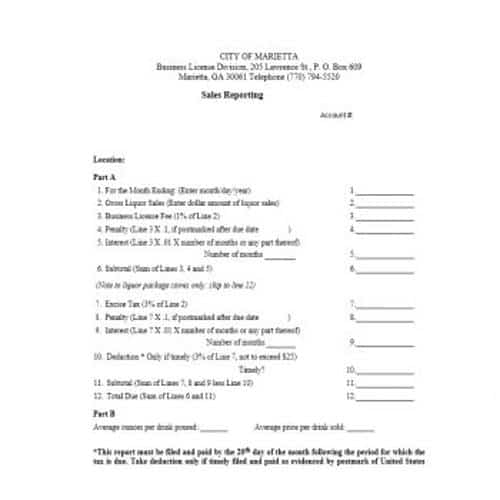
Sales Report Template
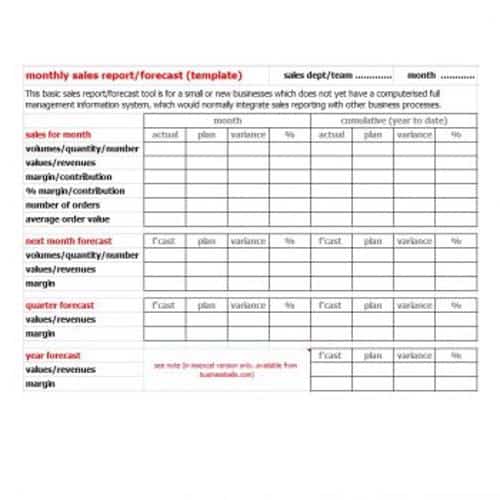
Sales Report Template
Tips for drafting an Effective Sales Report
In order to create or draft an effective sales report, make sure to consider these tips:
1. Decide a Period:
First, decide the period your sales report will cover. A sales report can be written on a weekly, monthly, quarterly, half-yearly or yearly basis. To stay updated and consistent, a business can also use a combination of these reports.
2. Set Goals:
Write your sales report with a clear mindset. Know what goals or objectives you want to achieve, and give your sales teams clear direction through your report.
3. Target Audience:
When writing your sales report, consider your target audience. As a sales manager, communicate all the important information that will benefit them.
4. Include a Summary:
Include a summary at the very beginning of your sales report. In this section, list the key points of your report. Keep the summary short and to the point.
5. Include the Figures:
After the summary, include the sales figures and analytics for the period. Present accurate data in a format or layout that readers can easily understand.
6. Use Visuals:
Where applicable, use visuals such as graphs, charts, pictures or diagrams to help readers understand the information.
7. Explain your findings:
After including all the relevant details in your sales report, explain or interpret your findings. In this section, you can also mention the factors that affected revenue.
Useful Sales Report Templates
Sales Report Template
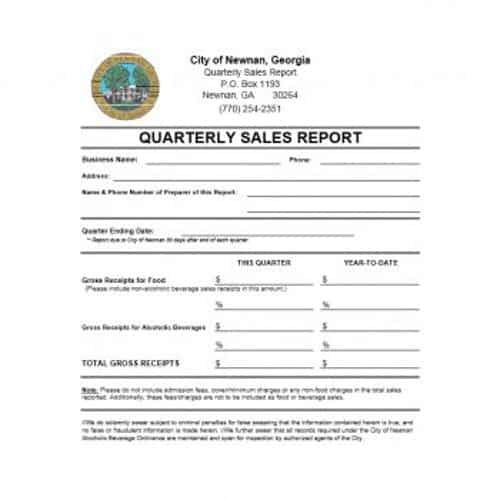
Sales Report Template
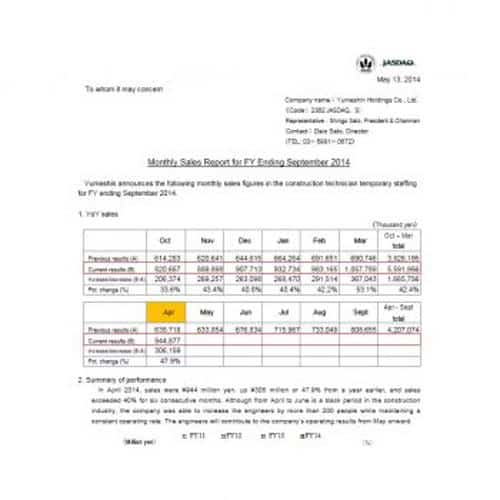
Sales Report Template
Sales Report Template
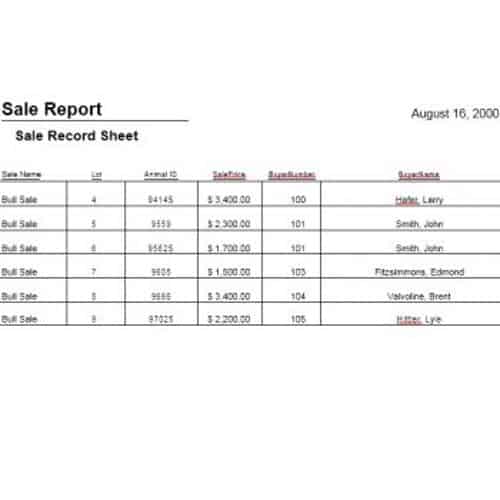
Sales Report Template
Sales Report Template
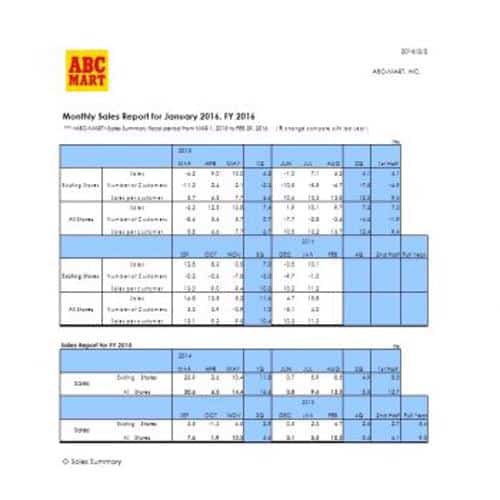
Sales Report Template
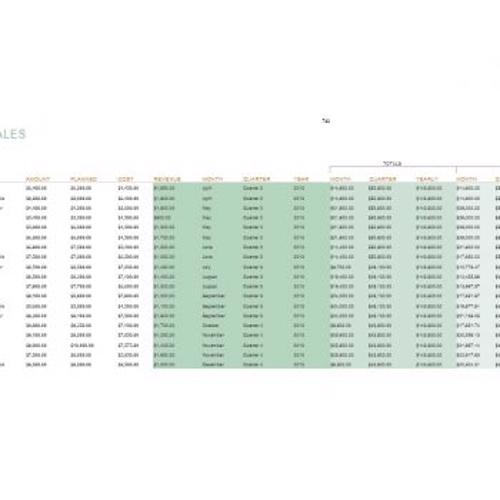
Sales Report Template
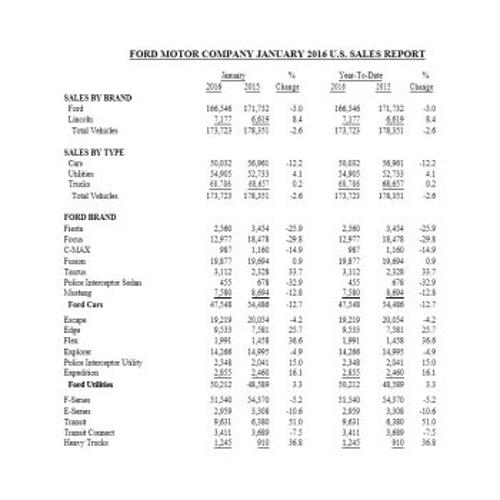
Sales Report Template
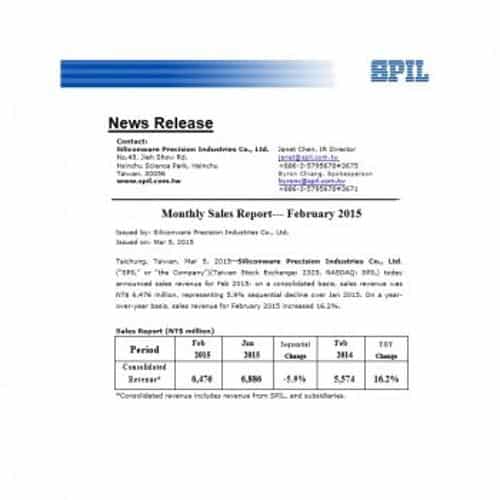
Sales Report Template
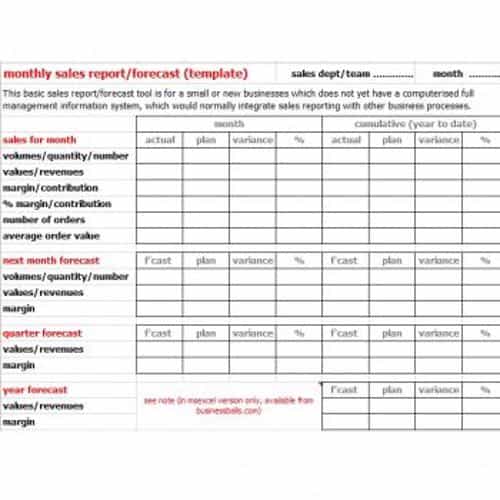
Sales Report Template
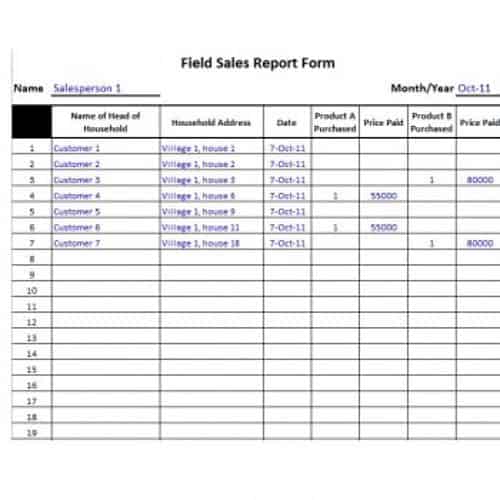
Sales Report Template
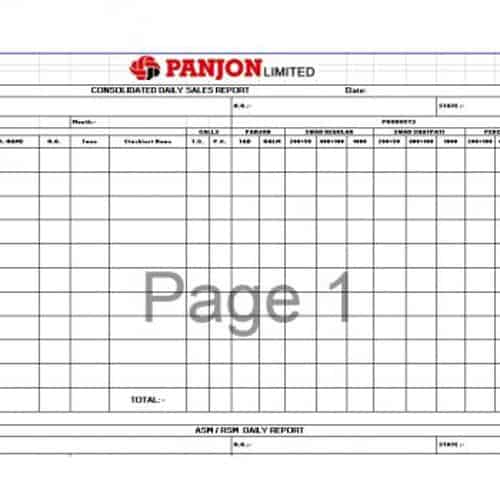
Different Types of Sales Reports
There are many different types of sales reports a business can use. Some of them are described below:
1. Daily Call Report:
This type of sales report shows how many times the sales reps called or contacted customers each day. It also includes other relevant details, such as which customers the sales reps contacted, what they talked about and the scheduled calls.
2. Common Sales Report:
This report shows the revenue generated without any discount or promotion, that is, sales made at the original price.
3. Coupon Sales Report:
This report covers the sales generated through coupons offered by the business.
4. Productivity Report:
The productivity report is a type of sales report that tracks the performance of the sales representatives in a business. It shows whether each sales rep is working efficiently and meeting their targets.
5. Promotional Sales Report:
Like a coupon sales report, a promotional sales report covers the revenue generated by any promotional activity.
6. Opportunity Sales Report:
An opportunity sales report shows the total revenue a sales team generates each month. It also shows which sales reps are closing deals.
Sample Sales Report Templates
Sales Report Template
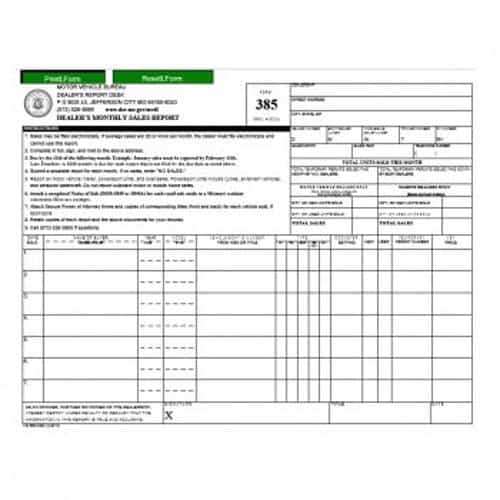
Sales Report Template
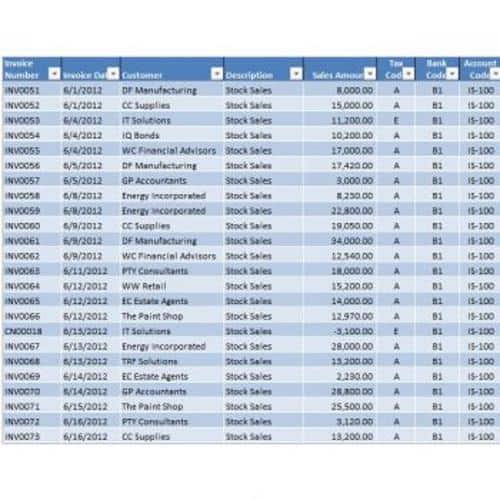
Sales Report Template
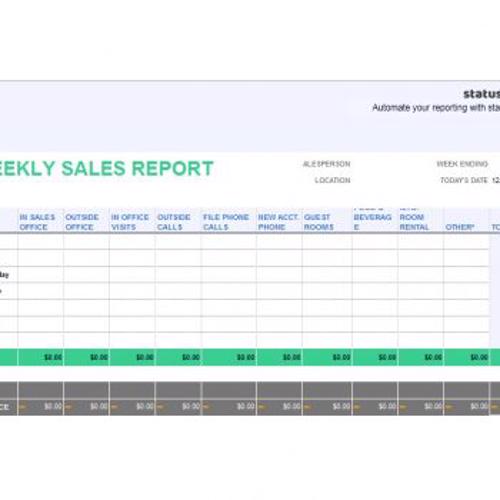
Sales Report Template
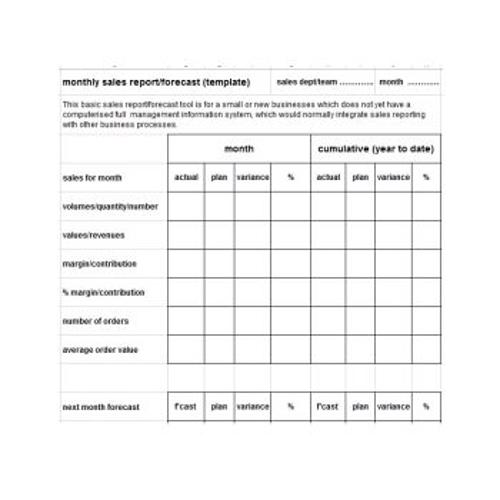
Sales Report Template
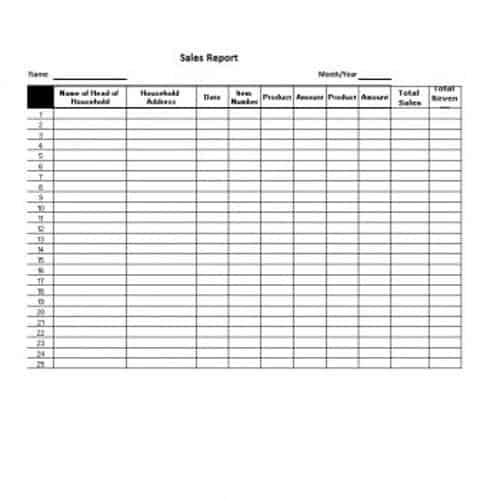
Sales Report Template
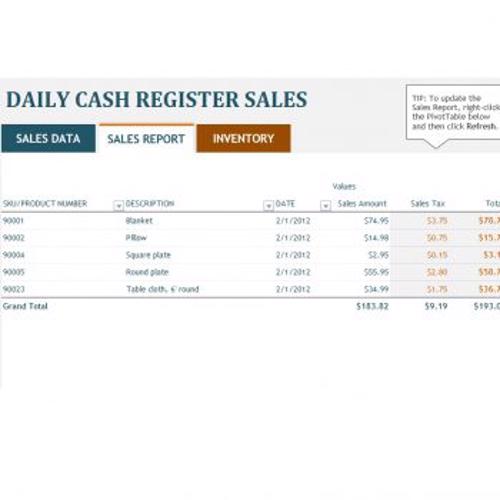
Sales Report Template
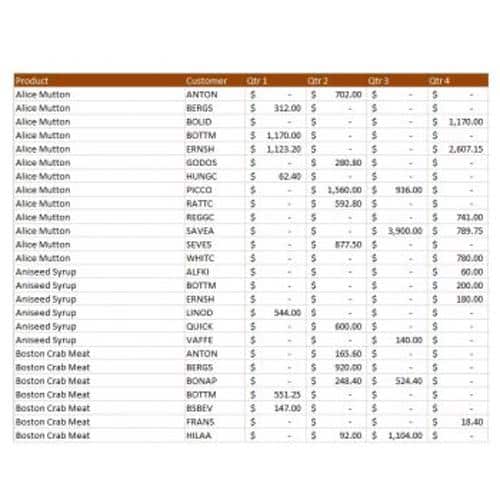
Sales Report Template
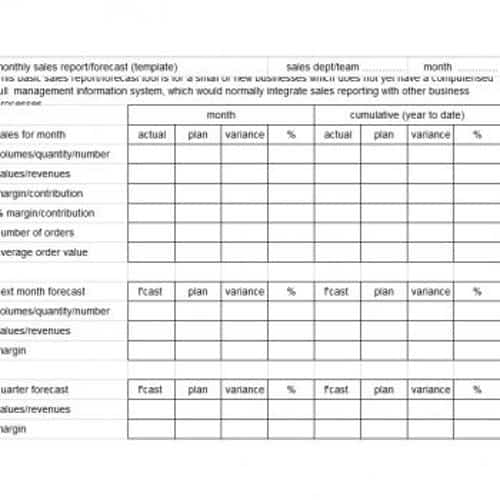
Sales Report Template
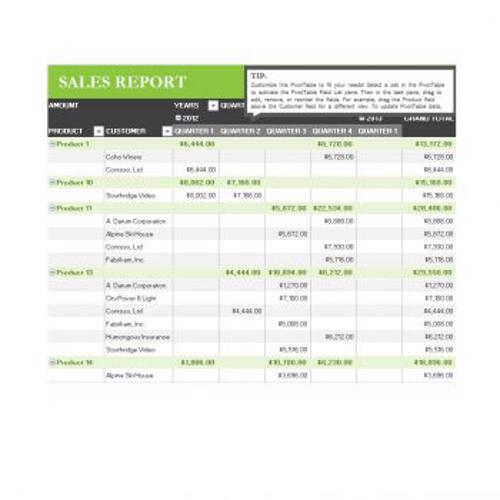
Sales Report Template
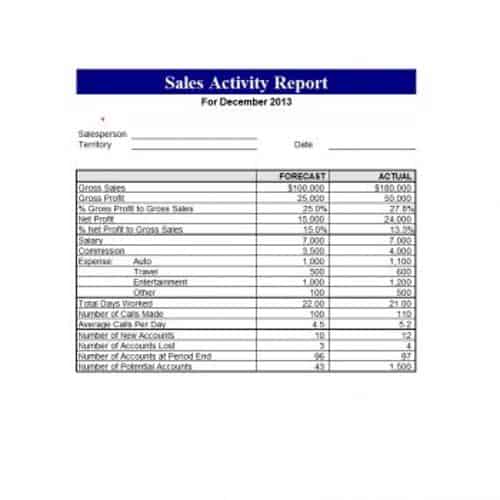
Writing a Sales Report That Explains the Numbers
Choose measures suited to the reader’s decision. Revenue, orders, margin and pipeline describe different aspects of sales and should not be substituted for one another. For an alternative spreadsheet reporting layout, compare WordNExcelTemplates’ sales report templates and keep the period and measure definitions consistent.
- Define the period, data source and measure conventions.
- Compare results with an appropriate target or prior period.
- Explain material changes and identify next actions.
Worked Example
Example: revenue rises while gross margin falls because the product mix shifts toward discounted items. A report showing only total revenue would miss the trade-off. State whether figures represent booked orders, invoiced sales or collected cash.
Common Mistakes to Avoid
Avoid comparing unequal periods without explanation or presenting a forecast as an actual result. Check duplicates and returns in the source data.
Related Templates
Frequently Asked Questions
Should a sales report include pipeline?
It can, but label pipeline separately from completed sales and explain stage definitions. An opportunity is not the same as earned revenue.
How much commentary is needed?
Enough to explain material differences, limitations and actions. Do not repeat every number in prose when a table already shows it clearly.
