
A cover page (also called a title page) is the first page of a document, showing its title, who wrote it and the date before the reader reaches the content. Students add one to assignments and reports, companies put one on annual reports and proposals, and consultants use it to make client documents look finished.
There are 15+ cover page templates here, all Word files (17 .docx and 2 .doc). Options include an assignment cover page for school or university, an annual report cover page, a business cover page for proposals and a general document cover. Simple designs suit formal reports, and each works as a cover page template in Word you can retype in minutes.
Check your school’s or company’s style rules first, since many instructors specify the exact fields. In Word, put the cover in its own section so page numbering starts on the next page.
A cover page usually opens a longer document. You may also need our table of contents templates, technical report templates and business report templates for the pages that follow.
Cover Page Samples
Business’s Cover Page Template
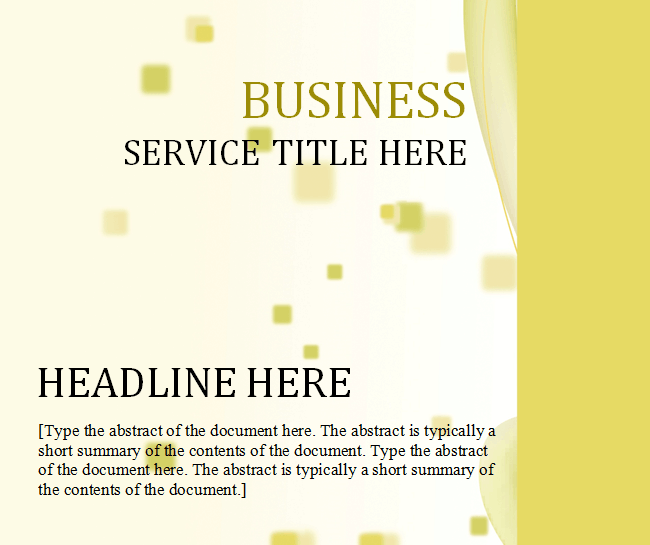
Annual Report Cover Page Template


Assignment’s Cover Page Template
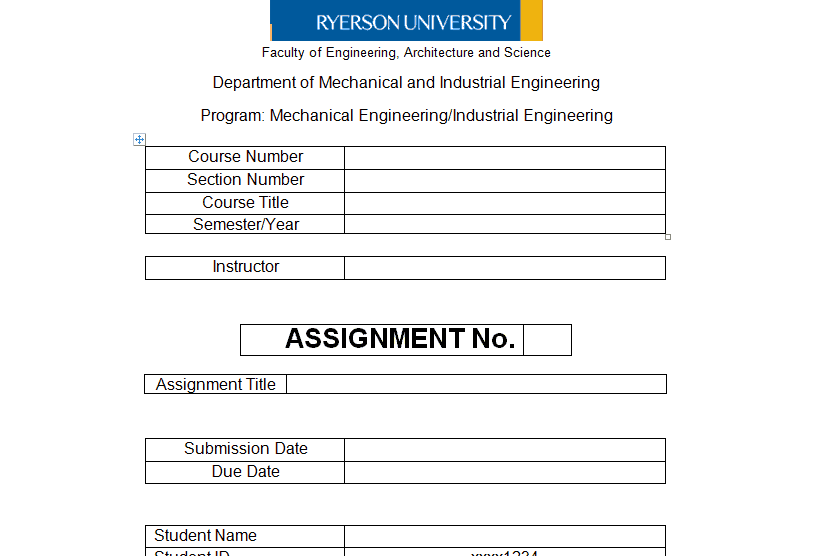
Document’s Cover Page Template
Decent Style Cover Page Template
Simple Style Cover Page Template
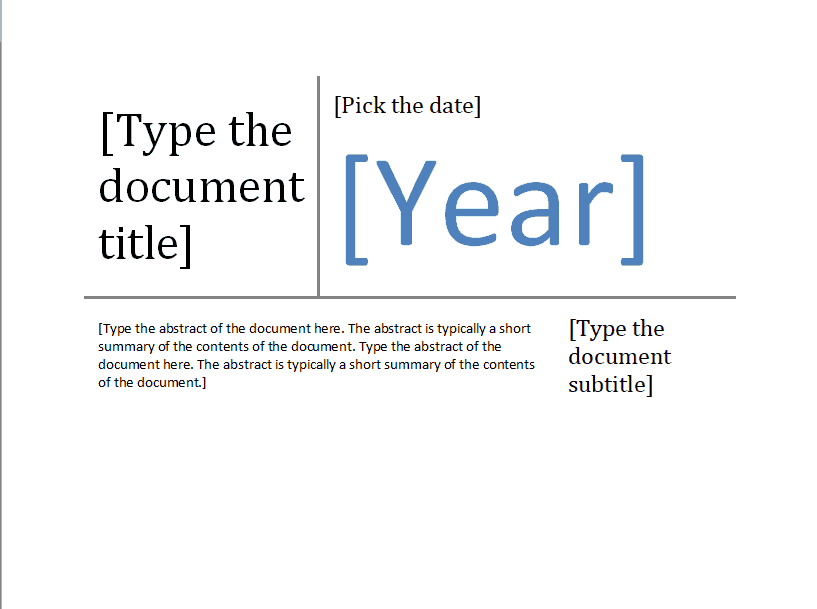
Stylish Cover Page Template
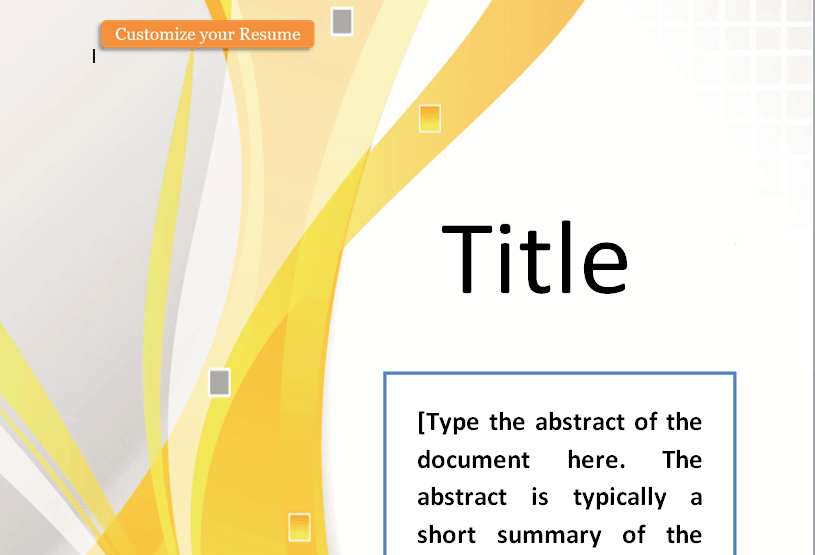
Cool Cover Page Template

Typical Cover Page Template
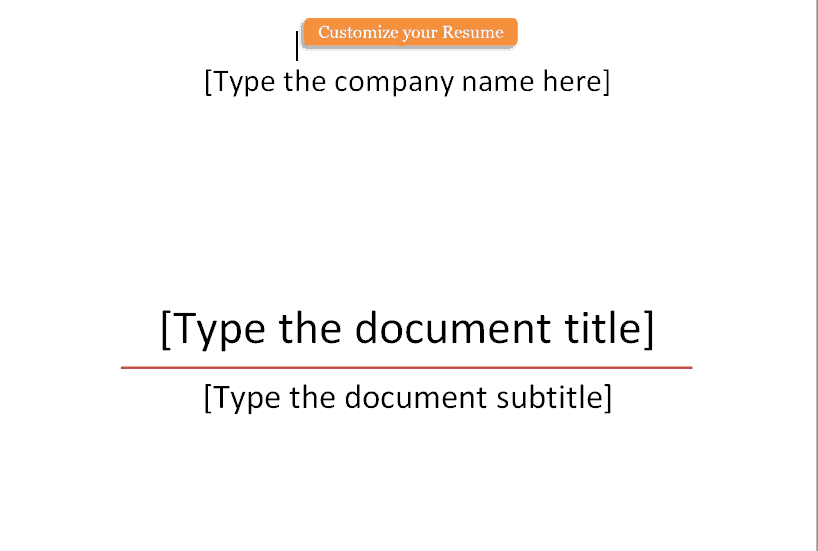
Confidential Report Cover Page

Types of Cover Page Templates
Among many different types of cover pages, following are some of the most common ones:
1.Academy Cover Page
In academic work, a cover page template must follow certain rules. These guidelines are as important as the content of the cover page itself. The format also depends on the style set by the instructor. Academic cover pages commonly follow these format styles:
- American Psychological Association or APA
This format is commonly used in the social sciences. In this format, the cover page should include a title, a running header, the author’s name, the author’s title, the institute’s name and any other relevant notes the author may want to include.
- Modern Language Association
This format is mostly used in the arts and humanities. A cover page is not normally required in this format, but some instructors ask for one. If your instructor asks for a cover page, follow the guidelines they set.
- Chicago Manual of Style or CMS
This format is also used in the arts and humanities. In this format, you may need to make a standalone cover page, or you may add the title on the first page of your document.
2. Report Cover Page
A report cover page can be made in many different styles. A marketing report uses a different style from a business proposal template. In this type, use professionalism and creativity as needed to impress the target audience.
3. Business Cover Page
This type is mostly used in the corporate world, and its style depends on the nature and type of the organization. Some cover pages need more style and design, while others need more professionalism and formality. For example, marketing and business plans may need more design, images and colors, while technical reports showing only facts and figures may need only a conservative design.
Cover Page Templates
Sample Report Cover Page Template
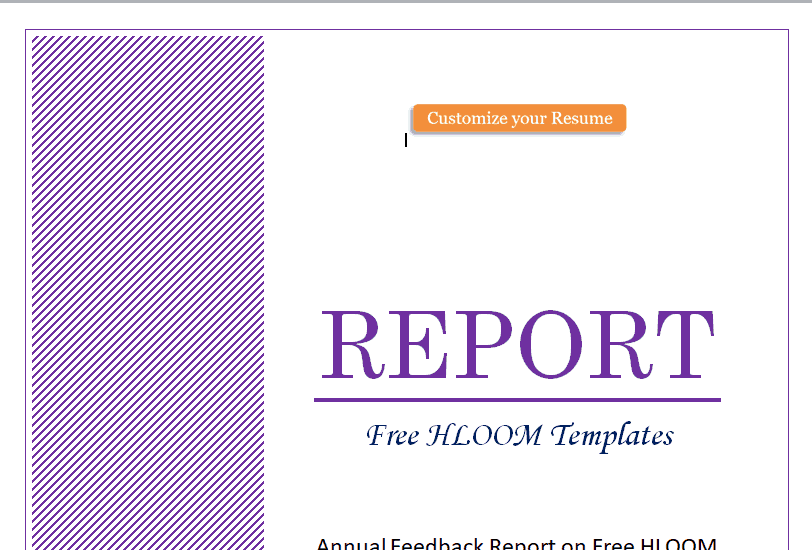
Lab Report Cover Page Template

Company’s Annual Report Cover Page Template
Annual Report Attractive Cover Page Template
Company’s Report Appealing Cover Page

Company’s Official Report Cover Page
Company’s Annual Report Sample Cover Page
Annual Report Catchy Cover Page Template

Company’s Annual Report Special Cover Page

Importance of Cover Page
In your professional or academic career, you will often need to create reports or projects that require a cover page. The cover page is the first and most important thing the reader sees. So it should be professional and clearly convey what the report or project contains. The information on the cover page depends on the type of document you are creating. A project cover page should be well made.
Preparing a Cover Page That Identifies the Document
Choose a design suited to the document’s audience and any required submission format. The cover should help readers identify the work rather than compete with the content.
- Confirm the title, subtitle and required author or organization details.
- Add the correct date, version and confidentiality label where appropriate.
- Check the cover against the document title and final exported file.
Worked Example
Example: a proposal cover names the project and client, while a school assignment may need the course and student reference. Do not carry a sample company name or academic field into the final file simply because it appears in the design.
Common Mistakes to Avoid
Avoid decorative images that imply an affiliation or endorsement. Keep logos authorized and make the title readable in print and thumbnail views.
Related Templates
- Table of Contents Templates
- Certificate of Appreciation Templates
- Organizational Chart Templates
- Eulogy Templates
Frequently Asked Questions
Should a cover page have a page number?
Follow the relevant submission or house style. Cover and front-matter numbering can differ from the main document, so check the complete file.
What if the template has fields I do not need?
Remove them cleanly instead of leaving placeholders or inventing details. The cover should reflect the actual document and its requirements.
